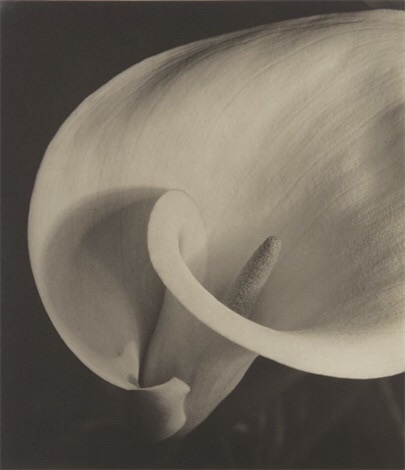
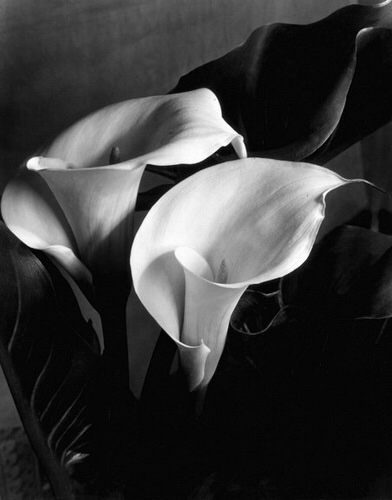
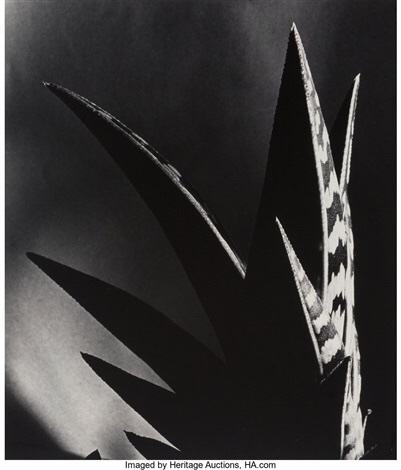
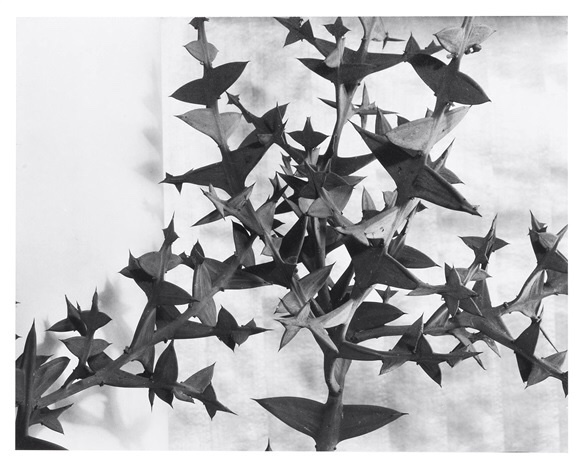
Imogen Cunningham was an American photographer famous for her industrial landscapes, nudes and botanical images. Her floral and plant photographs from the 1920’s became her most well known work. Around this time in her career she came together with other like minded photographers , such as Ansel Adams, Edward Weston and Willard Van Dyke to form a Group called F/64. This group was renowned for producing sharply focused and carefully framed images.
Below I have selected some of Cunningham’s images that interested me.
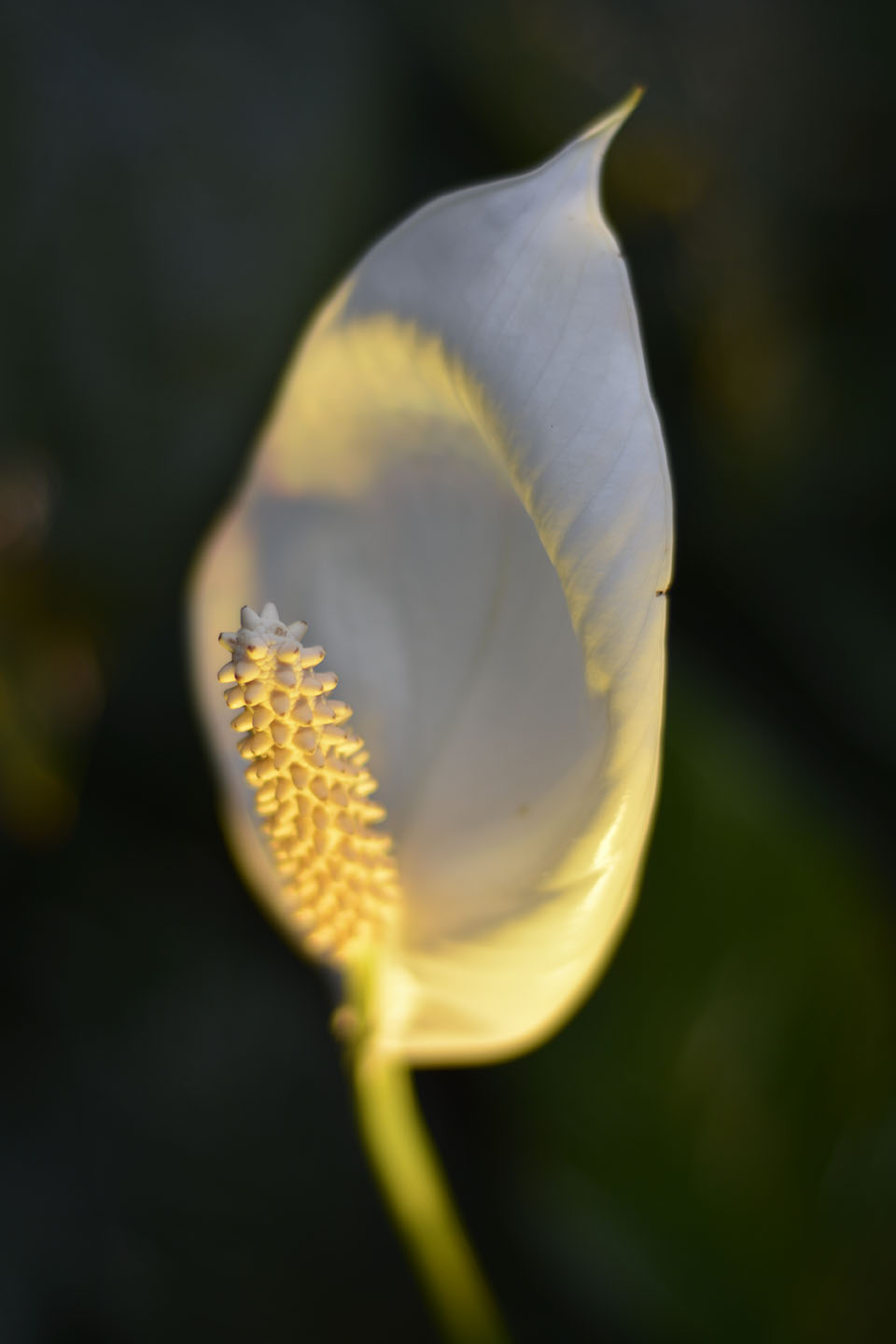
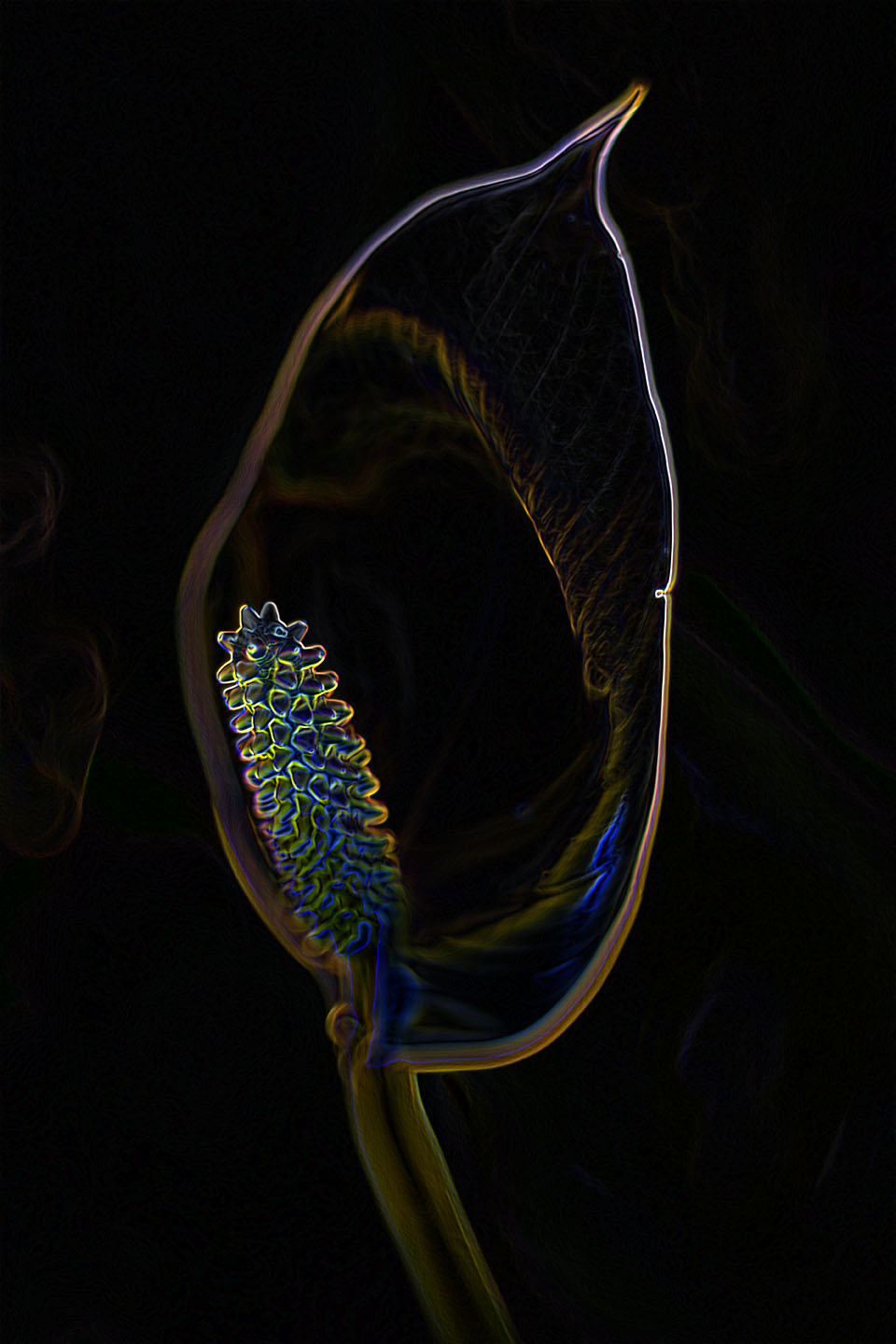
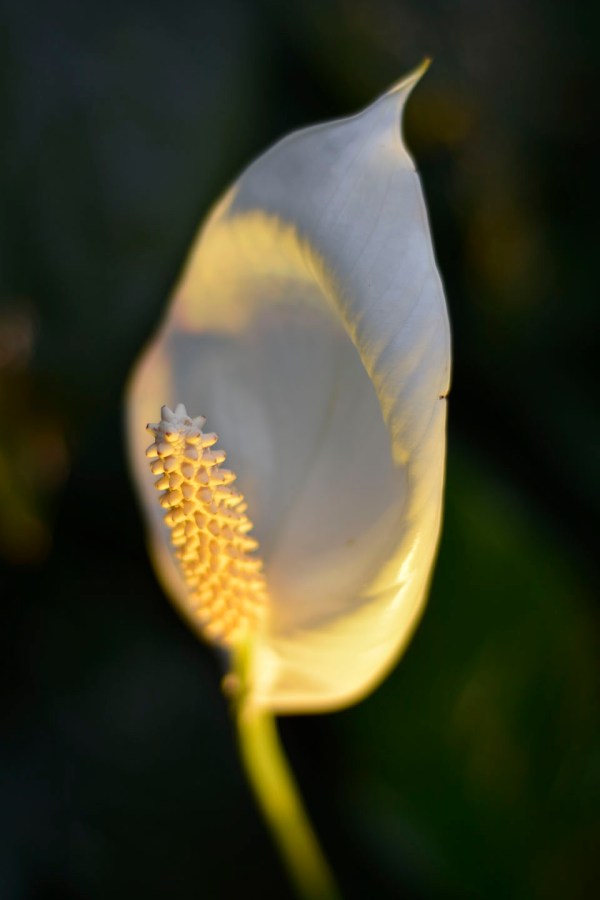
Below is my image of a Lilly taken at Kew Gardens. Like Imogen Cunningham’s photographs, I like taking a simplistic approach and focusing on the beautiful shapes of the plants. On the right, I have transformed my image within Photoshop to produce a more dramatic and creative feel to the flower. Cunningham’s photographs are in Black and White I wanted to try some experimenting myself.
I find the way she produces her images in Black and White adds to the creation of drama and depth of the shapes created in the frames.
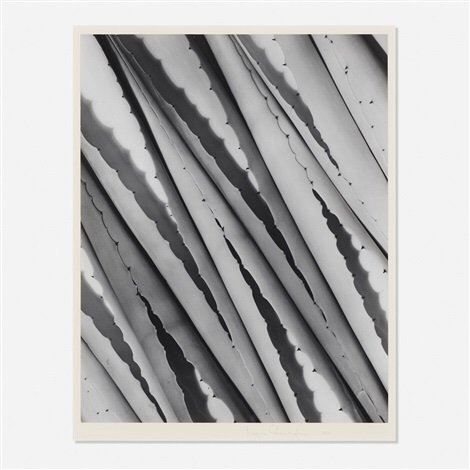
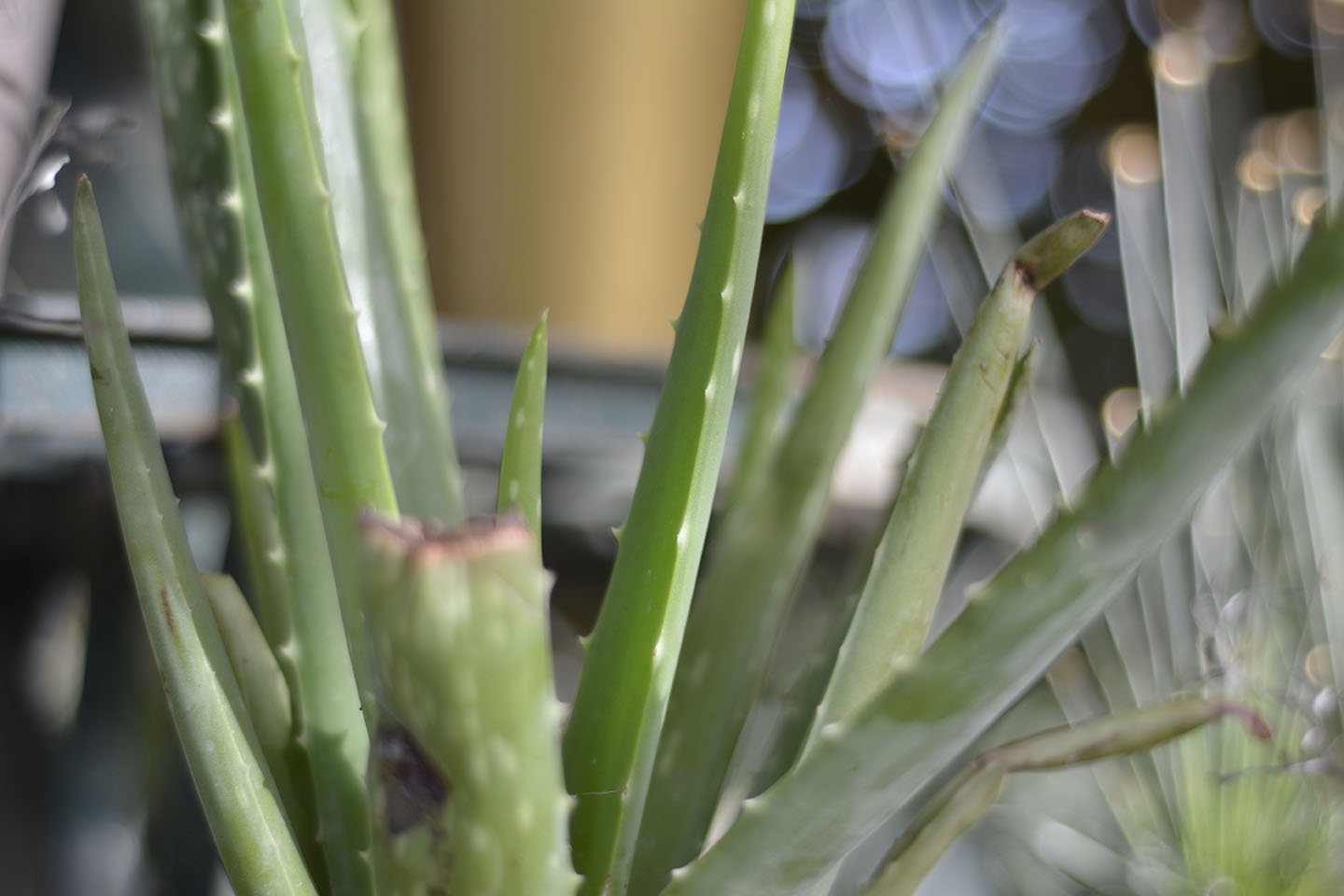
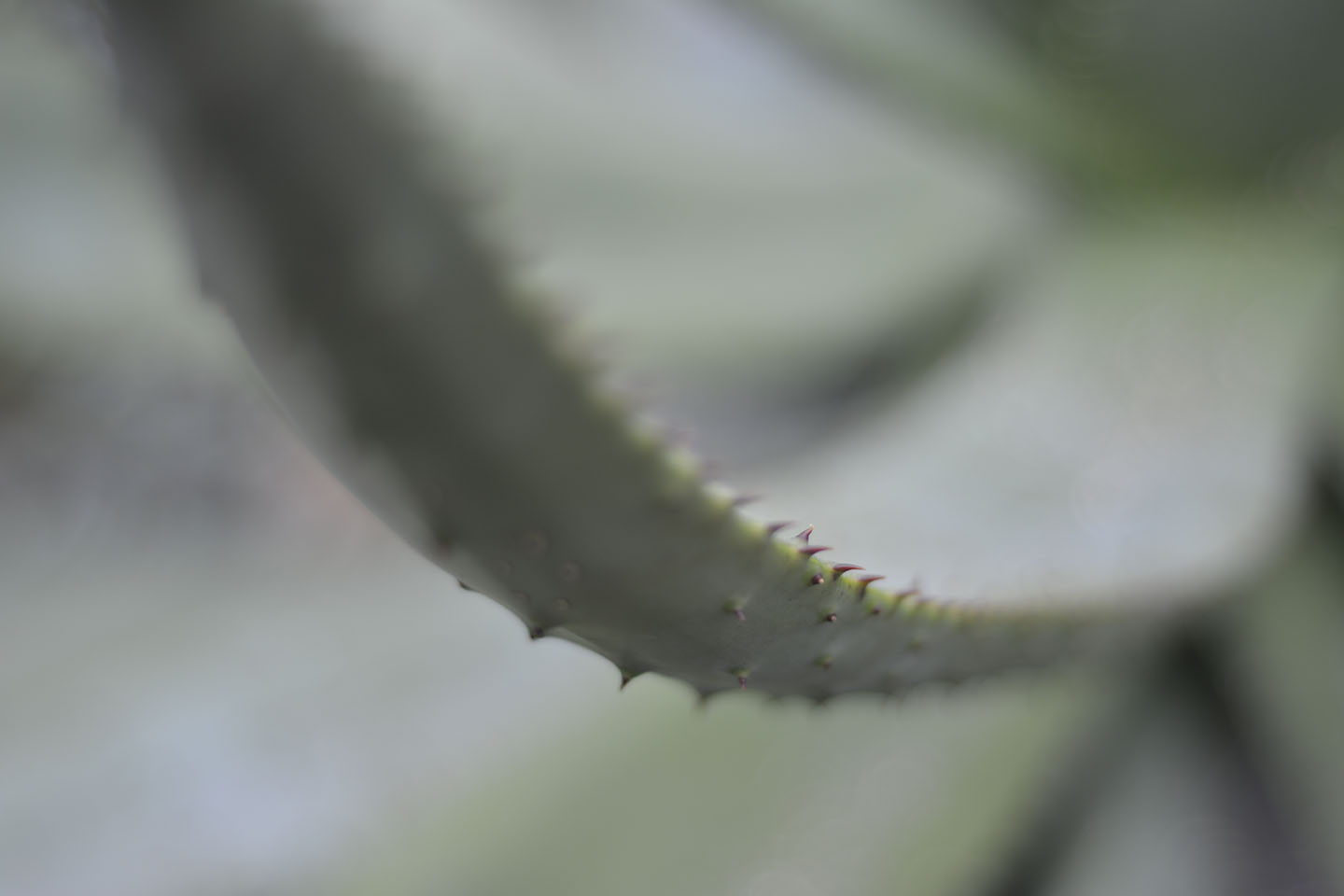
Below is one of my favourites. I love the way Imogen Cunningham has gotten in close to the plant and filled the frame with just the edging of the long, slightly pointy foliage. Taken slightly on the diagonal, this adds an abstract pattern that totally transforms the plant.
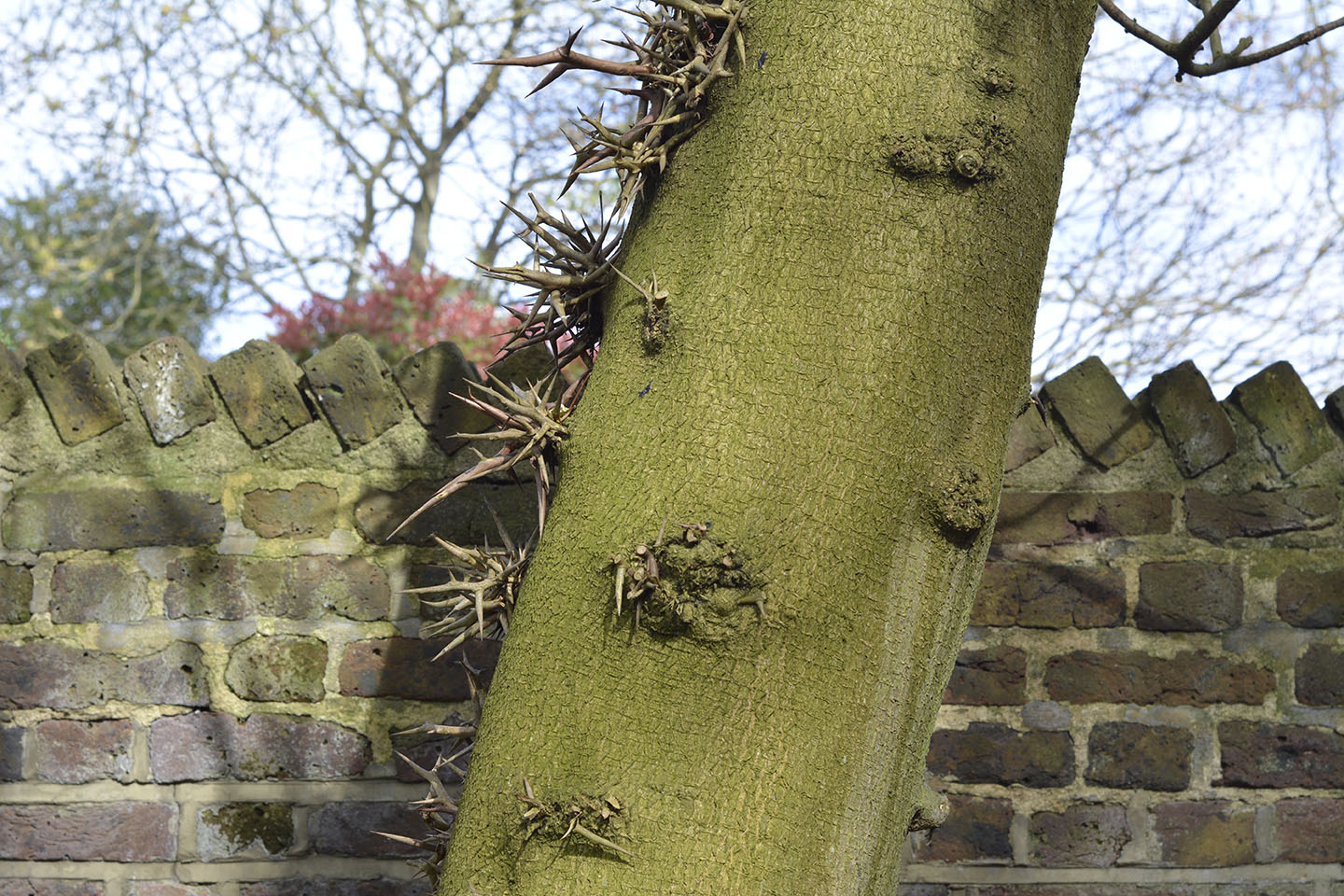
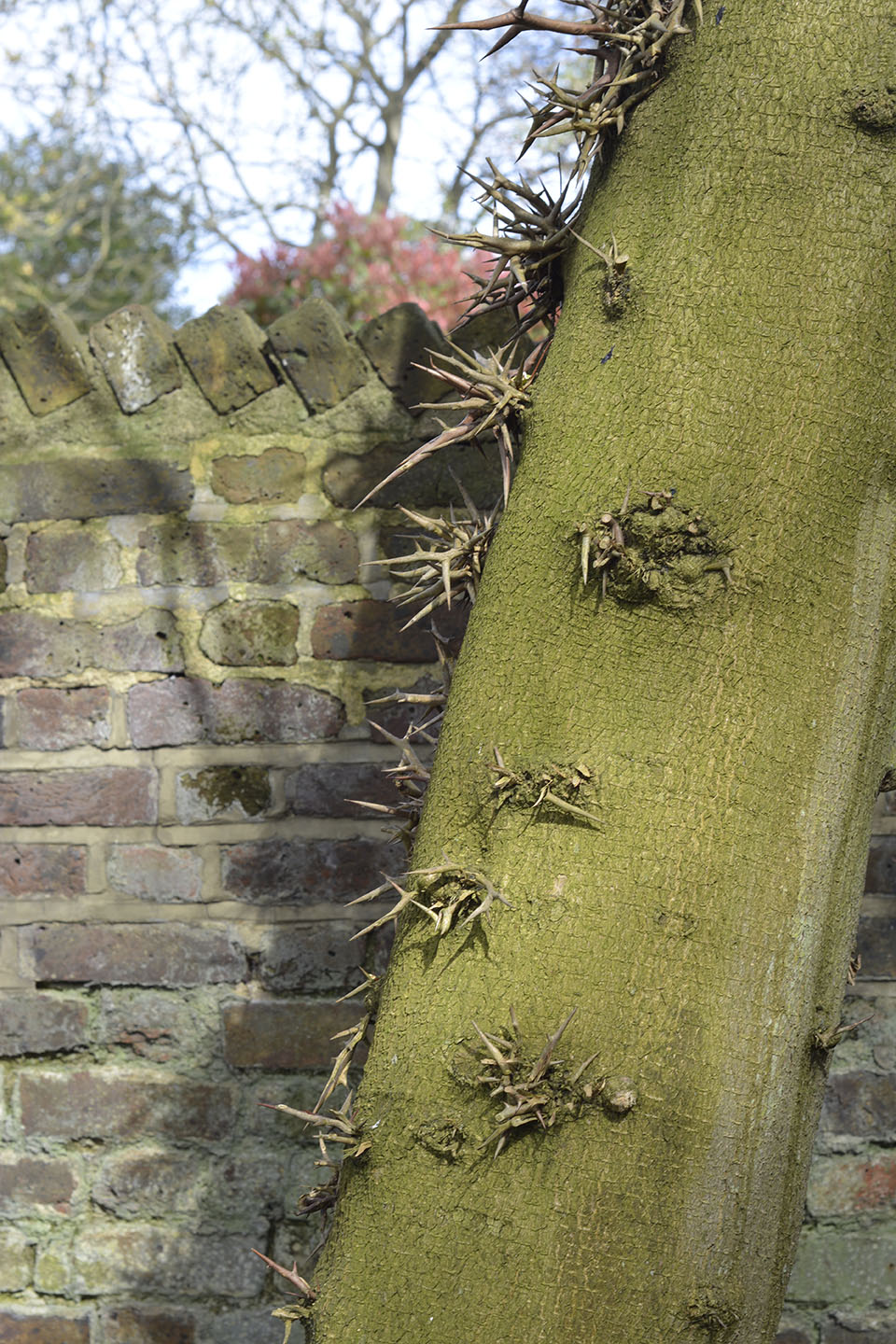
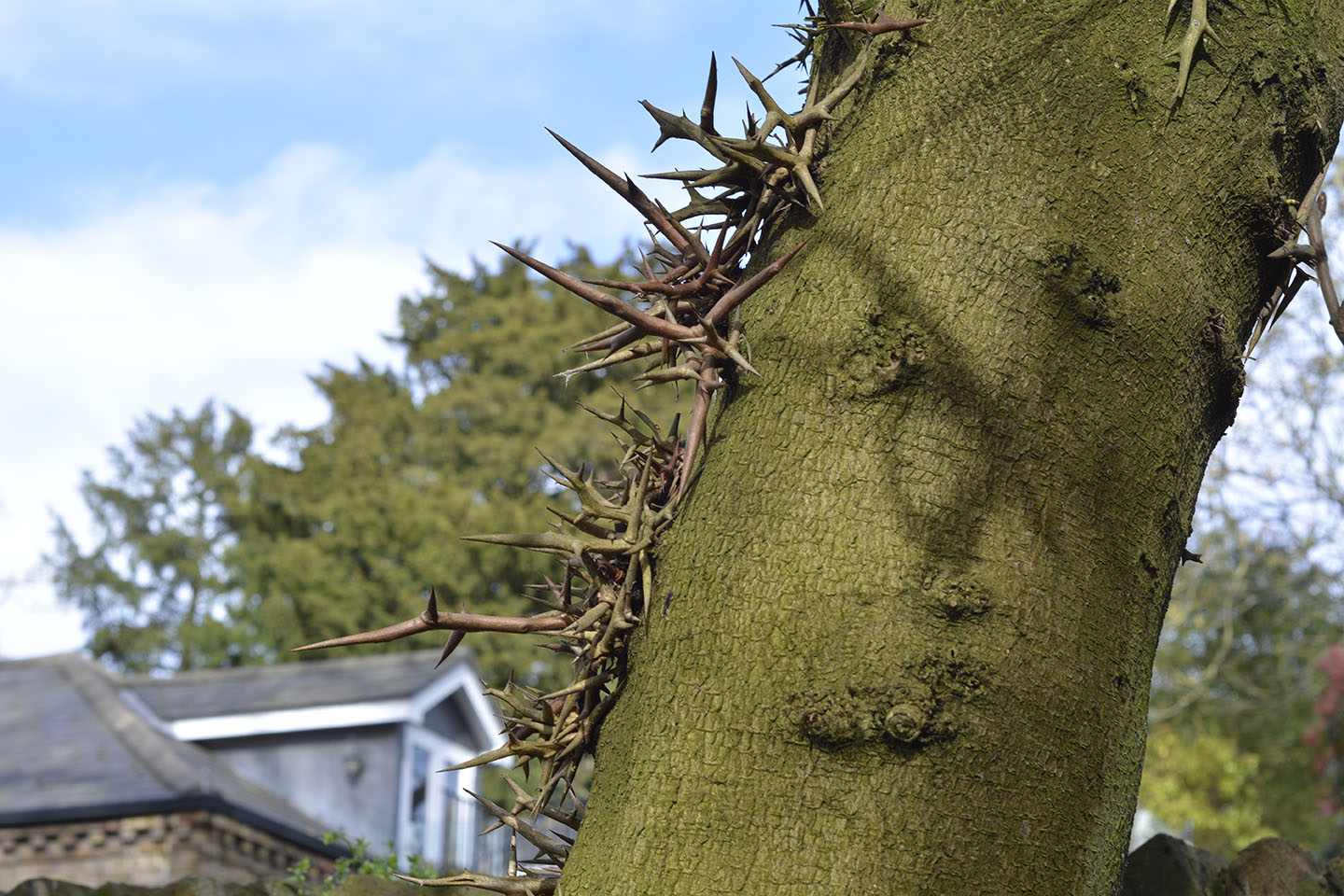
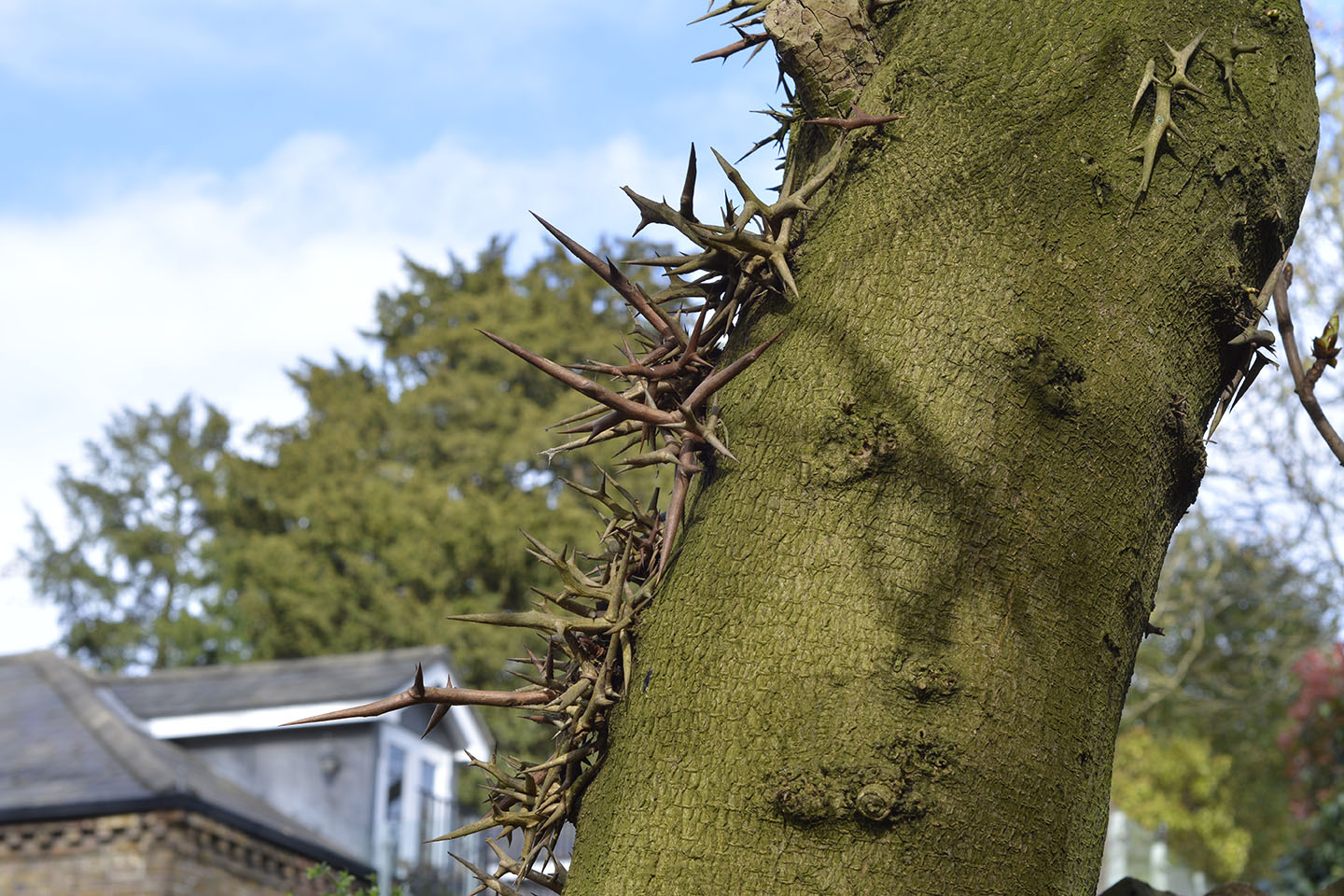
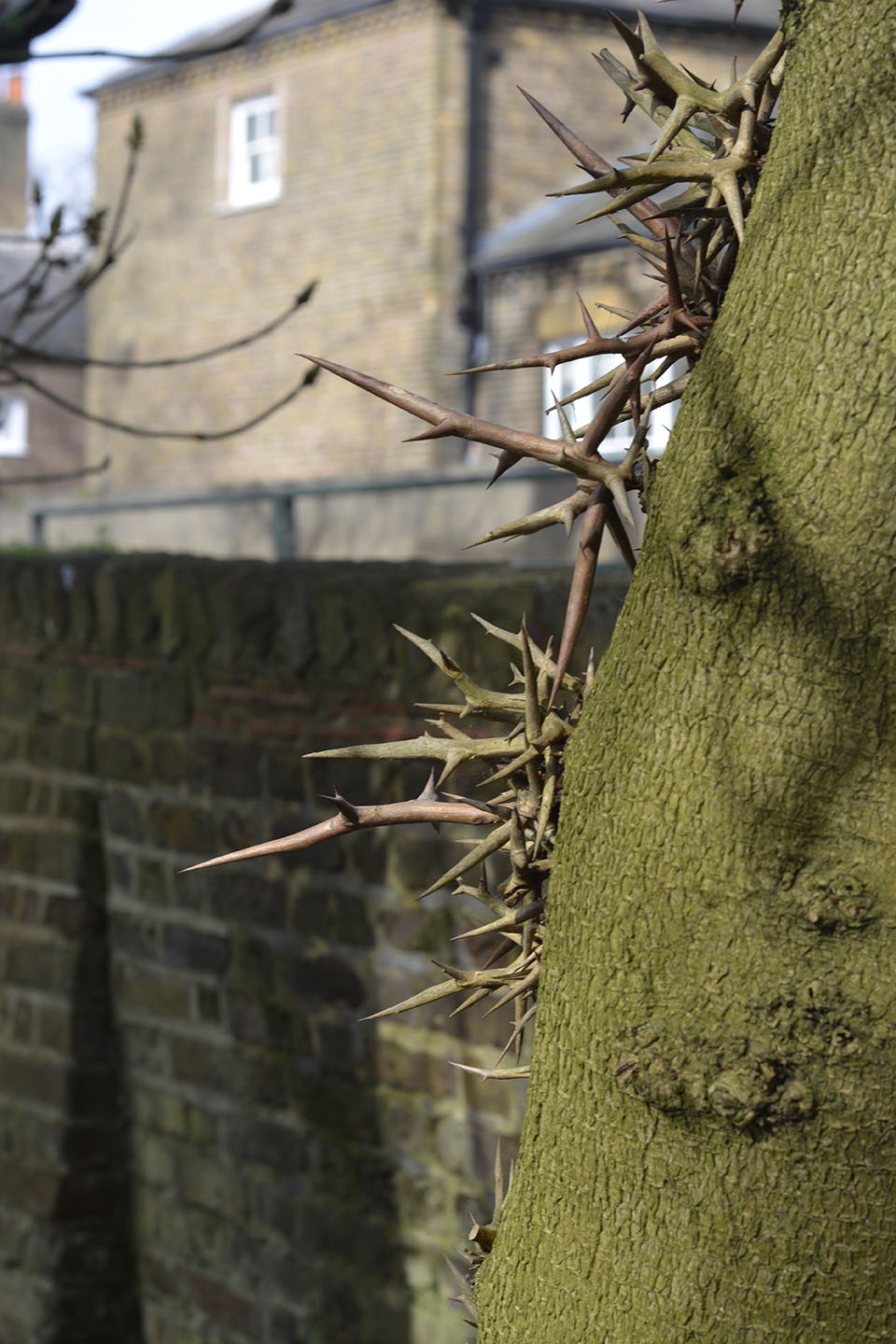
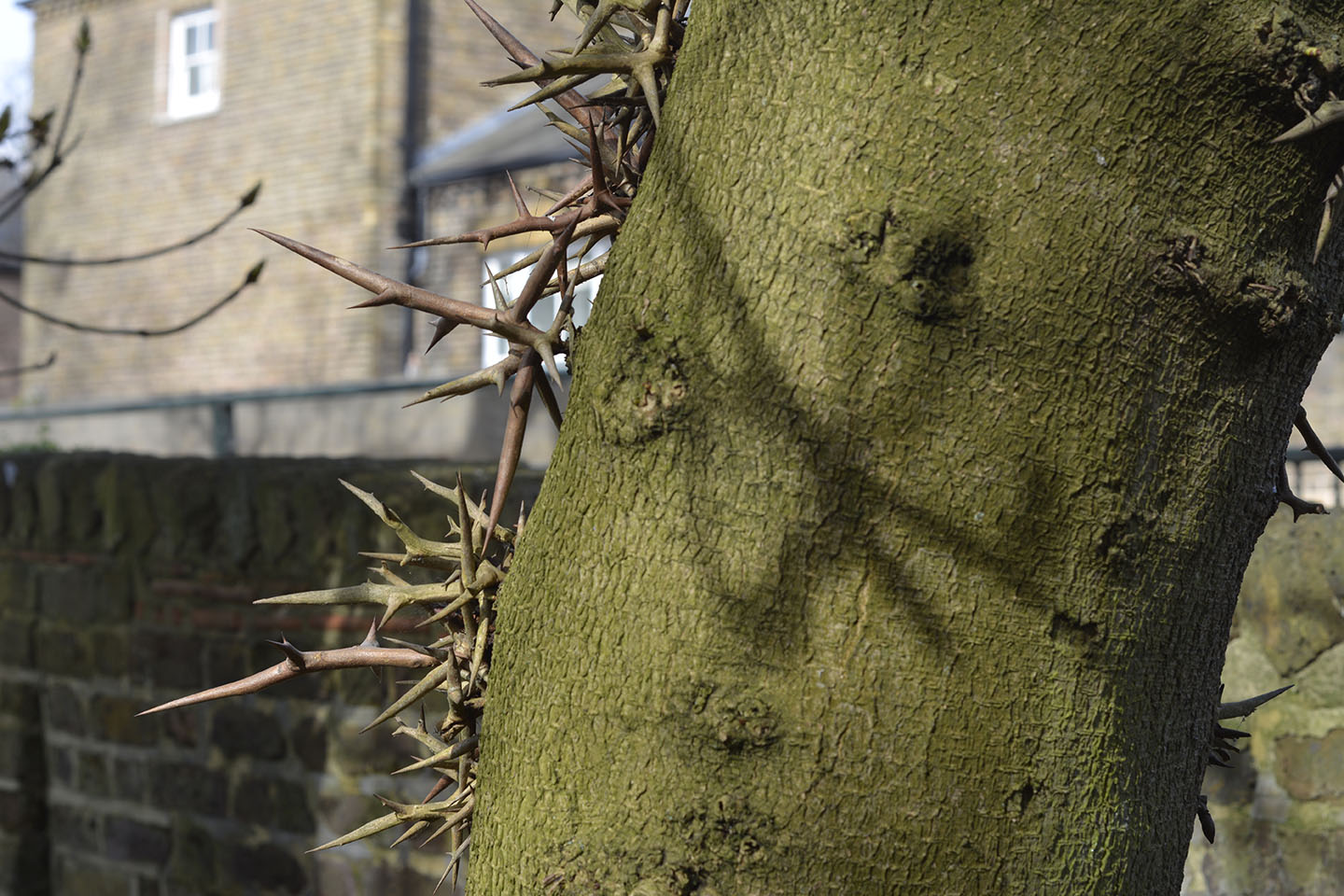
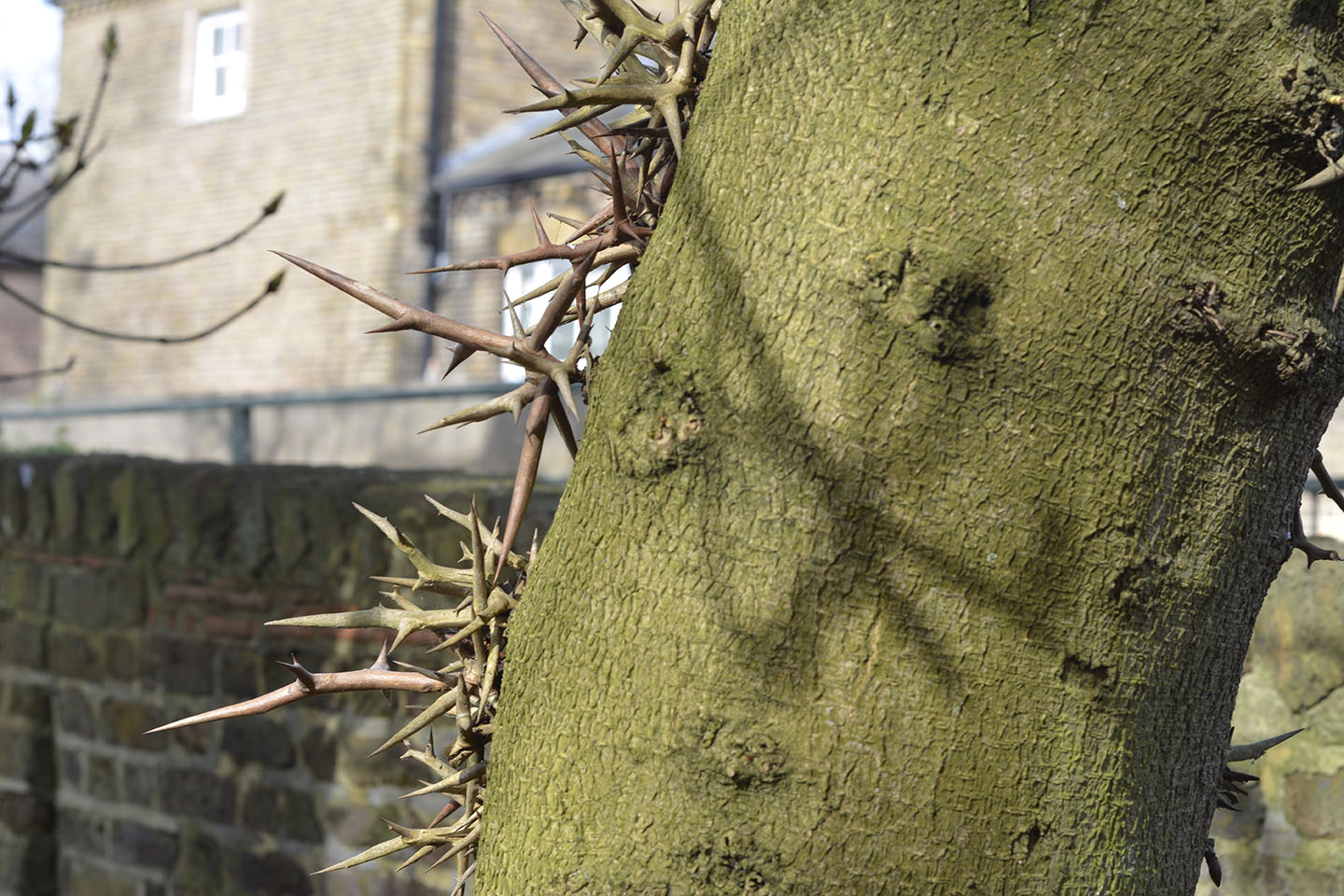
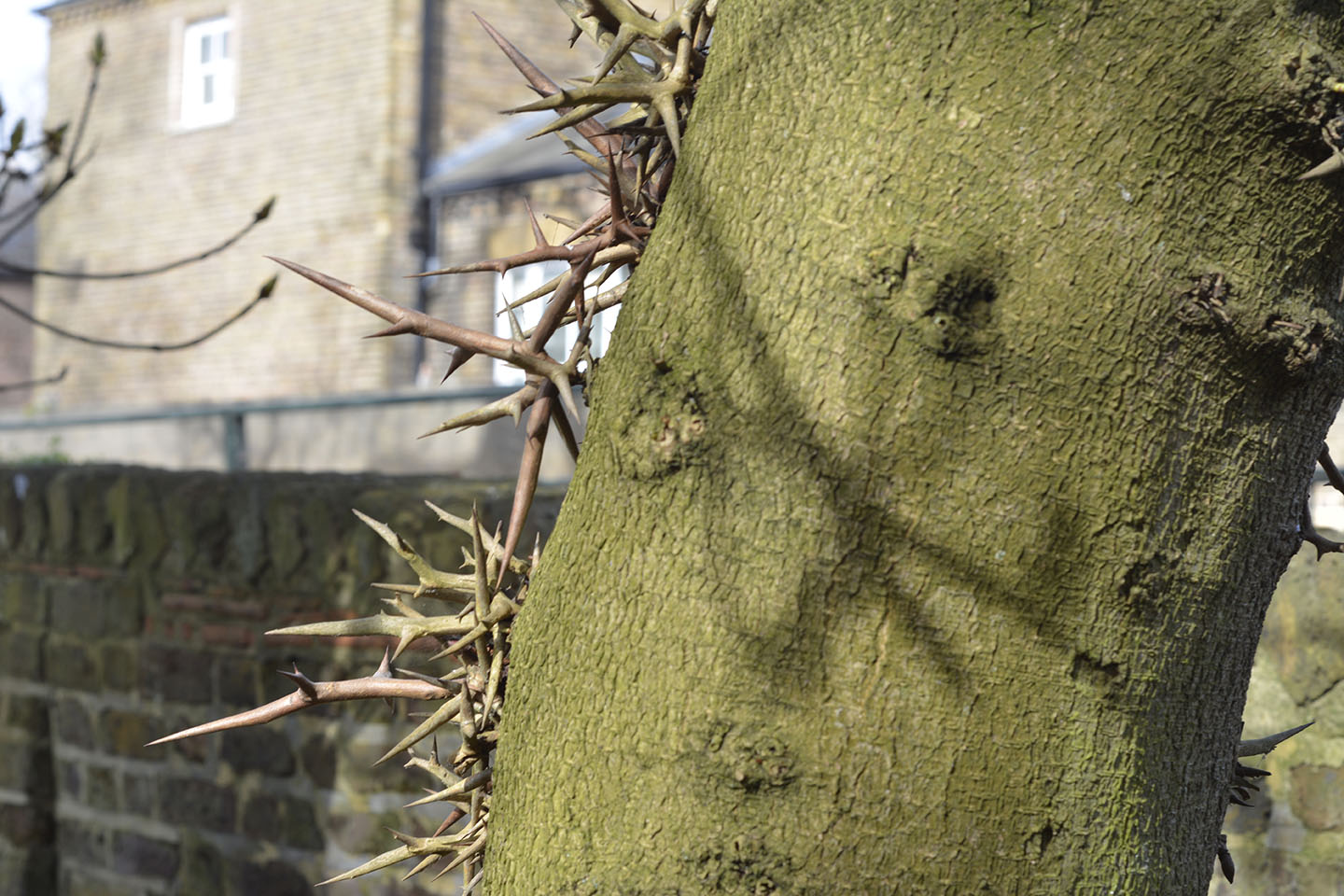
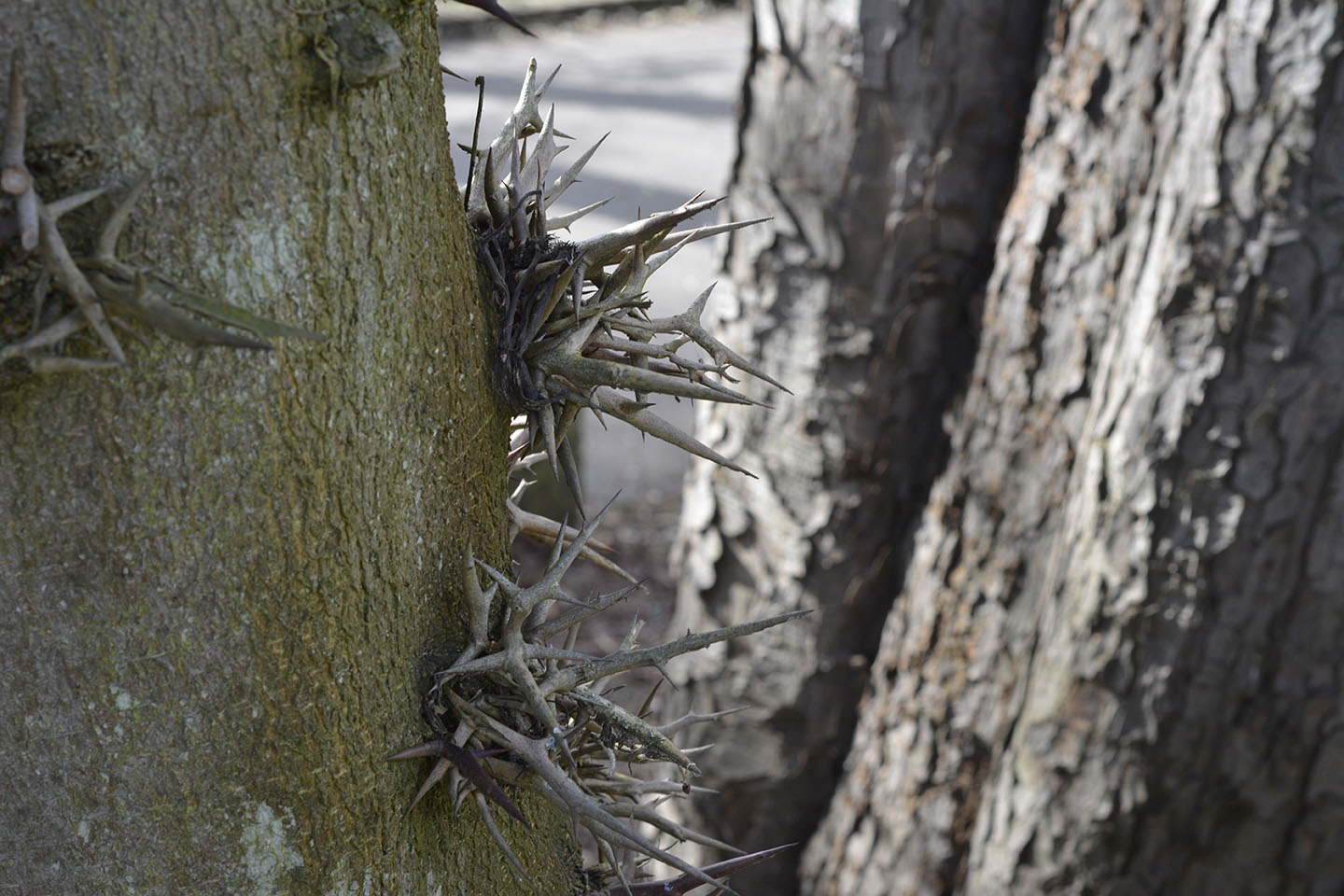
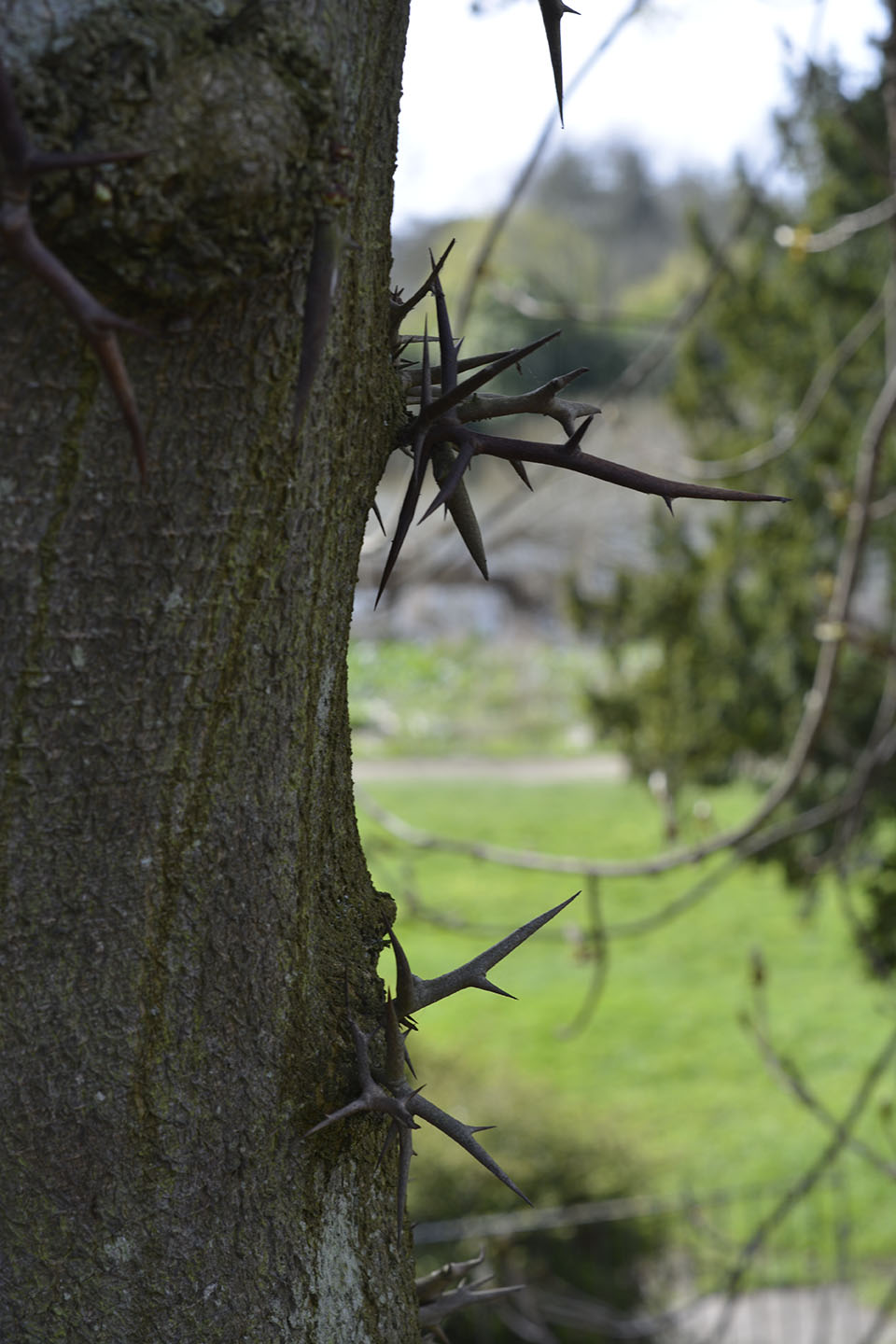
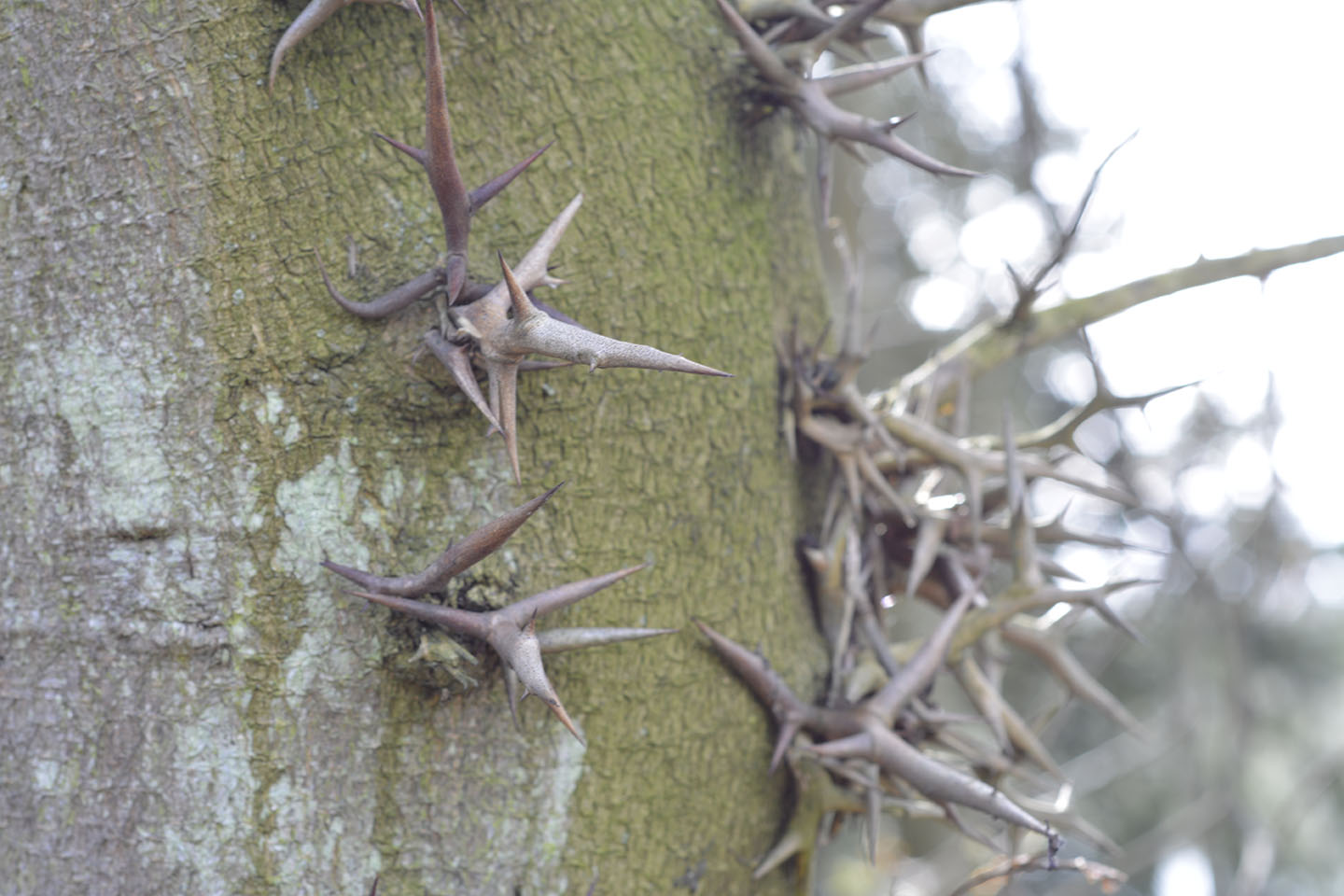
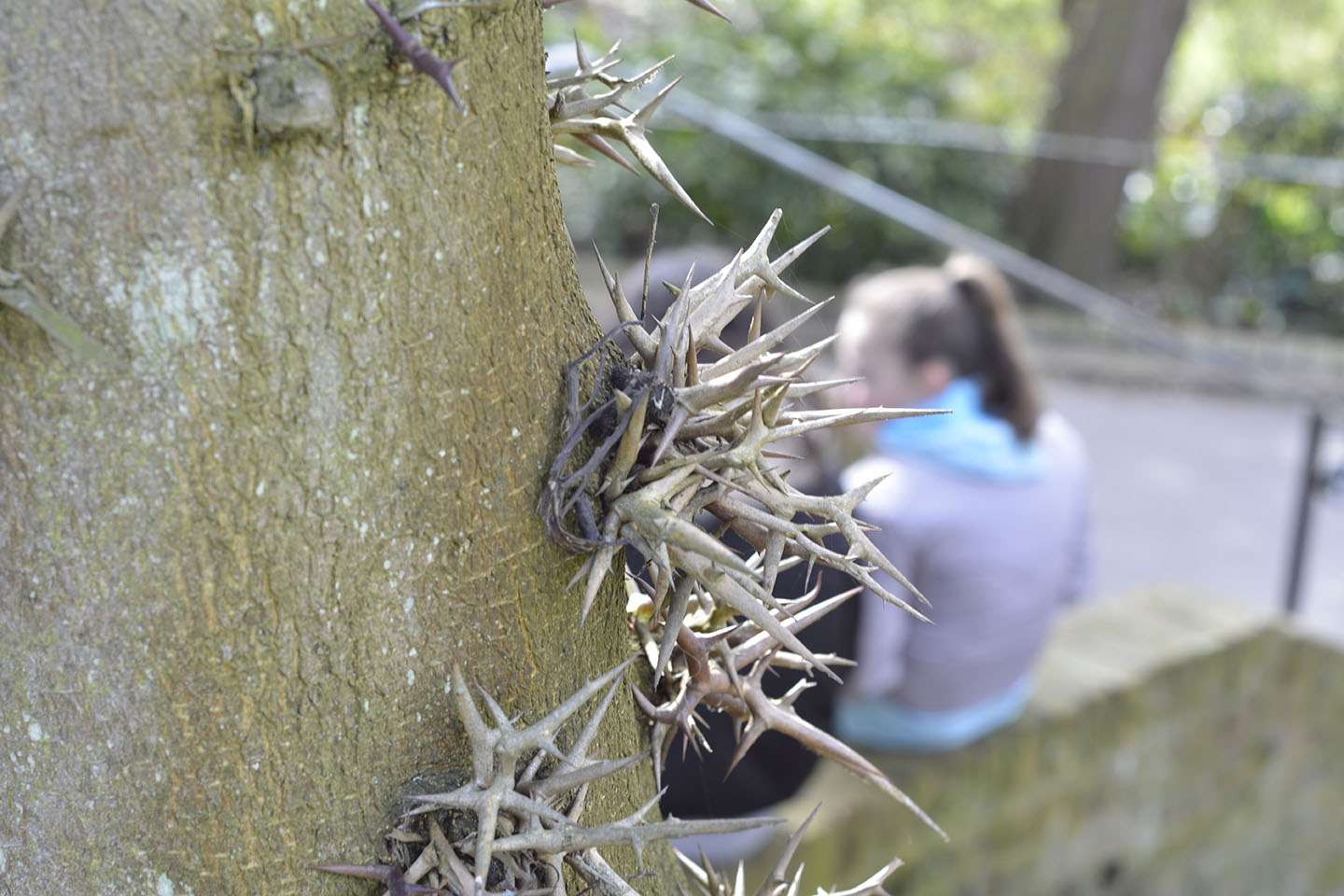
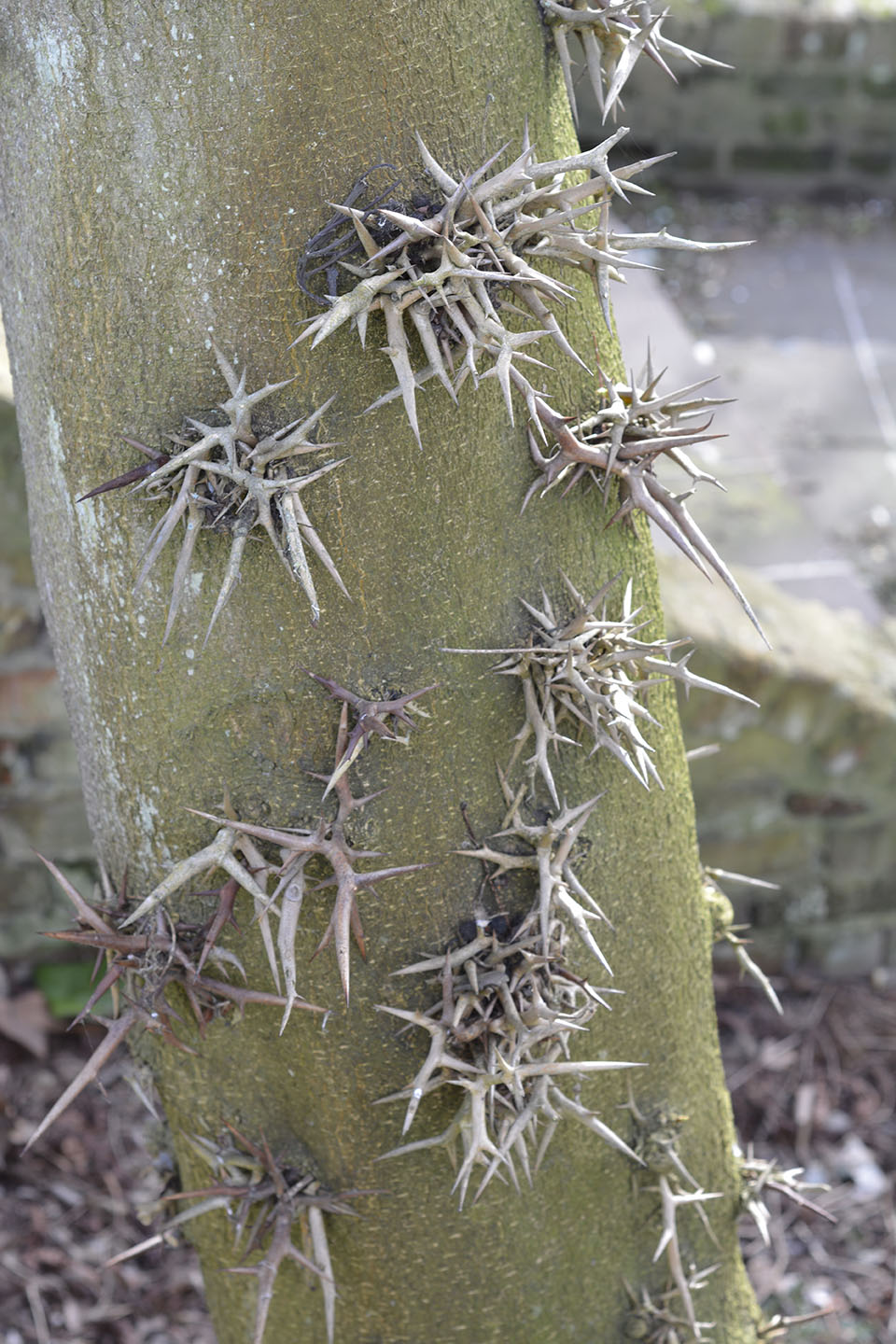
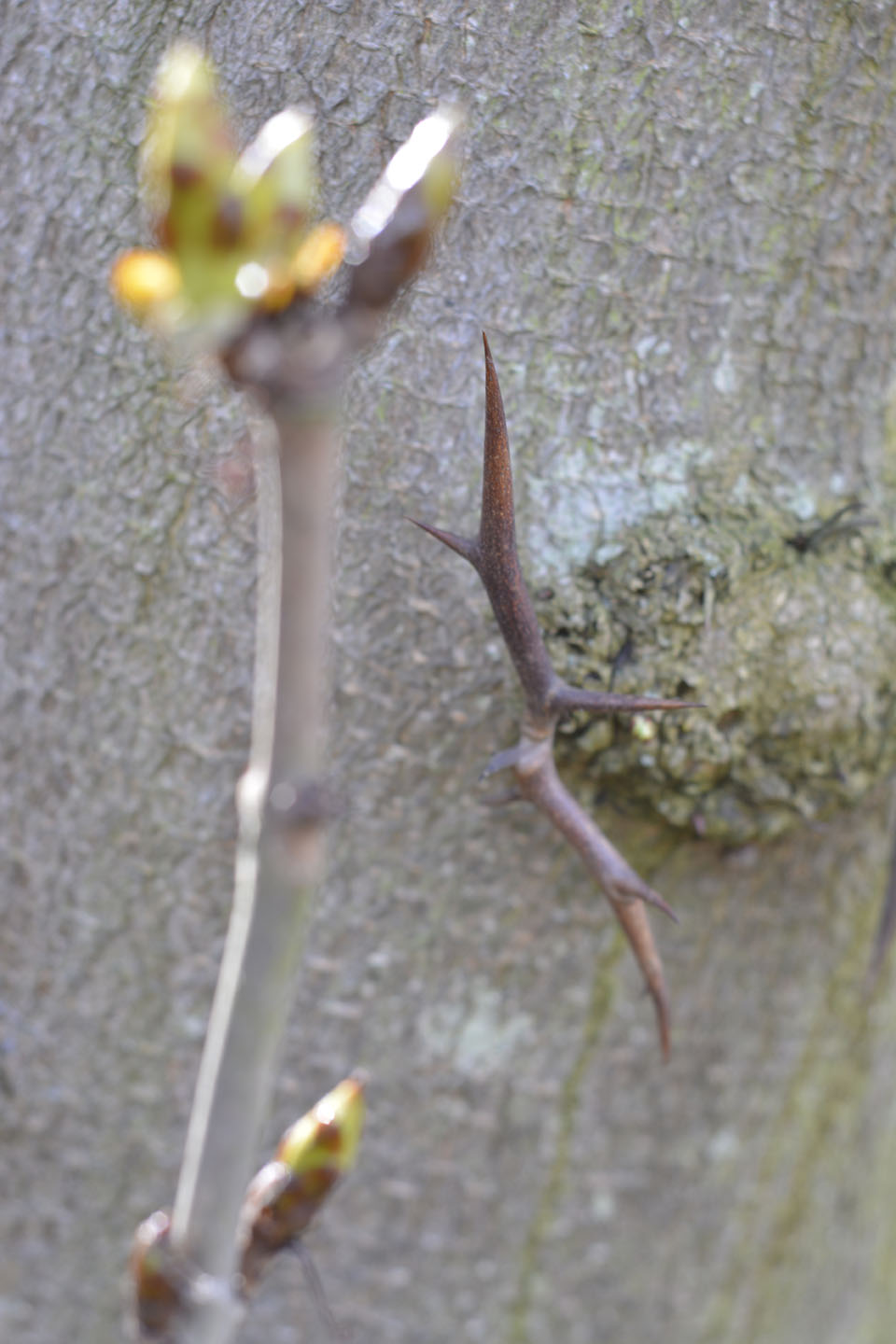
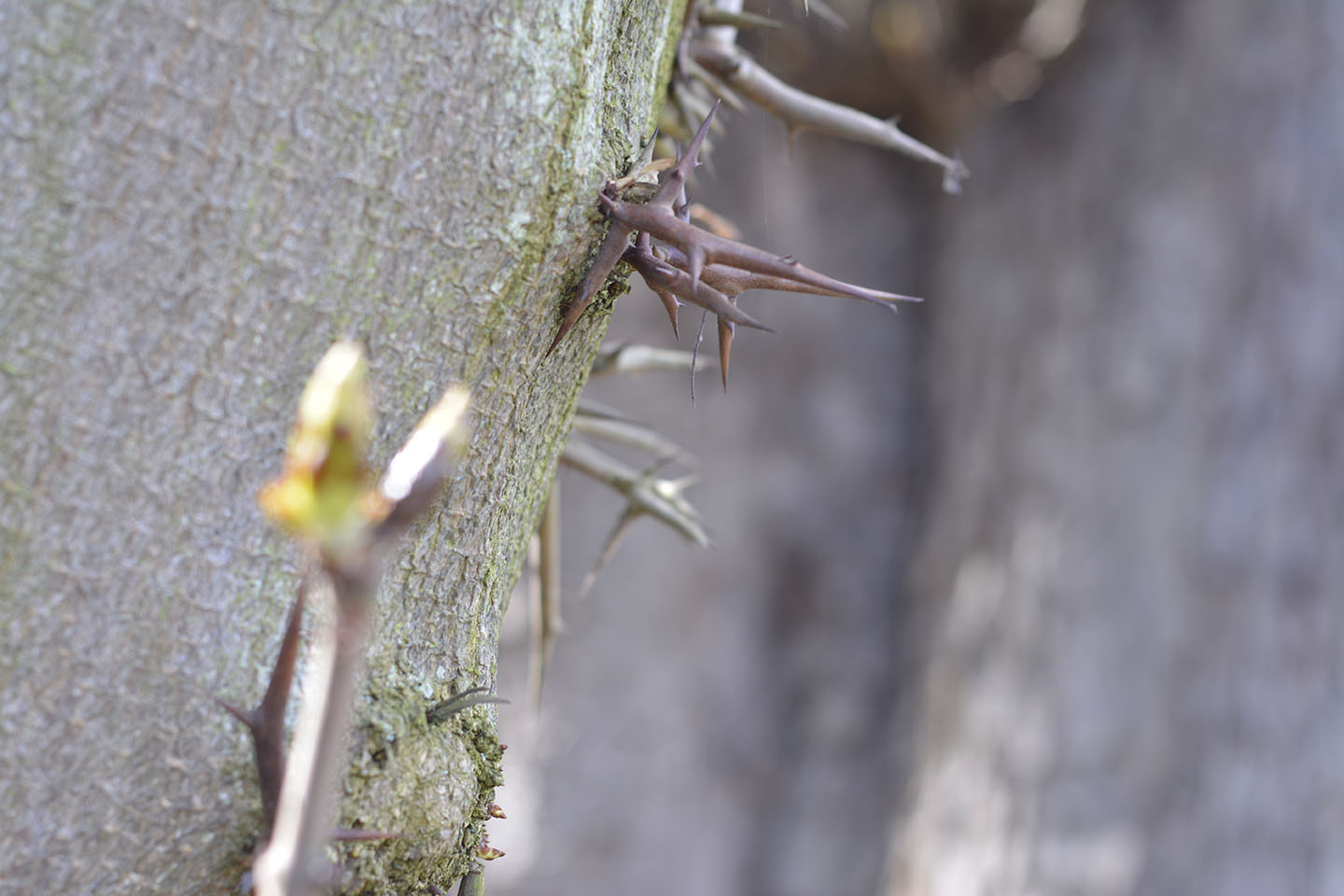
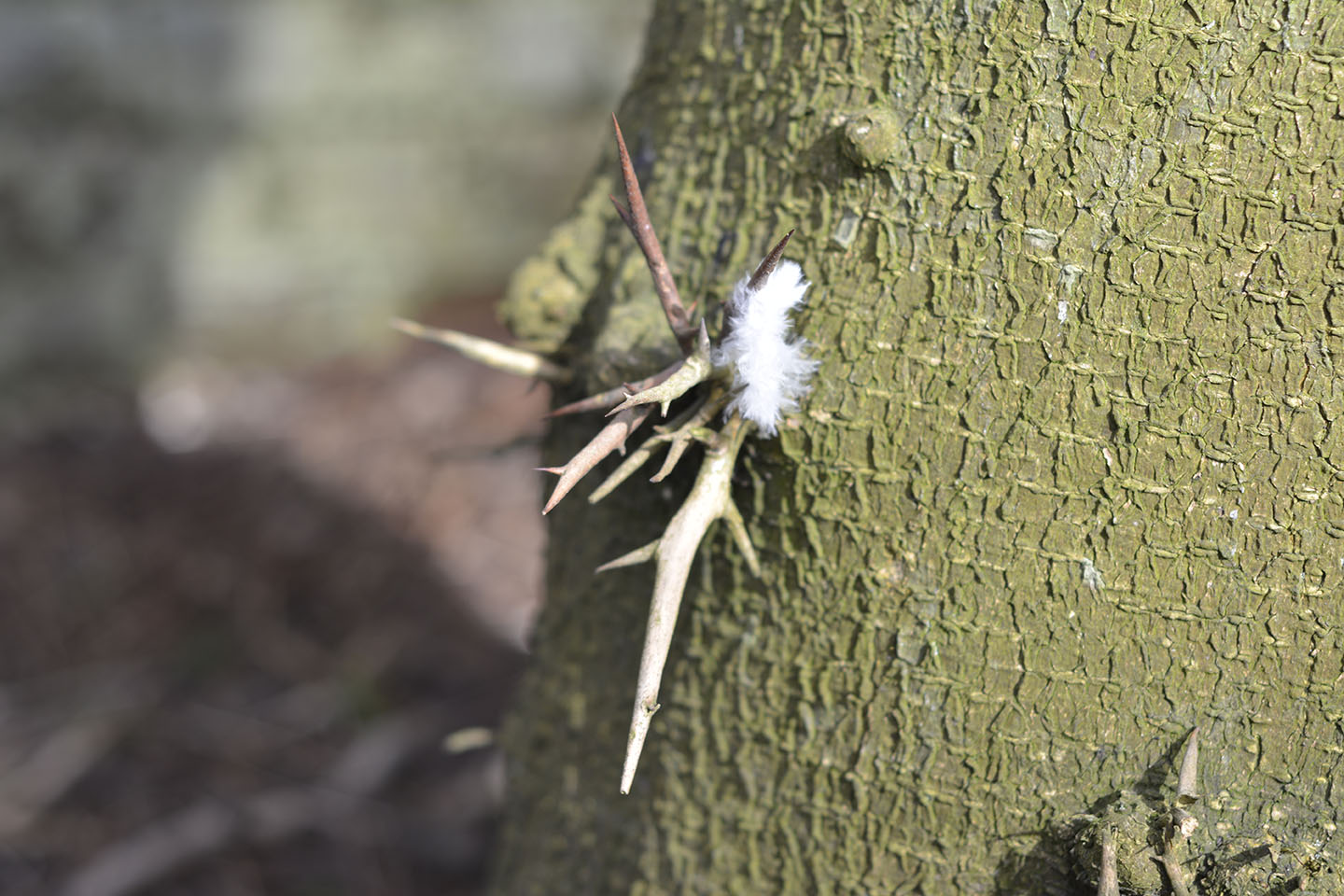
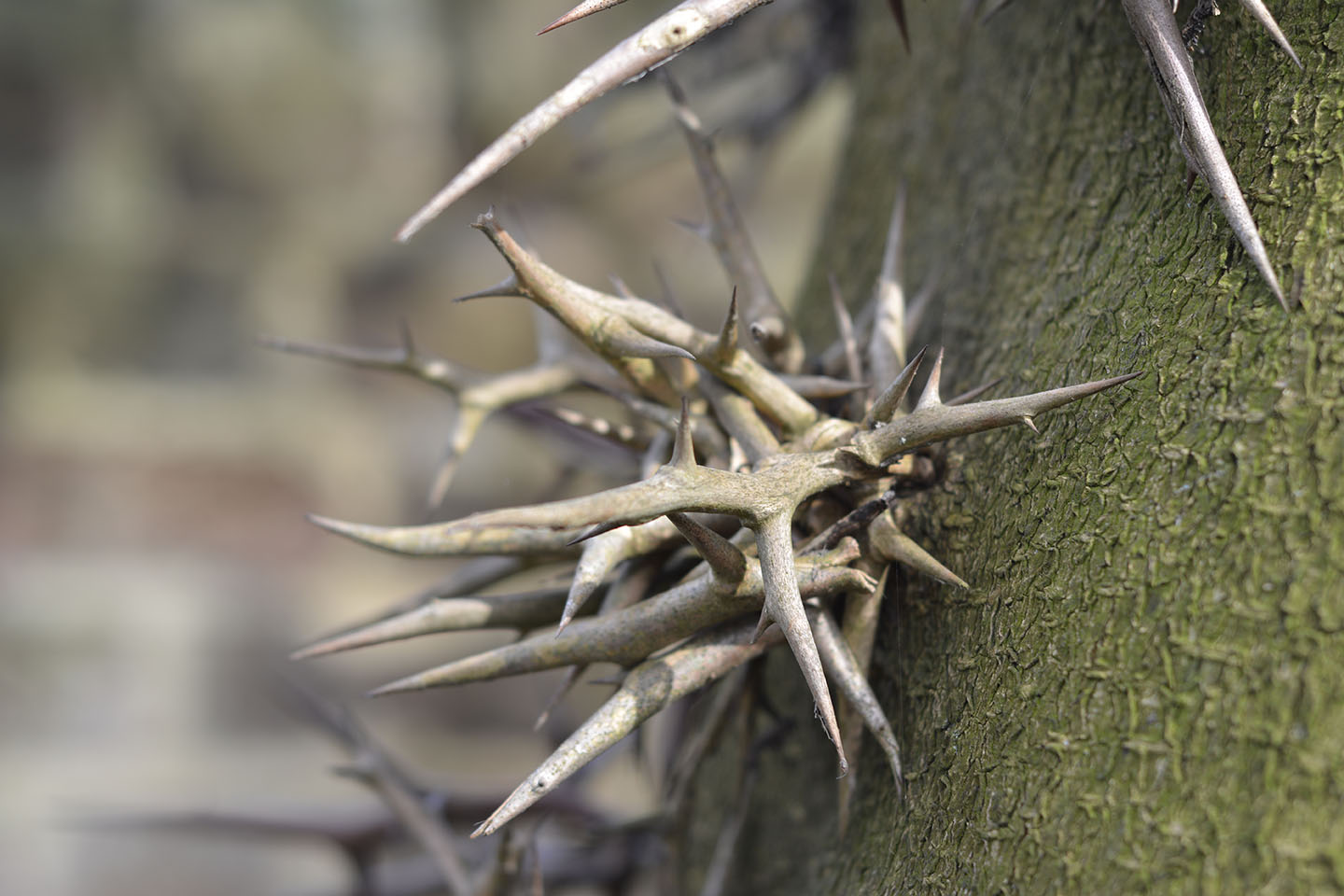
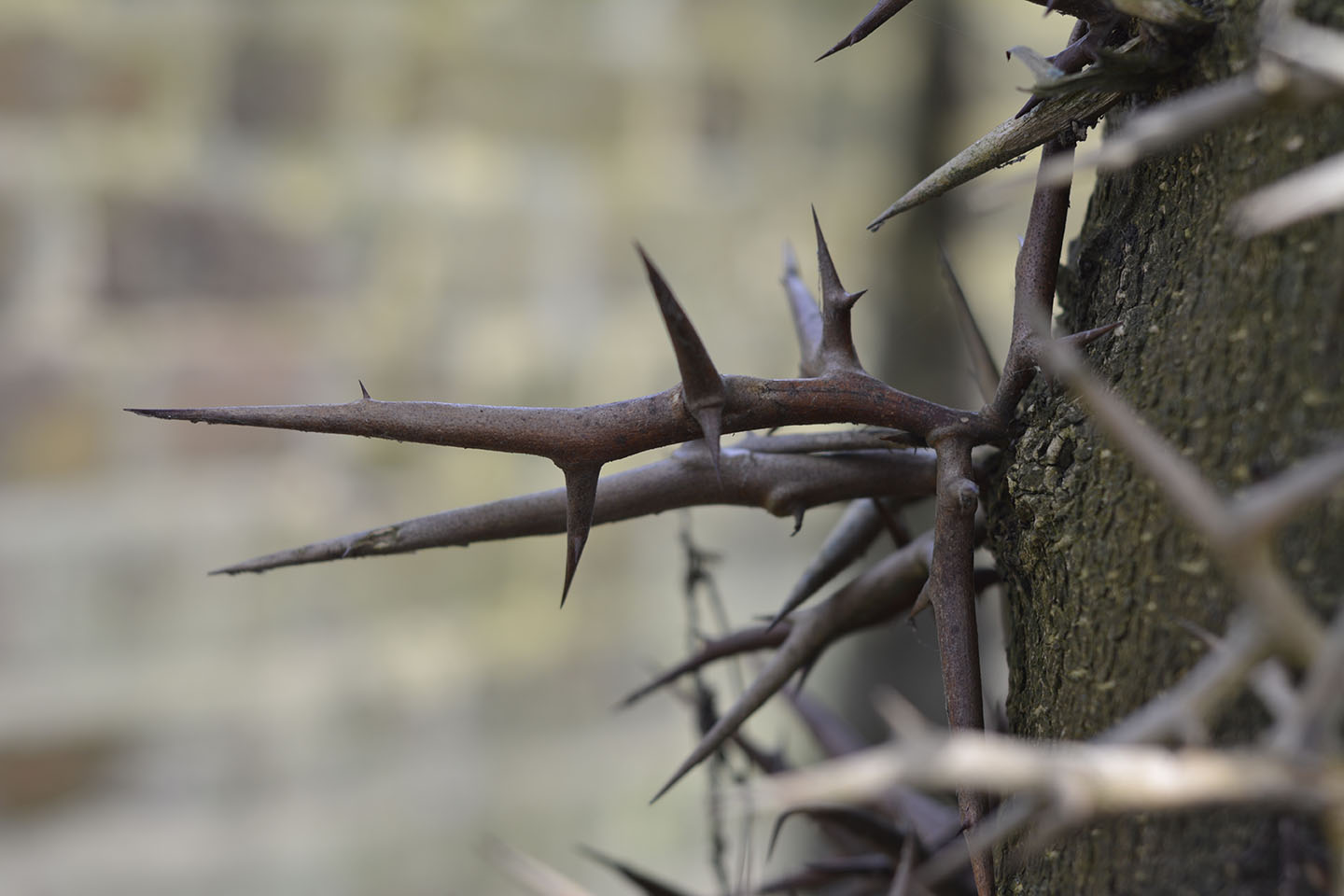
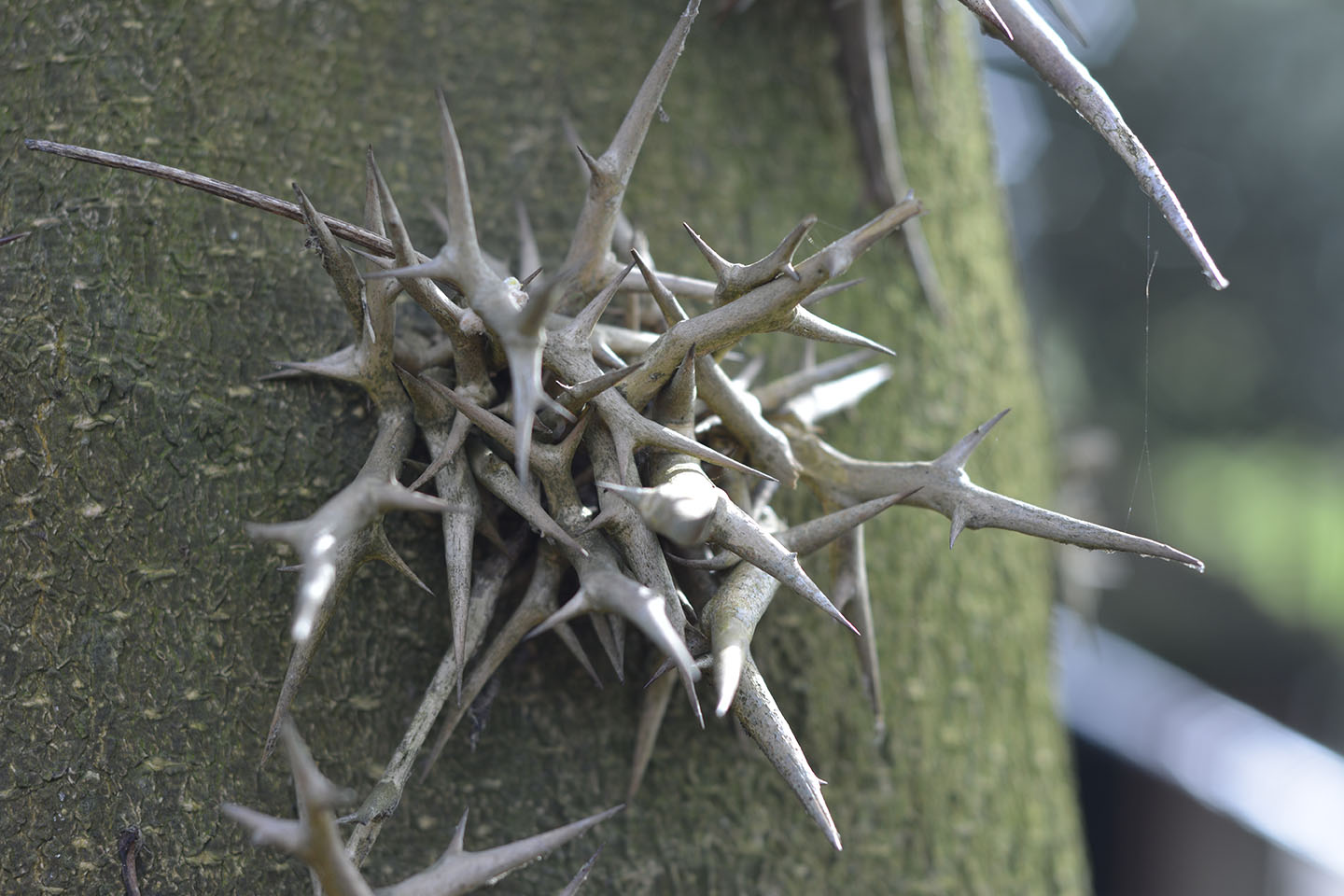
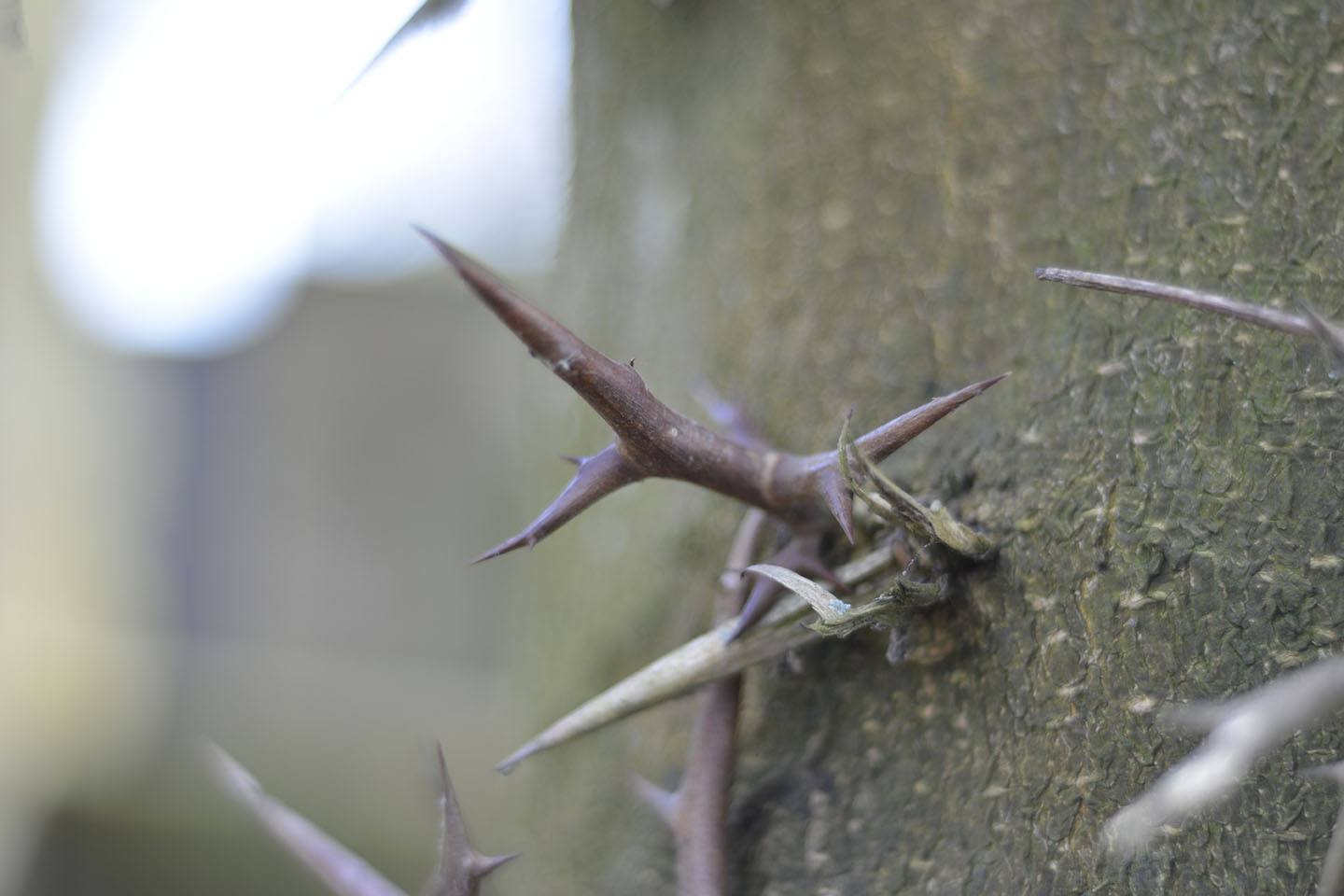
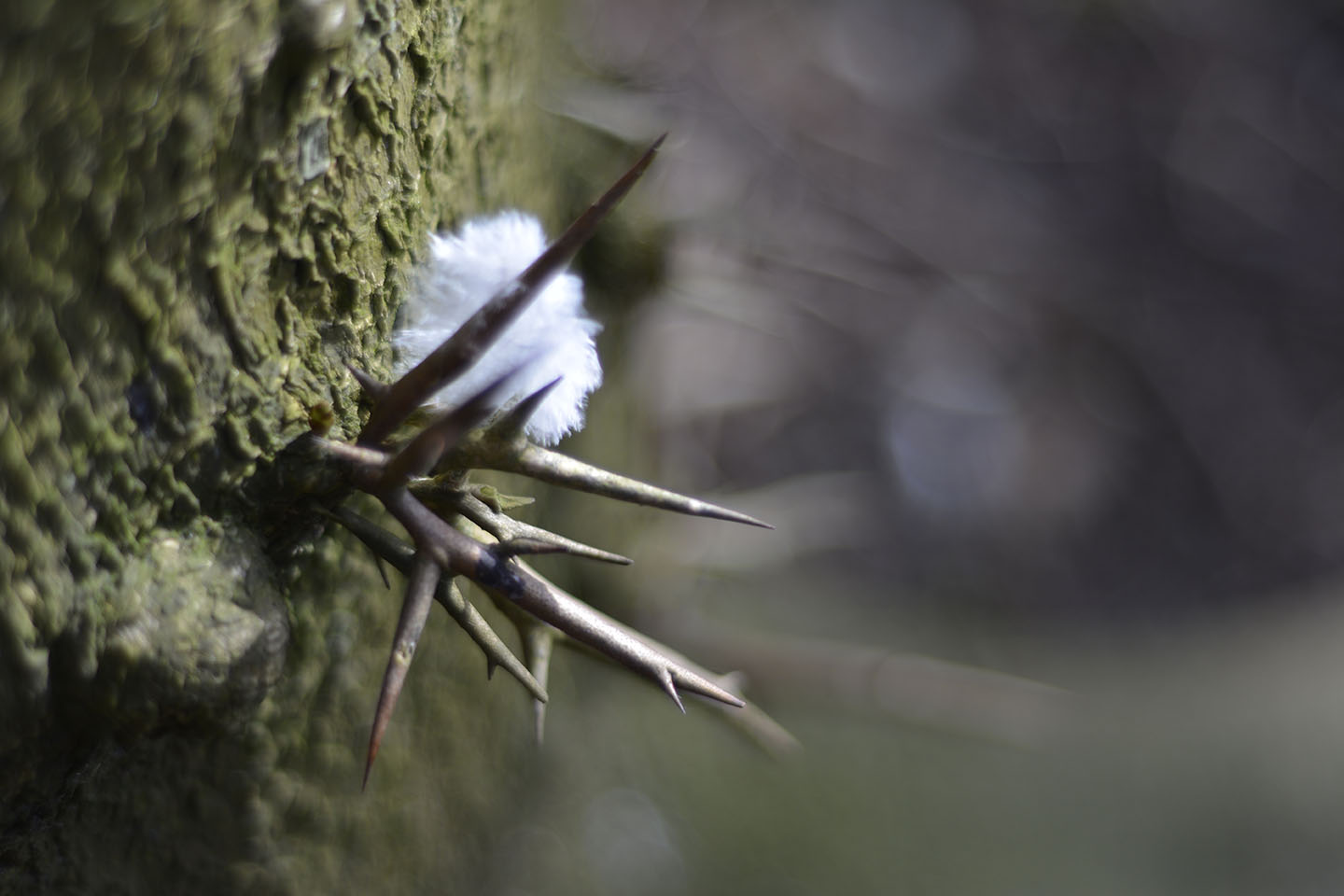
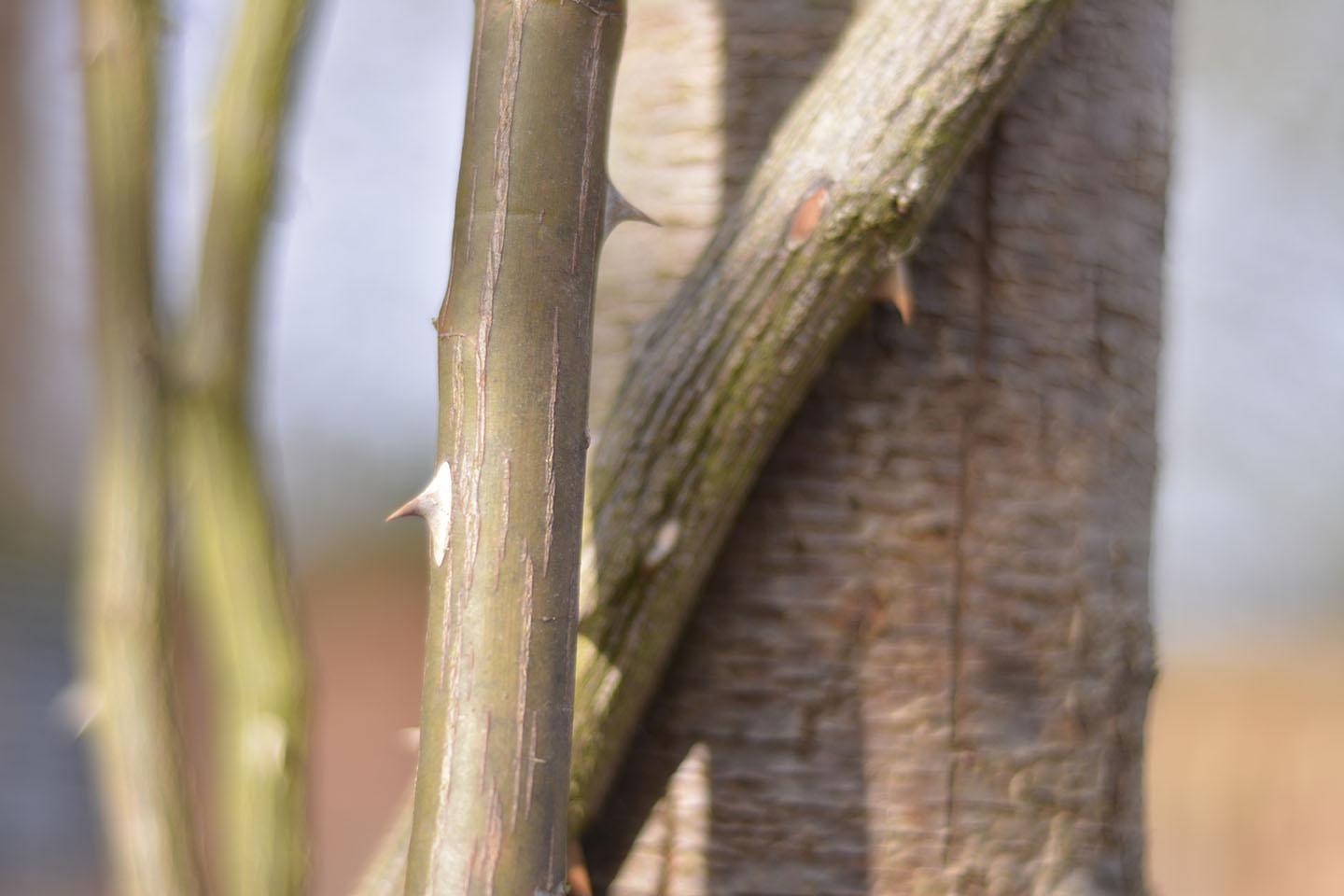
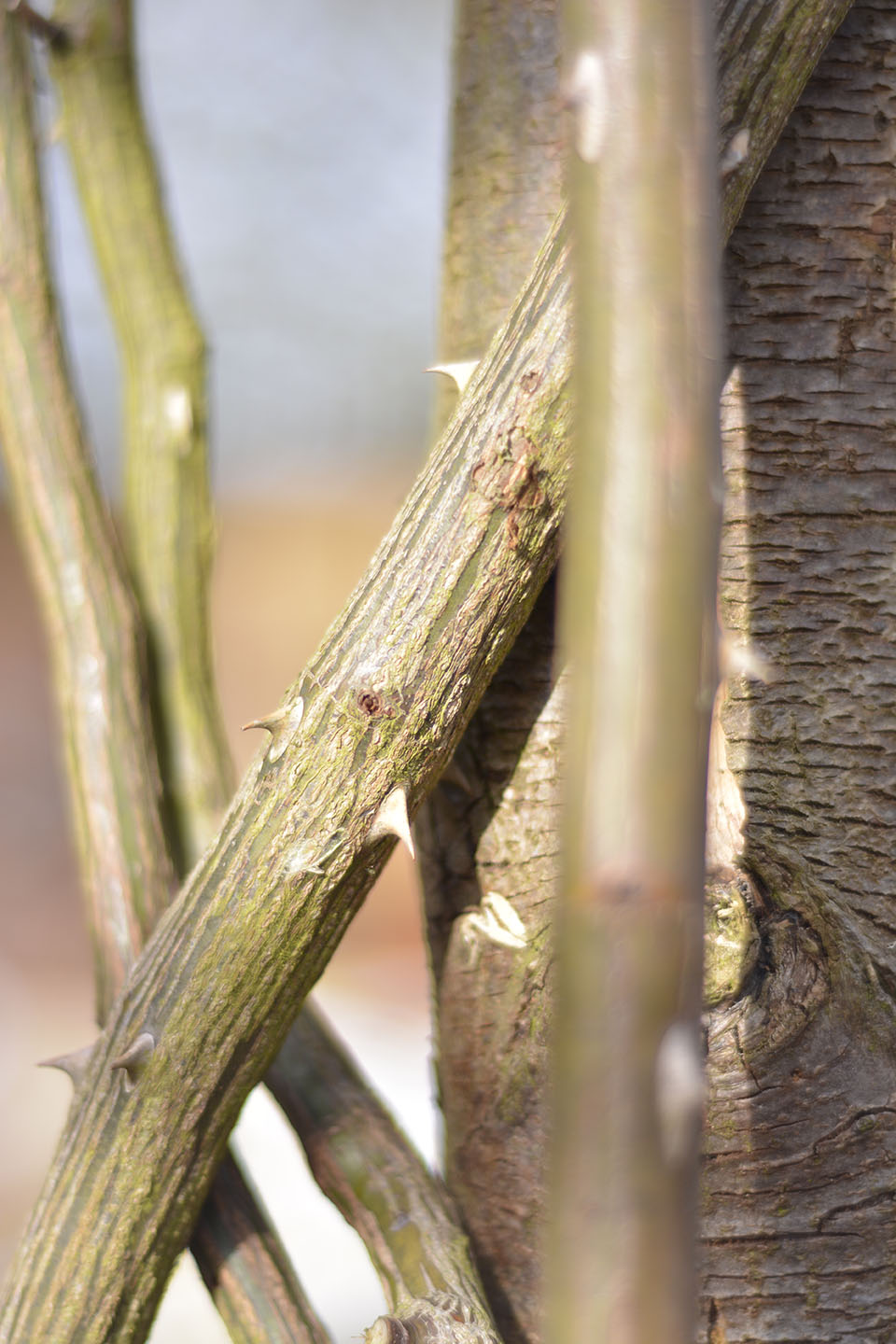
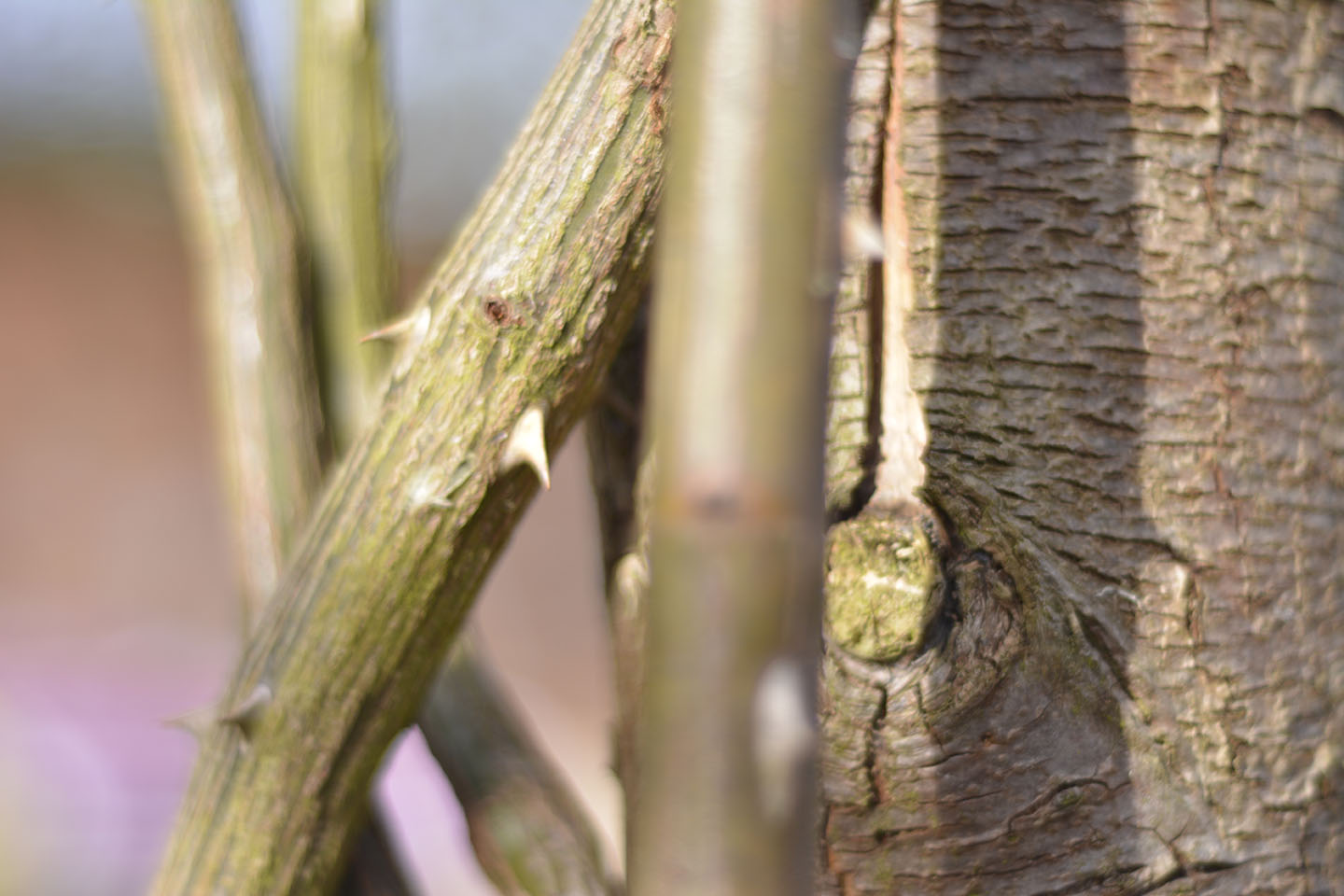
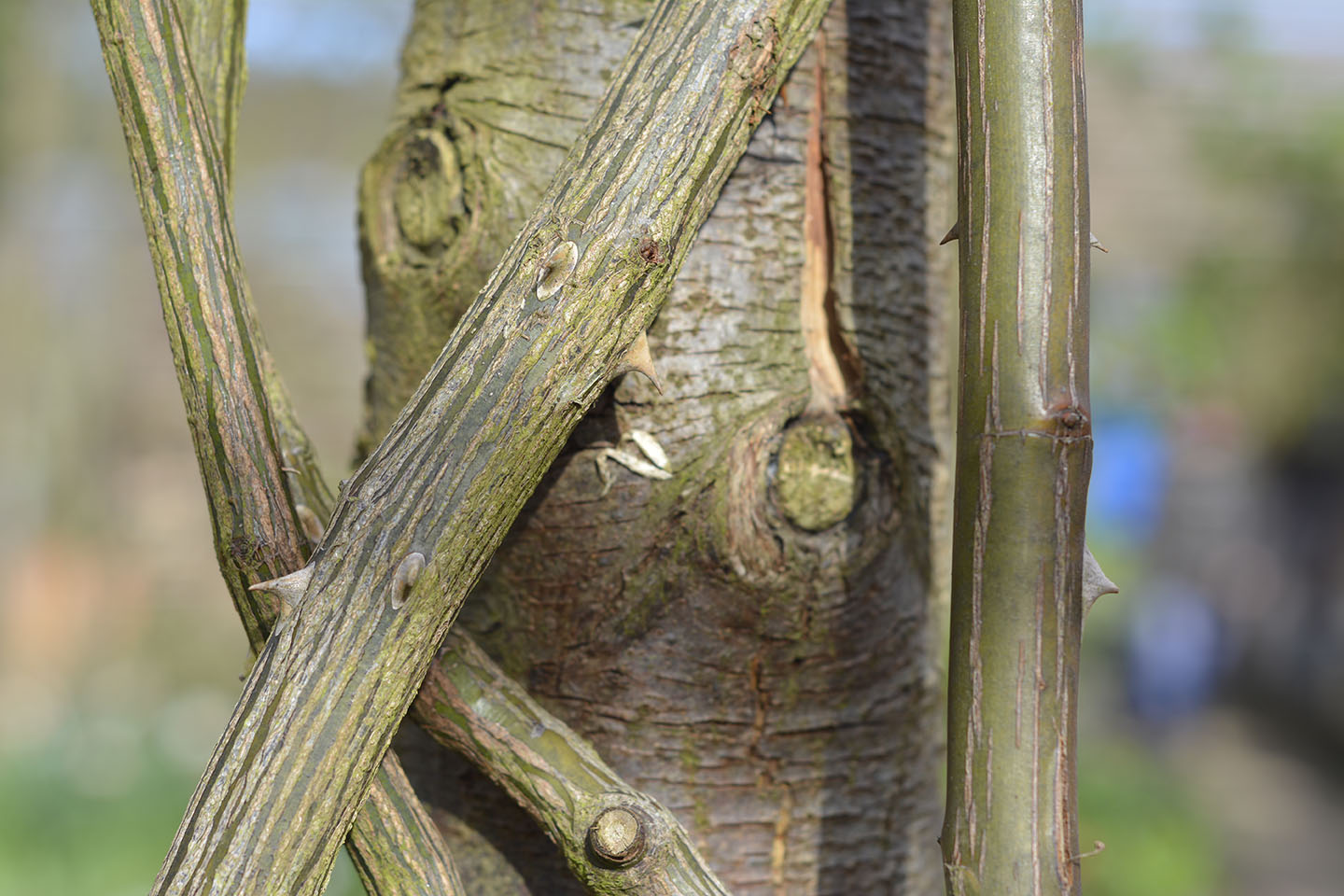
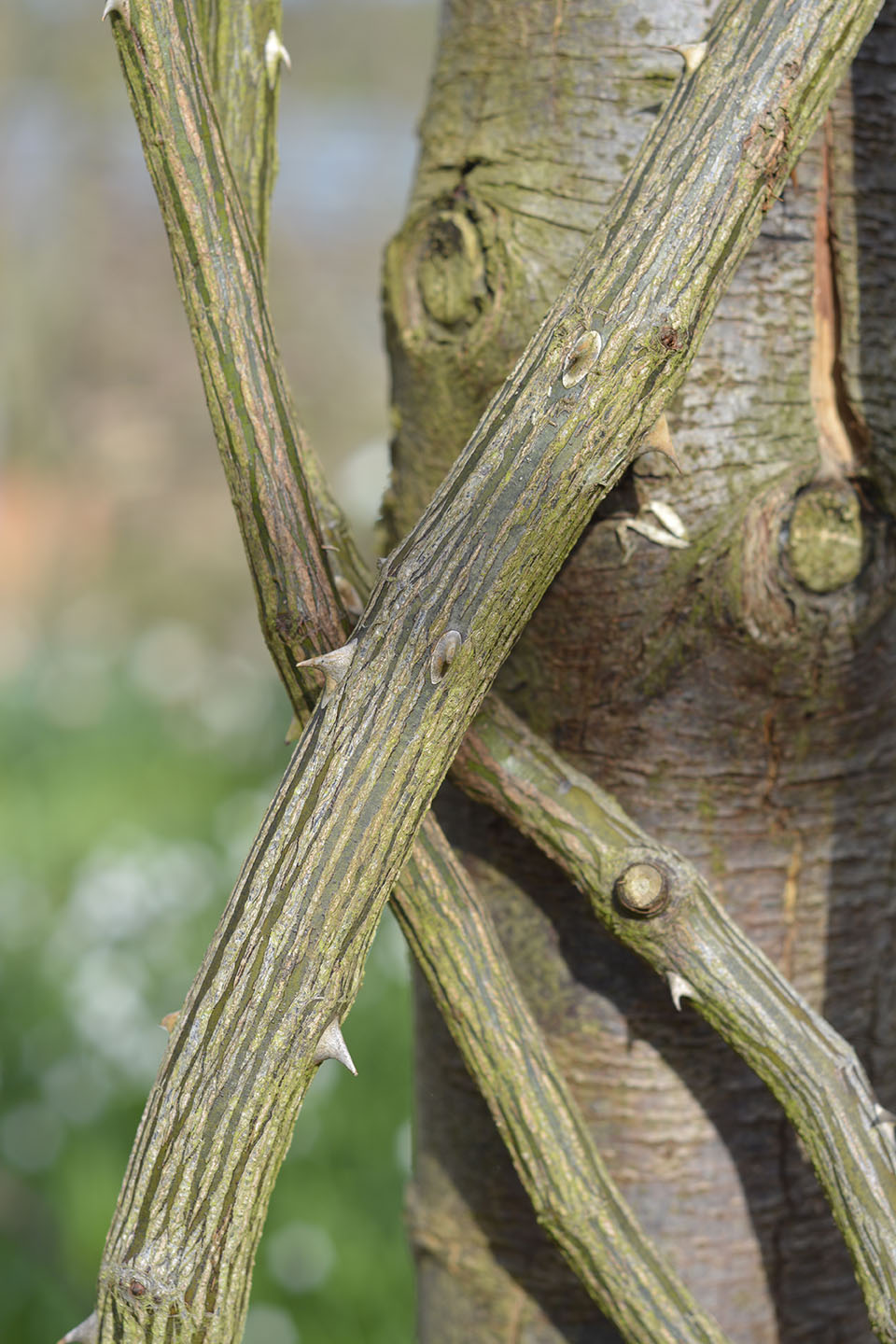
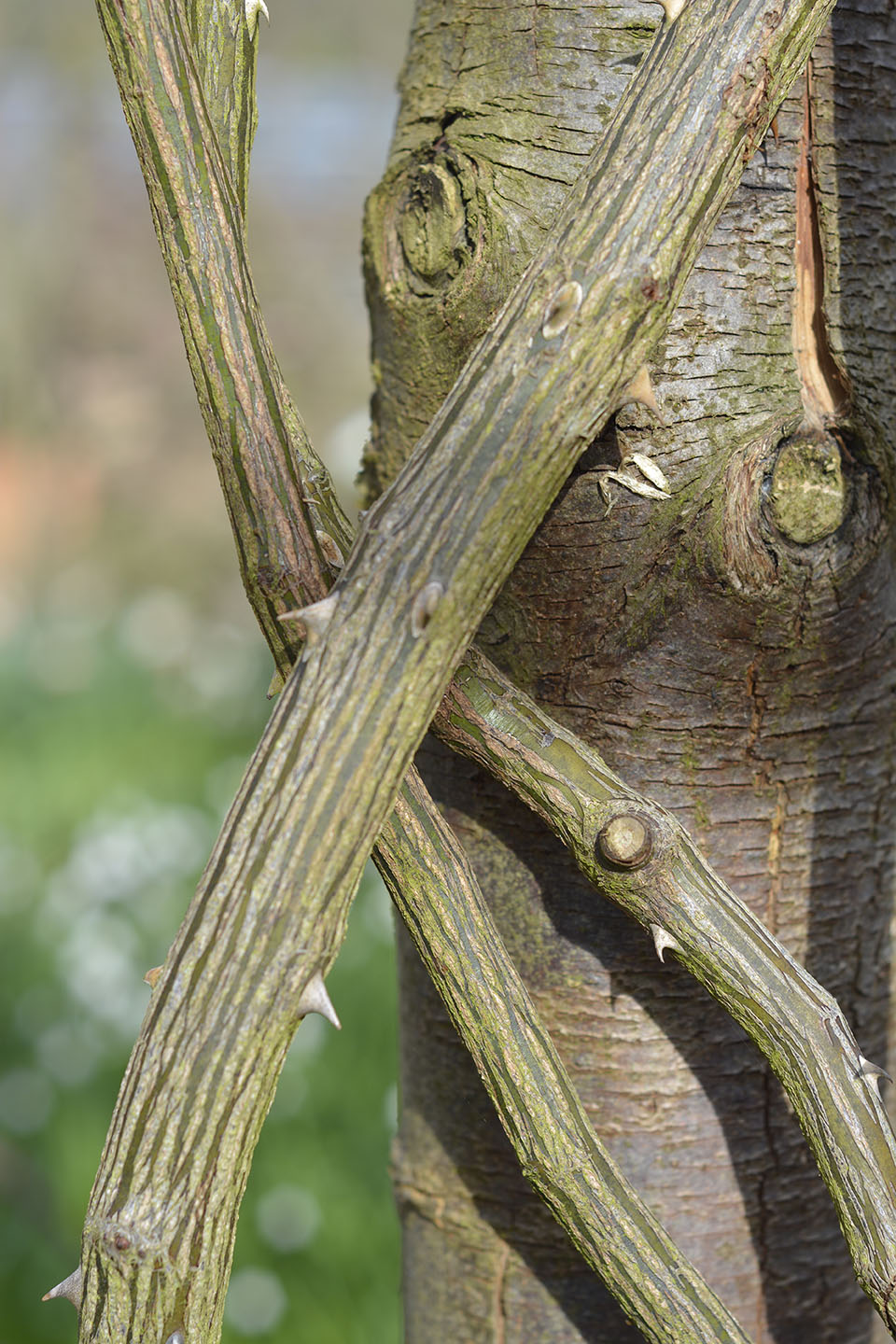
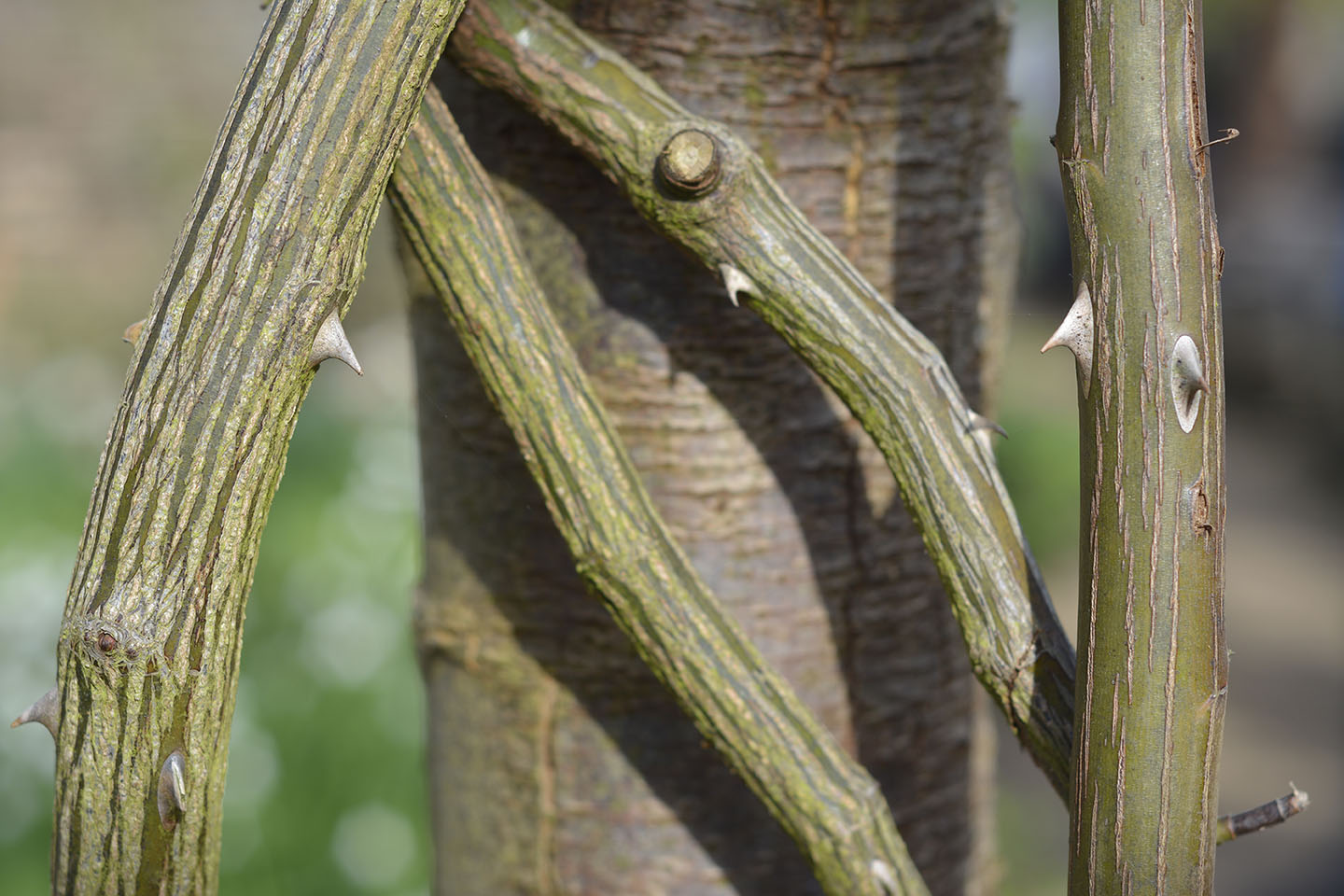
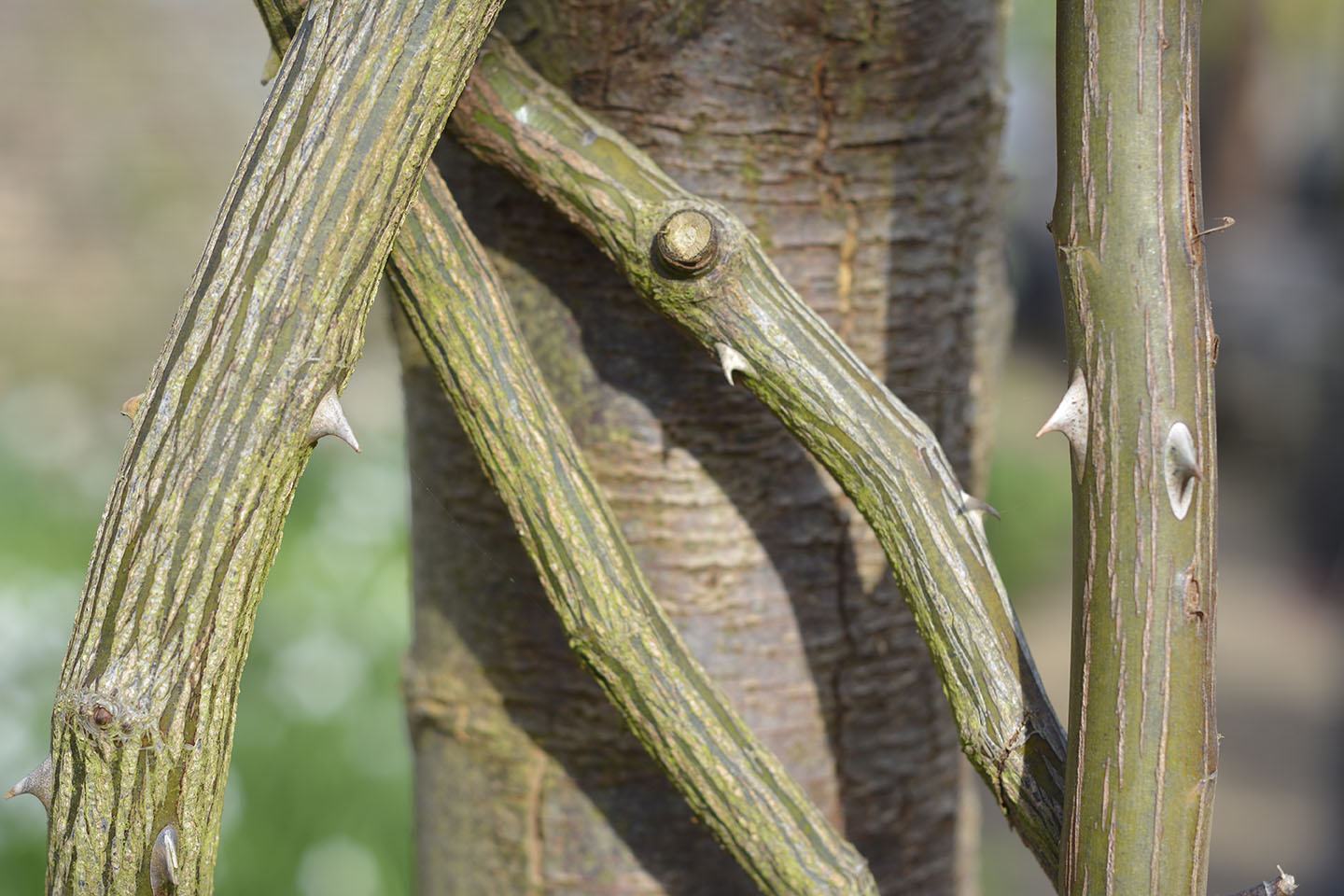
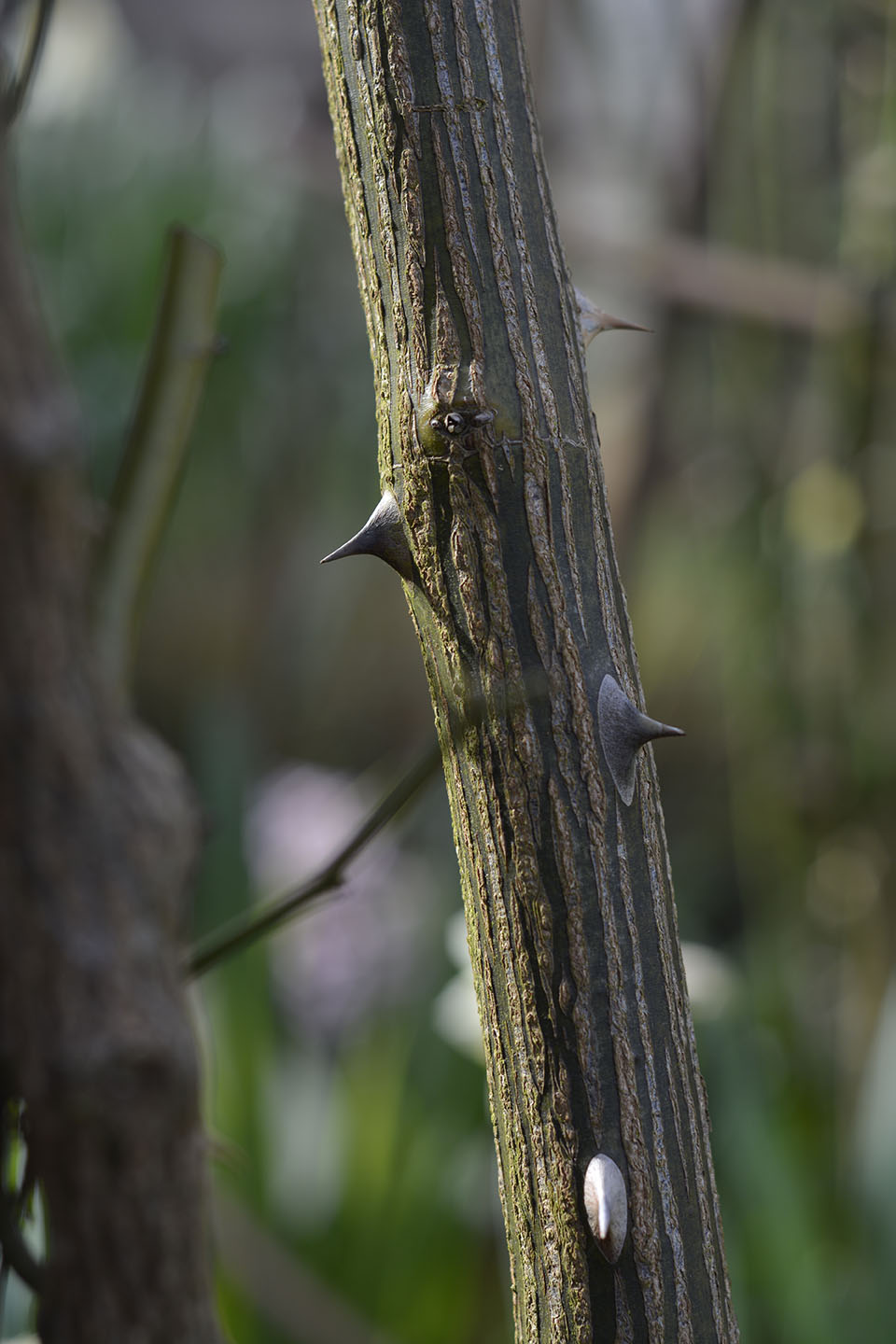
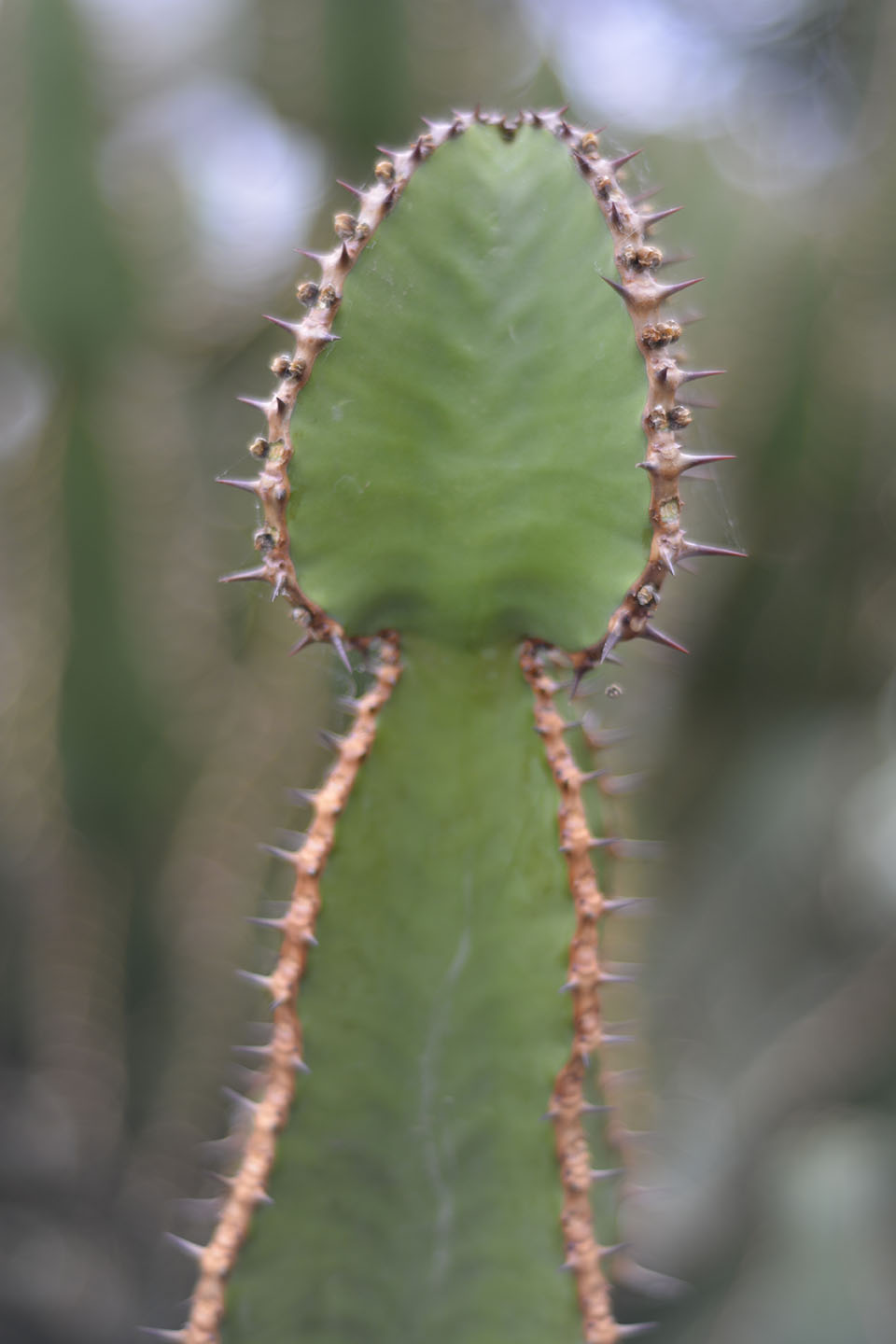
In trying to develop my ideas for the Cruel and Tender project, I was trying to find different plants or trees with spikes or thorns on. I regularly pass Richmond riverside and had noticed a tree that was growing spikes out of its trunk. On closer inspection, clumps of these spikes were all over this one tree. It is a Honey Locust tree also known as the Thorny Locust or Thorny Honey Locust. The thorns that can be singular or in clumps, have evolved to protect the tree from predators.
When you think of thorny plants you immediately think of Roses. So, to find these thorny clumps on this tree I knew I wanted to try and photograph them for this project.
At this time of the year the leaves on this Thorny Locust were just coming in so these clumps were really visible and easy to get up close to.
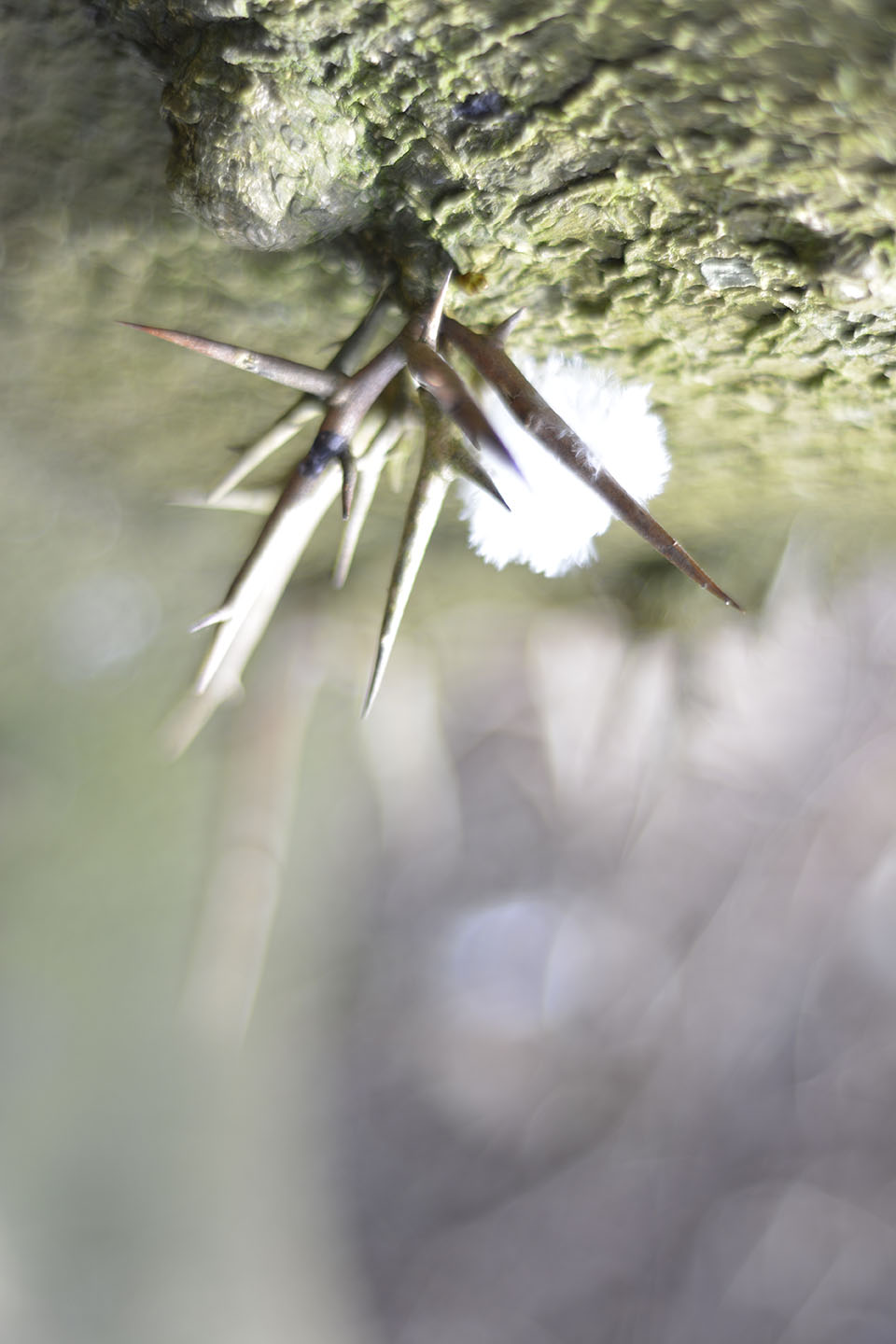
These next set of photographs I quite like as the show a tender side to the thorns. Especially the ones where the feather is caught up. Definately showing the Cruelness of the pointy thorns and the Tenderness of the soft, white feather.
Petersham Nurseries
As I have said, Roses firstly come to mind when thinking of thorns. So that meant a trip to one of my favourite places, Petersham Nurseries.
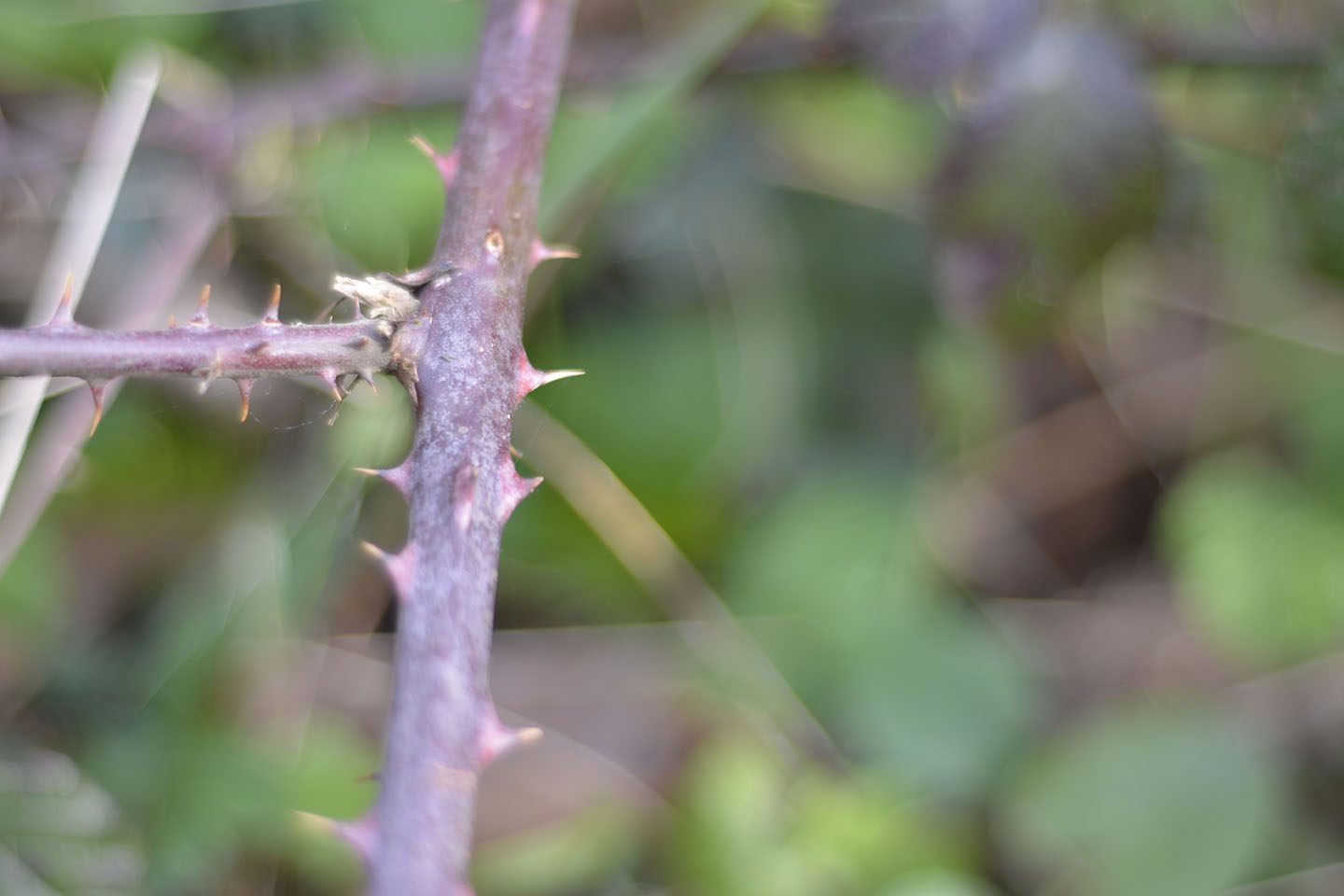
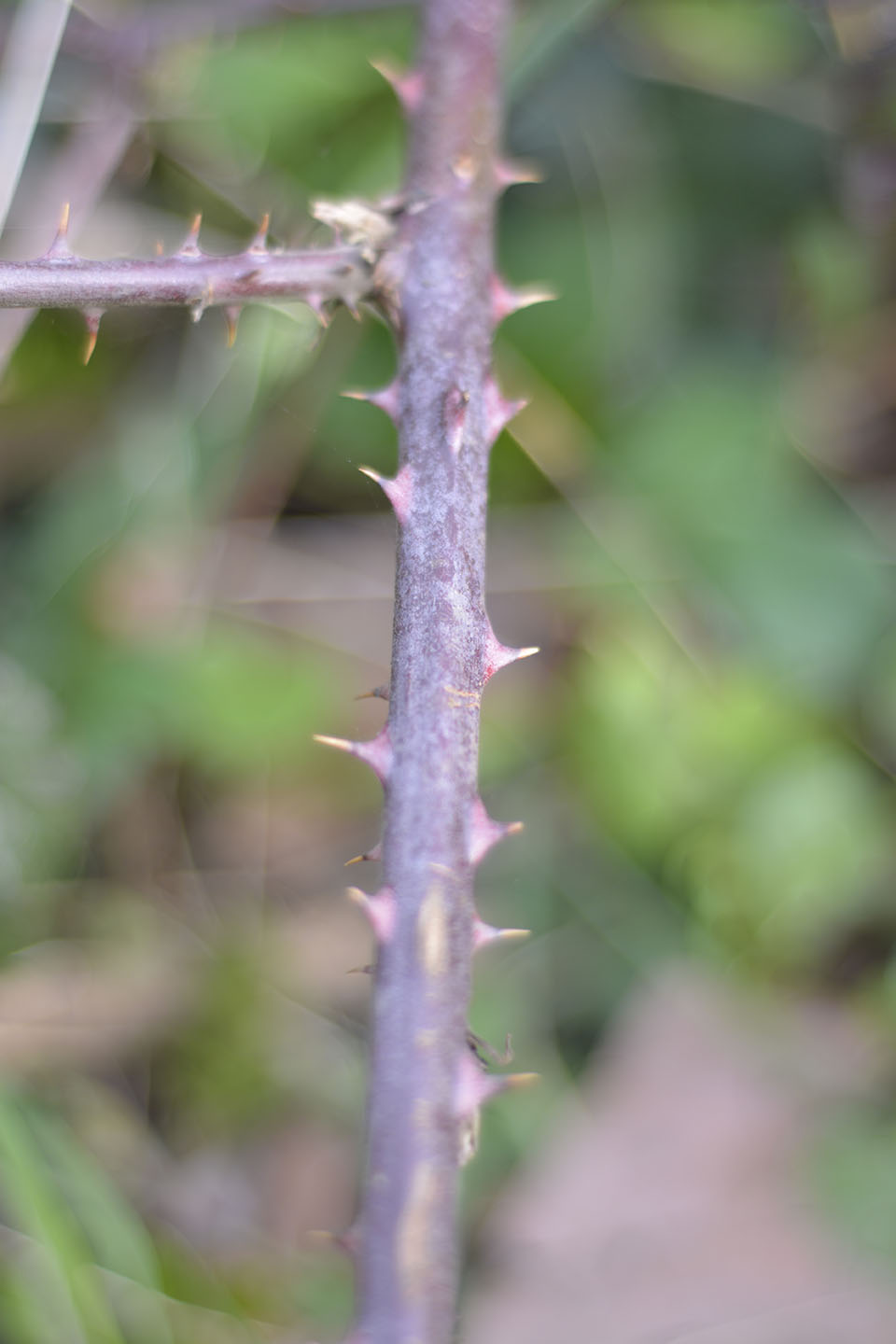
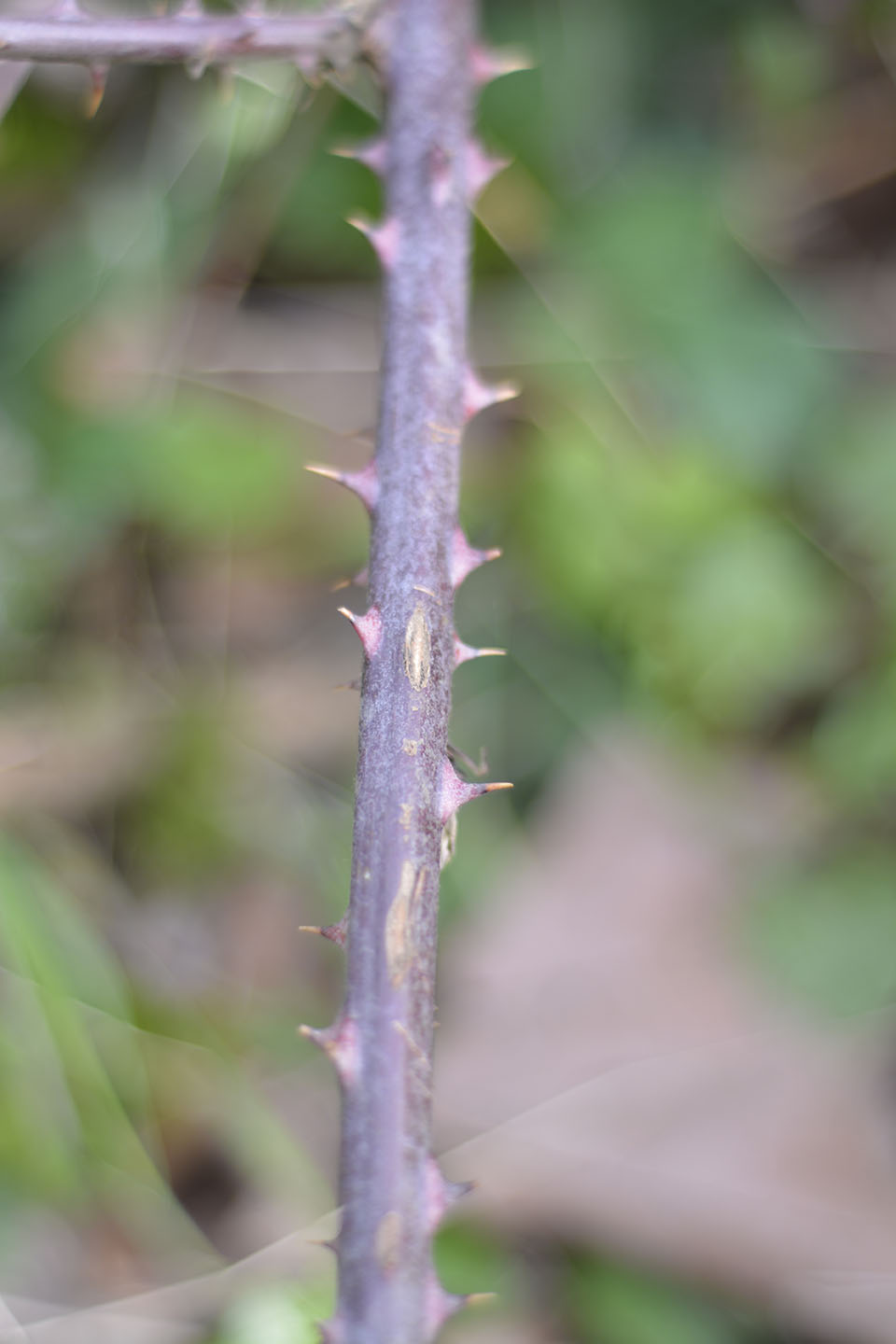
On the way there I tried to capture some bramble thorns. This hasn’t worked well due to the size of the thorns and branches, or perhaps I should have gotten in closer?
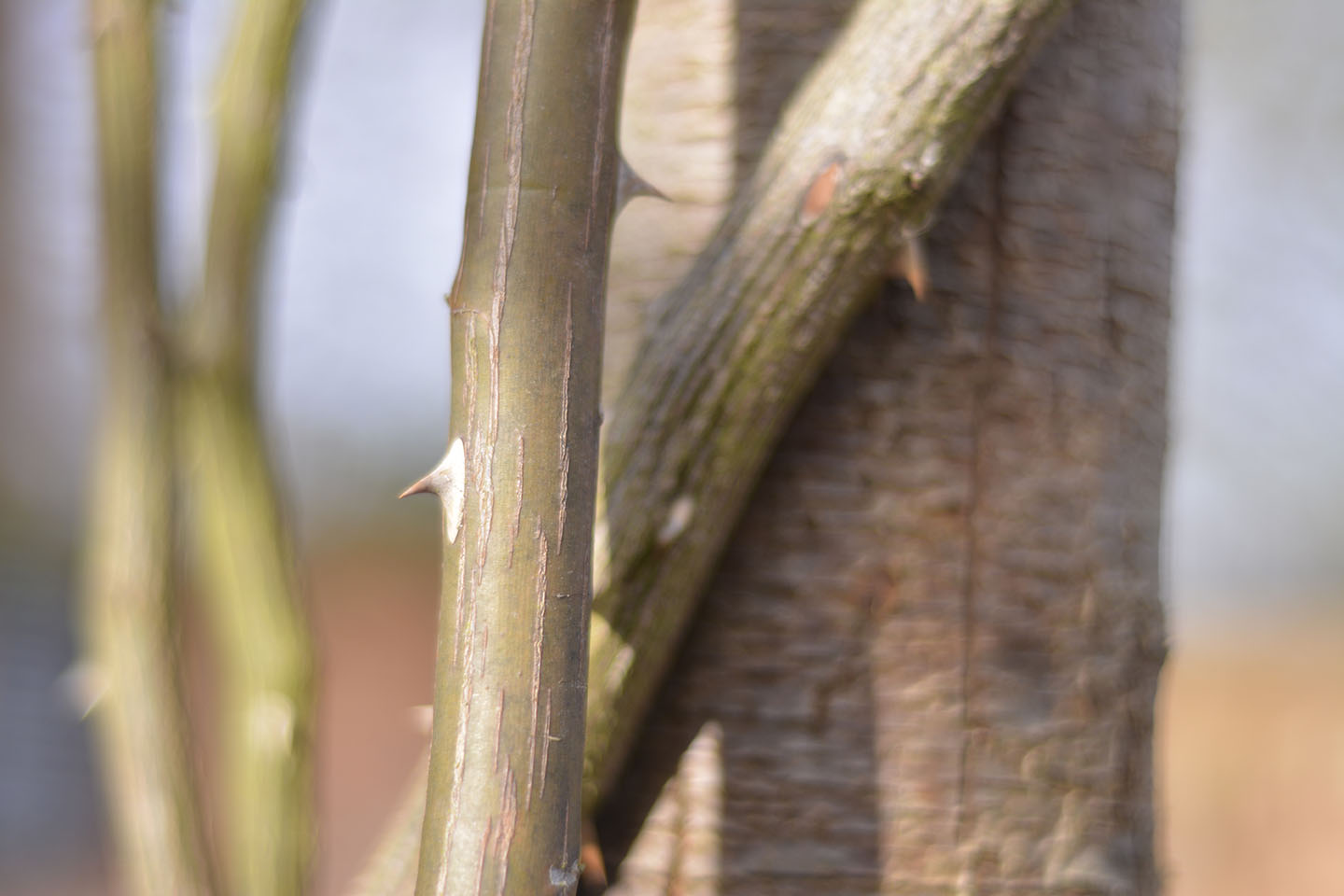
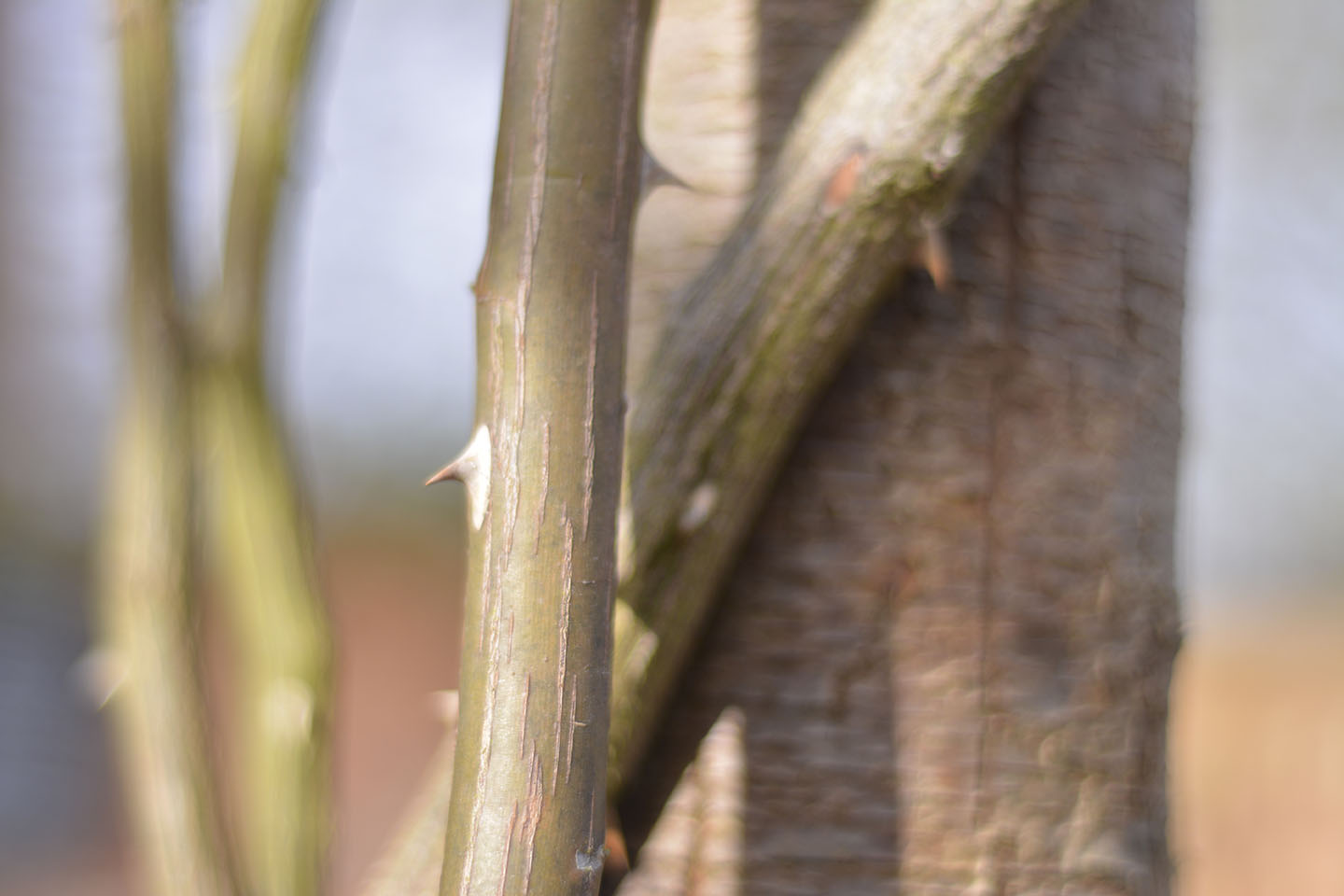
I came here looking for the biggest Rose stem I could find. As I was using my Prime lens I wanted to try and use a very shallow depth of field to emphasise the thorns.
I found some very old roses, again, thorns were clearly visible due to the time of year. It wasn’t just the thorns that intrigued me, it was the shapes created by the old branches and stems. Creating some abstract shapes and lines.
Petersham Nurseries is always one of my favourite places to visit. Everything is just so beautiful, the plants, shop, cafe/restaurant and surroundings.
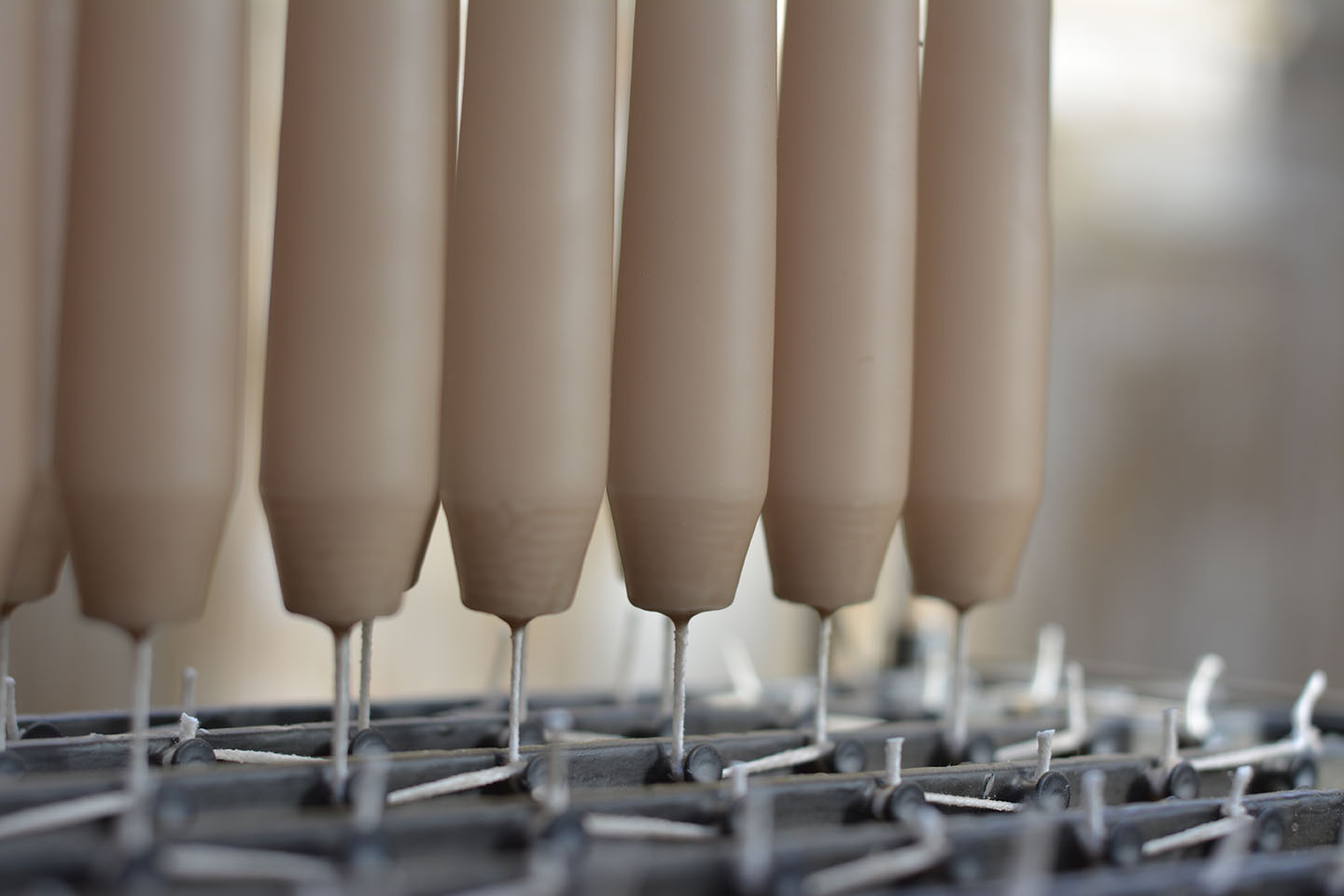
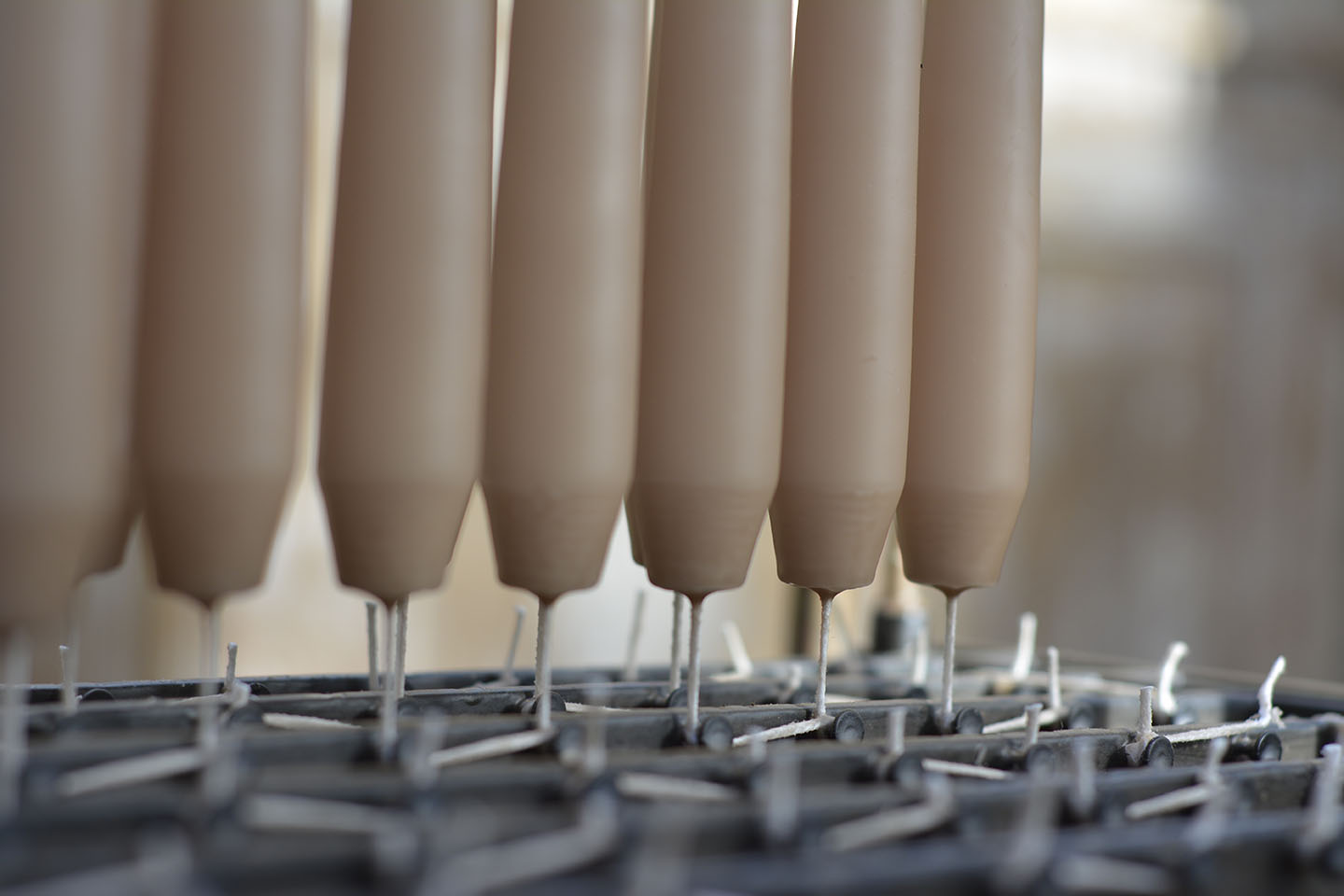
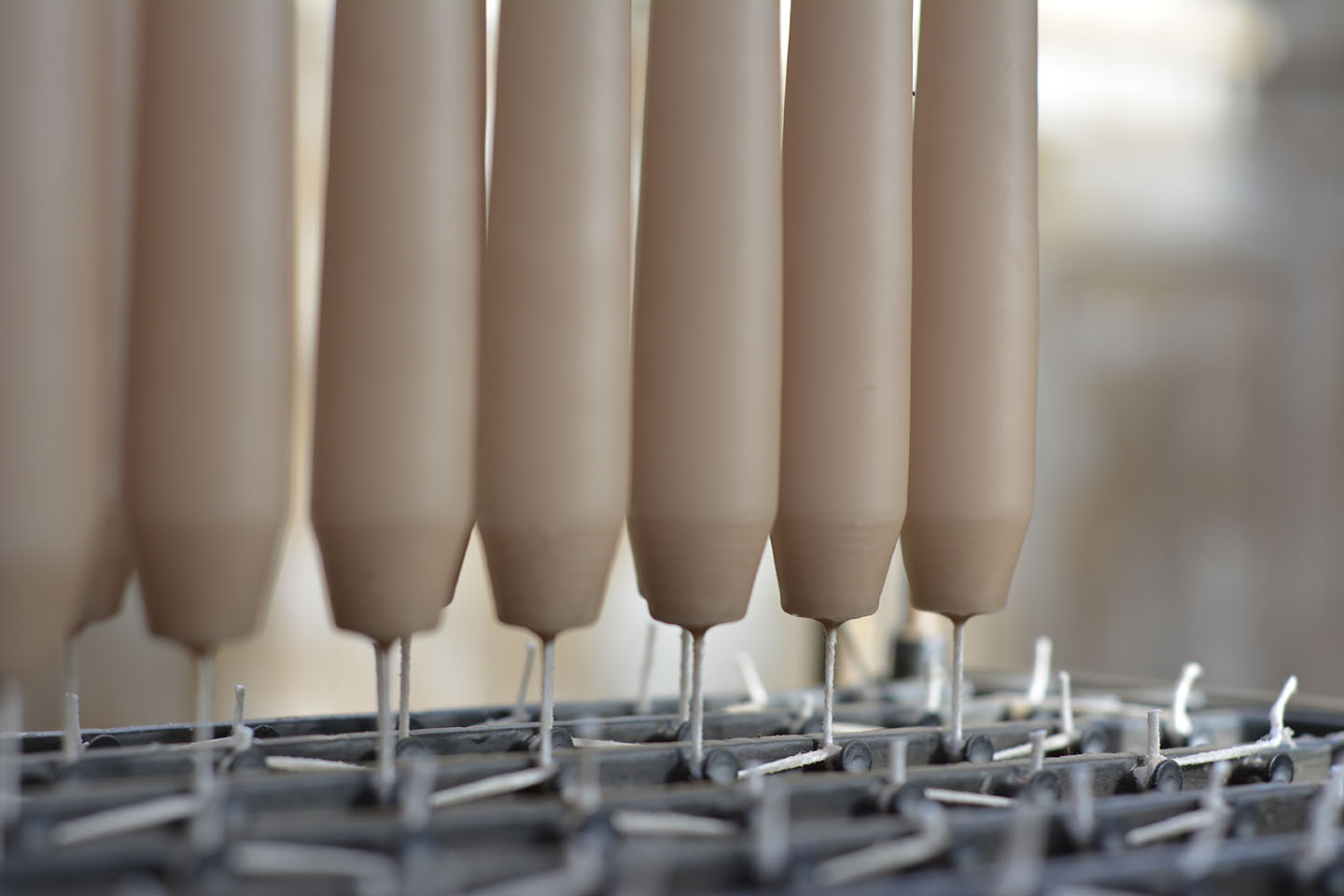
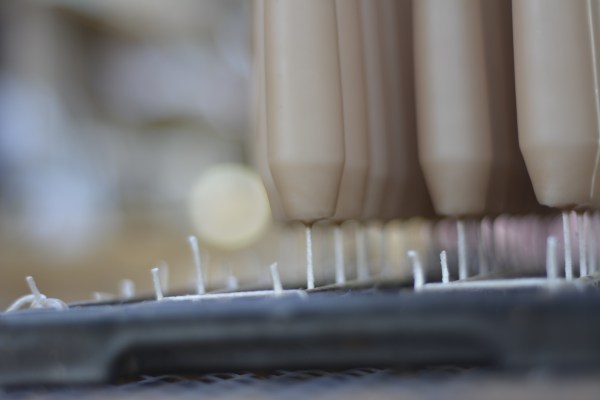
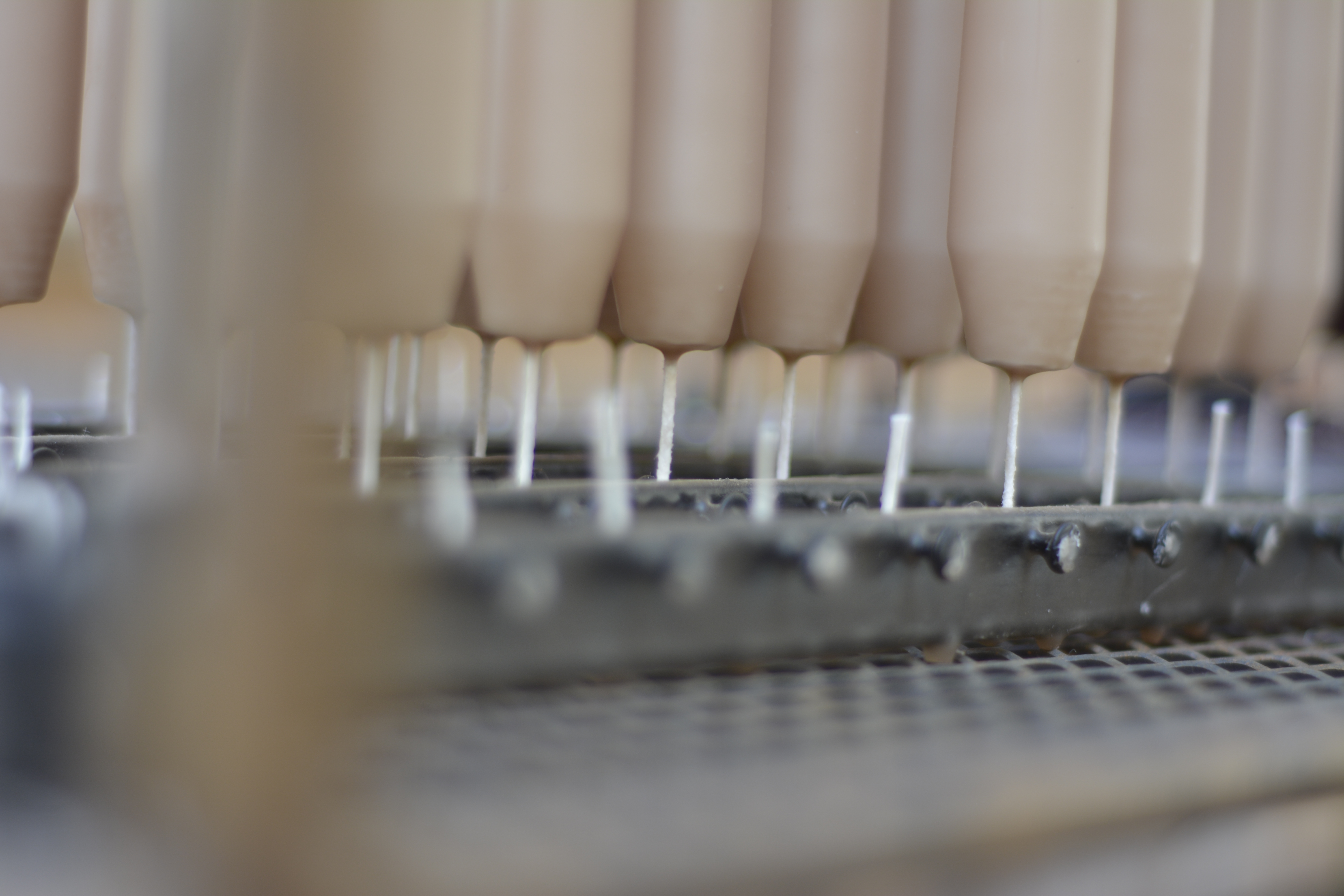
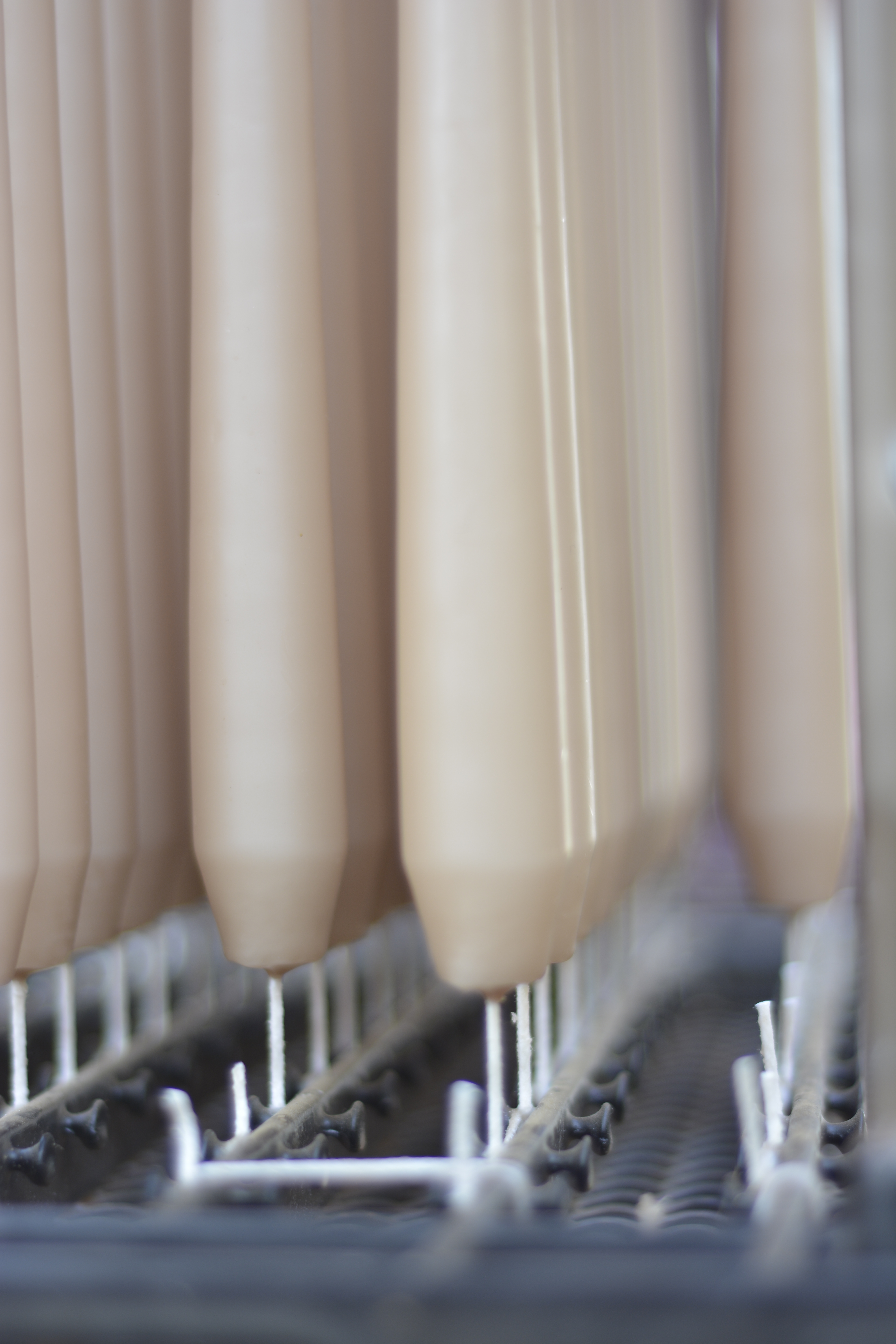
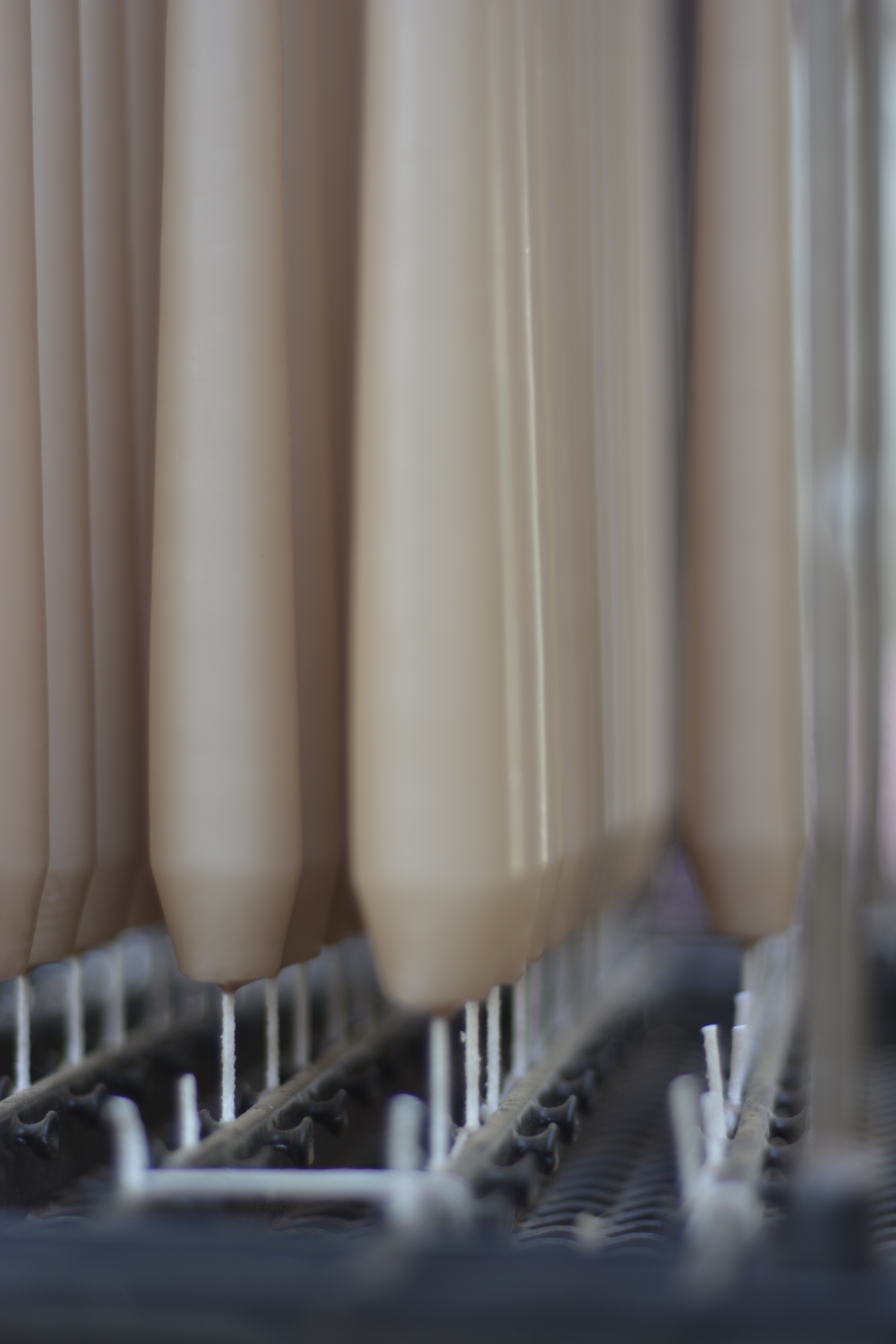
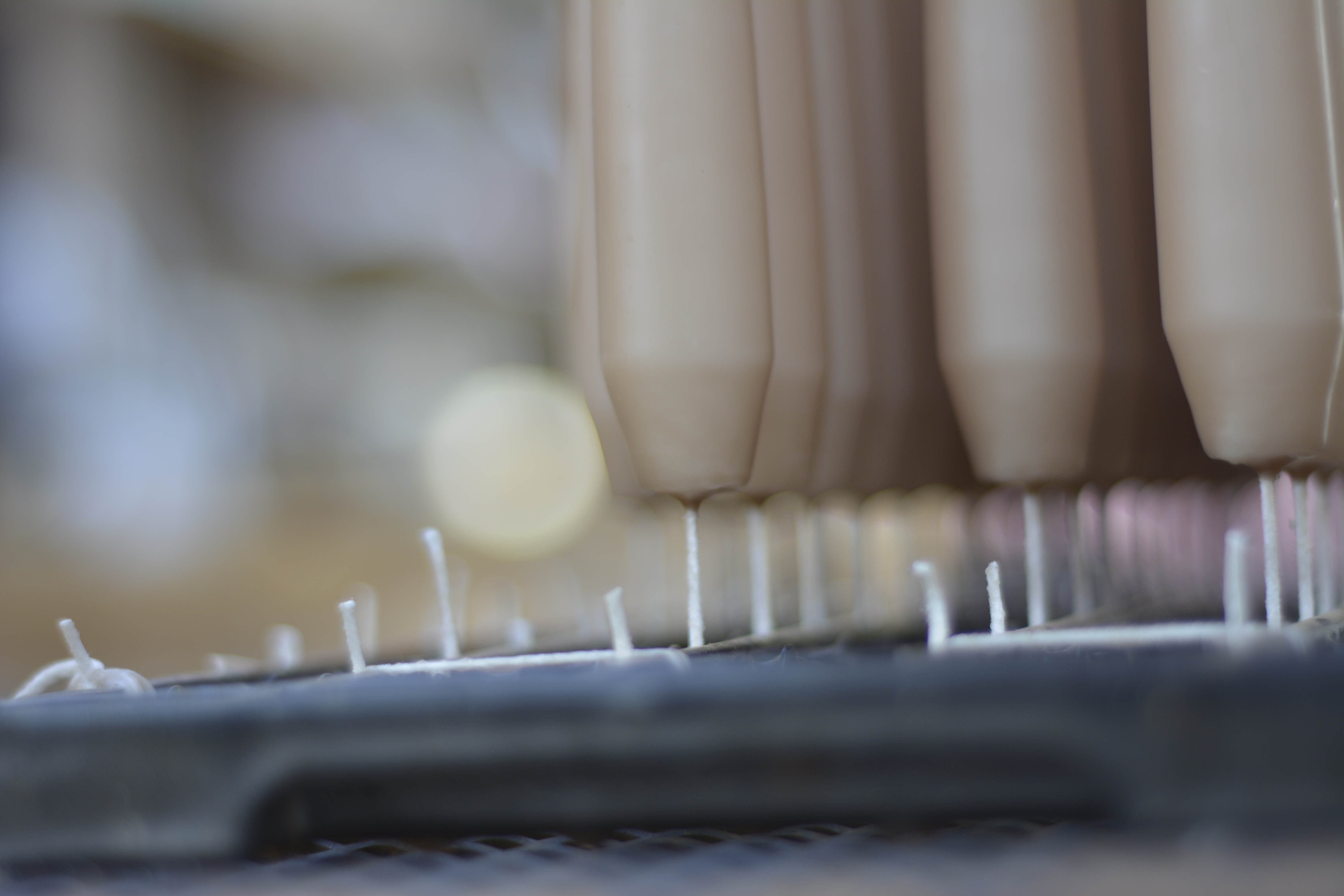
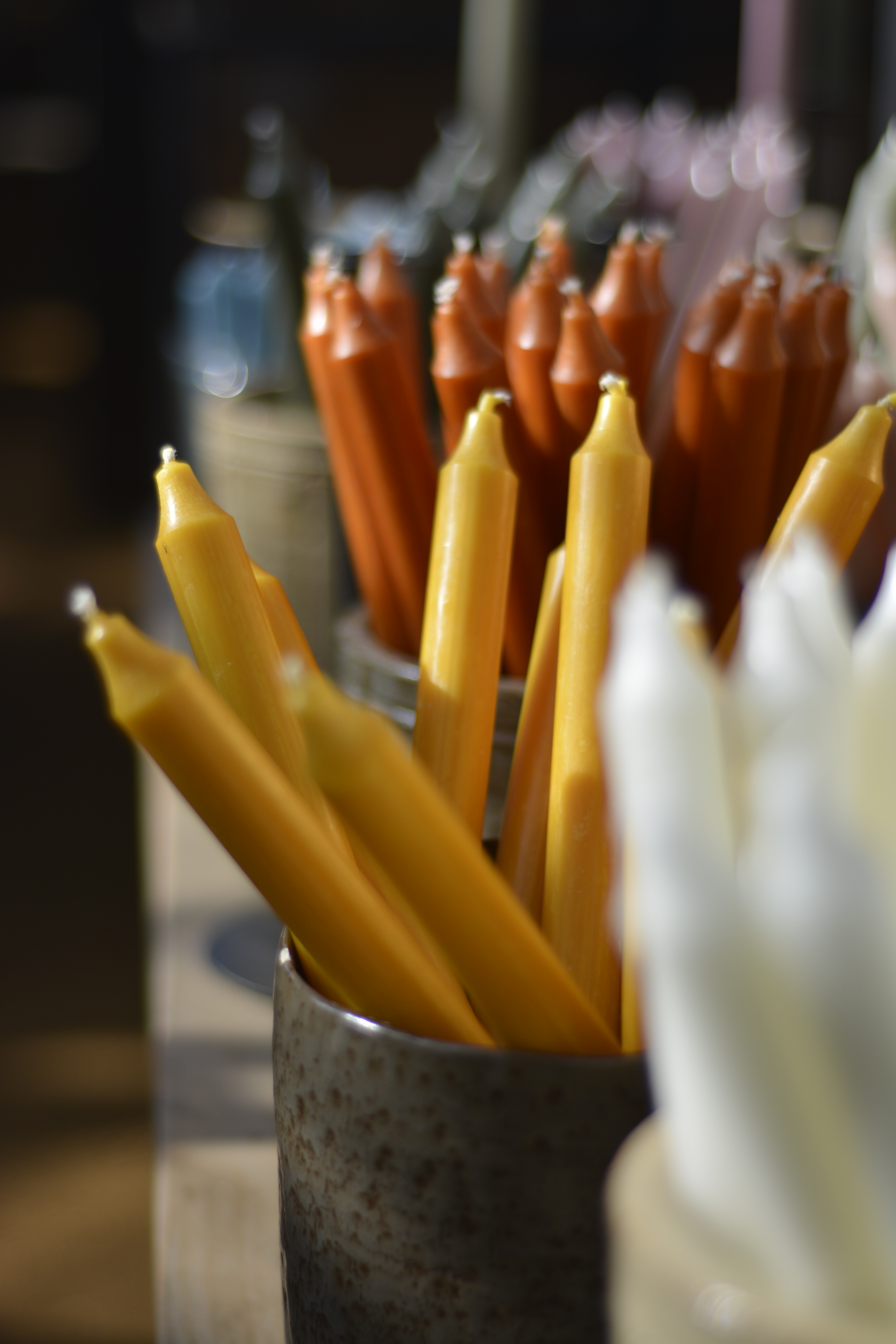
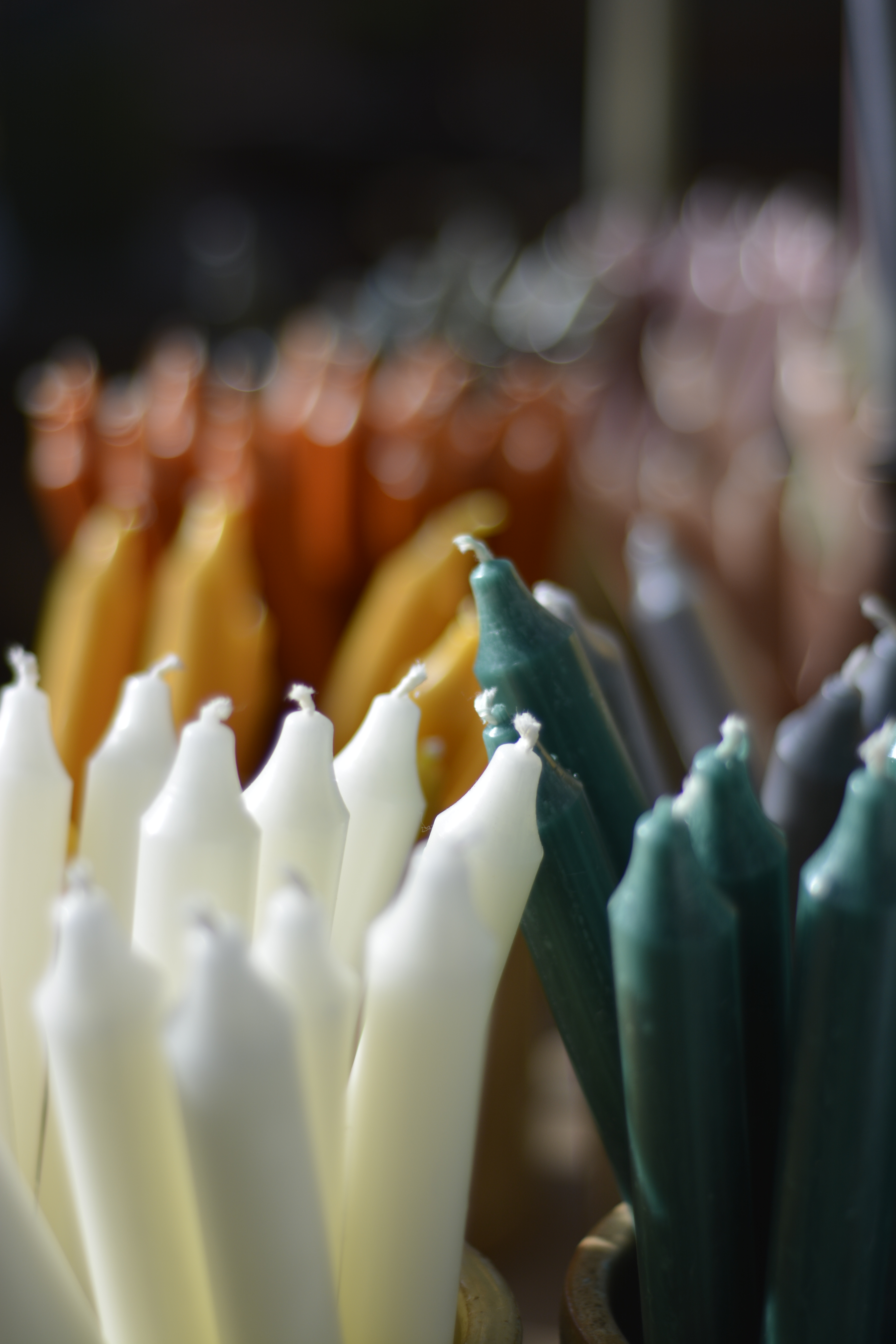
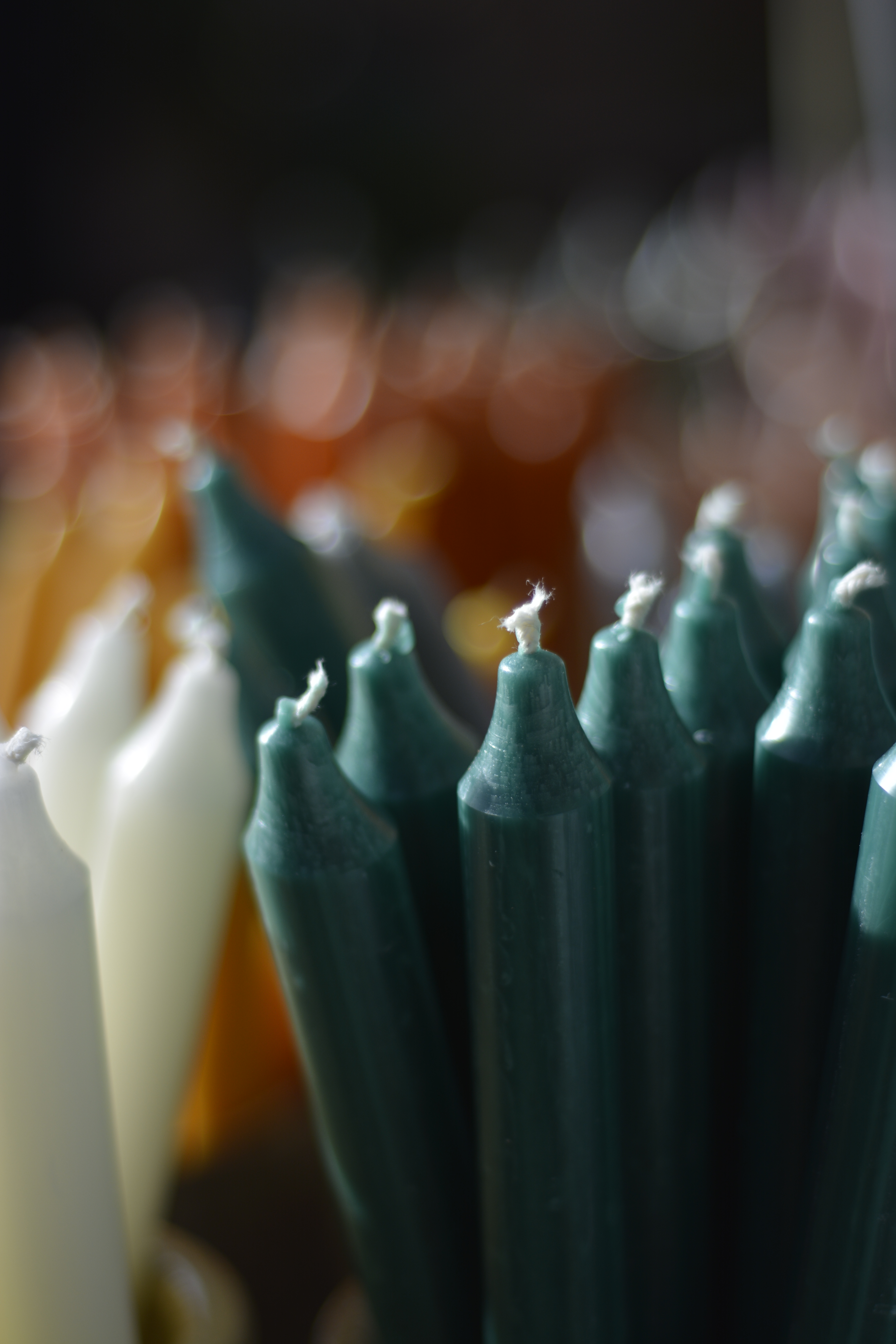
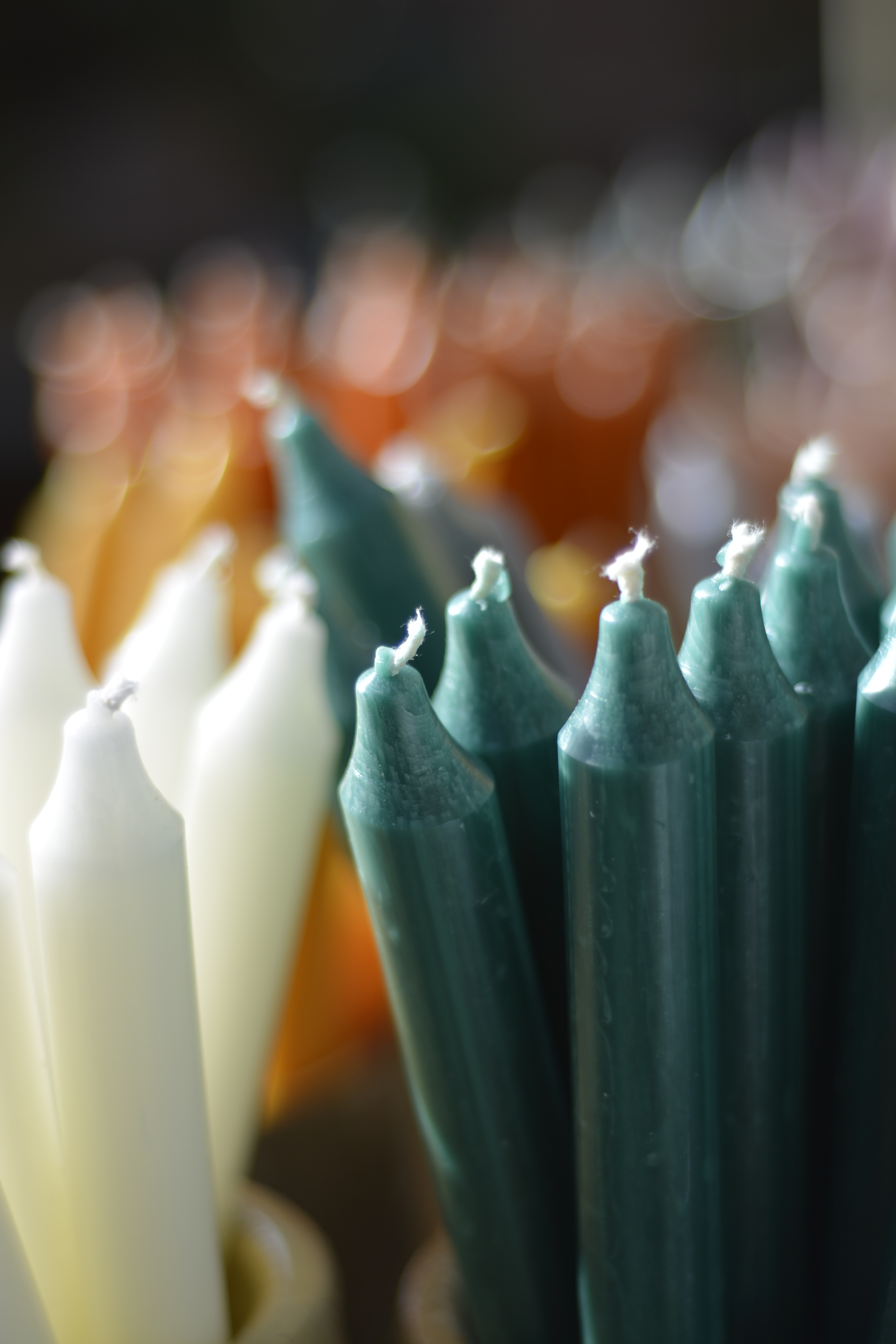
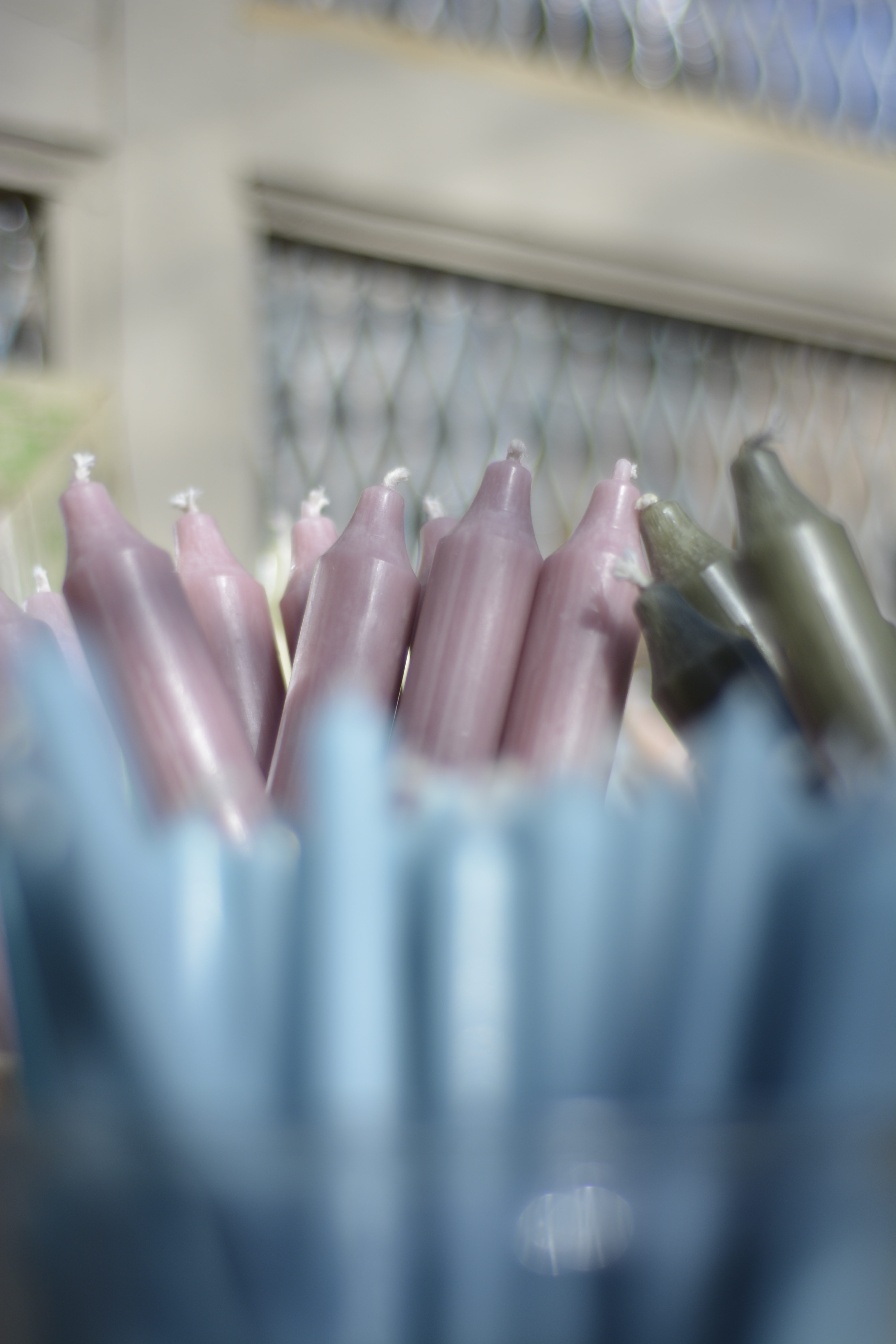
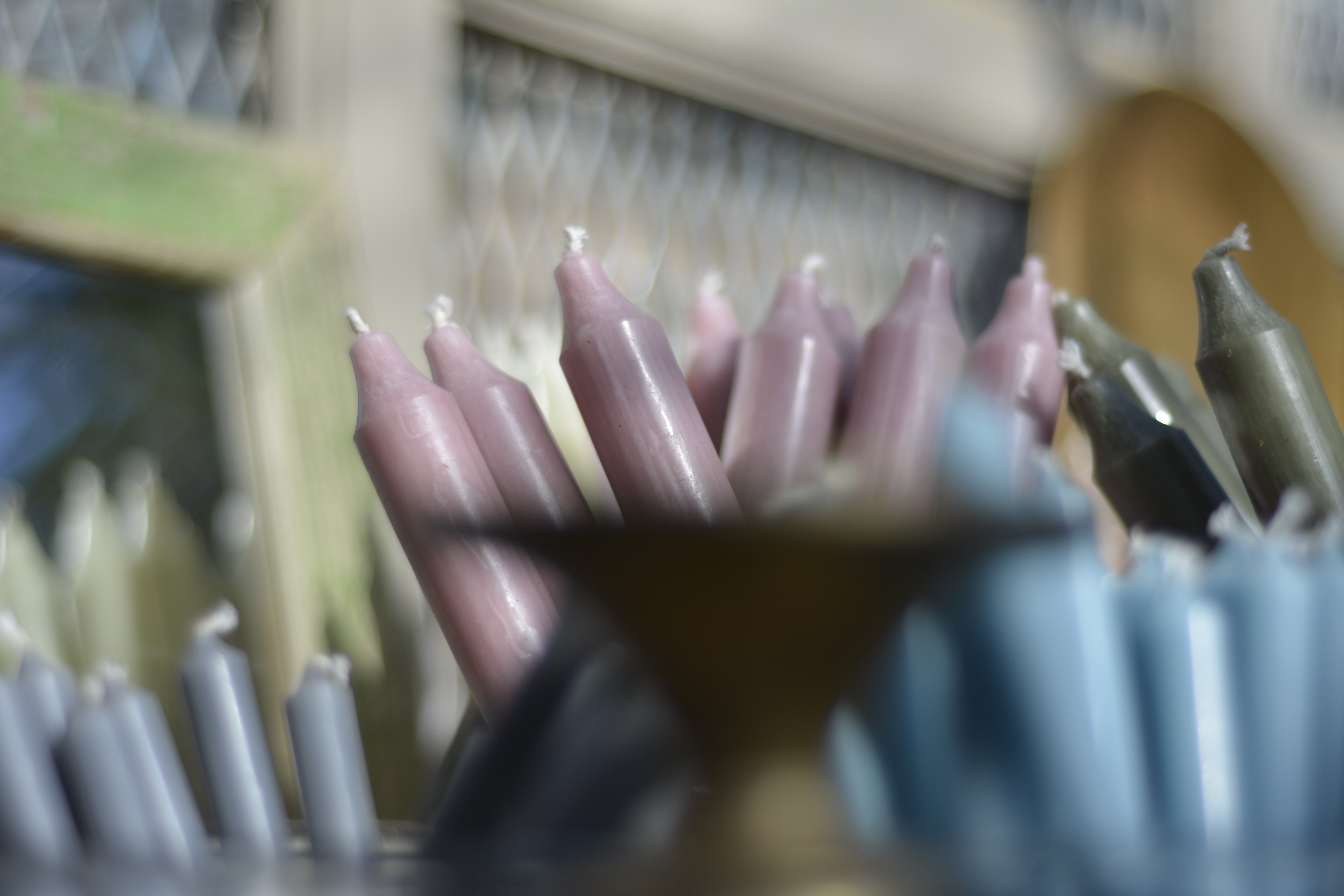
Candle sticks ready to be cut off the rack.
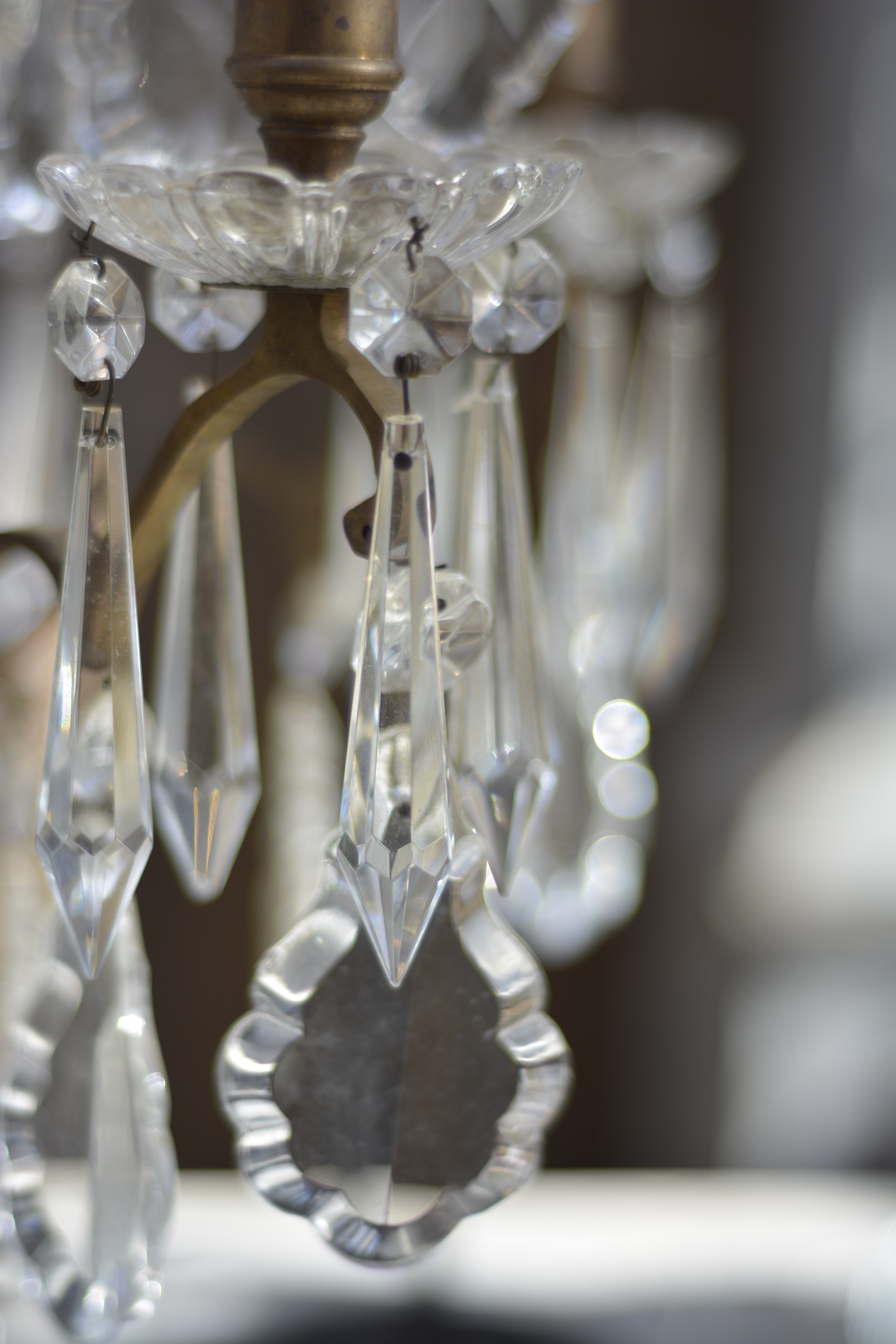
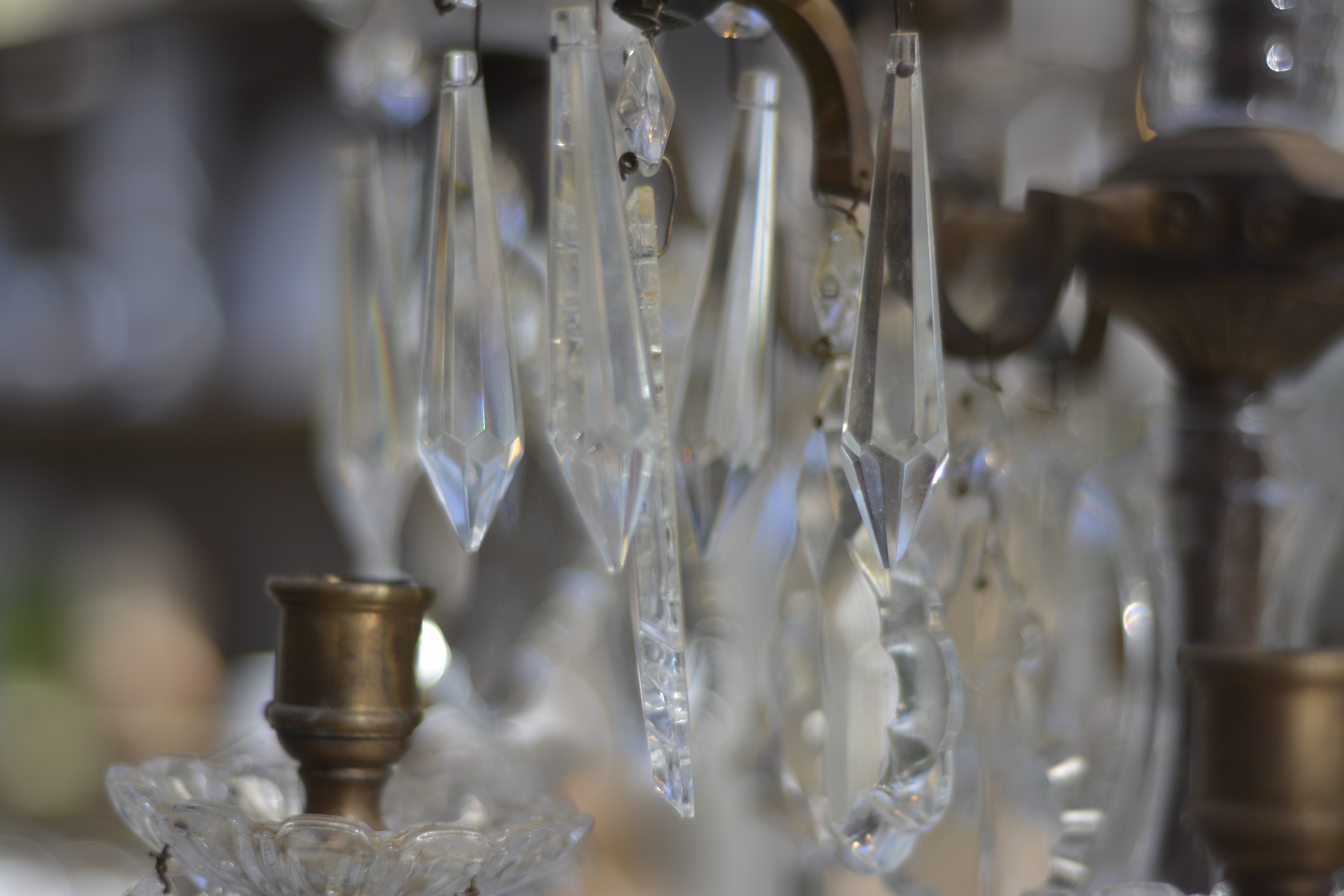
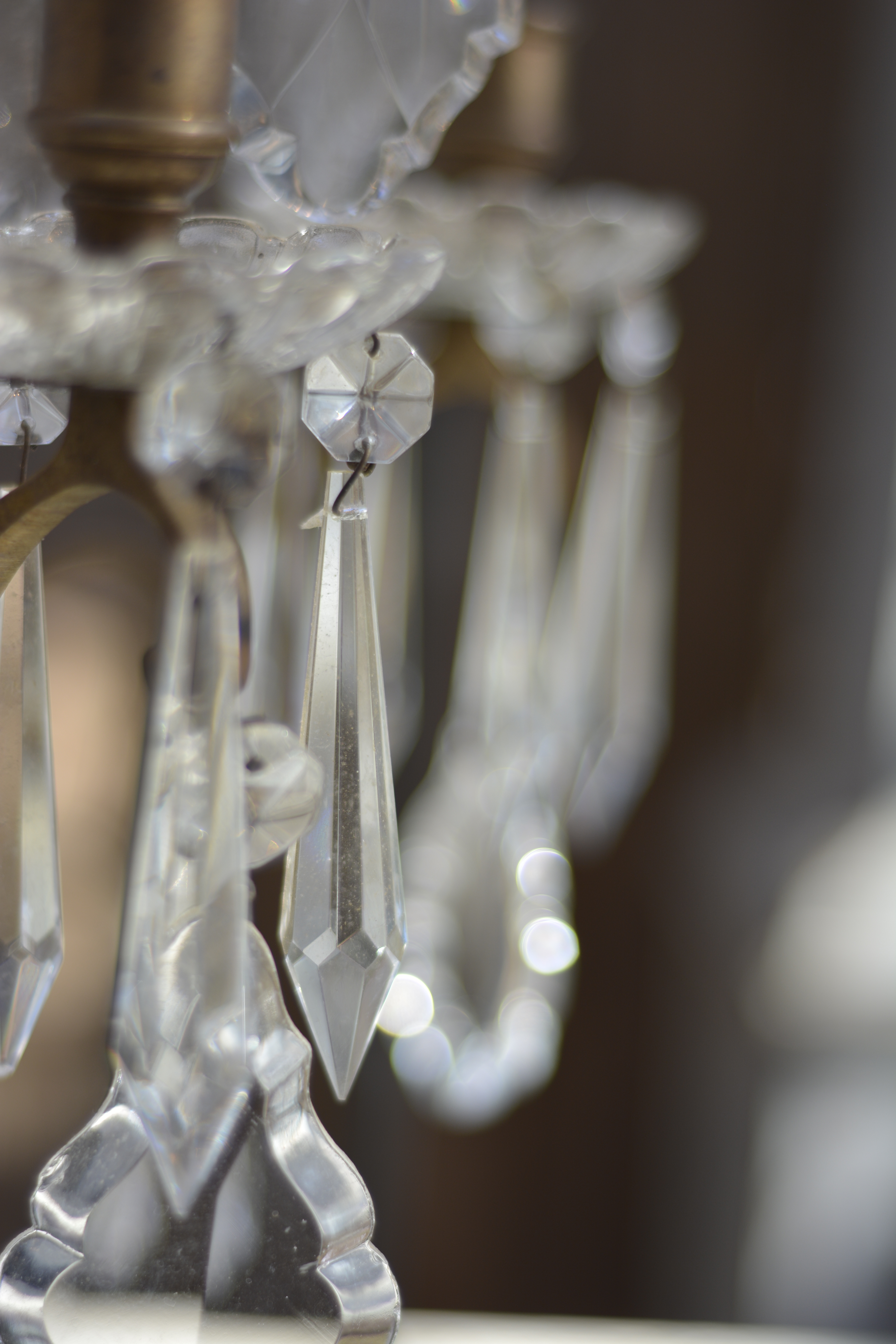
I’m quite liking to keep a very low Aperture and just switch my focus point.
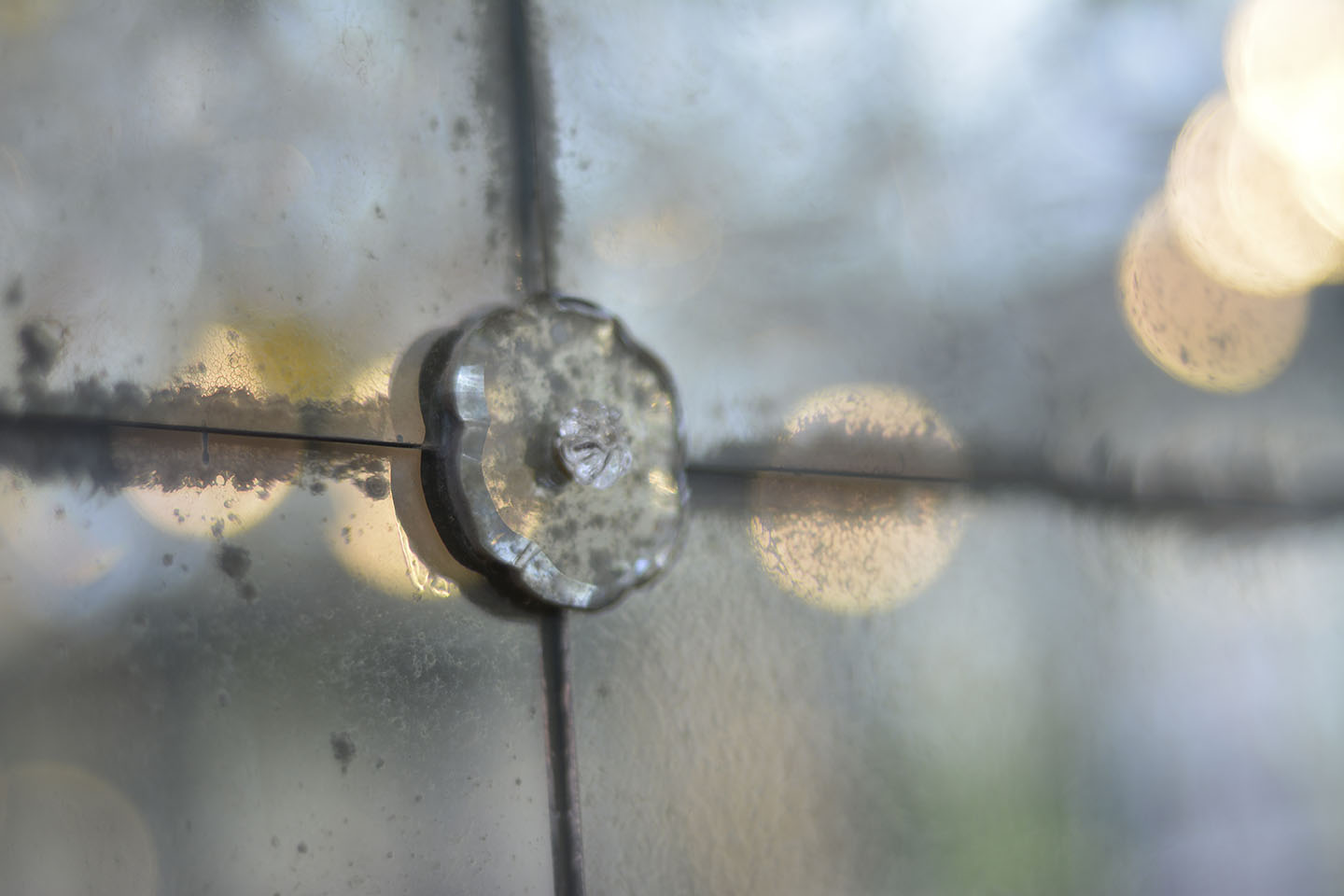
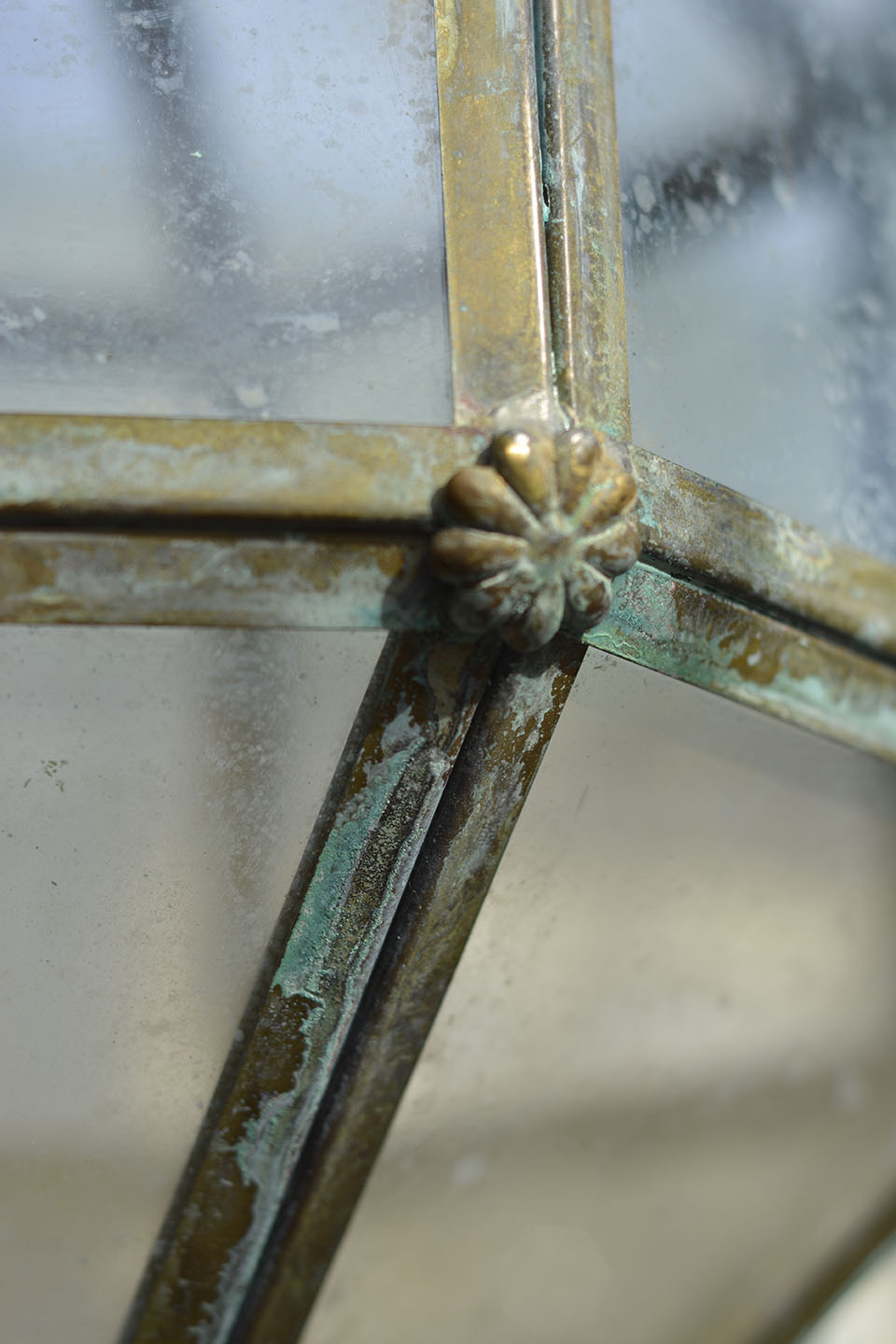
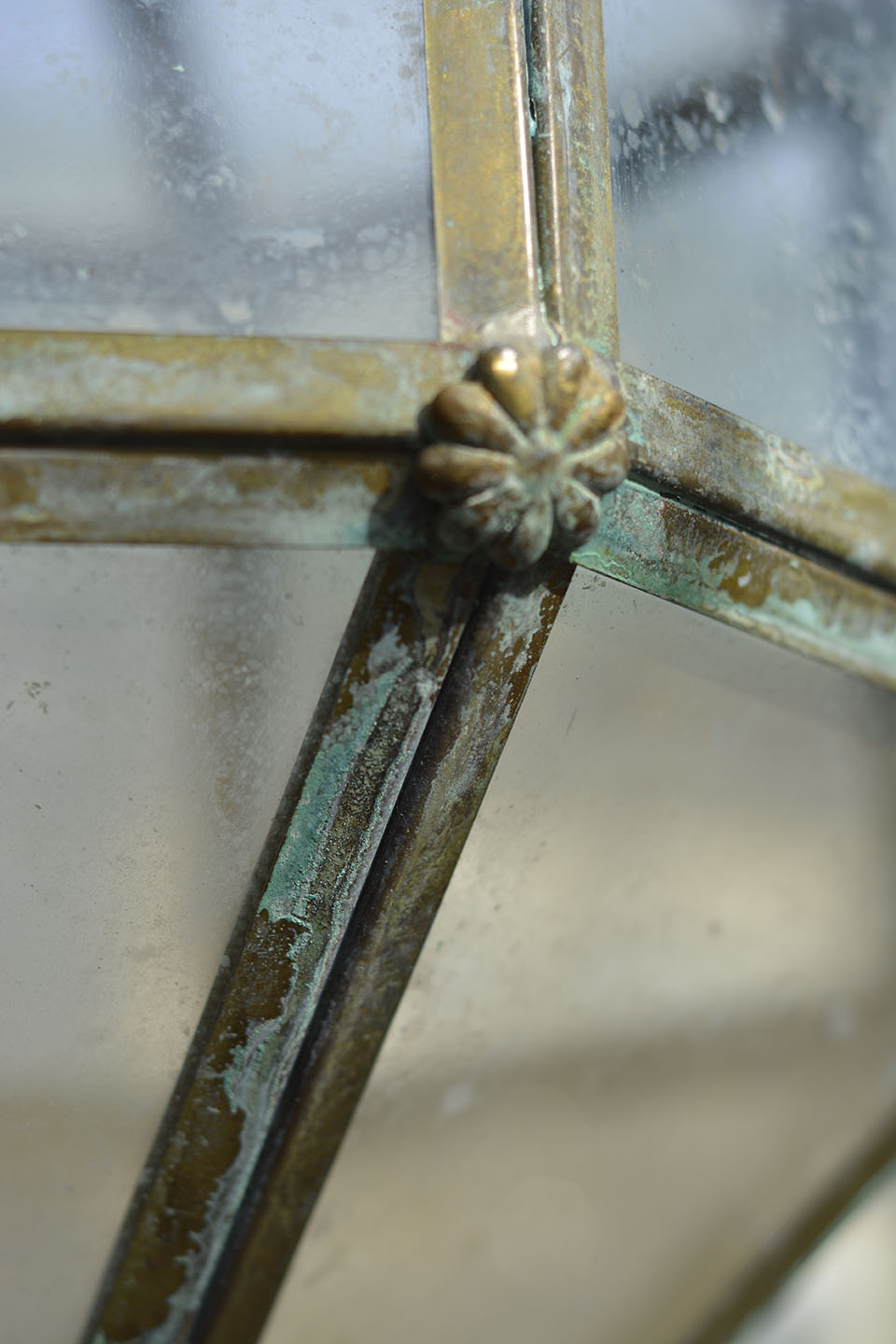
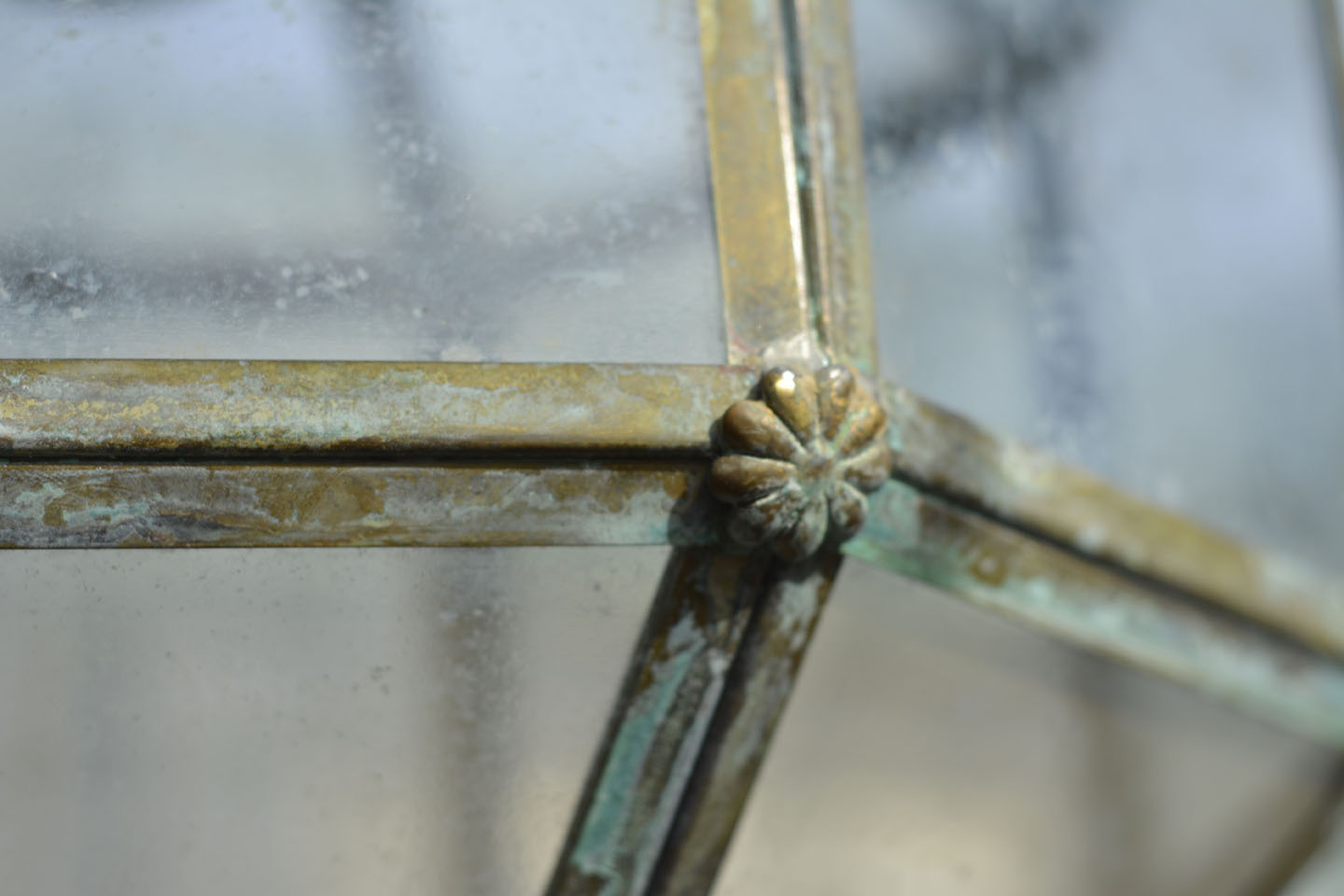
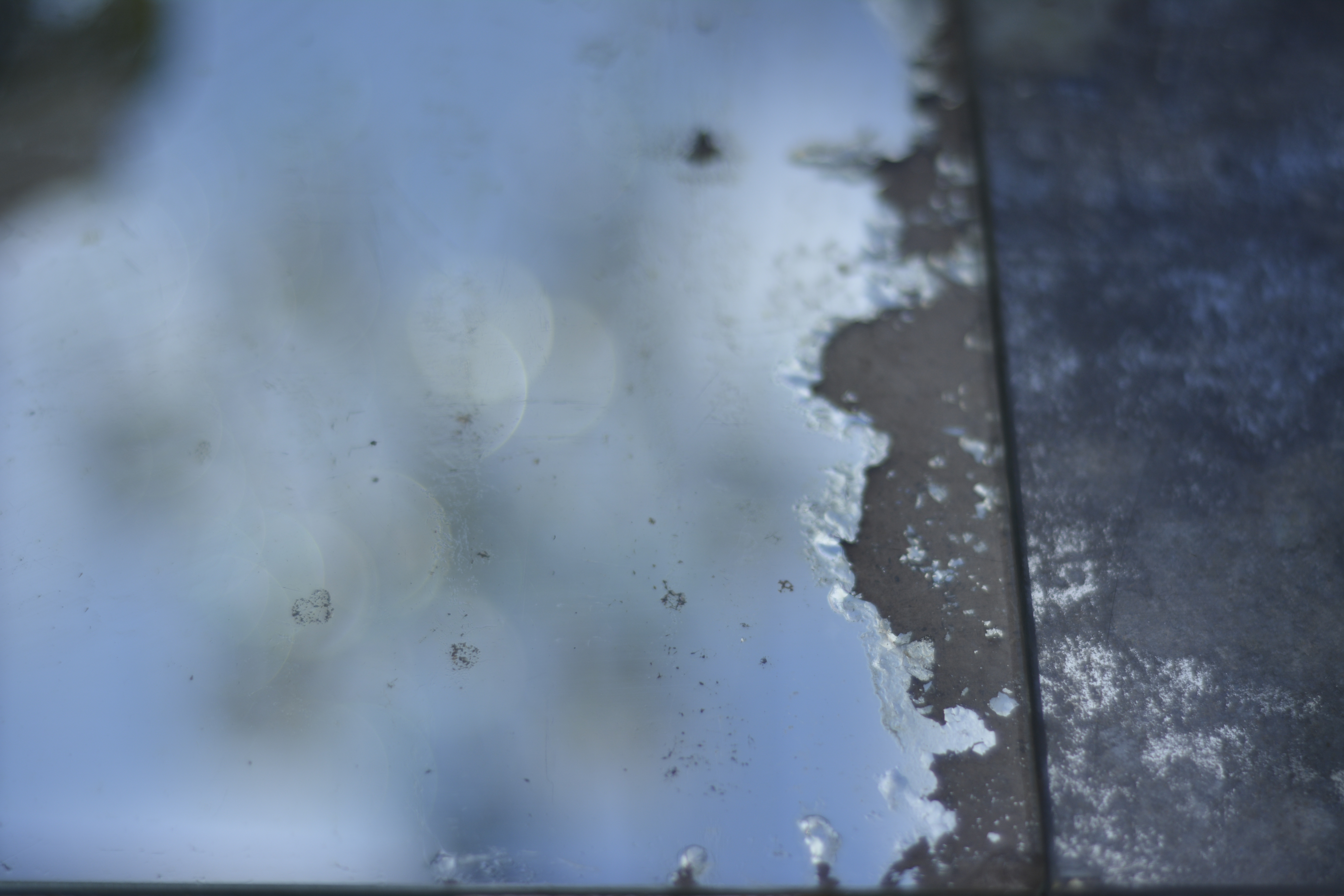
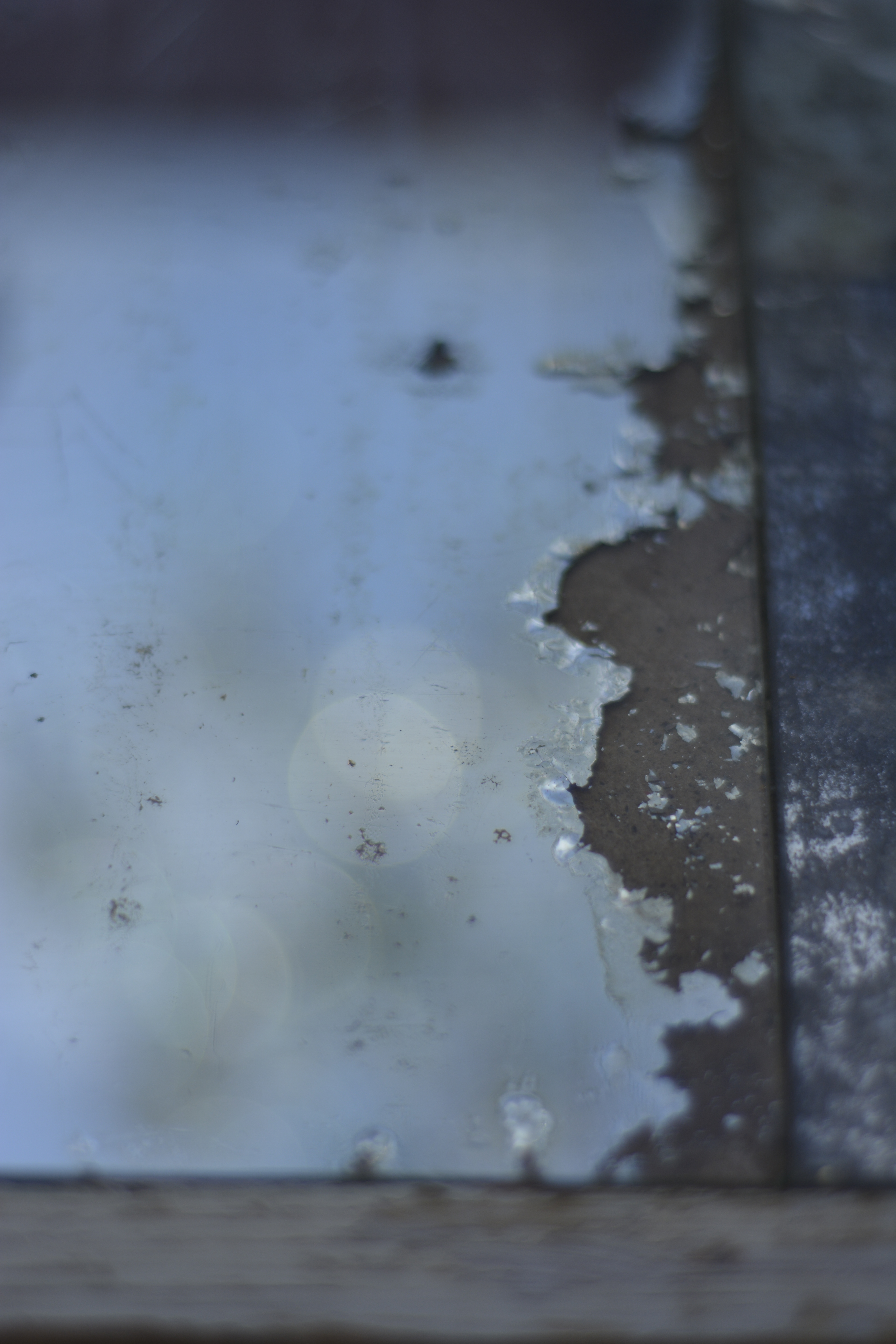
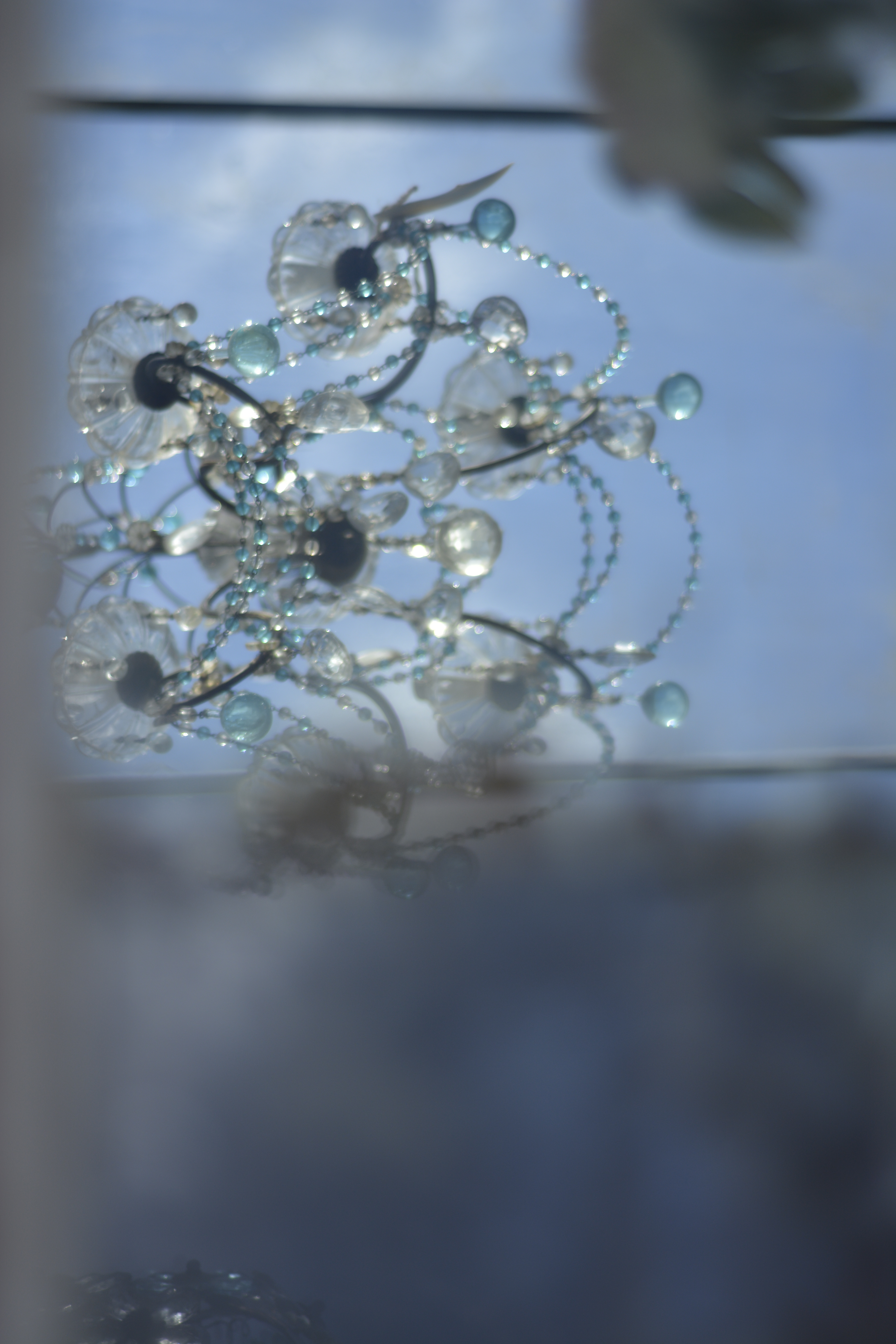
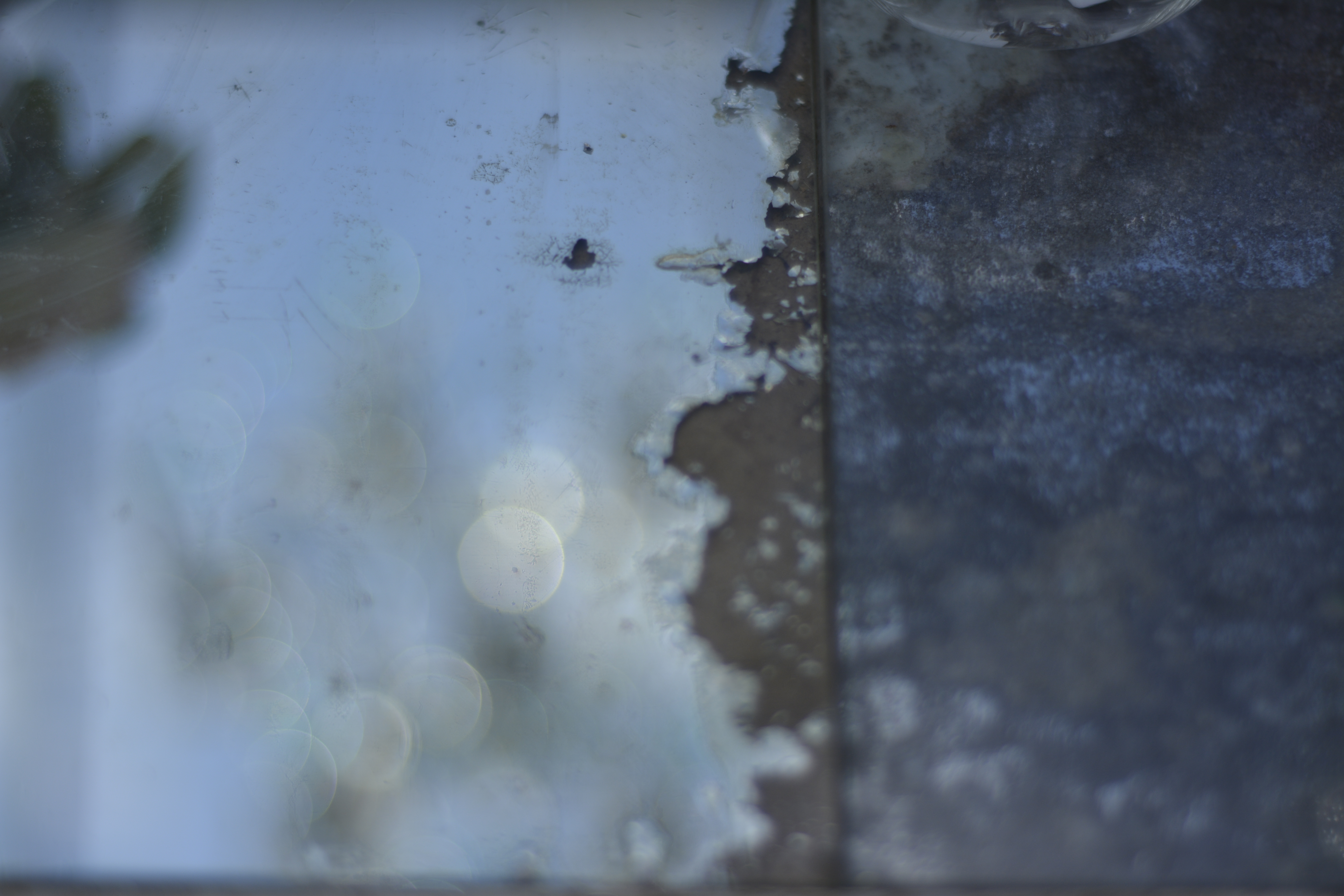
Below are some close ups of an old mirrored table. I like that I have focused on the decaying mirror and therefore captured some small points of Bokeh in the reflection.
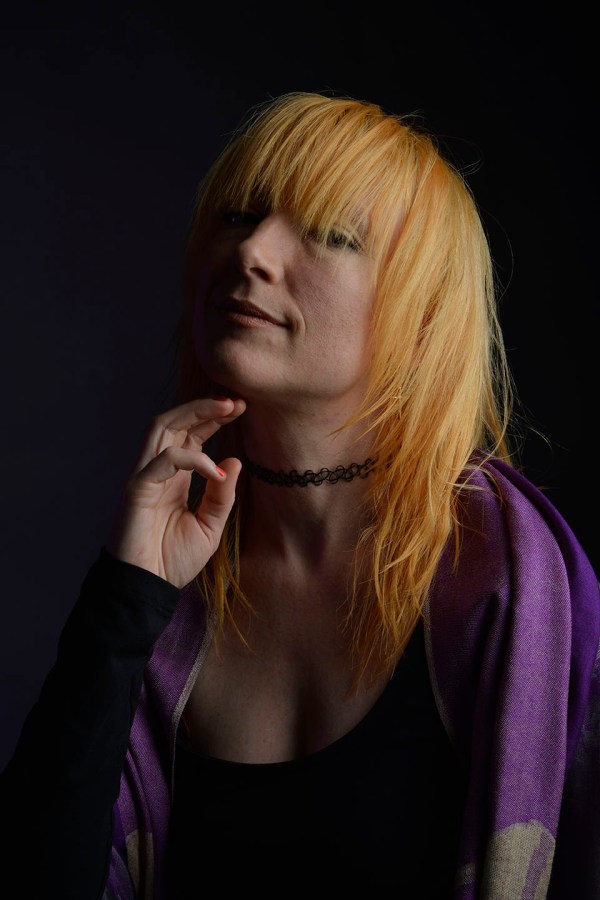
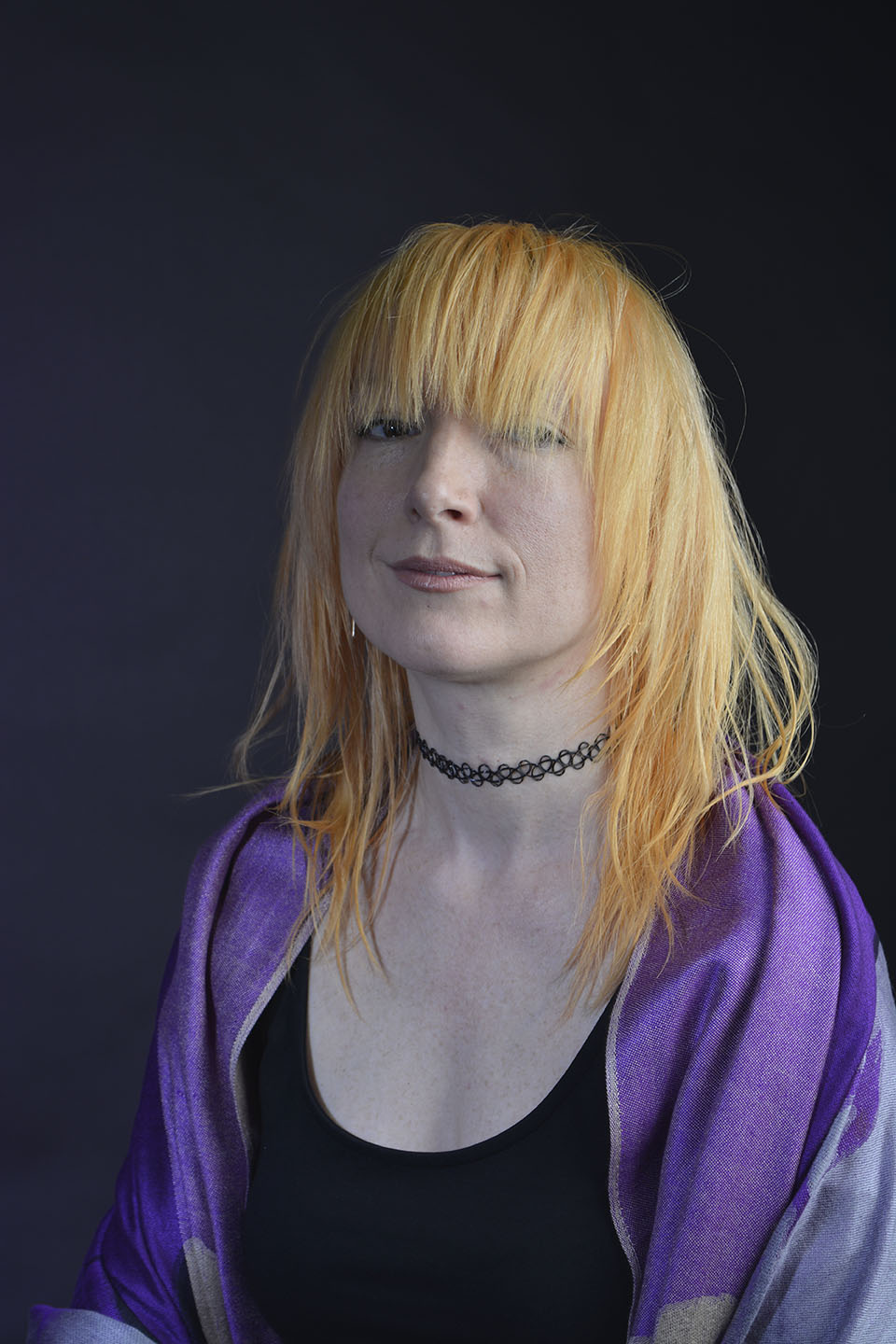
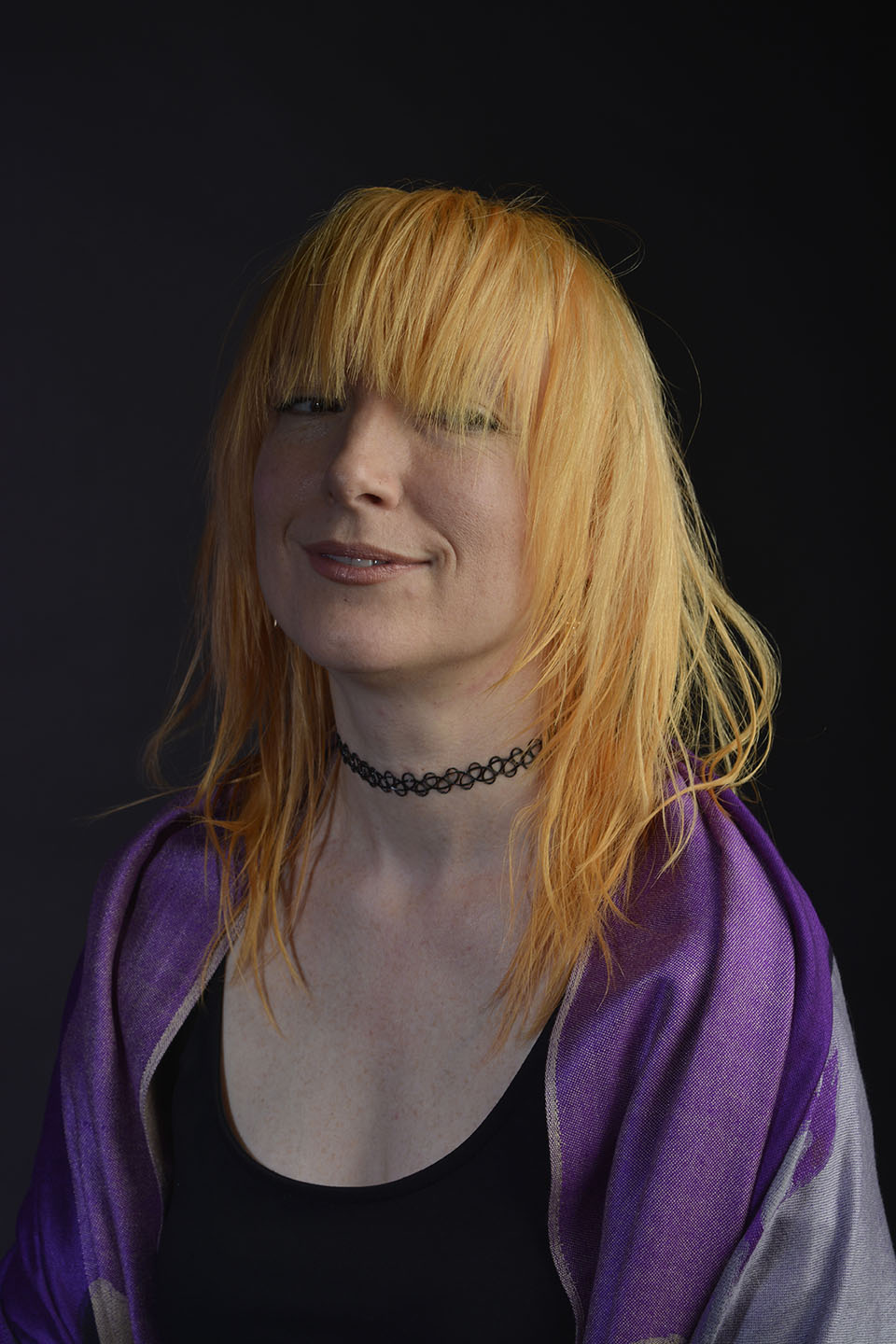
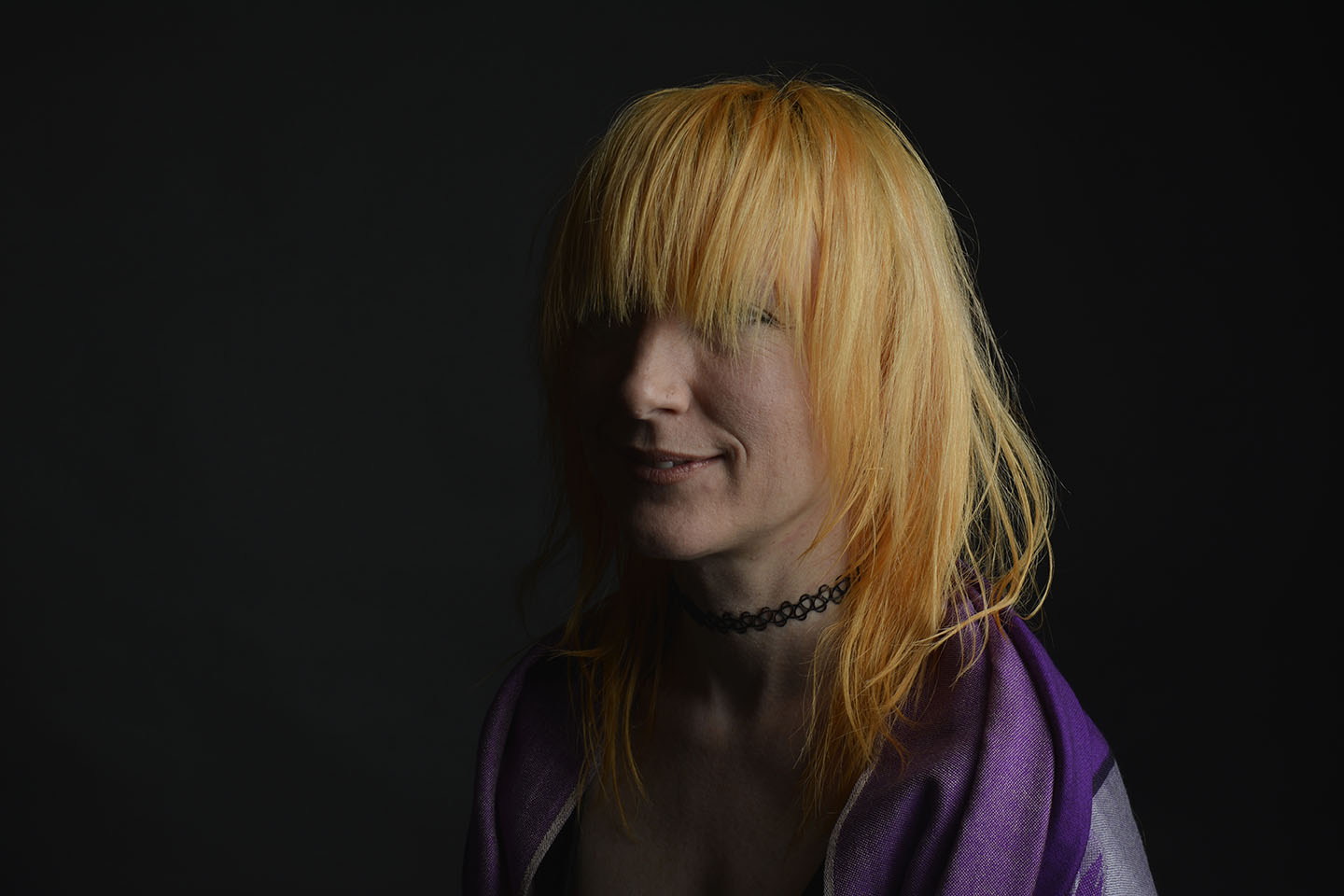
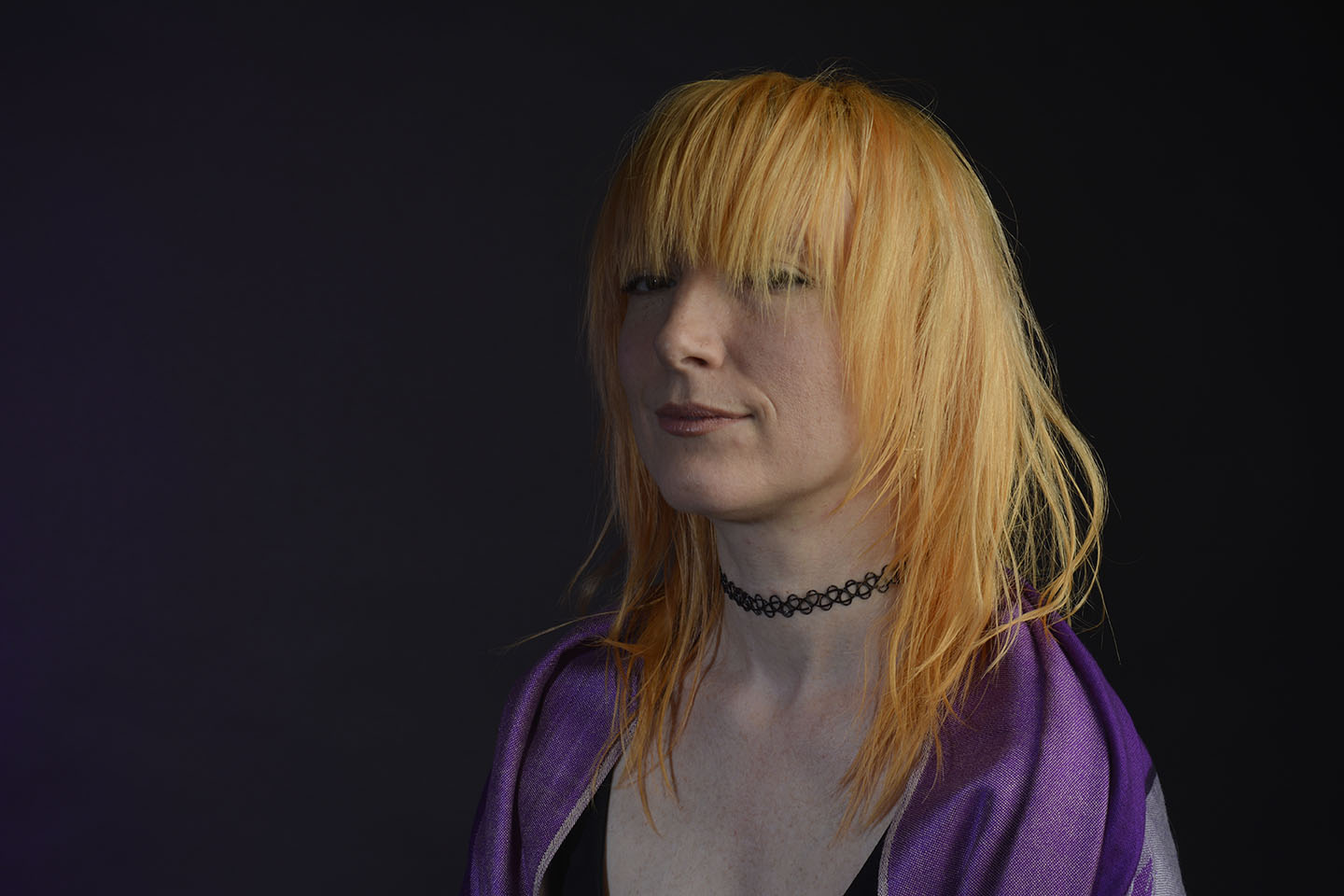
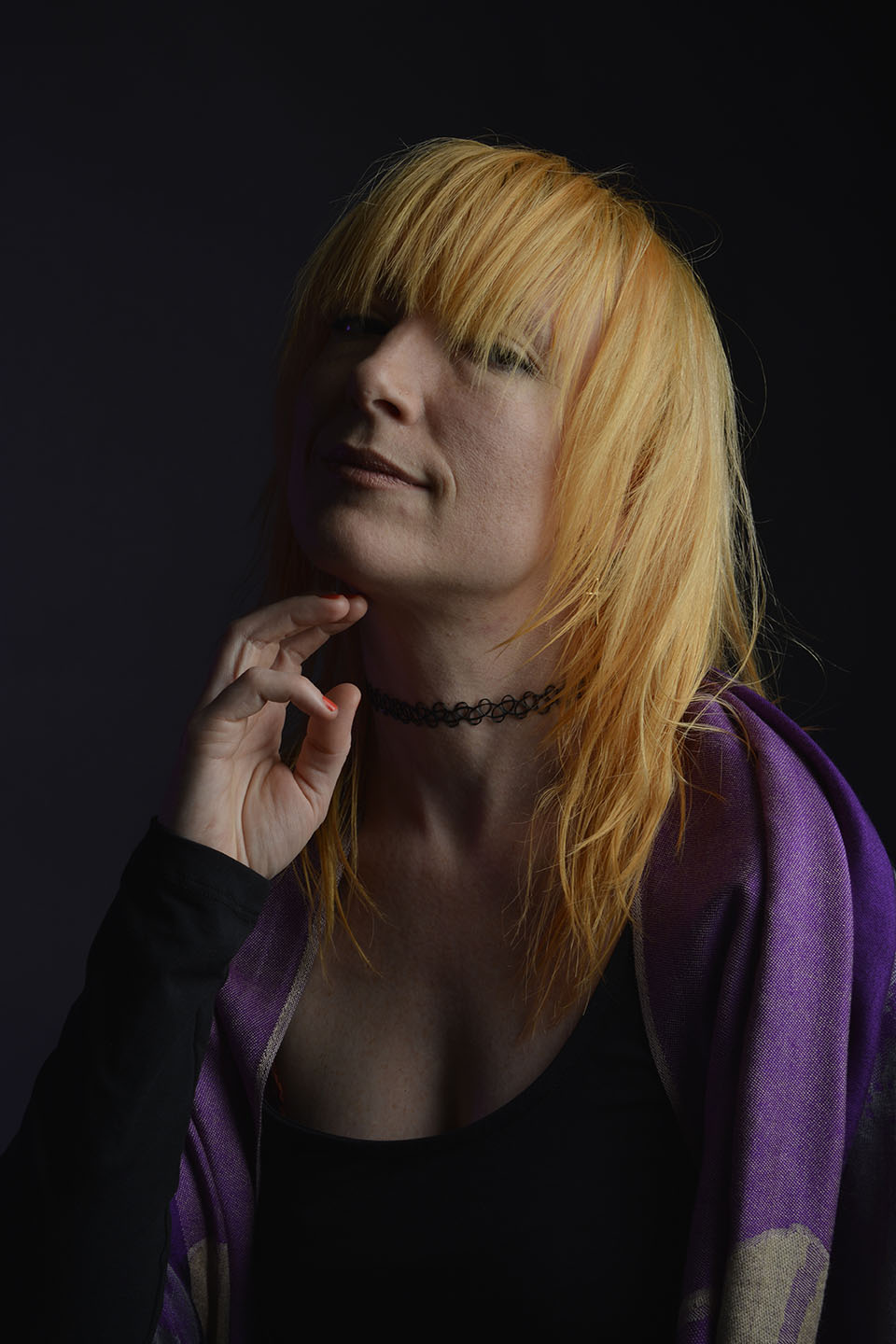
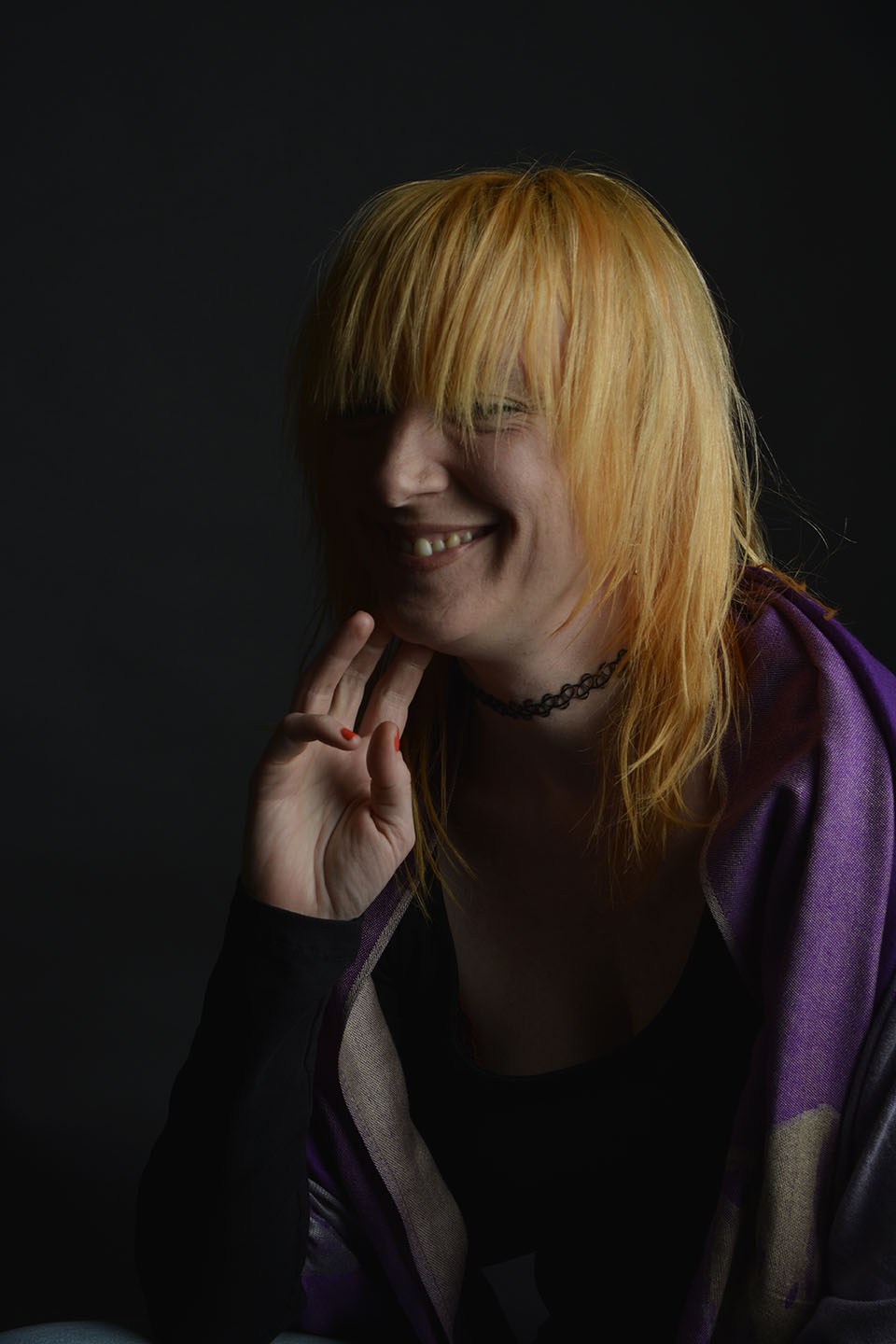
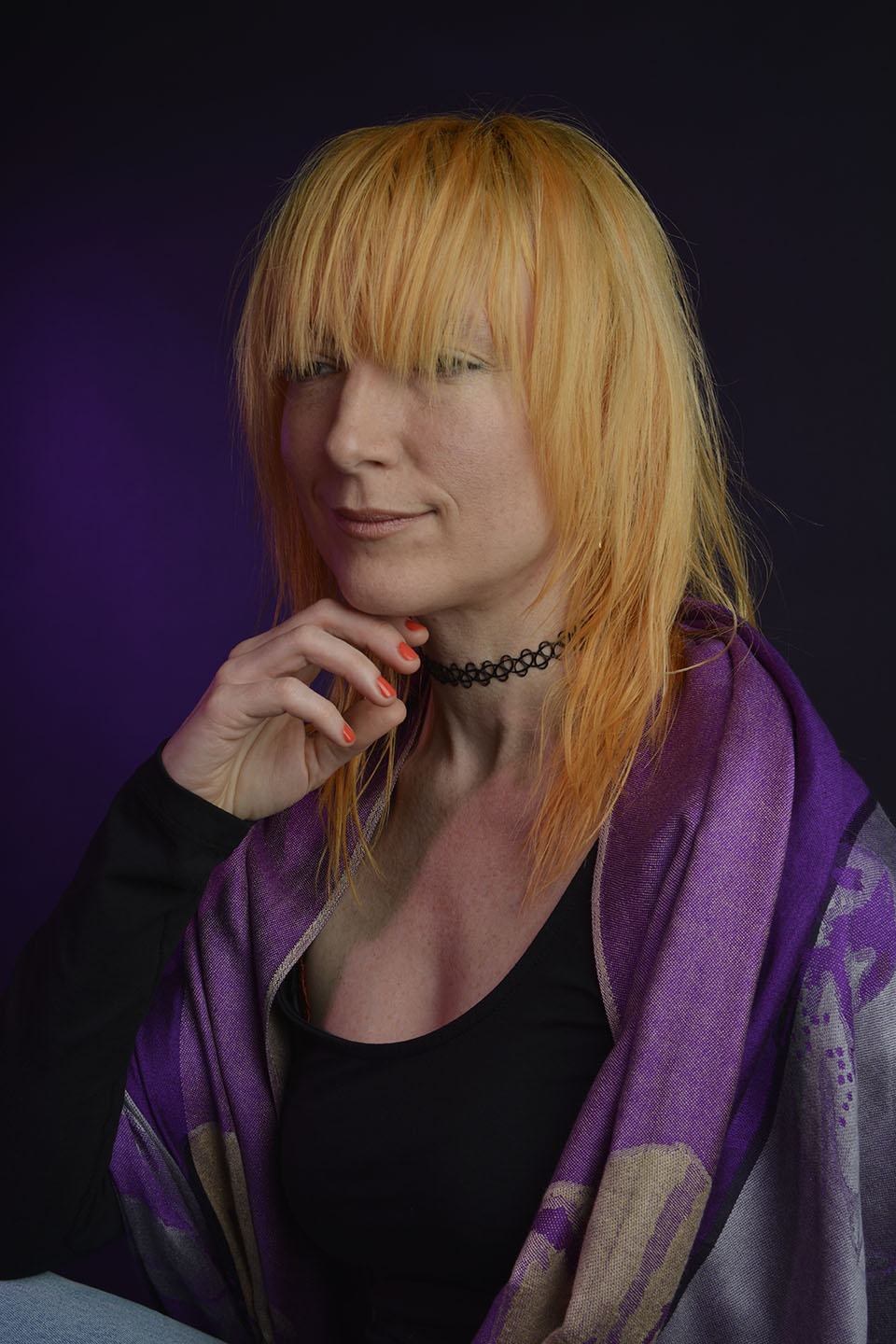
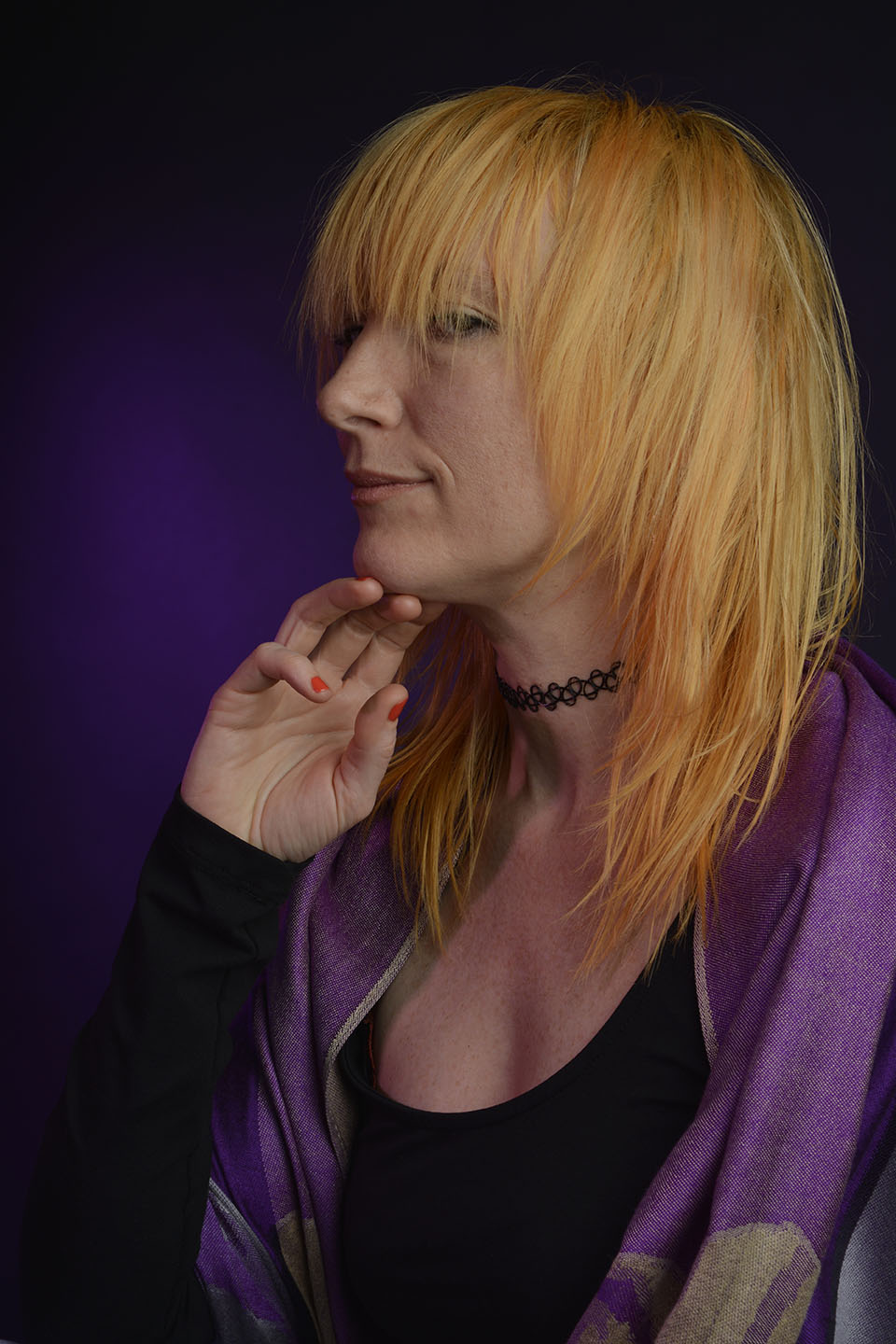
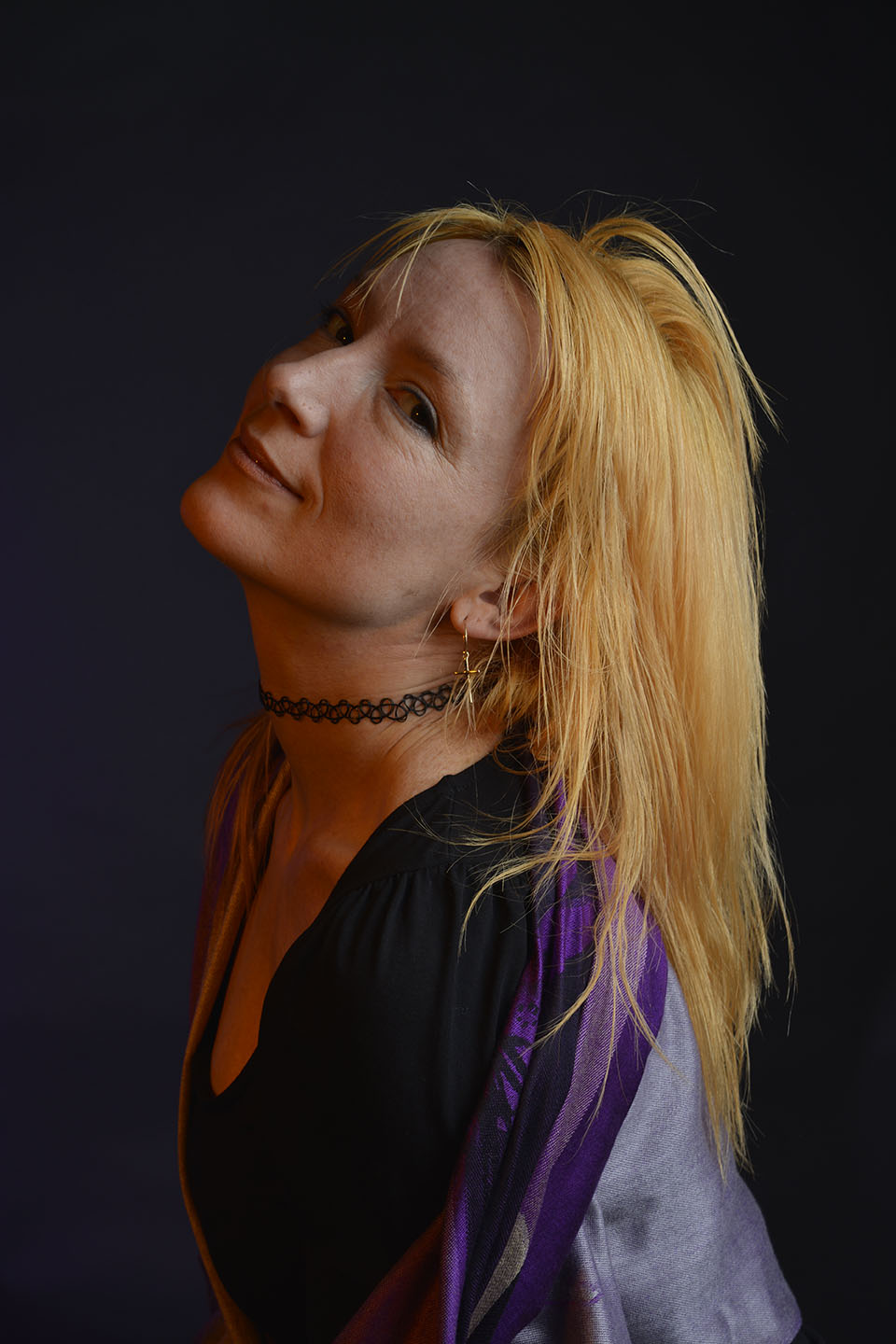
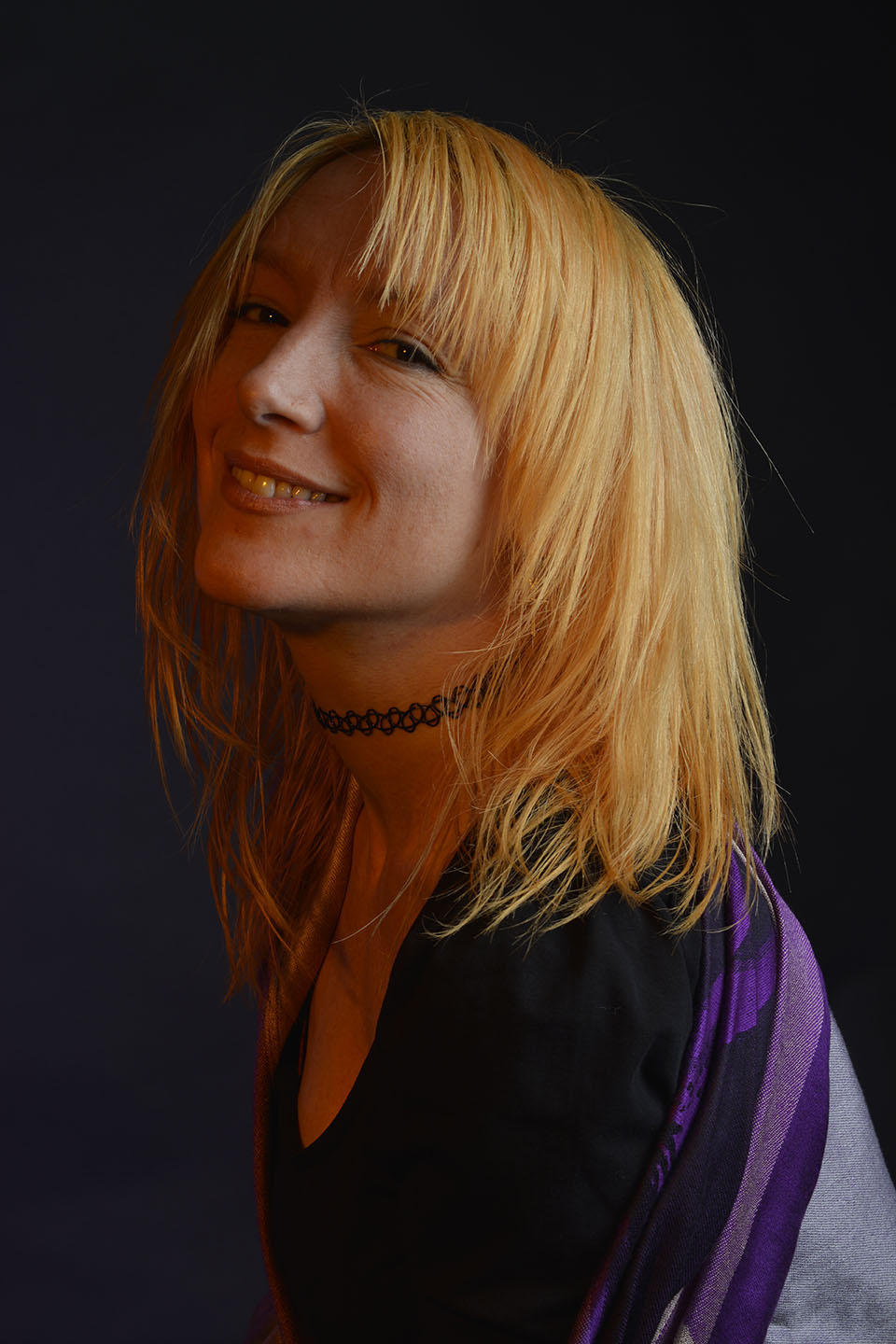
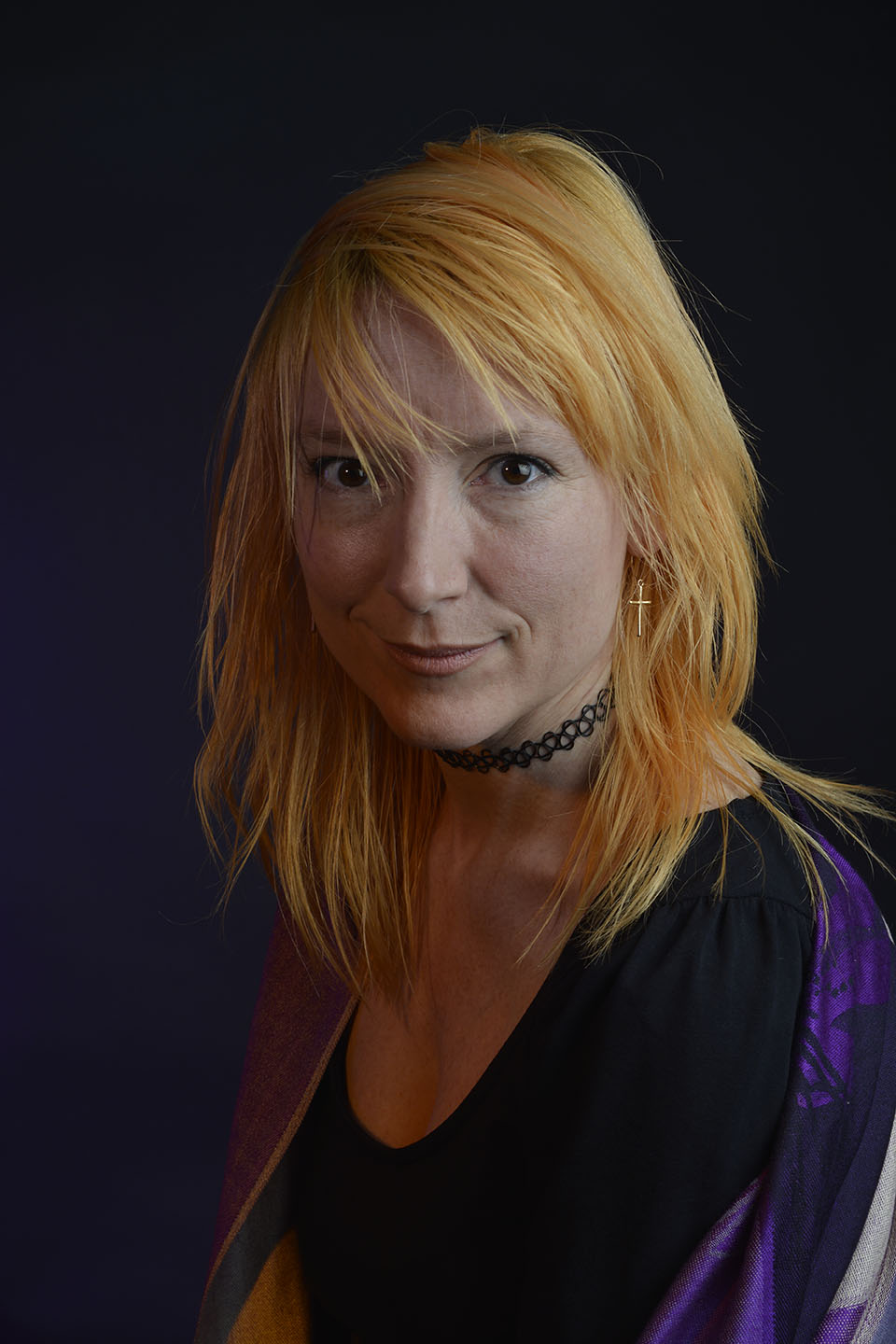
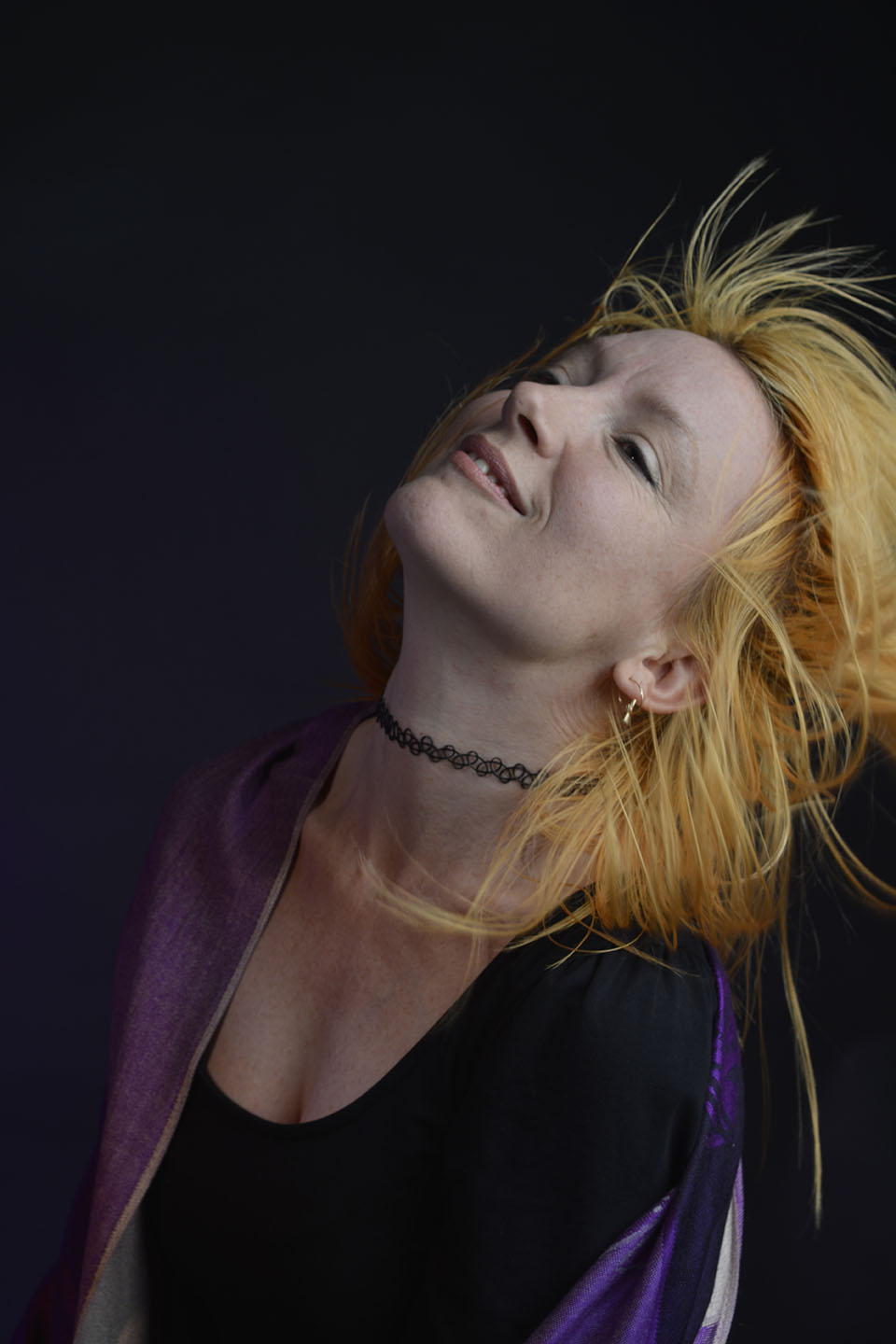
Today in class I took the opportunity to take some portrait photographs of another students model.
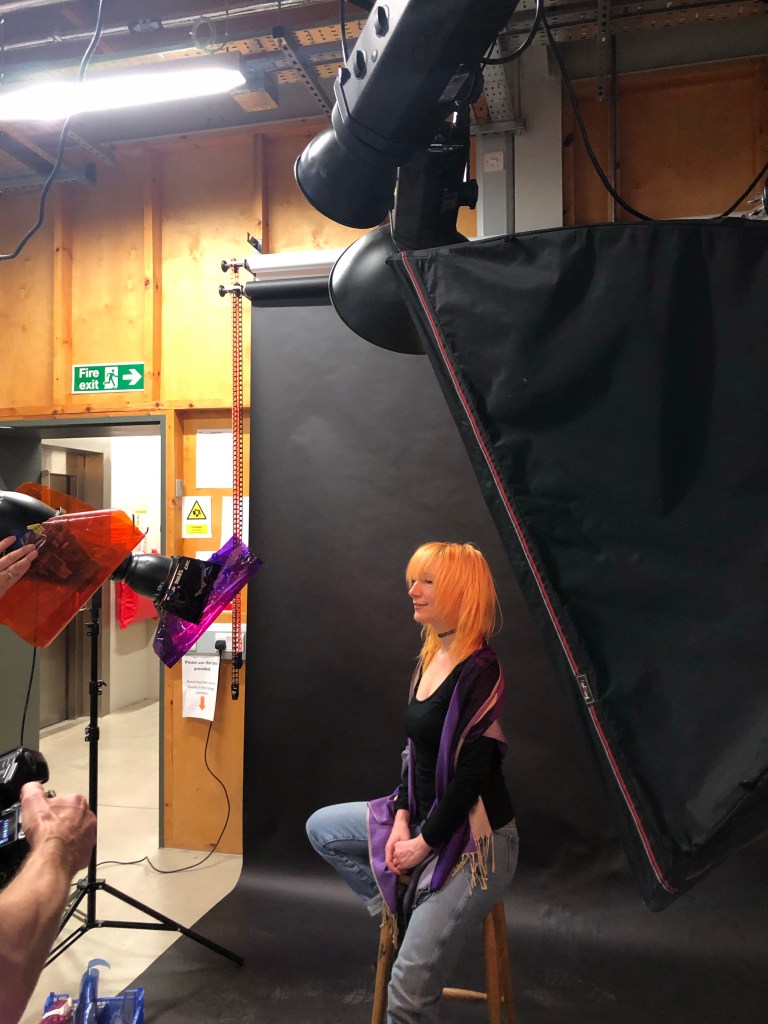
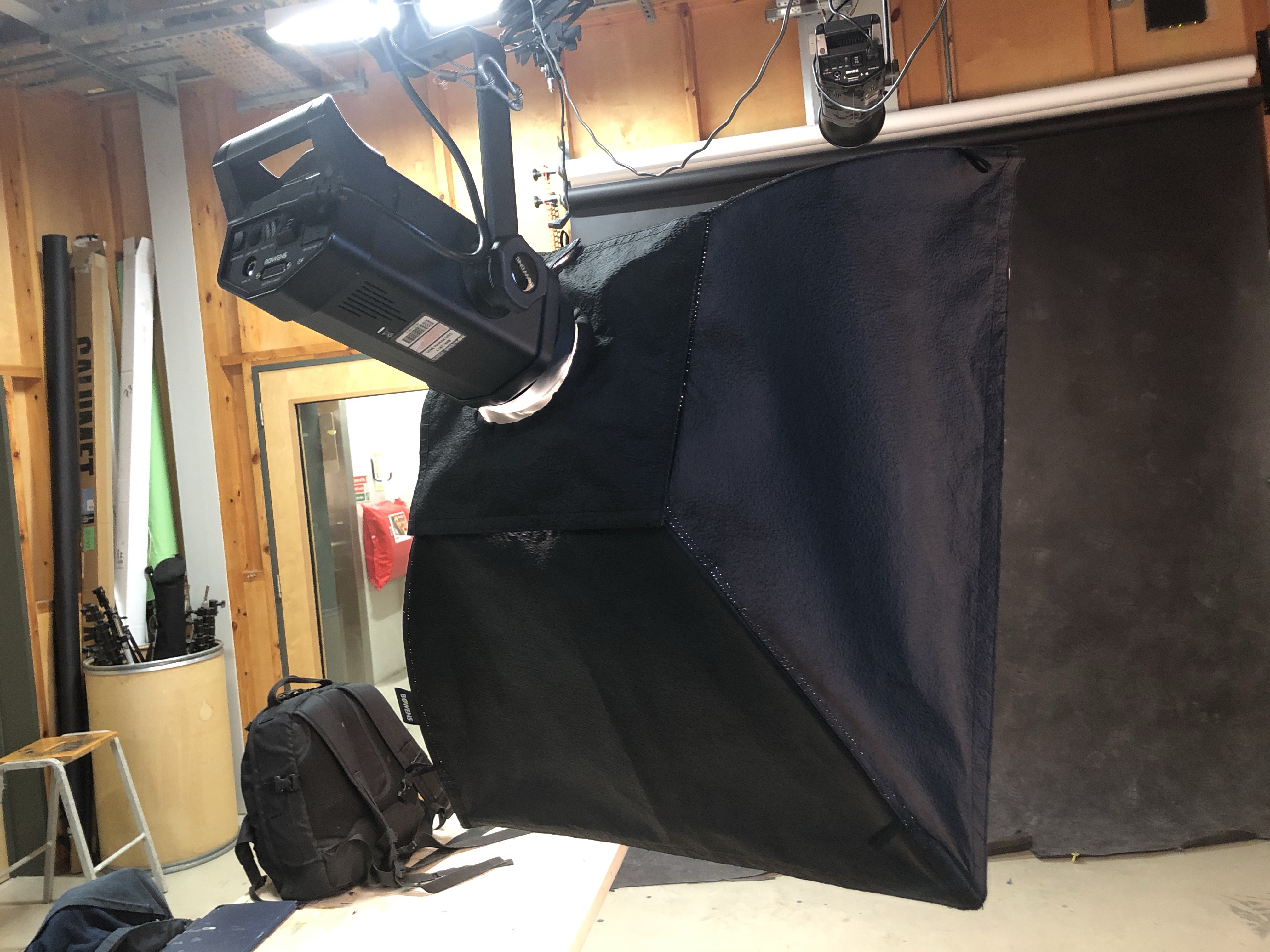
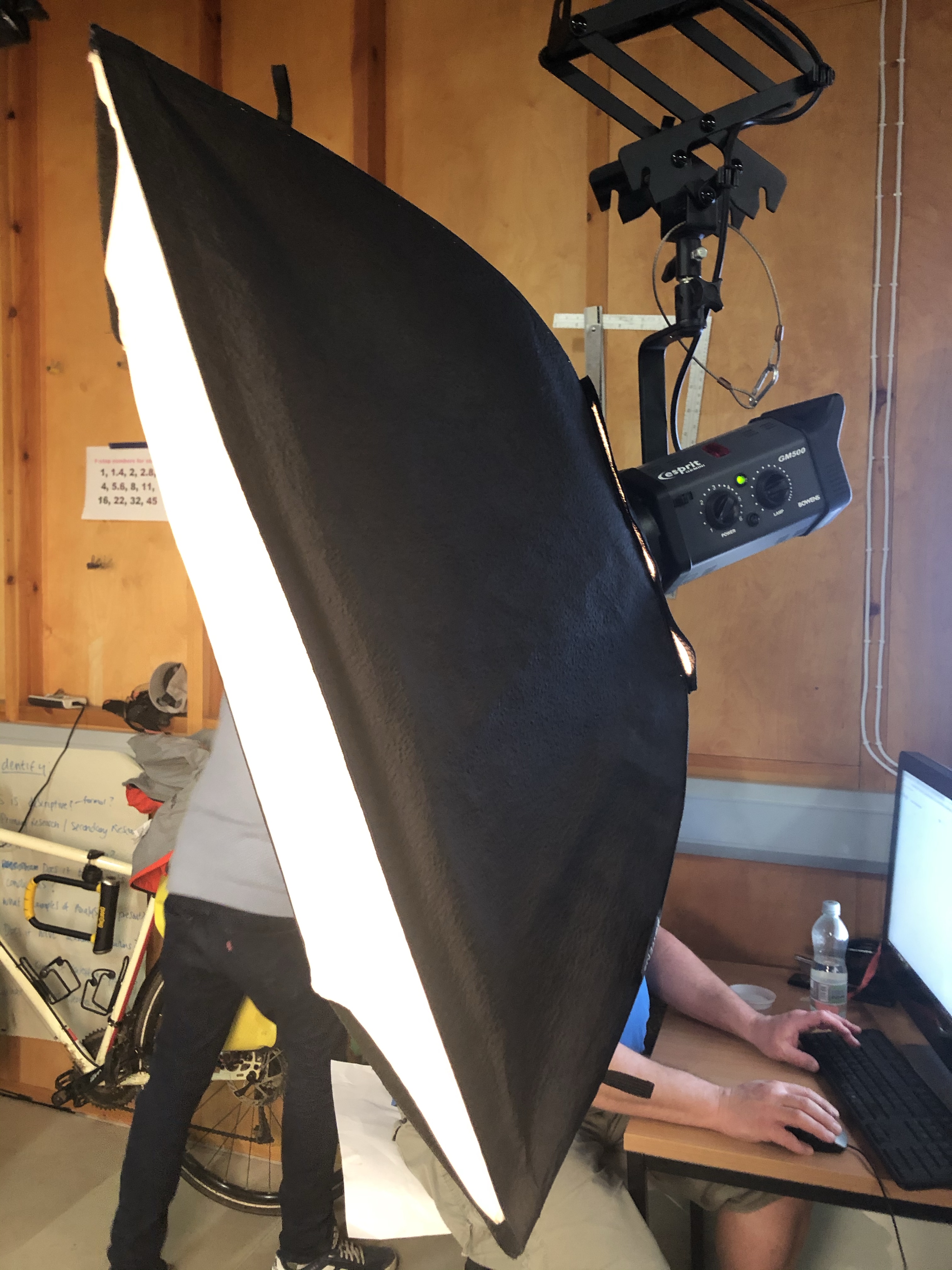
Below is a photo of the set up. Quite complicated with four lights. One, to light the background slightly and the other three to light the model.
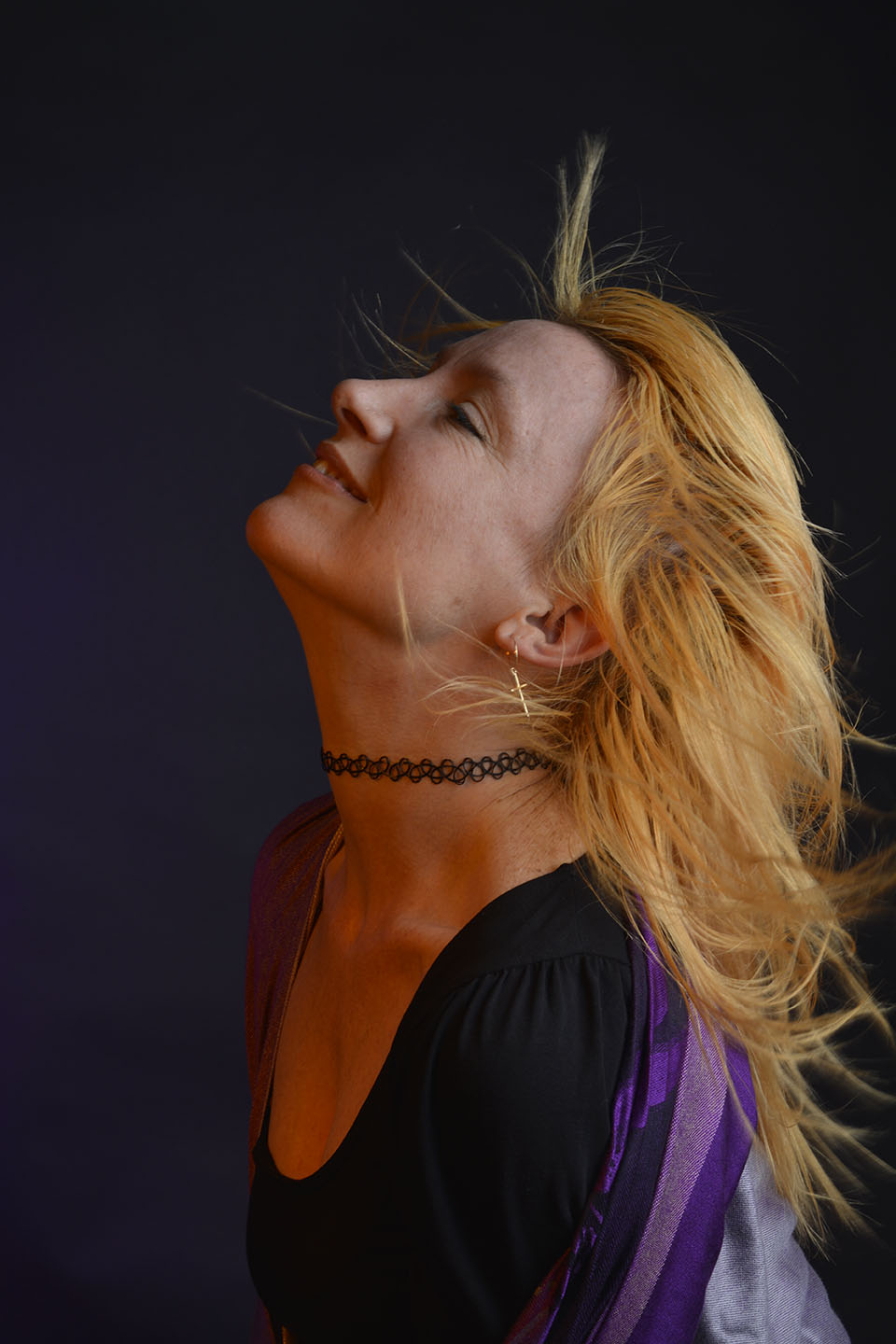
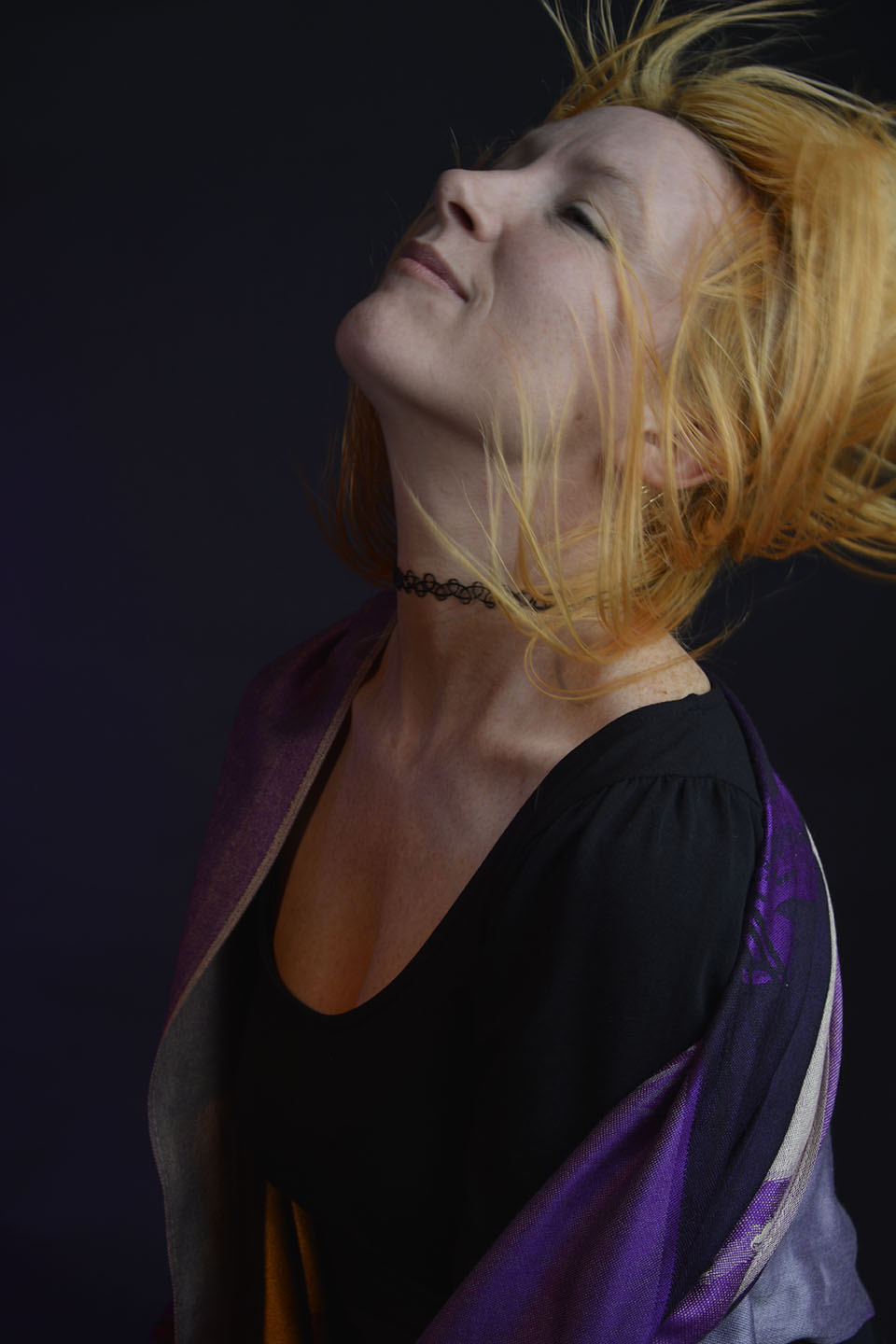
Colour gels/filters were used in these next set of photographs. To complement the models purple shawl and slightly orange hair, purple and orange cellophane have been taped across separate lights. The set up photograph above shows the colours on the lights.
The colours add warmth to the photographs.
Care had to be taken when taping the cellophane to the lamps as the can get very hot. We also had to be careful of the lead from one of the lights. It was on a free standing tripod and not a pantograph like the rest.
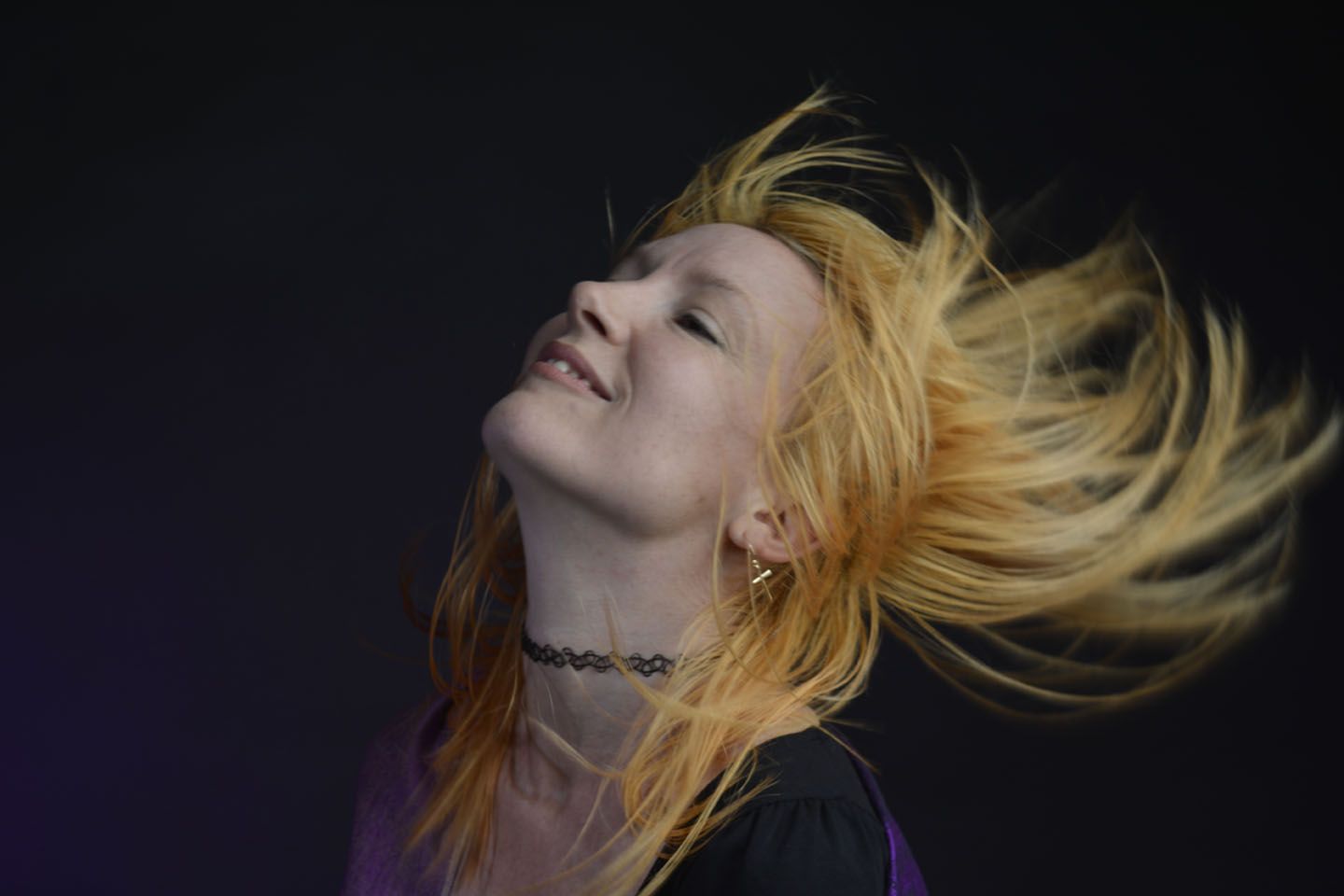
Trying to have a go at capturing some movement shots. Initially I wasn’t able to capture the model mid hair flick. My shutter button wasn’t pressing down. I quickly realised I had the focus on automatic. This meant the lens was searching for a focusing point that was constantly moving, therefore not able to be pushed down. After I switched to manual focus, I captured these below.
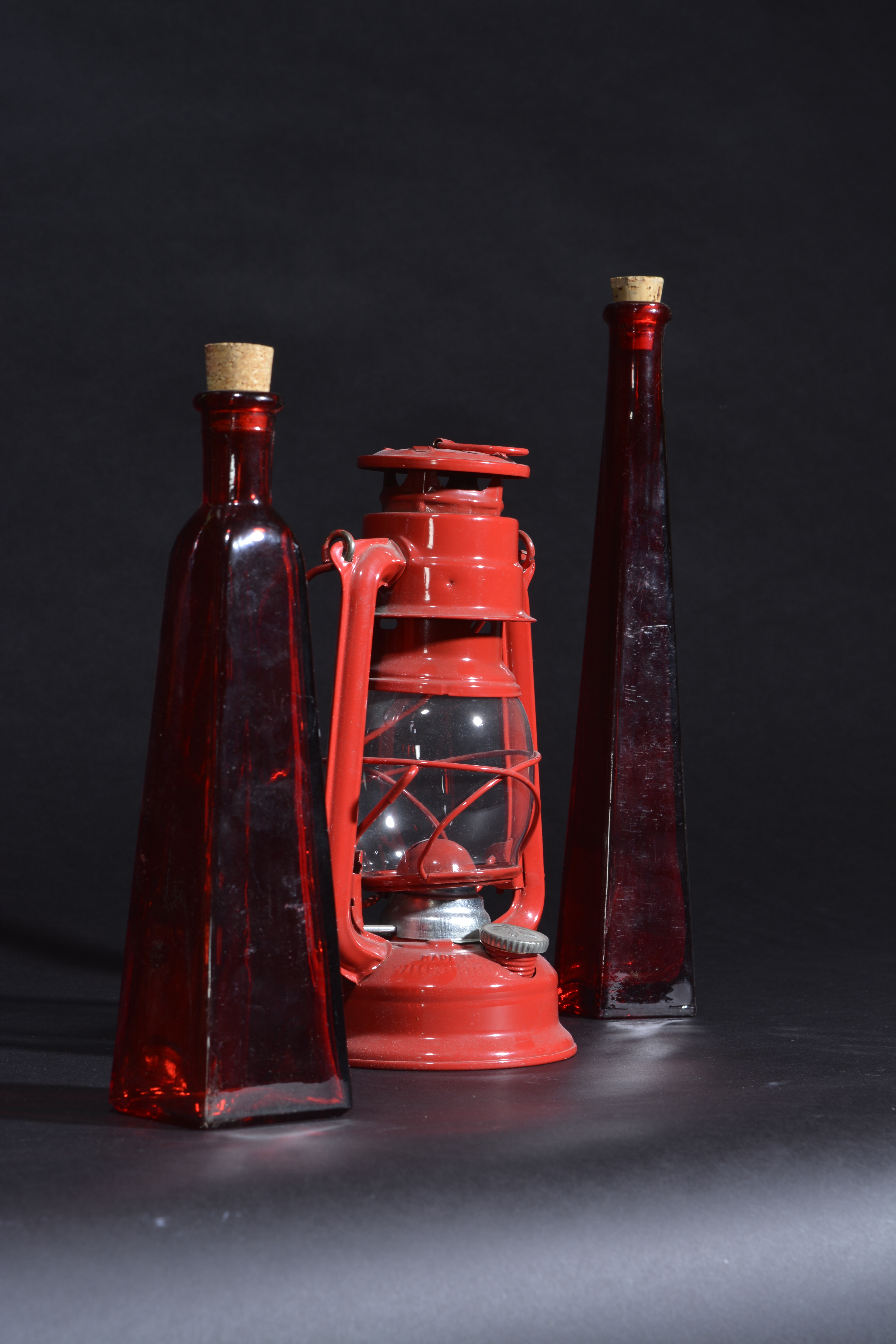
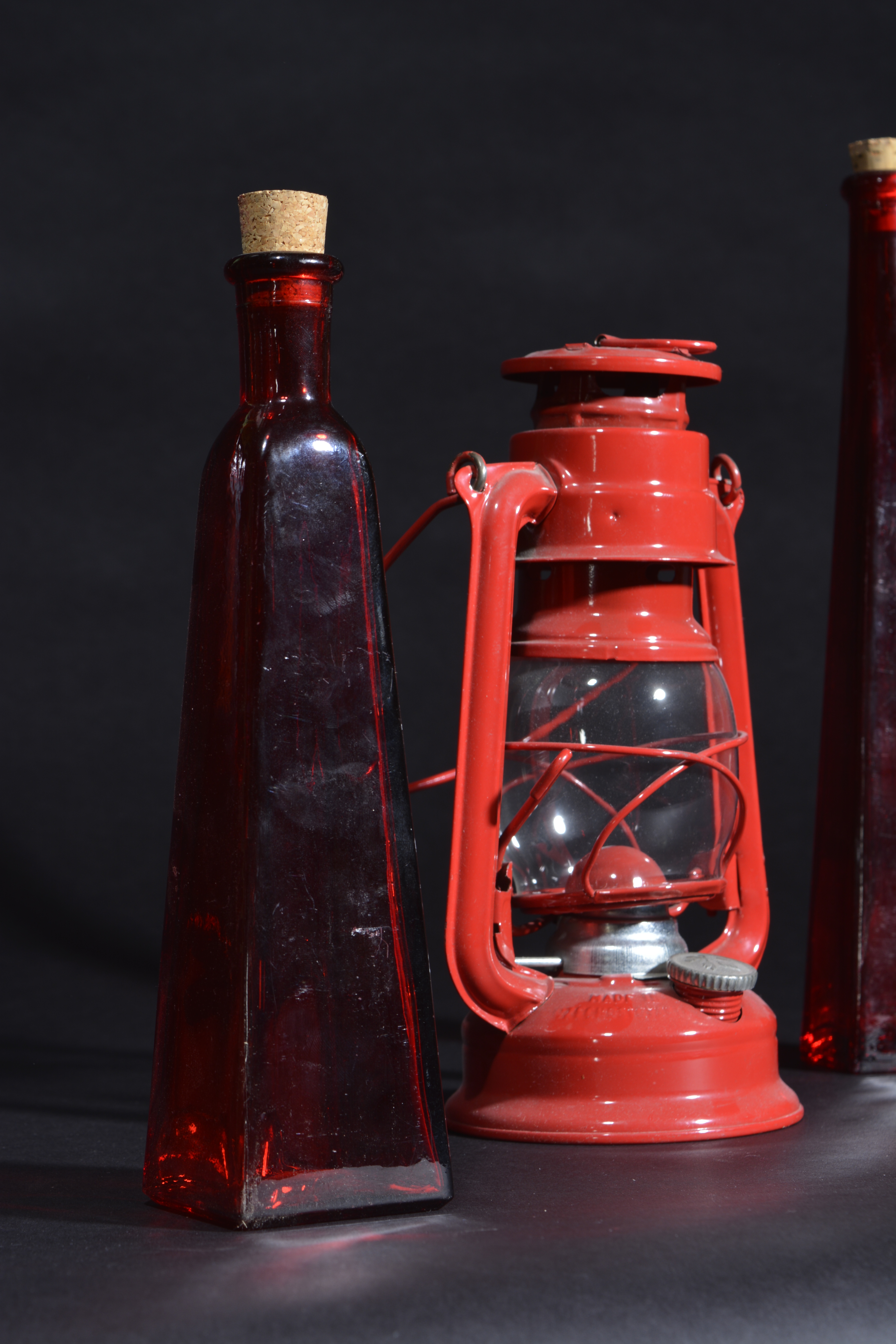
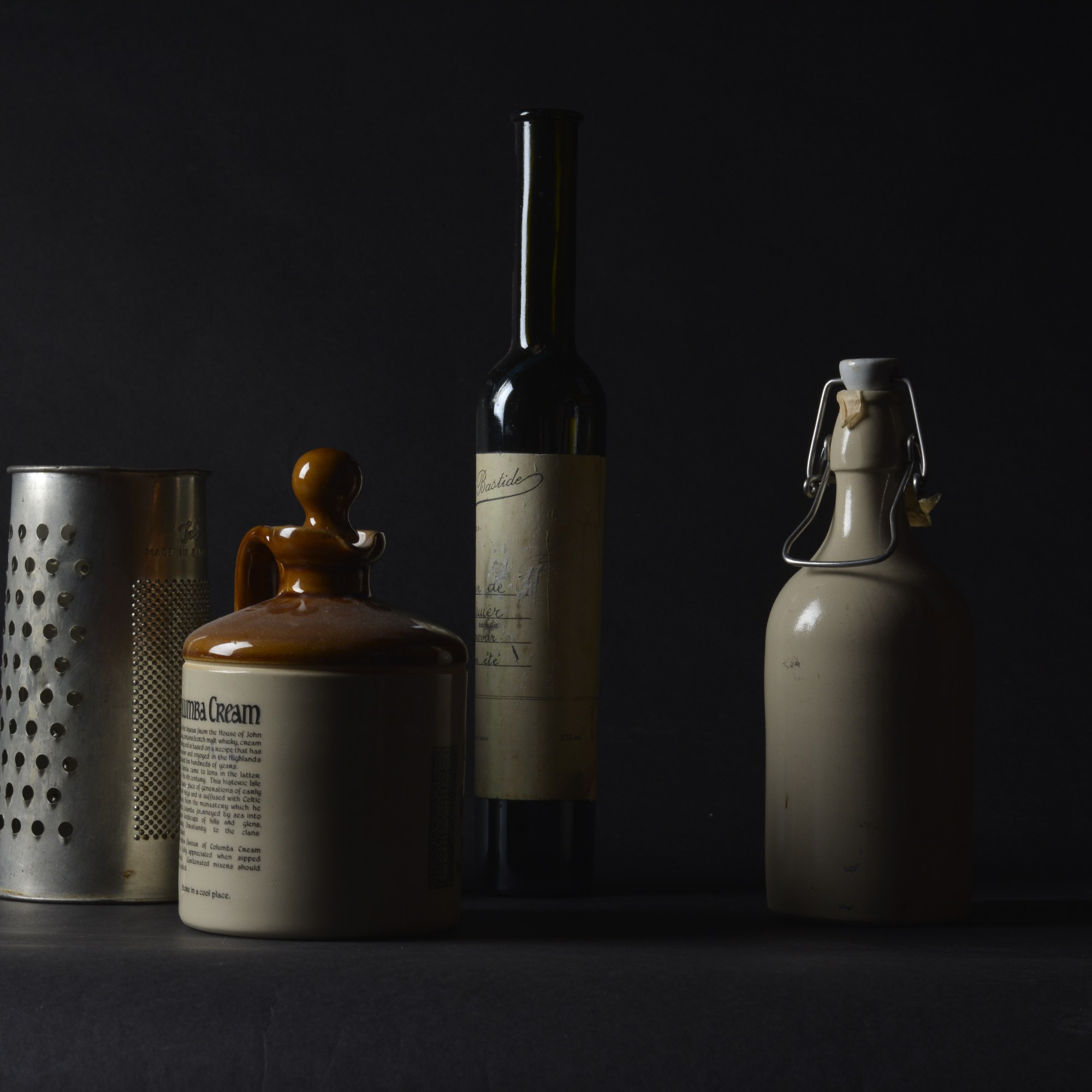
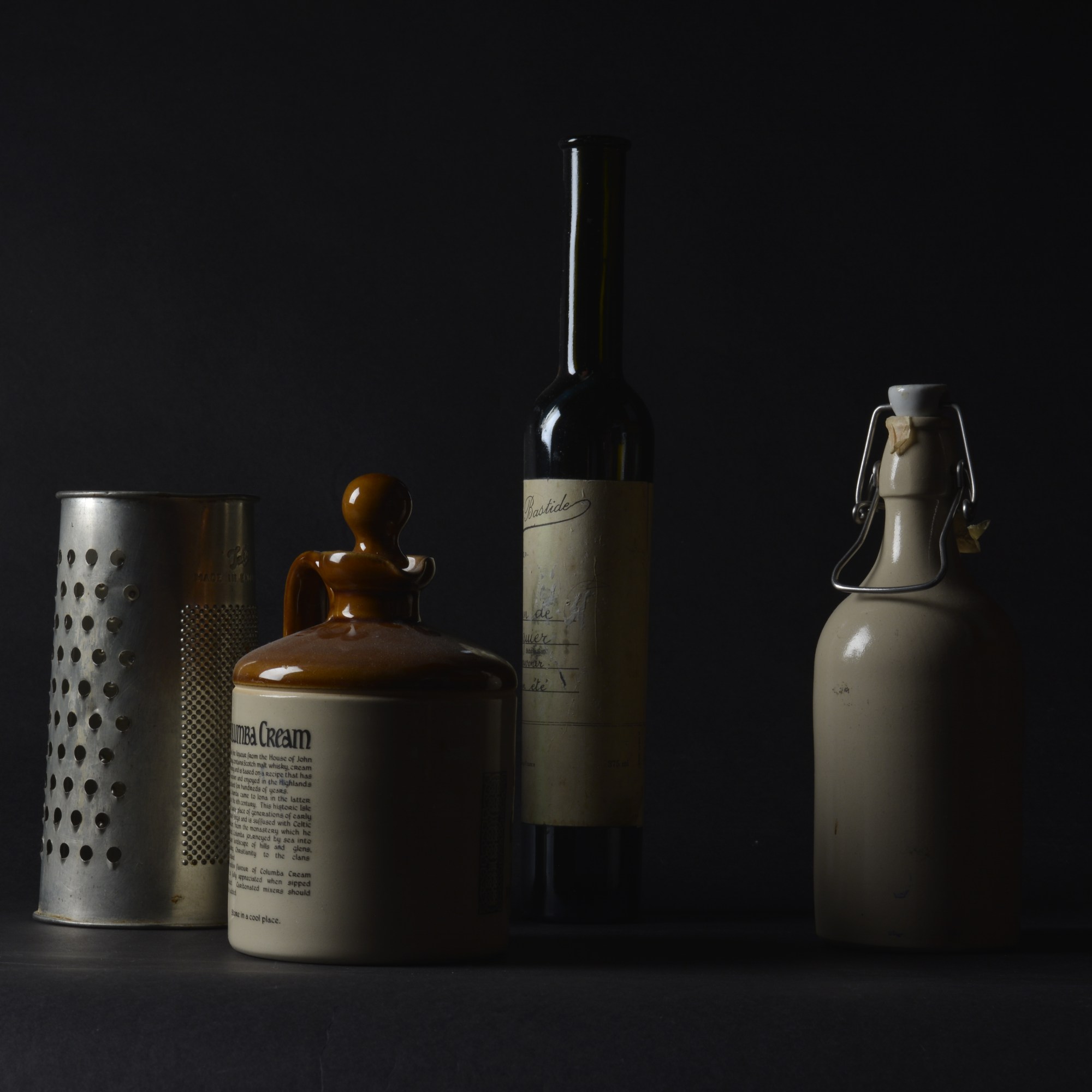
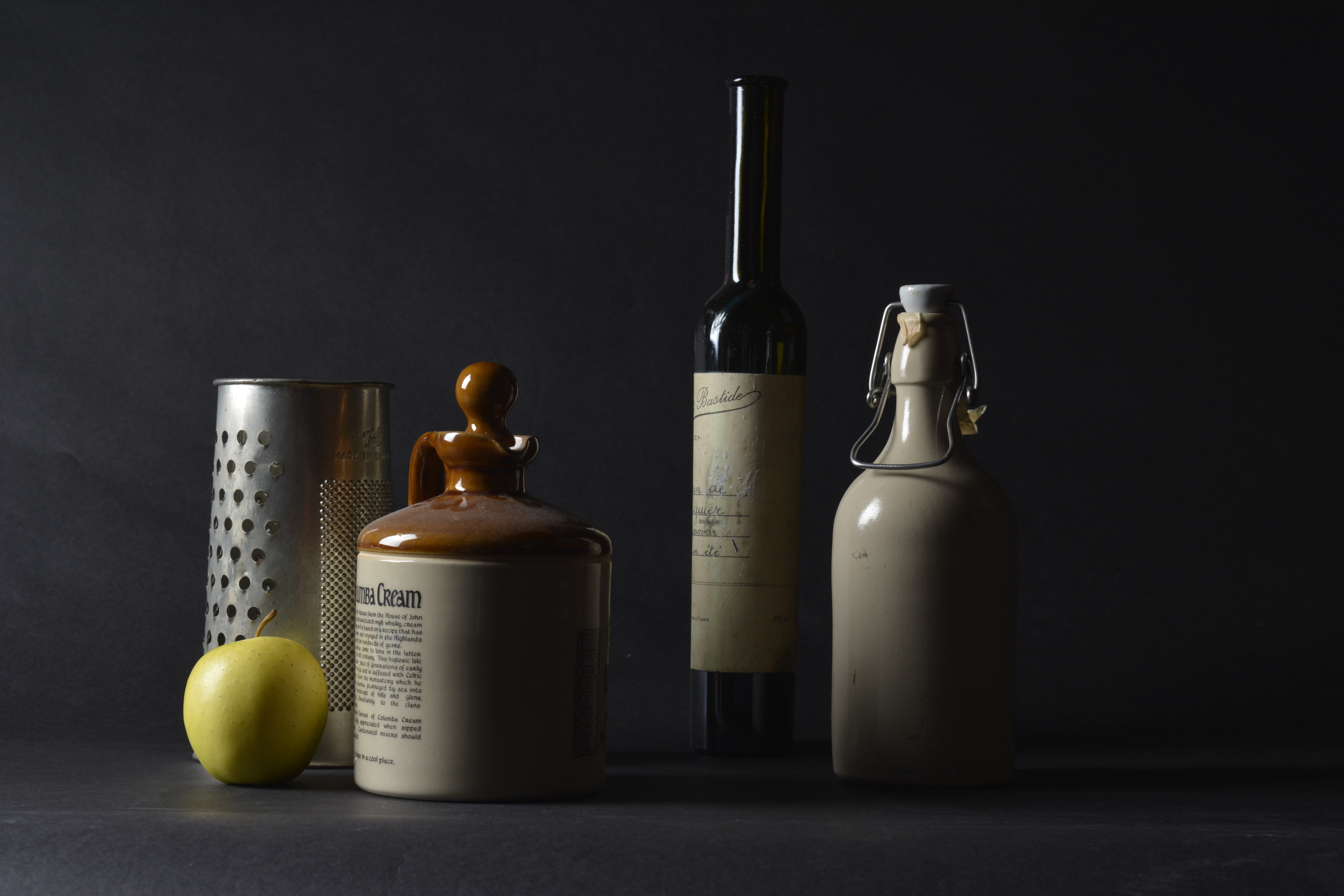
To try to correctly expose the still life, I took several shots at different Apertures. As you can see, the higher the Aperture, the darker the photograph.
F-8 F-9 F-10
F-11 F-13
F-11 F-13 F-14
I think that using an aperture of F-11 achieves the best exposure for the left hand side of this still life set up, however it does leave the right hand side slightly under exposed. I don’t mind it too much, as it’s like the light is shinning bright from the apple. Also the catch lights on the shinny surfaces are just right.
F-11 F-11
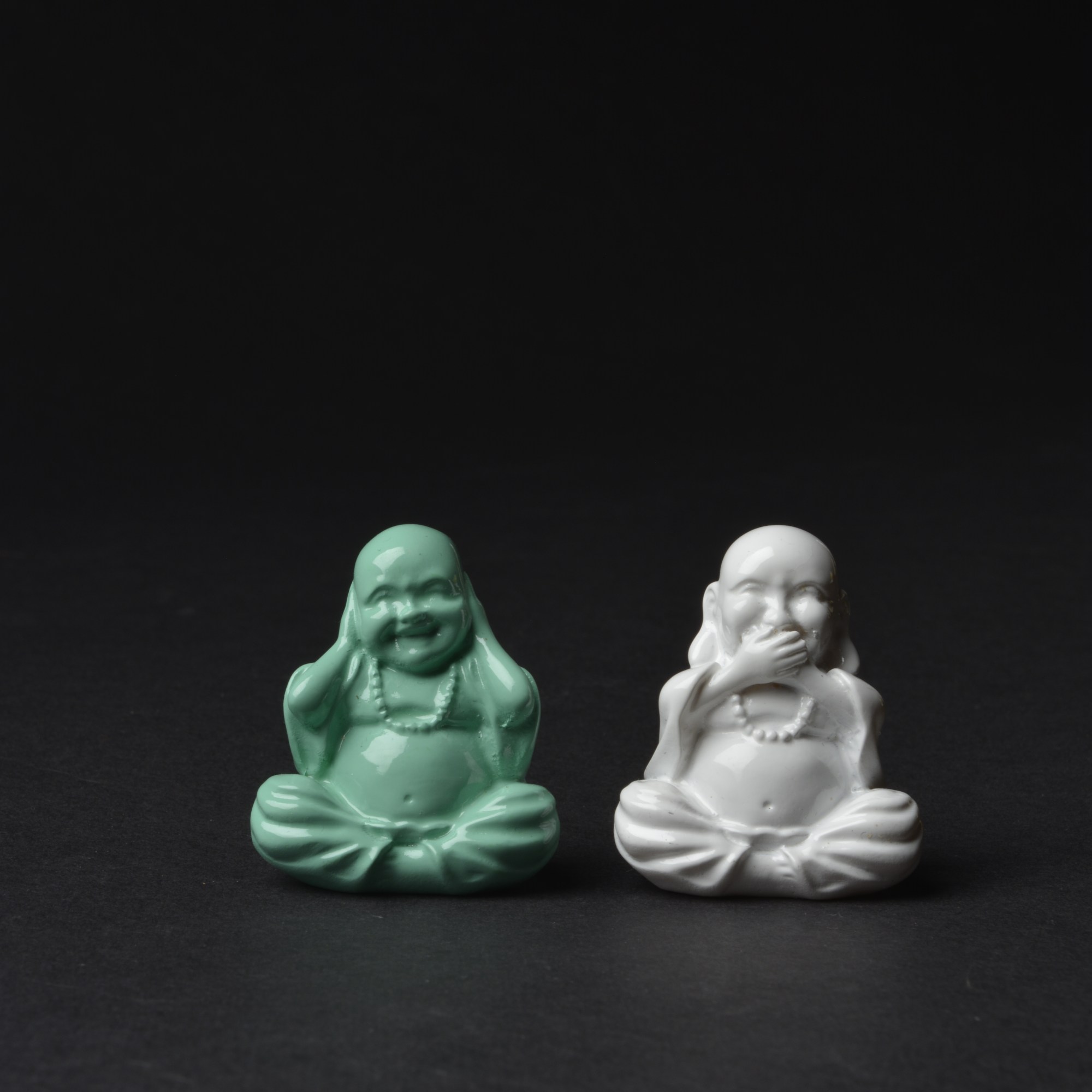
Below, I needed a really high Aperture so not to over expose the white Budda.
F-11
F-13 F-14
F-16 F-18
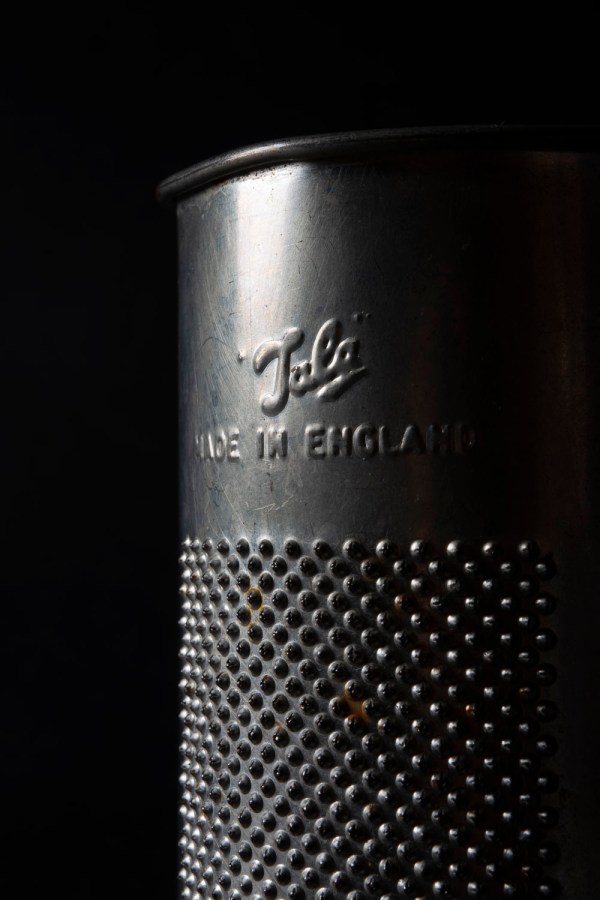
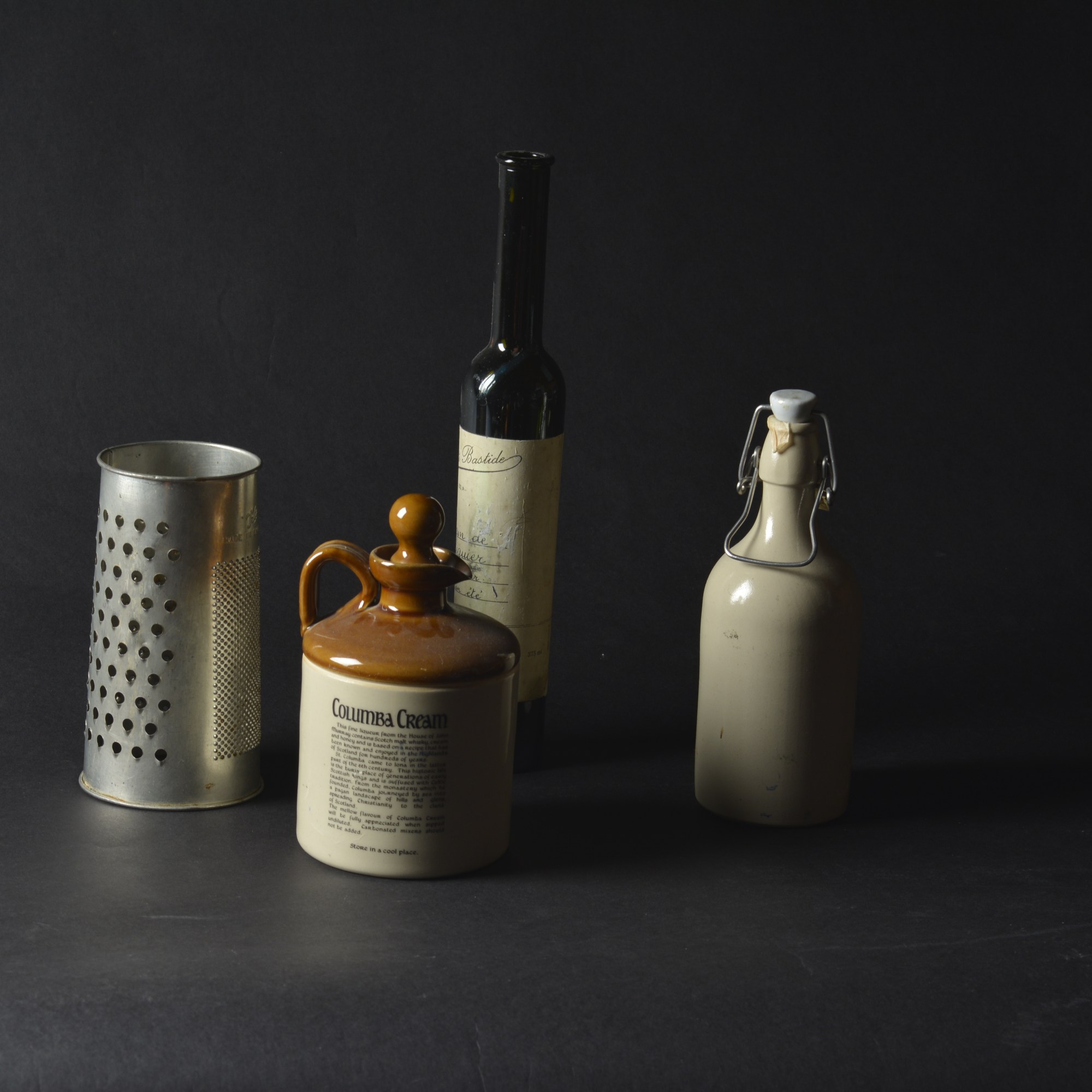
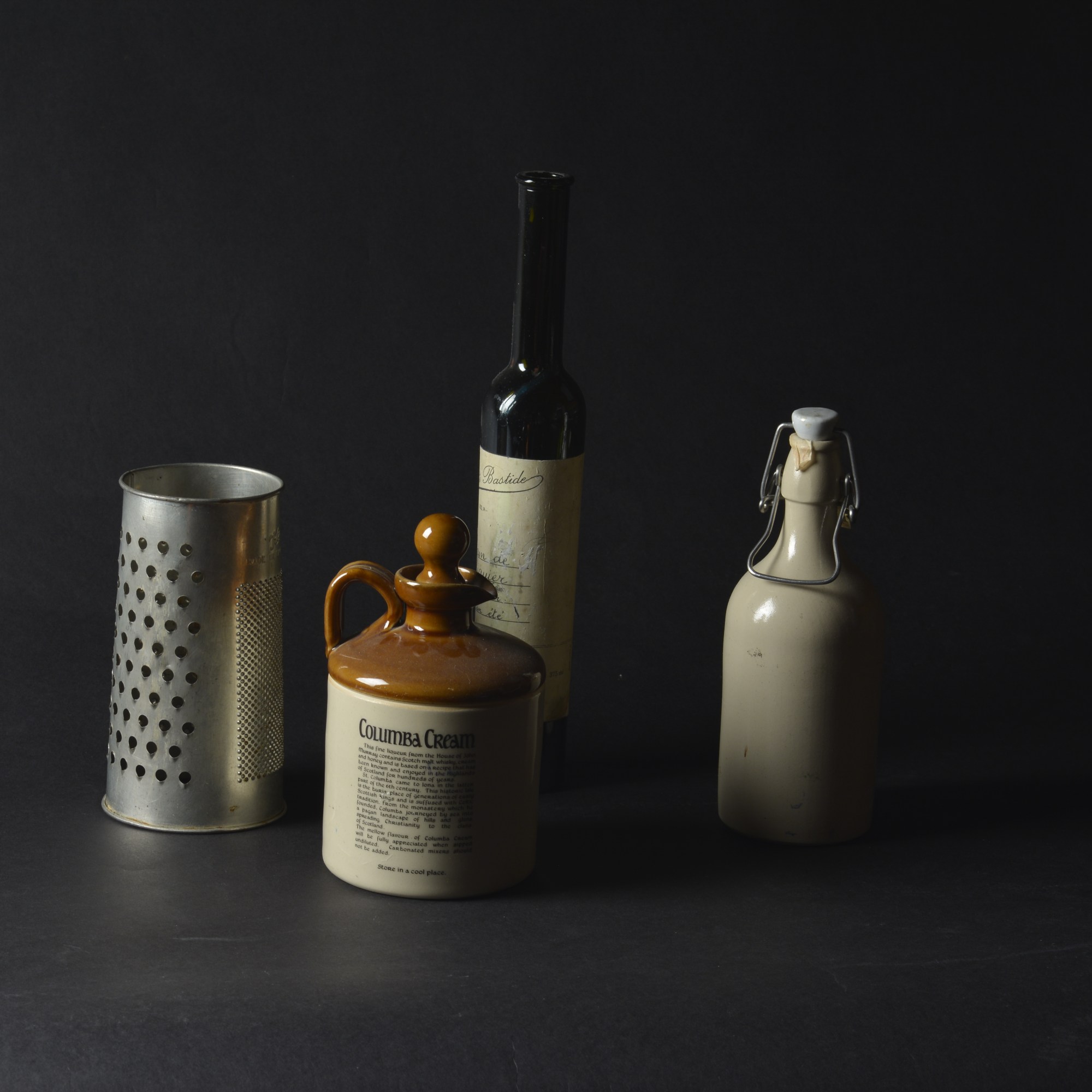
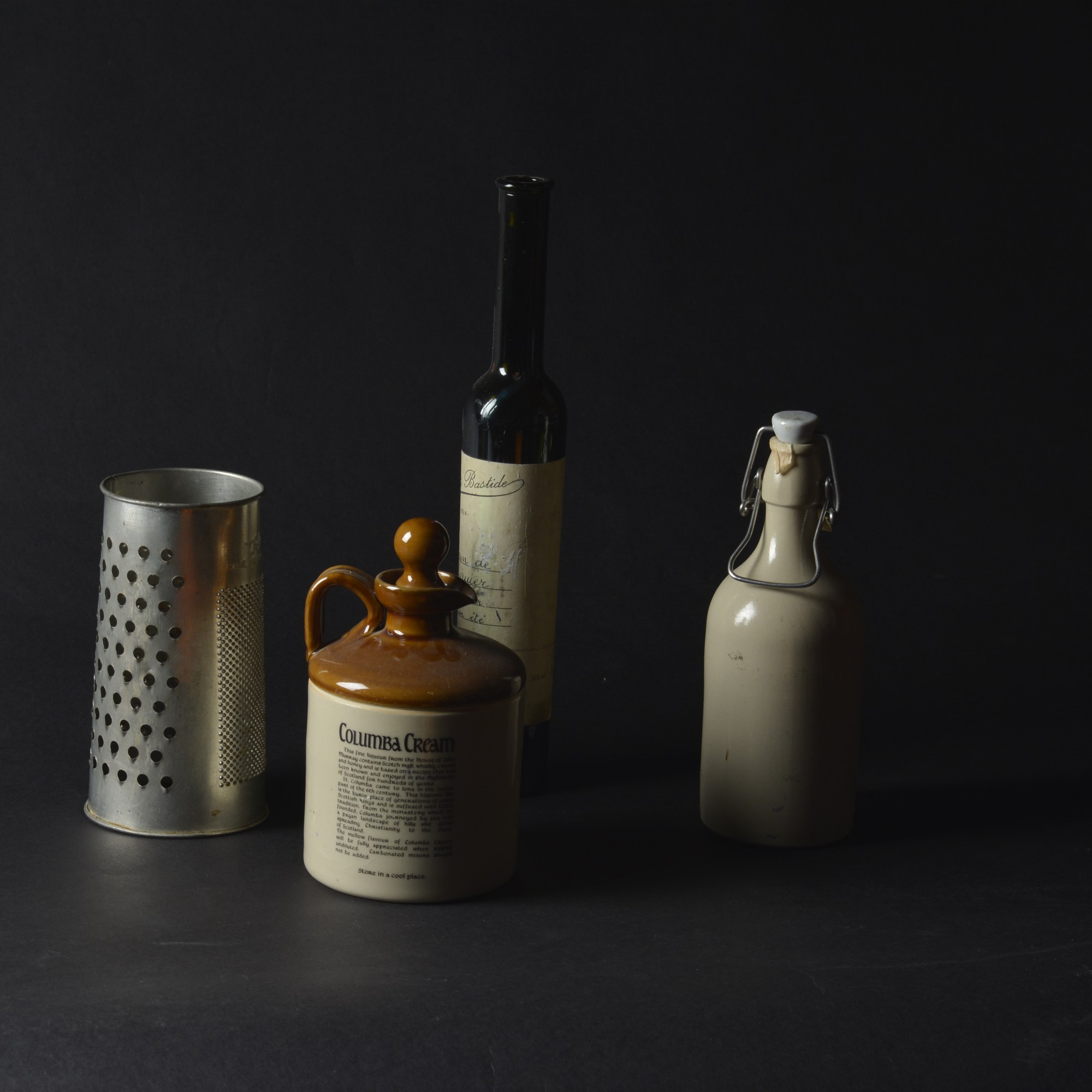
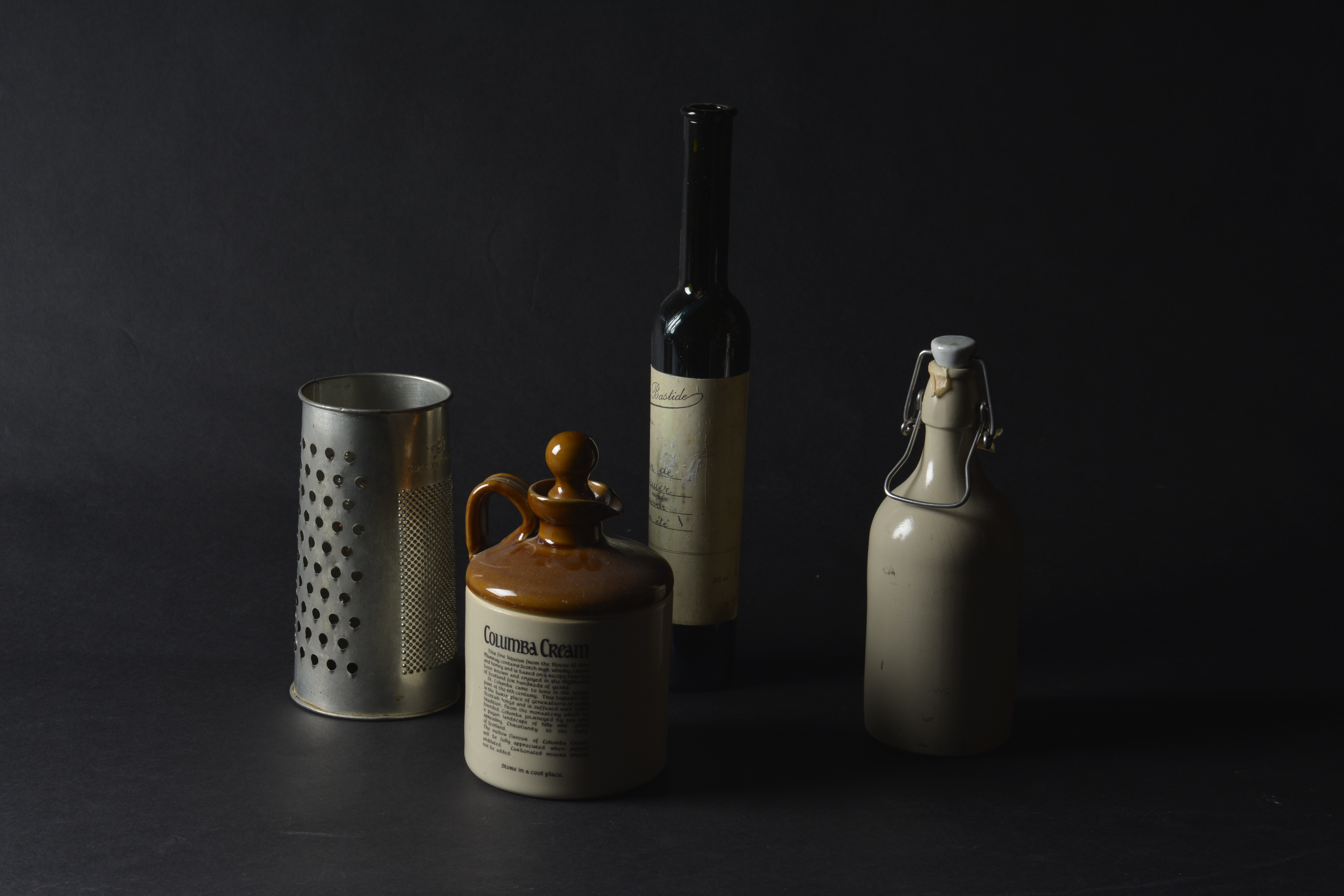
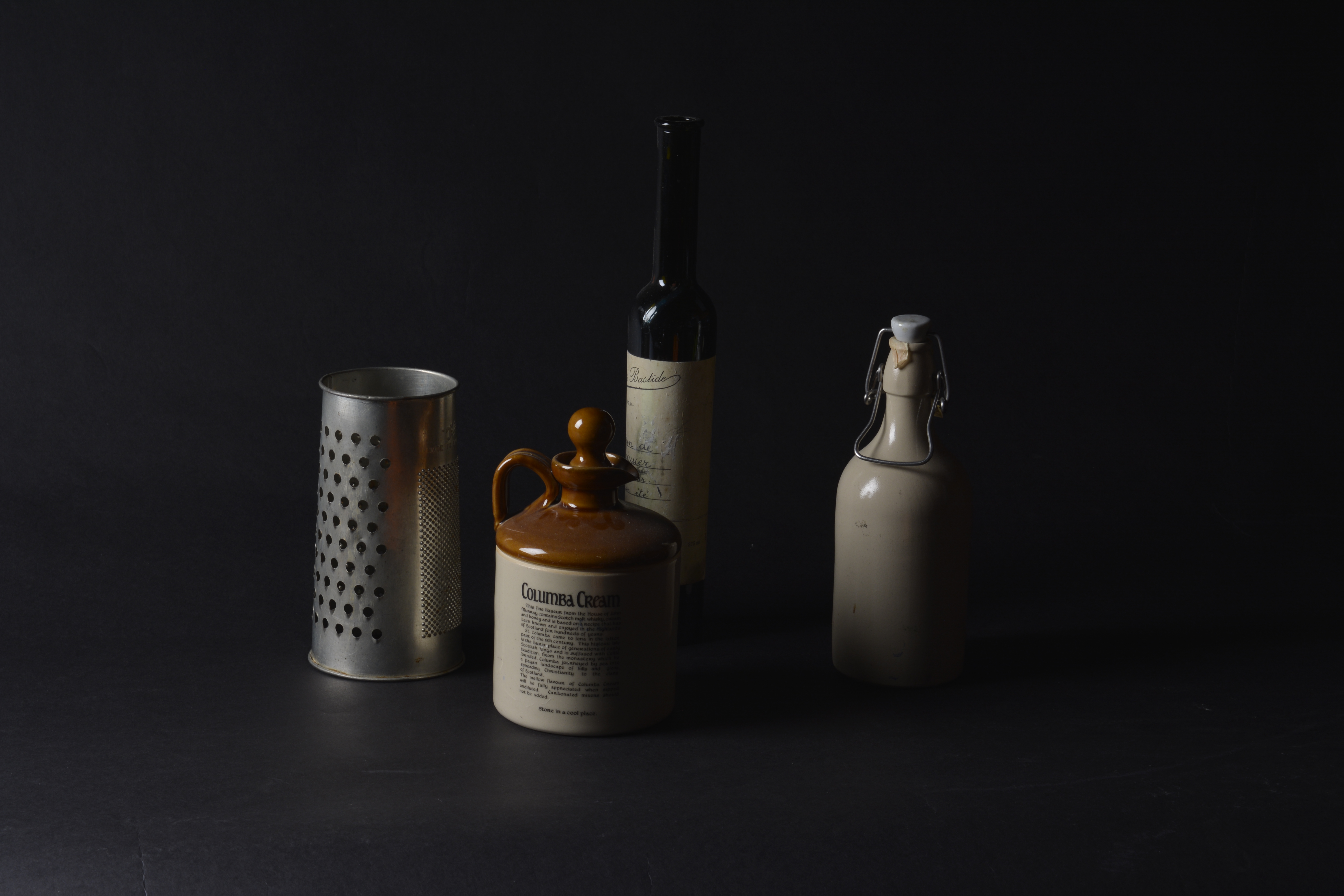
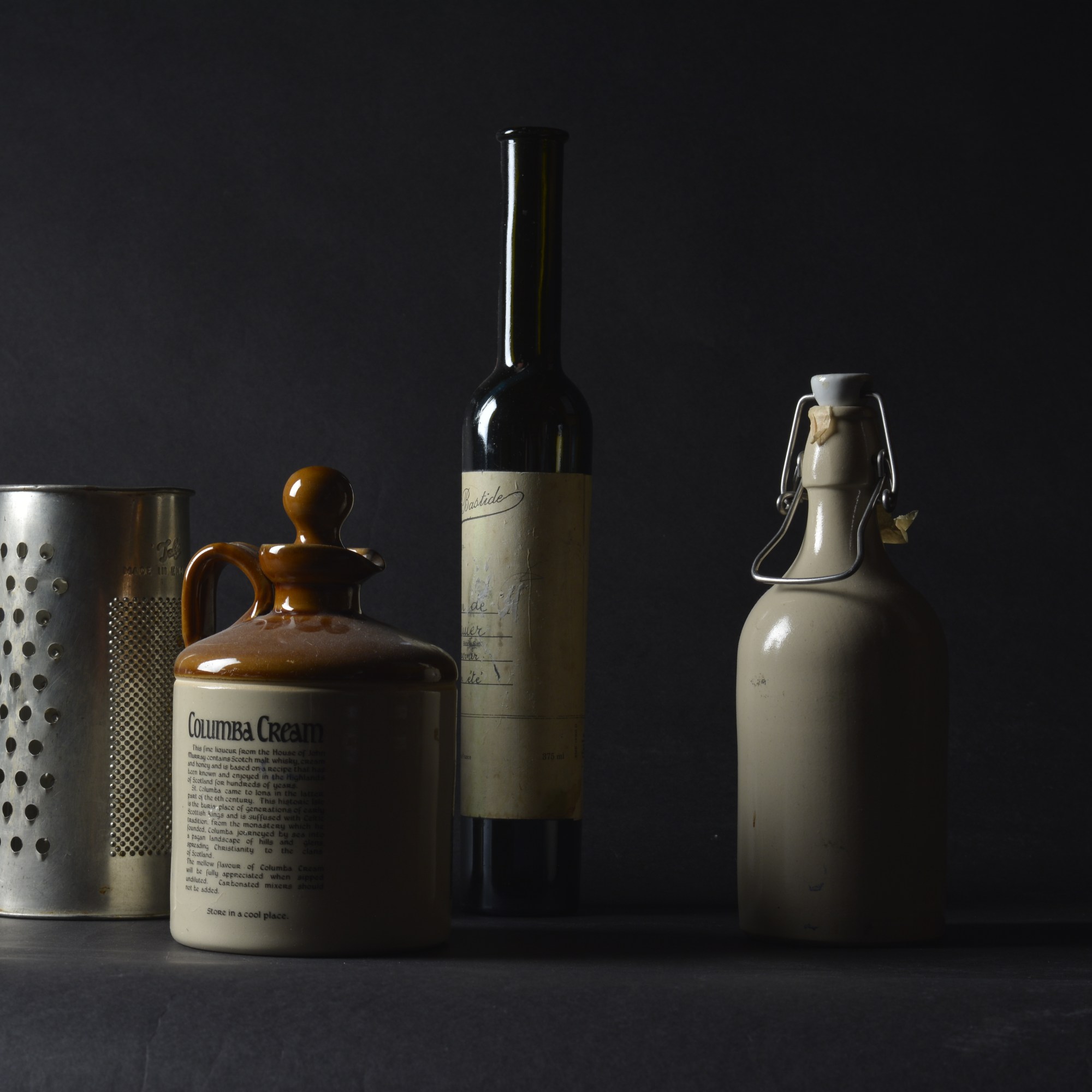
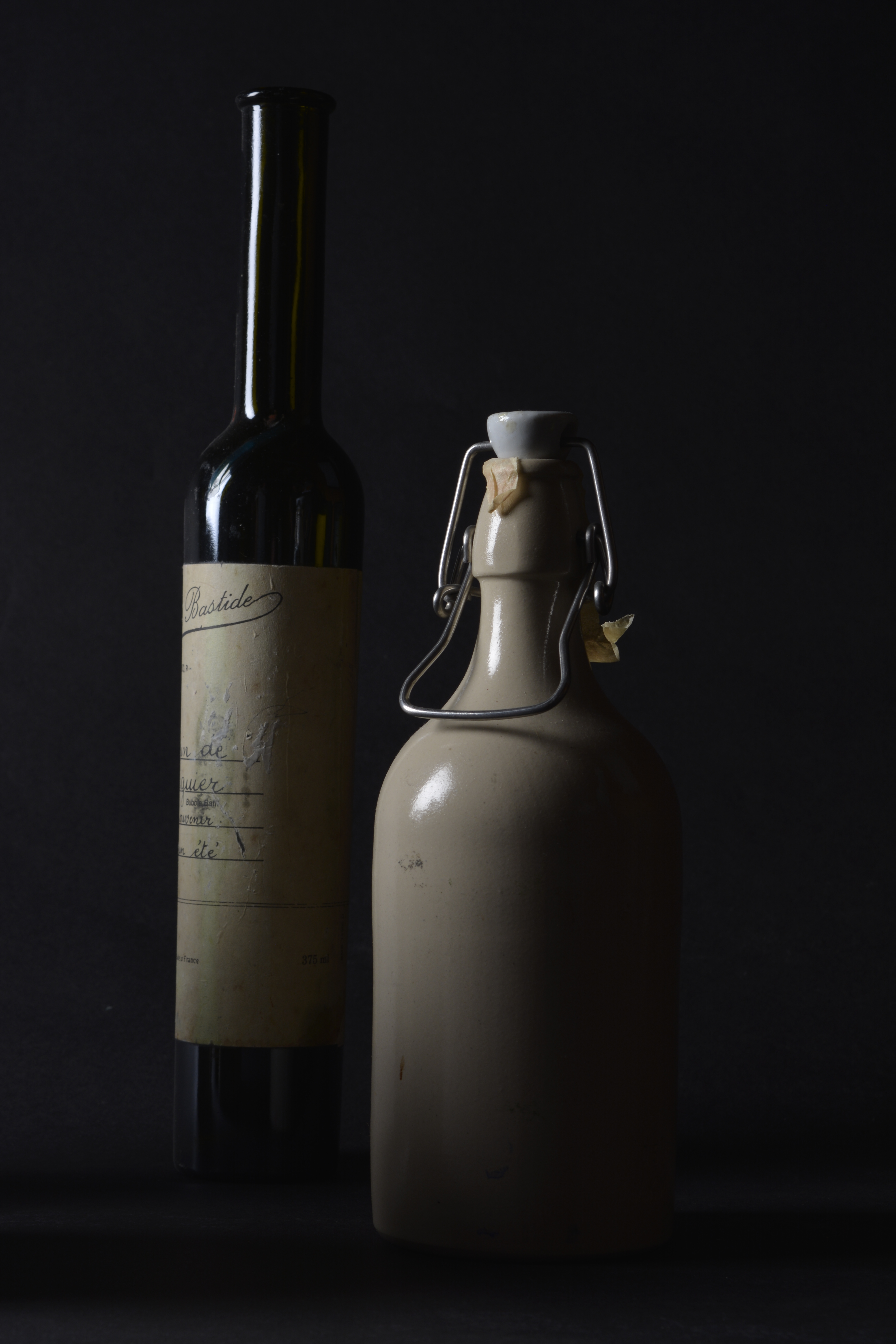
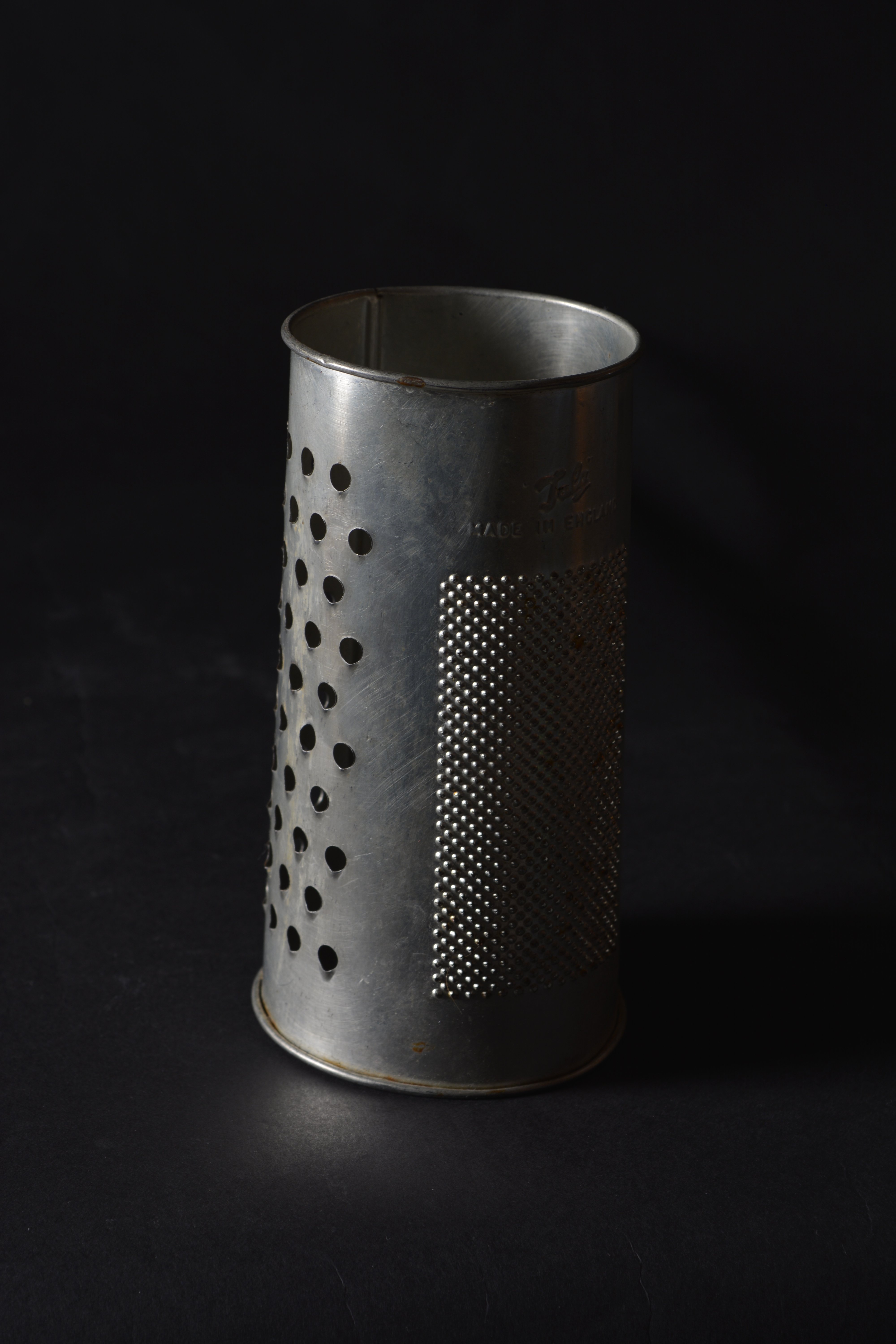
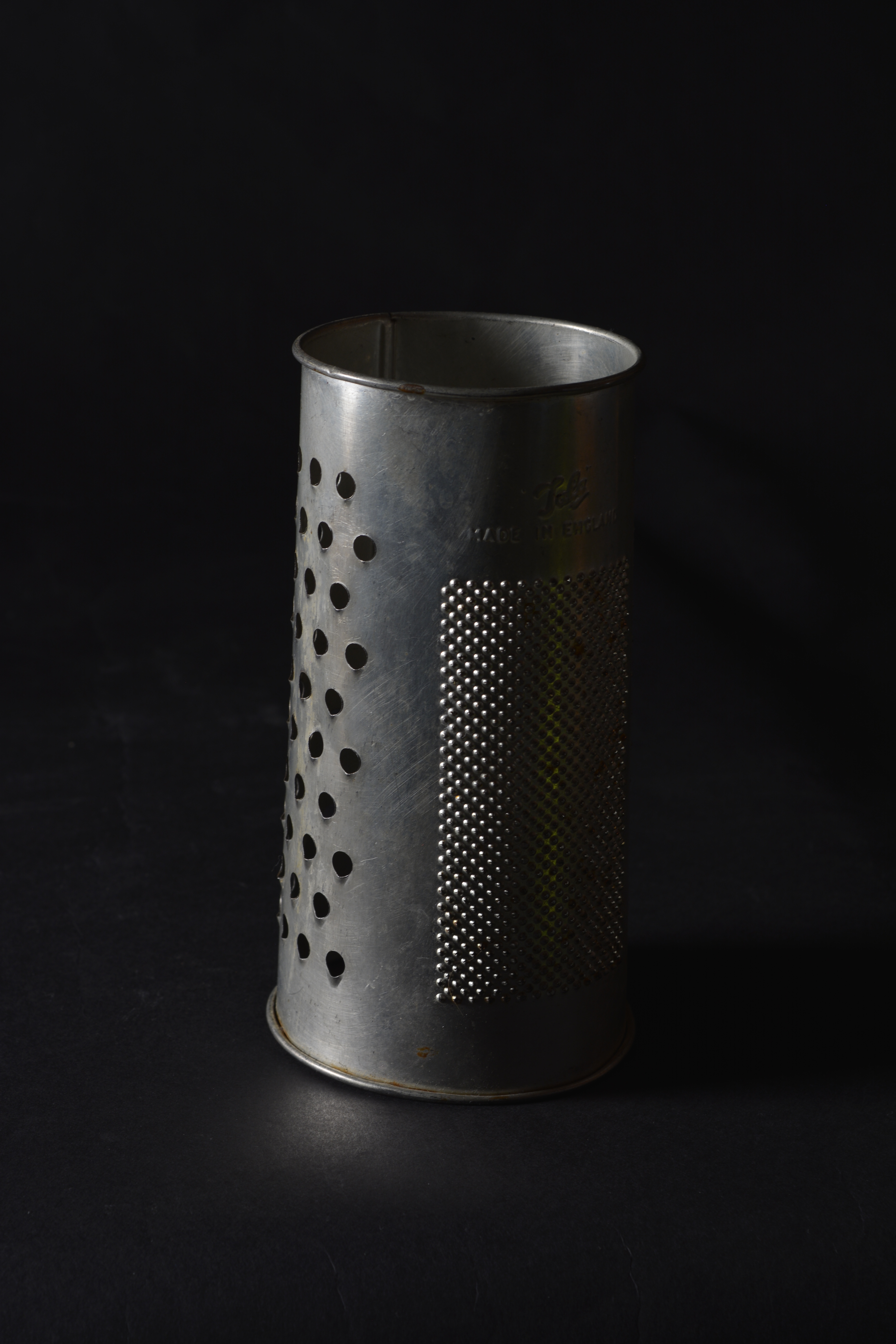
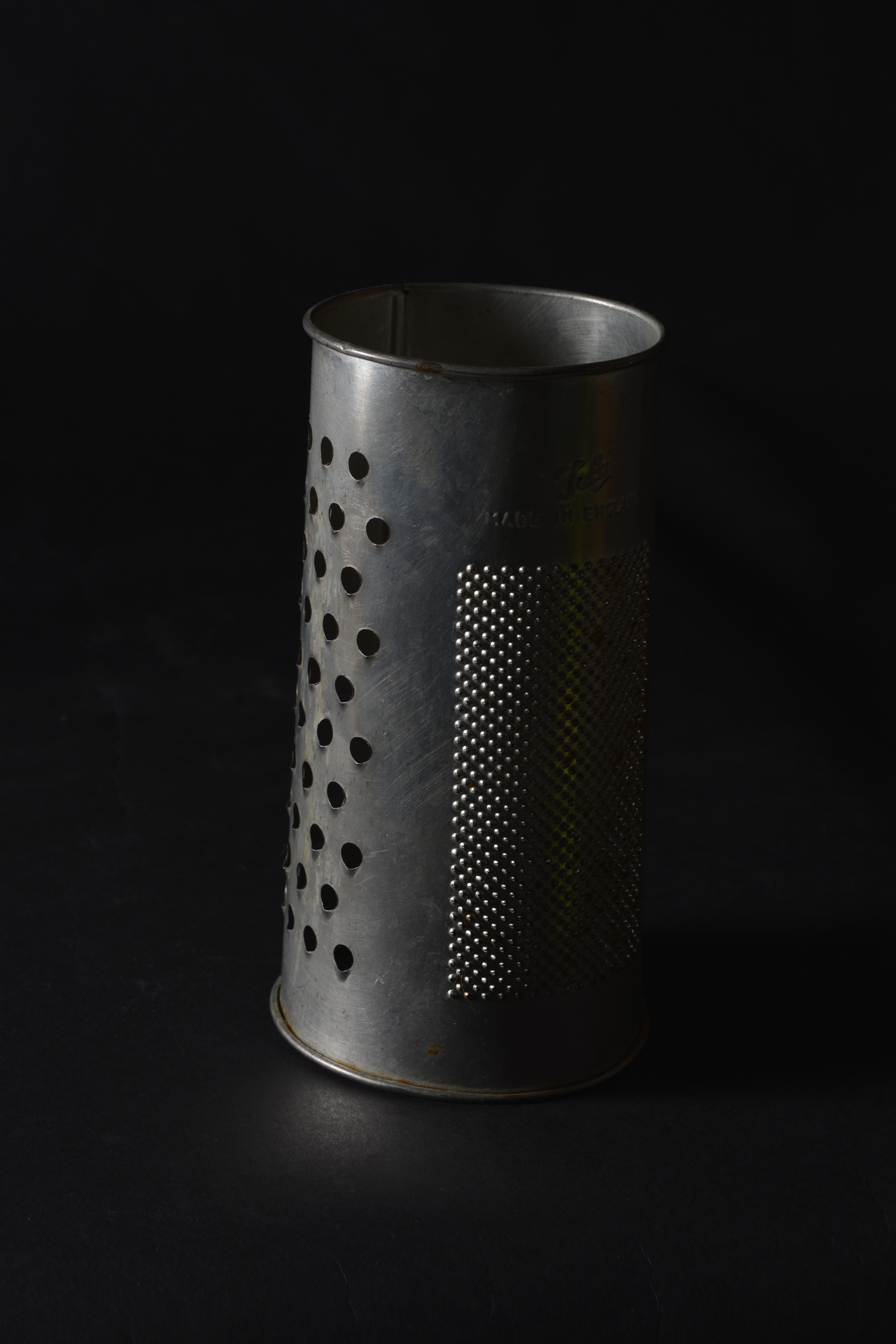
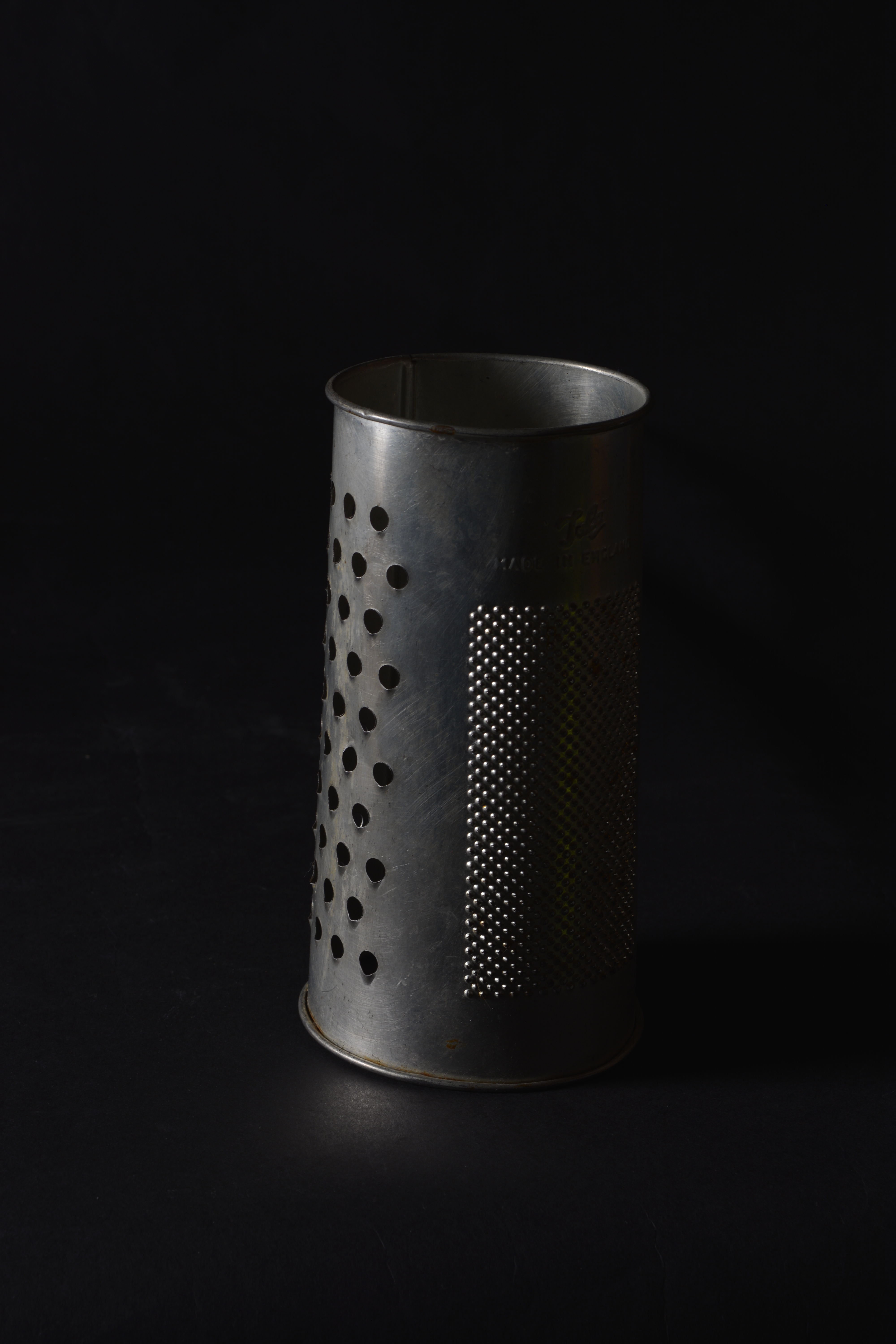
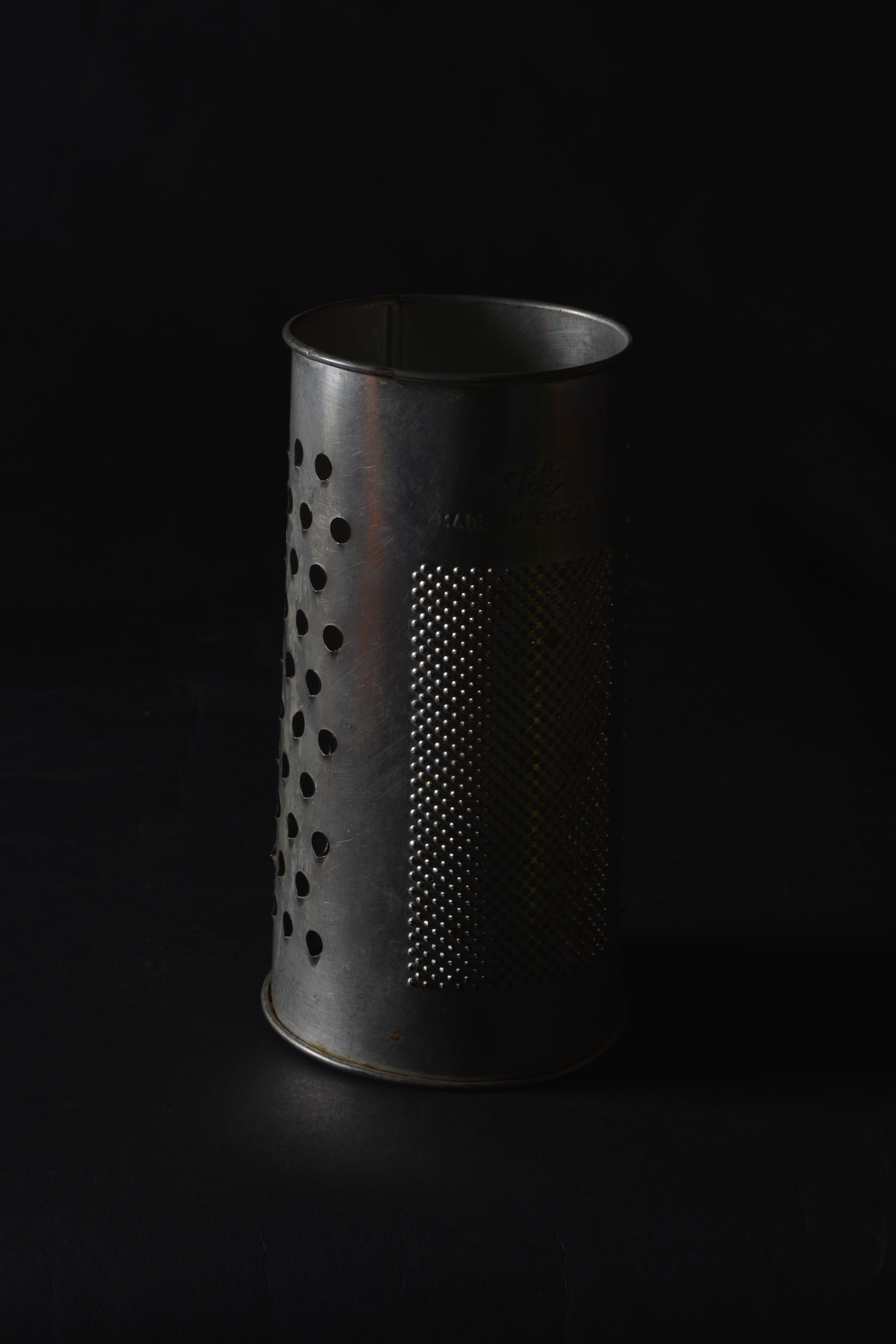
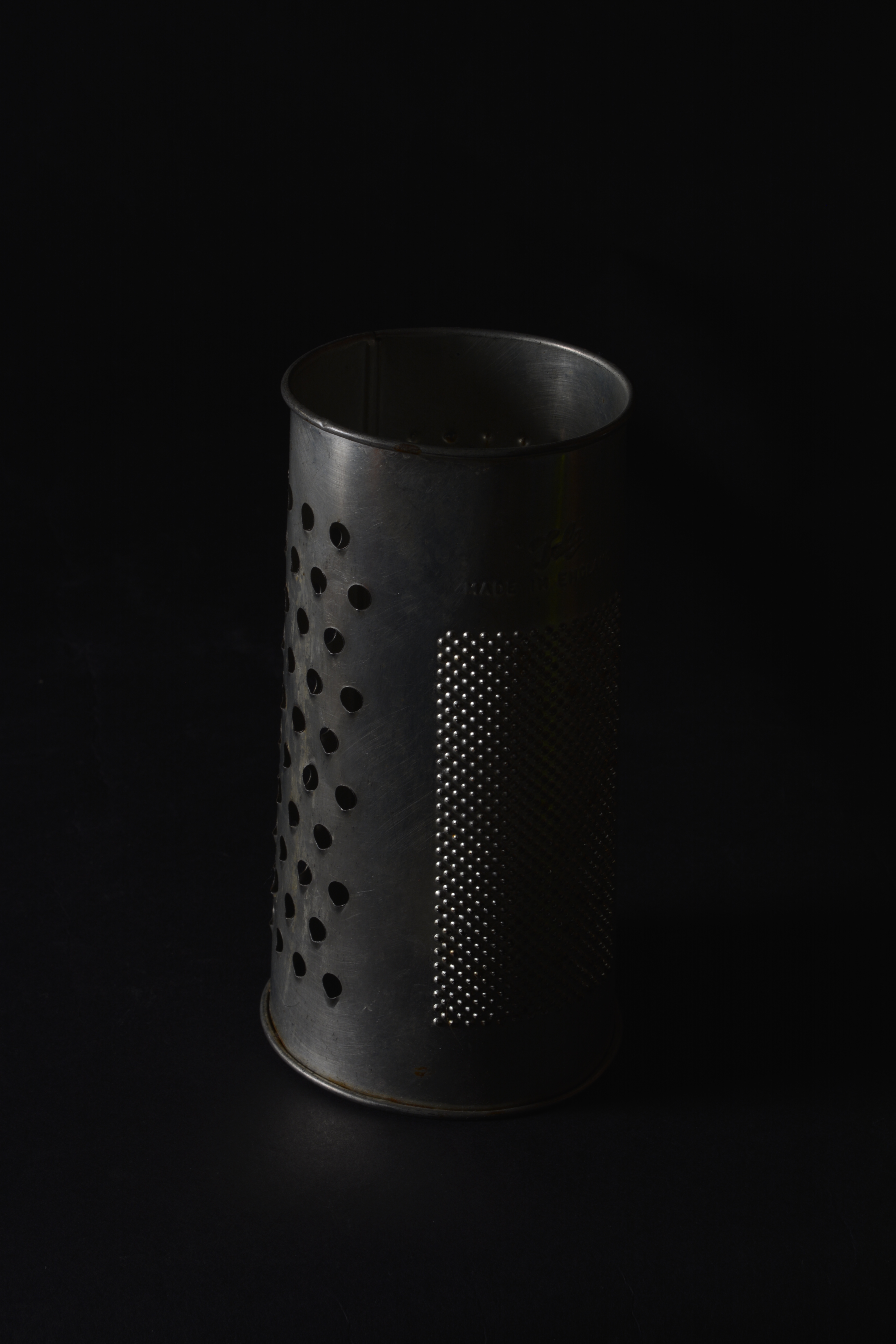
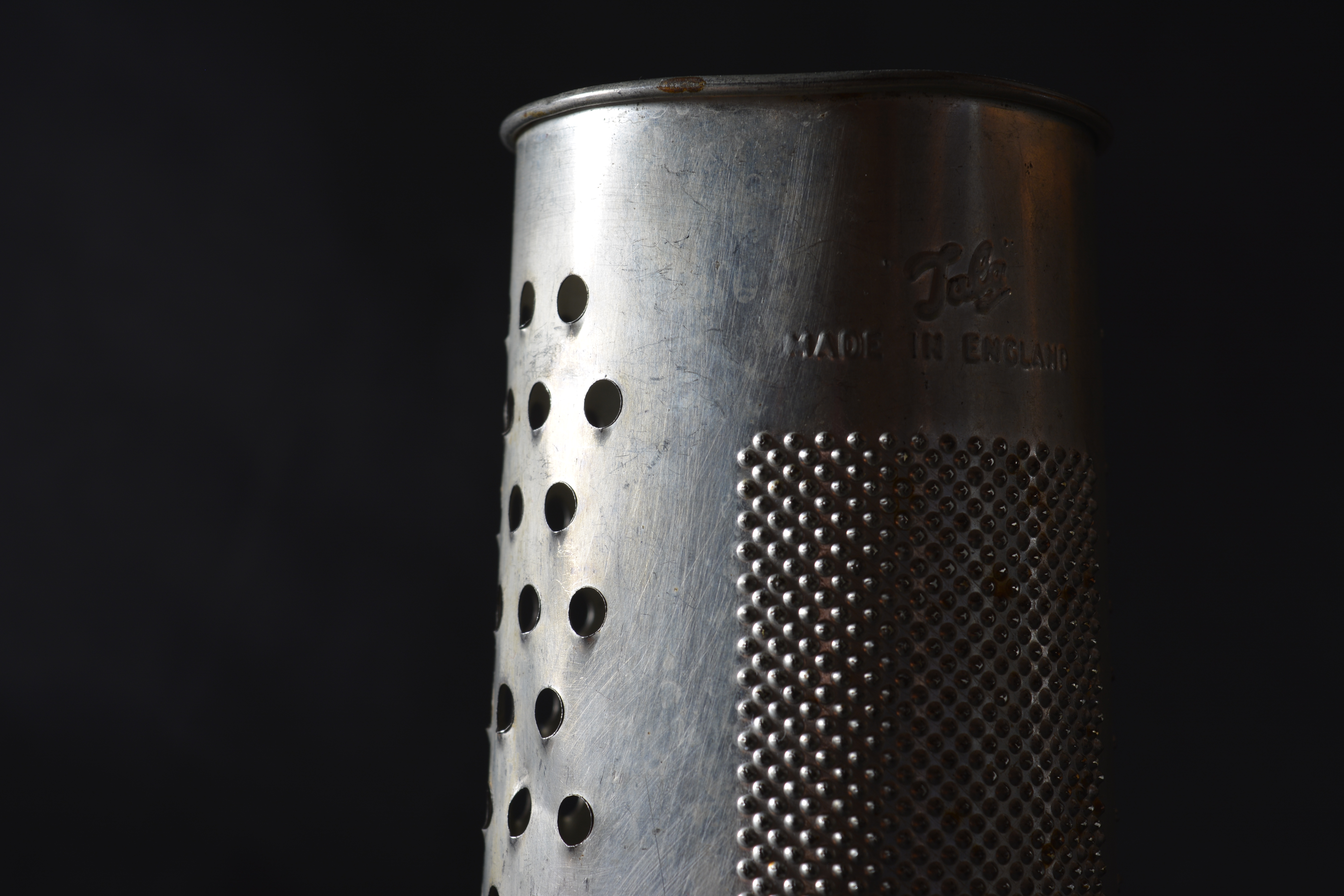
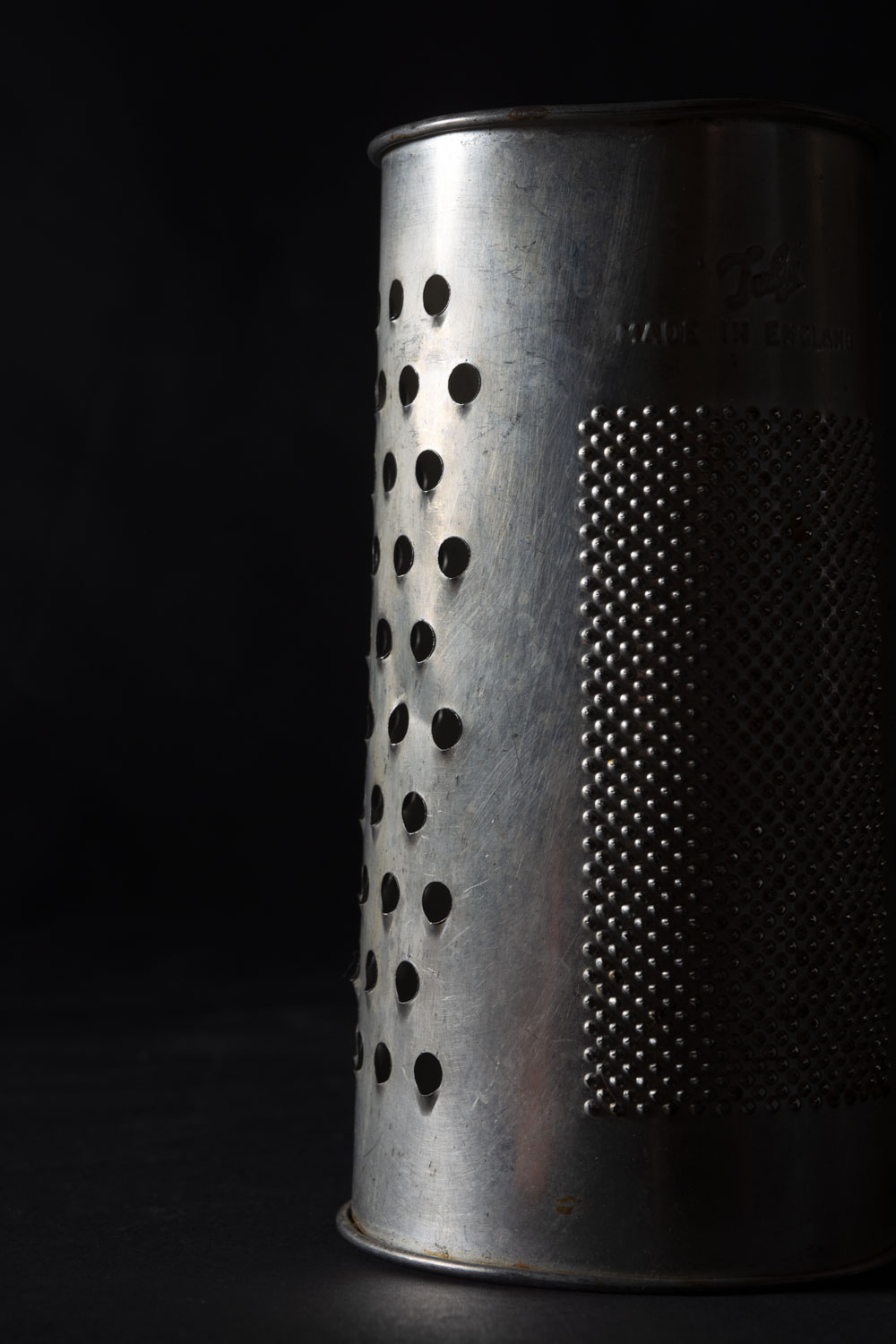
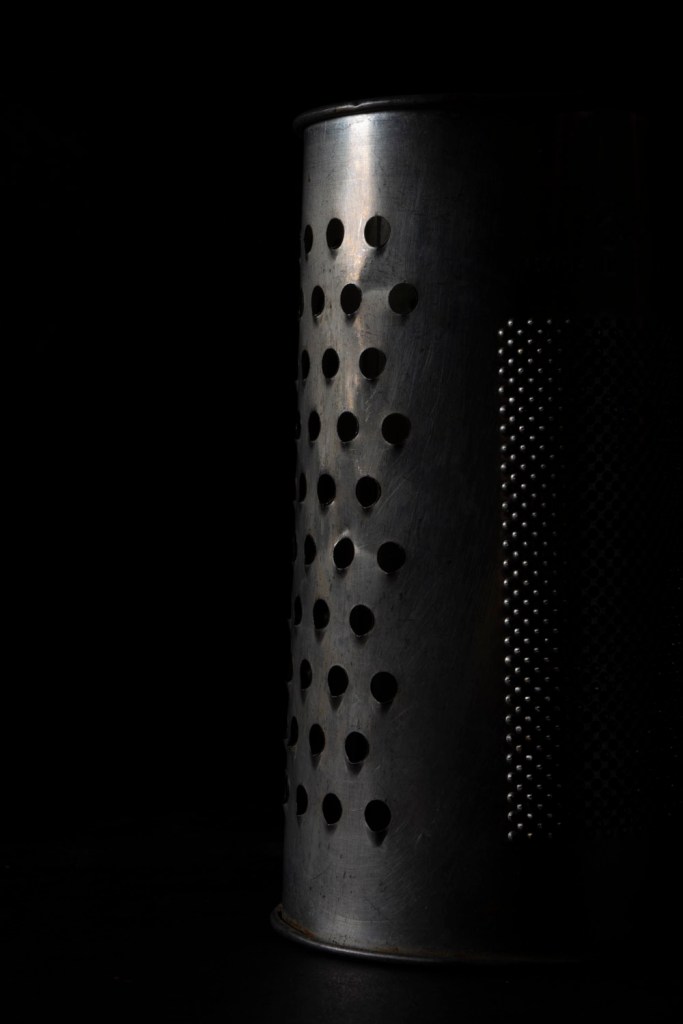
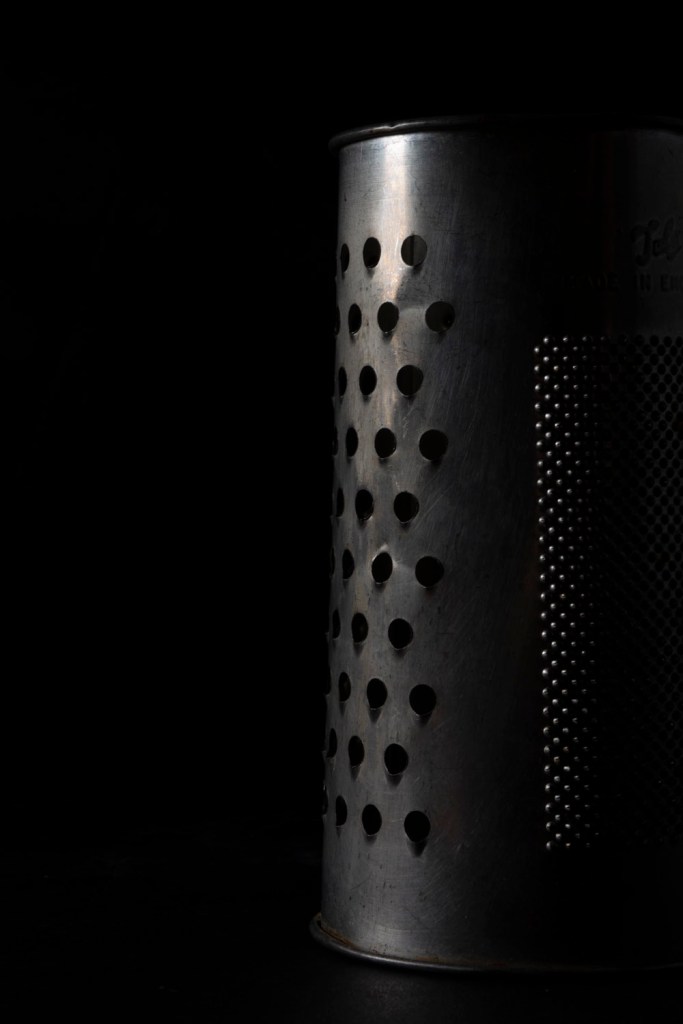
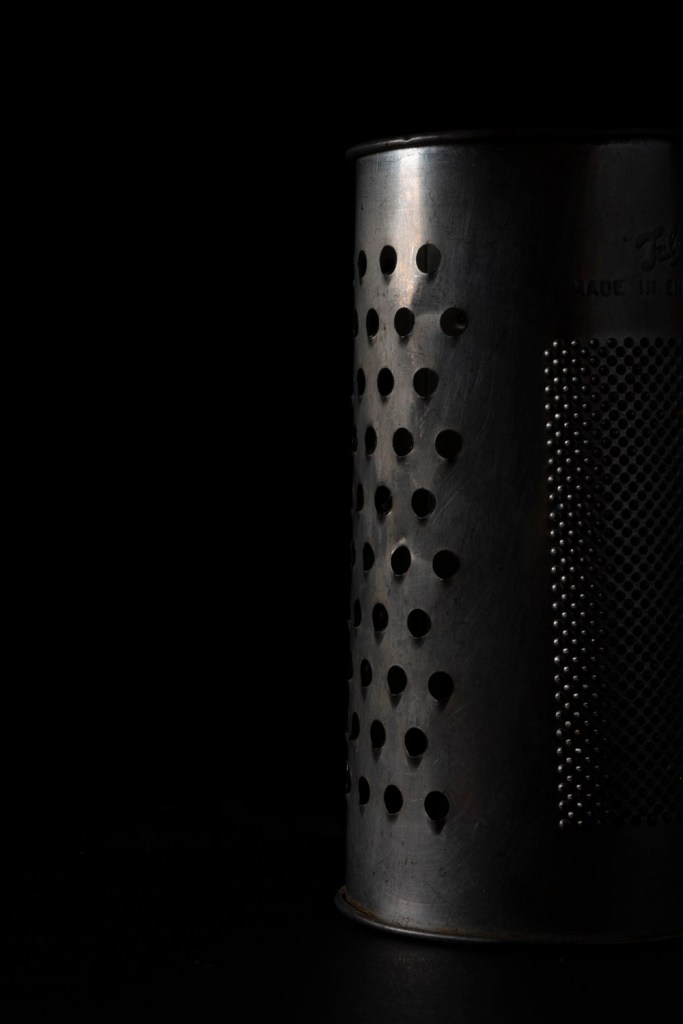
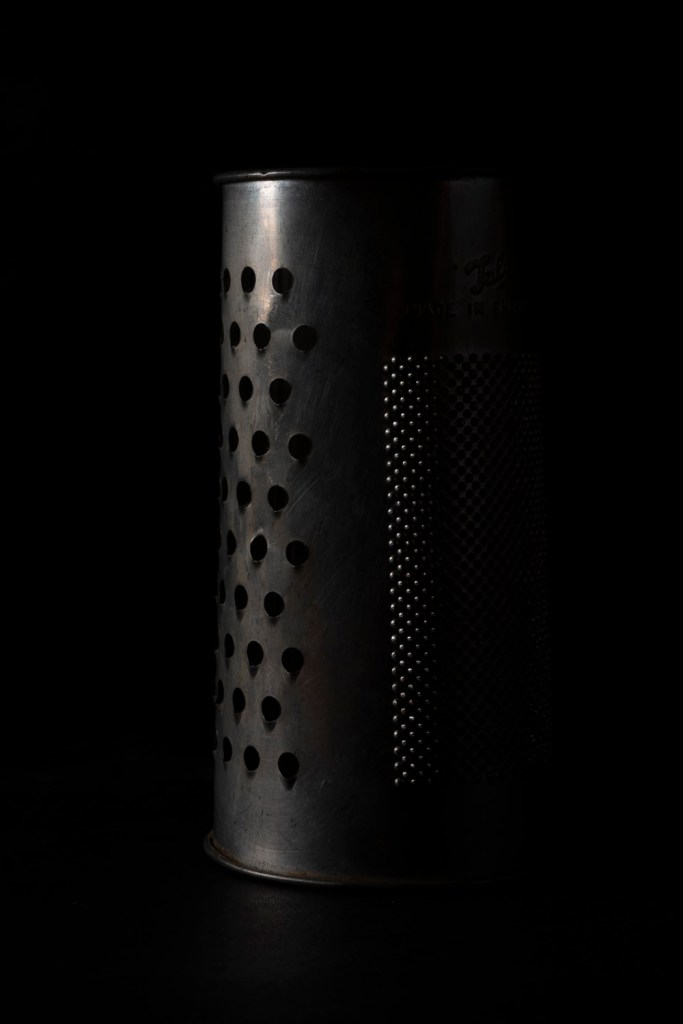
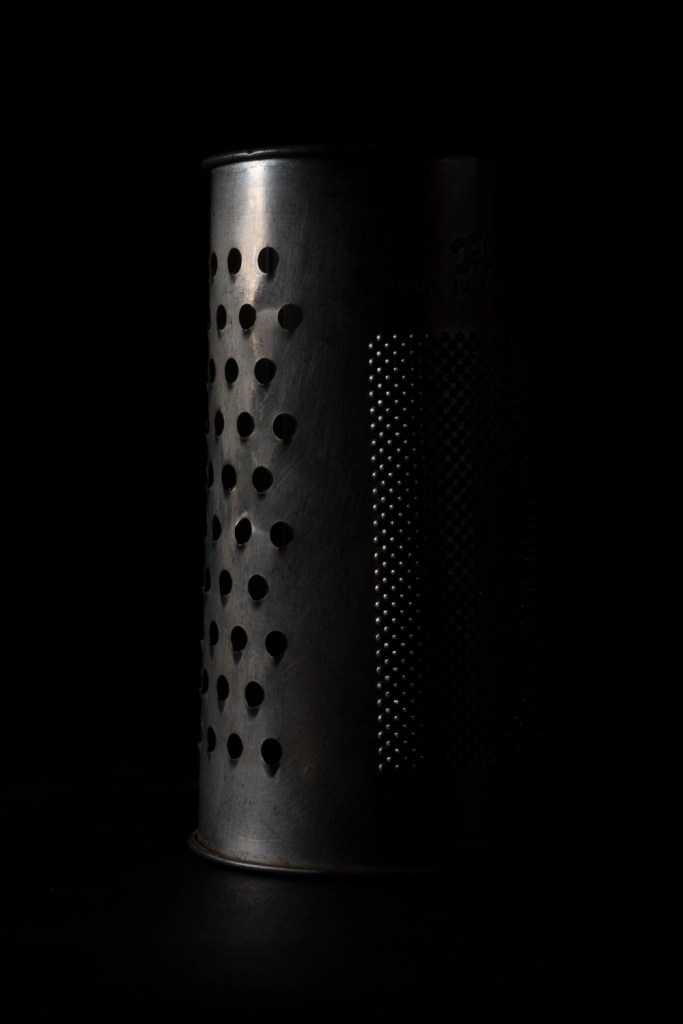
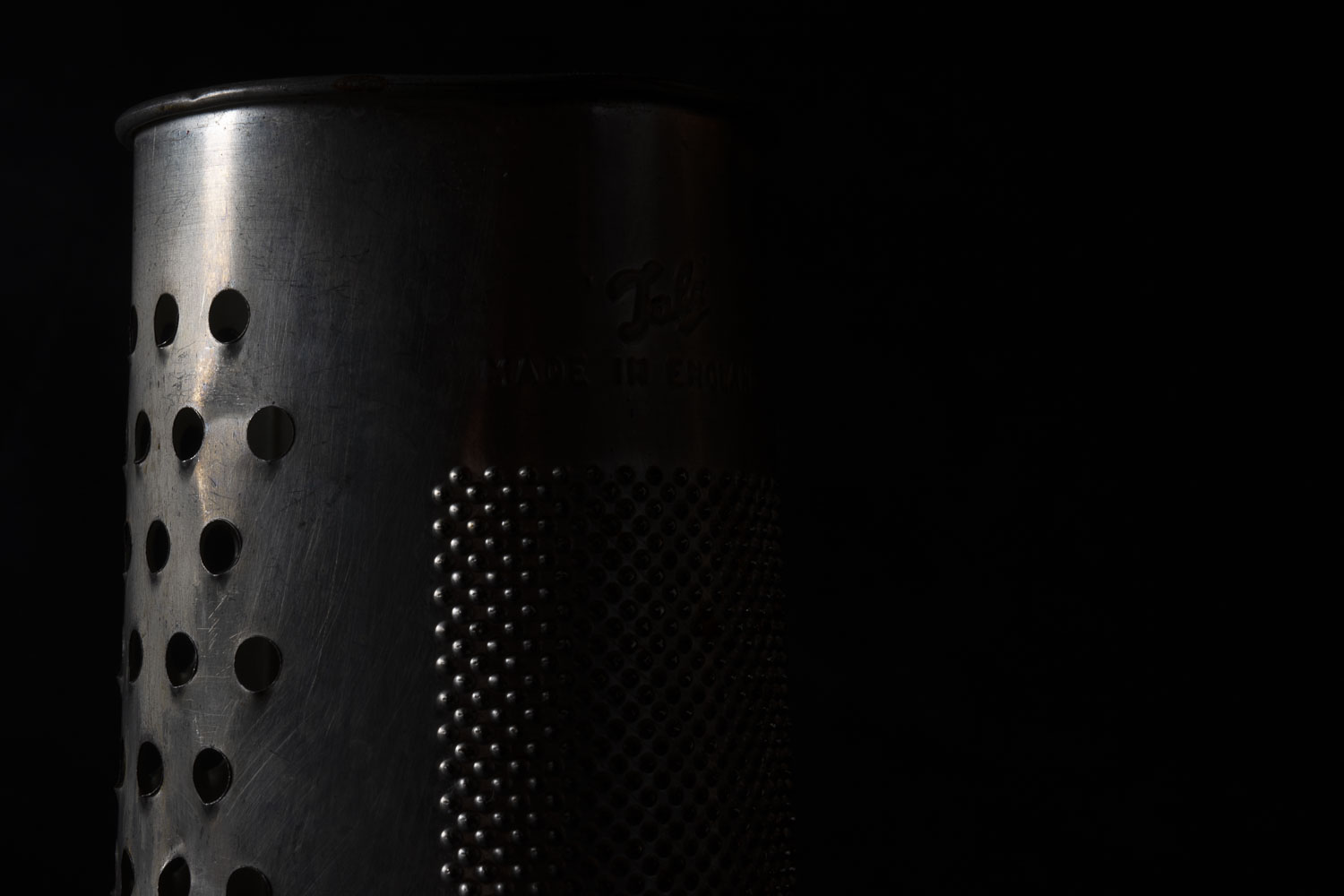
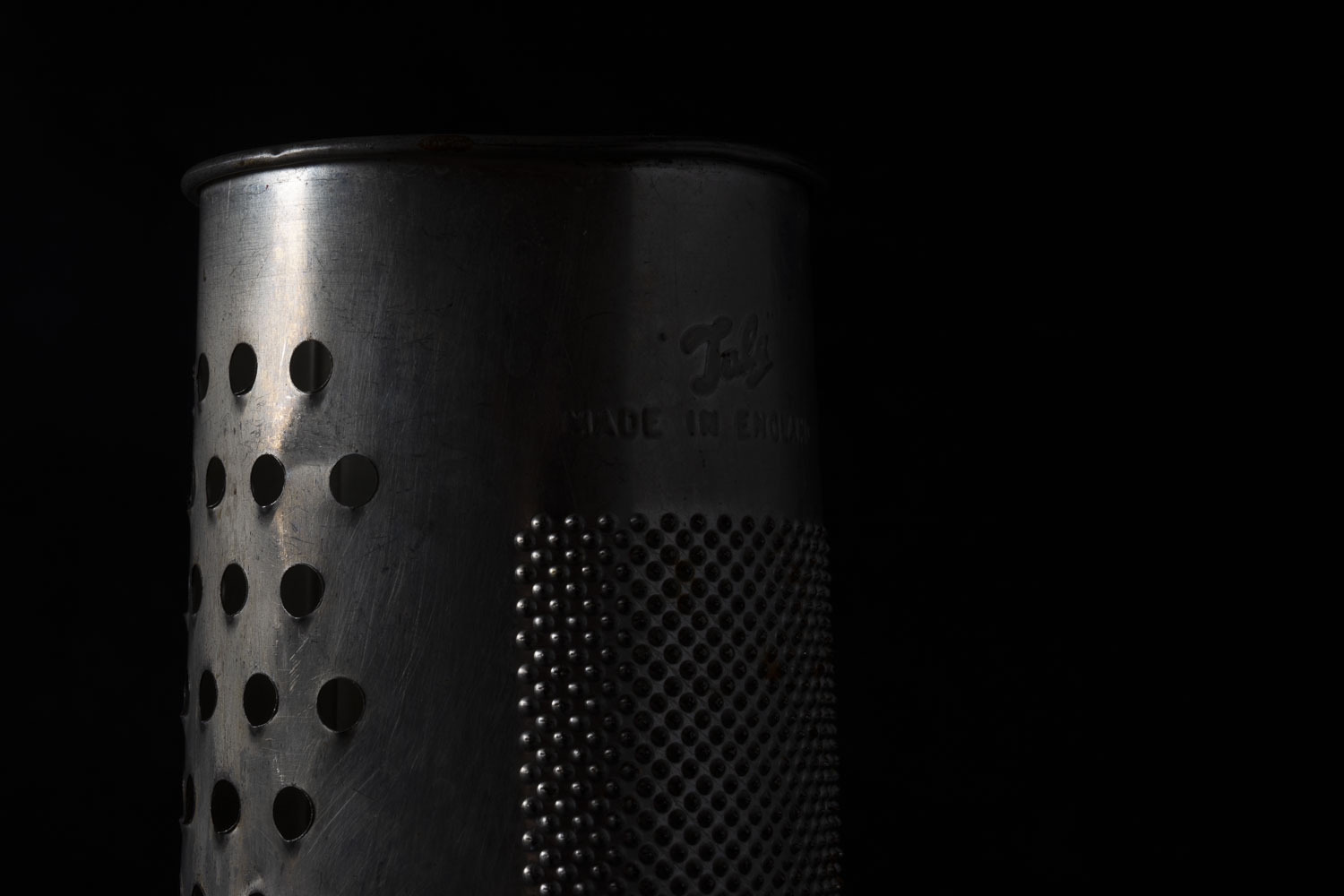
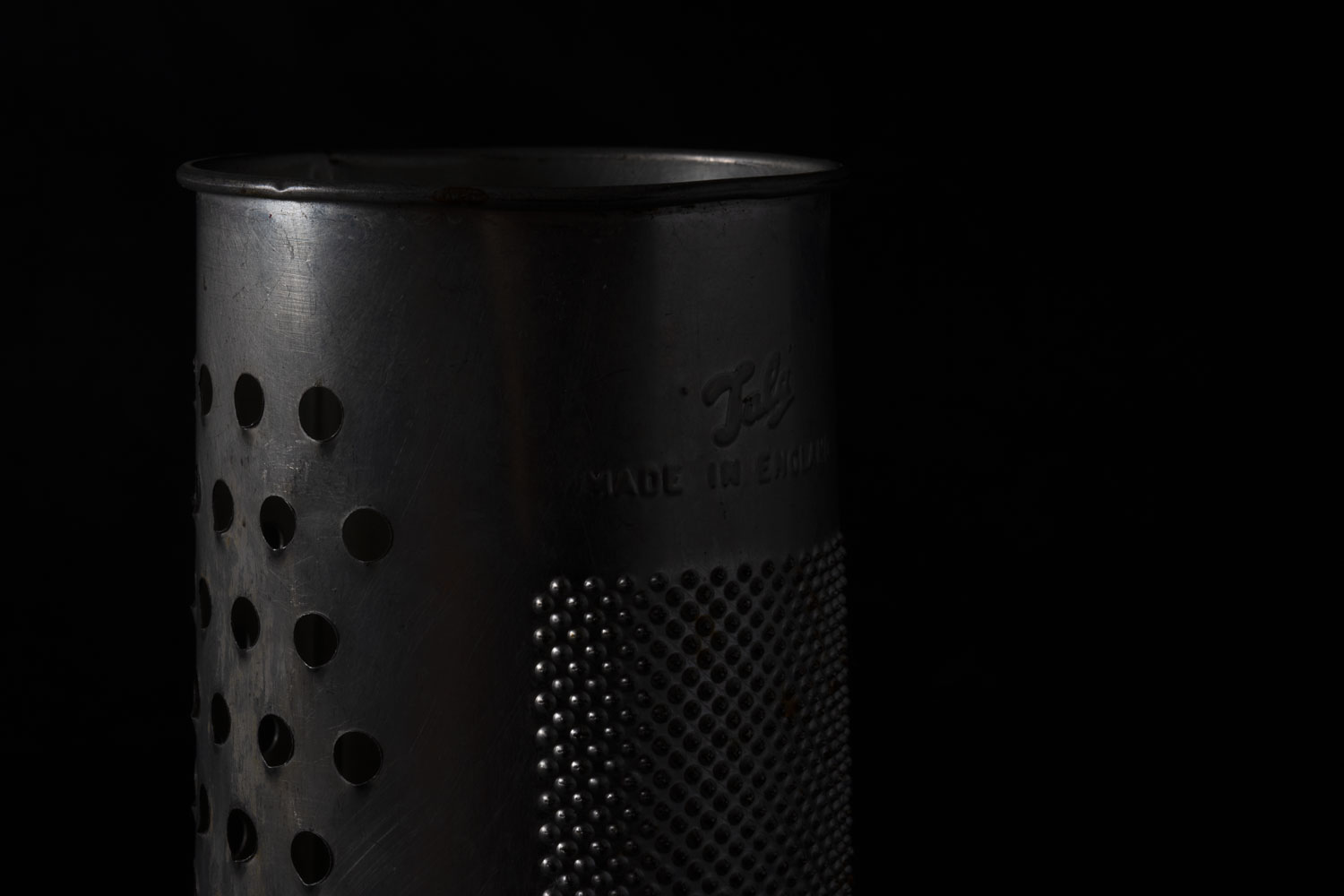
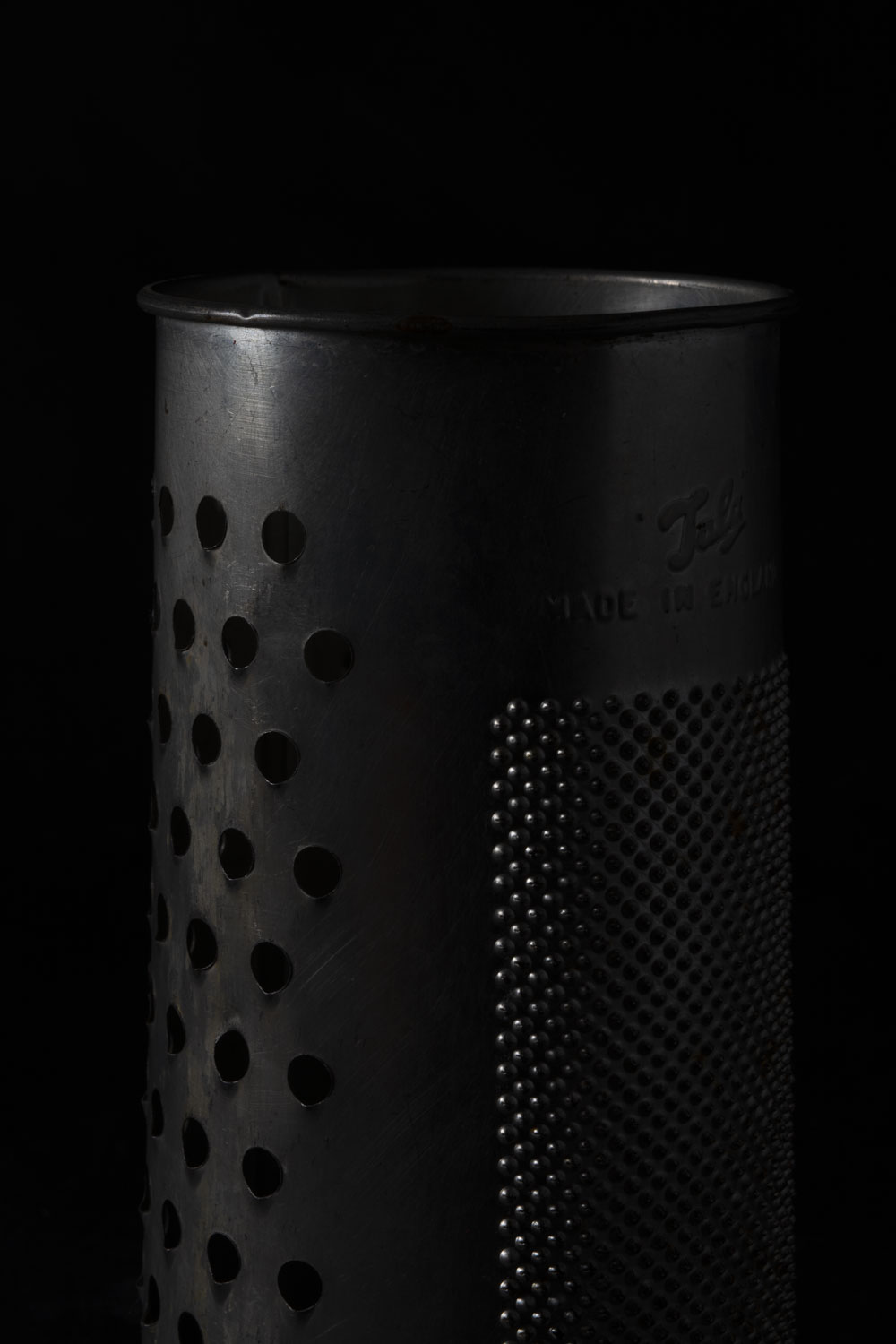
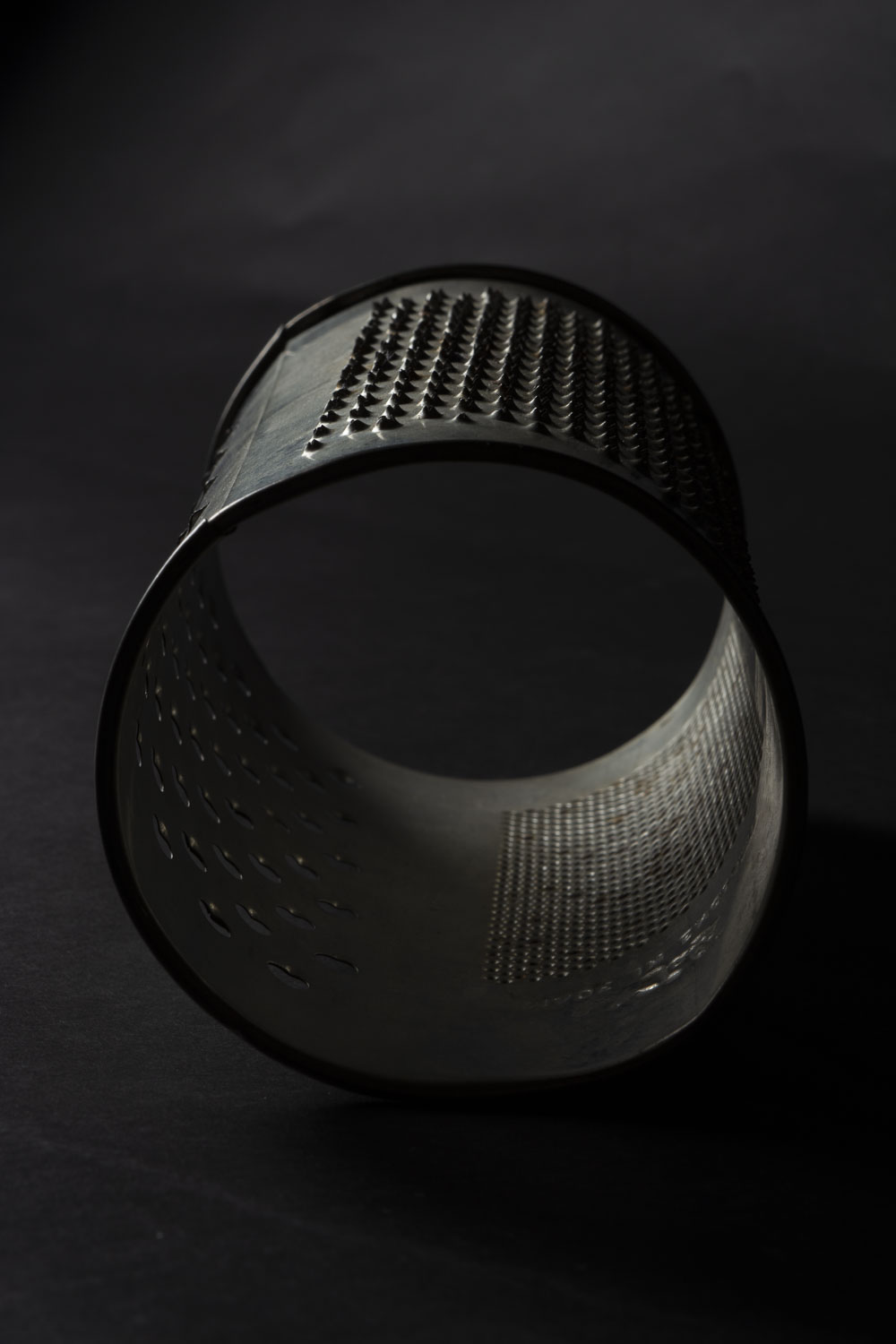
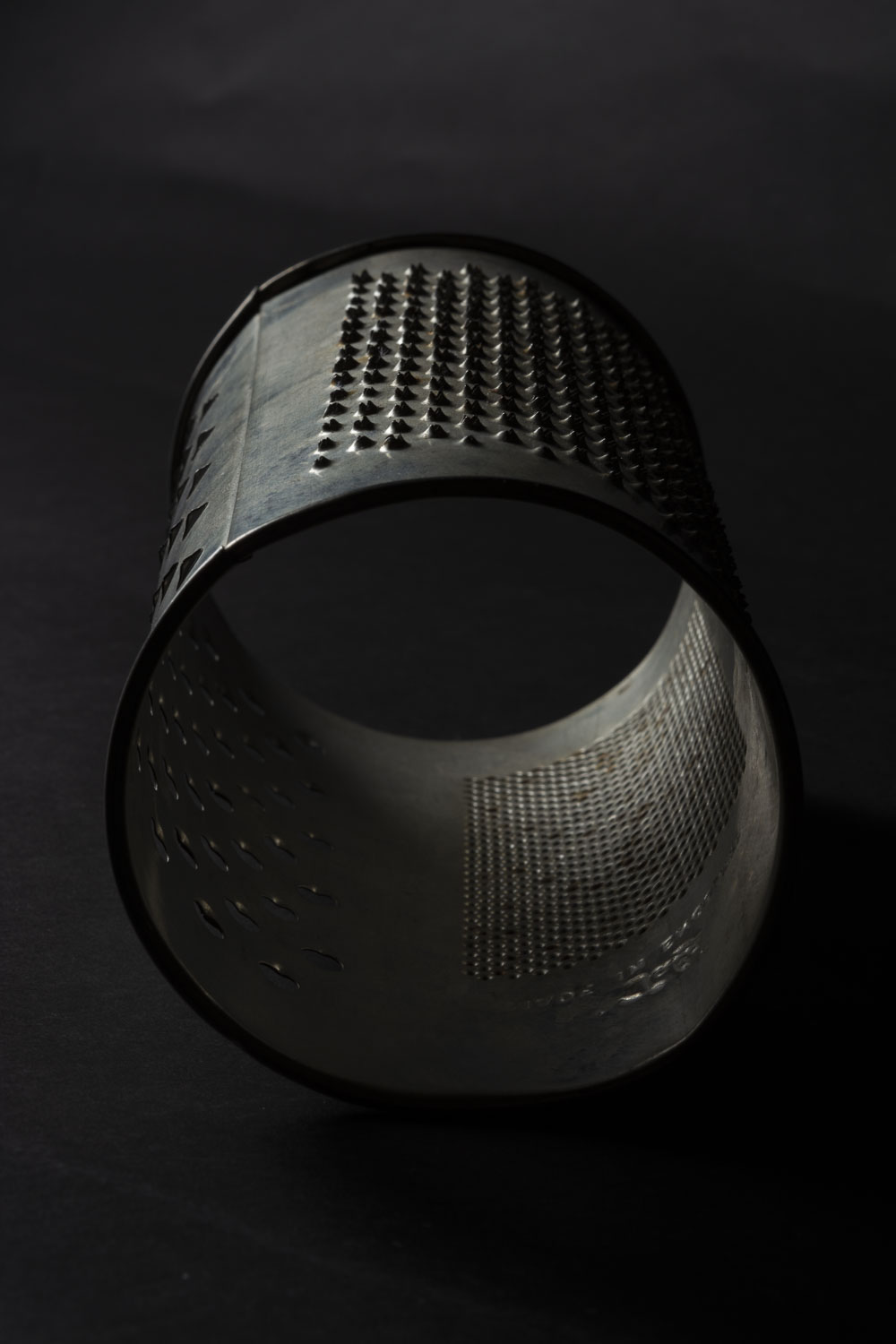
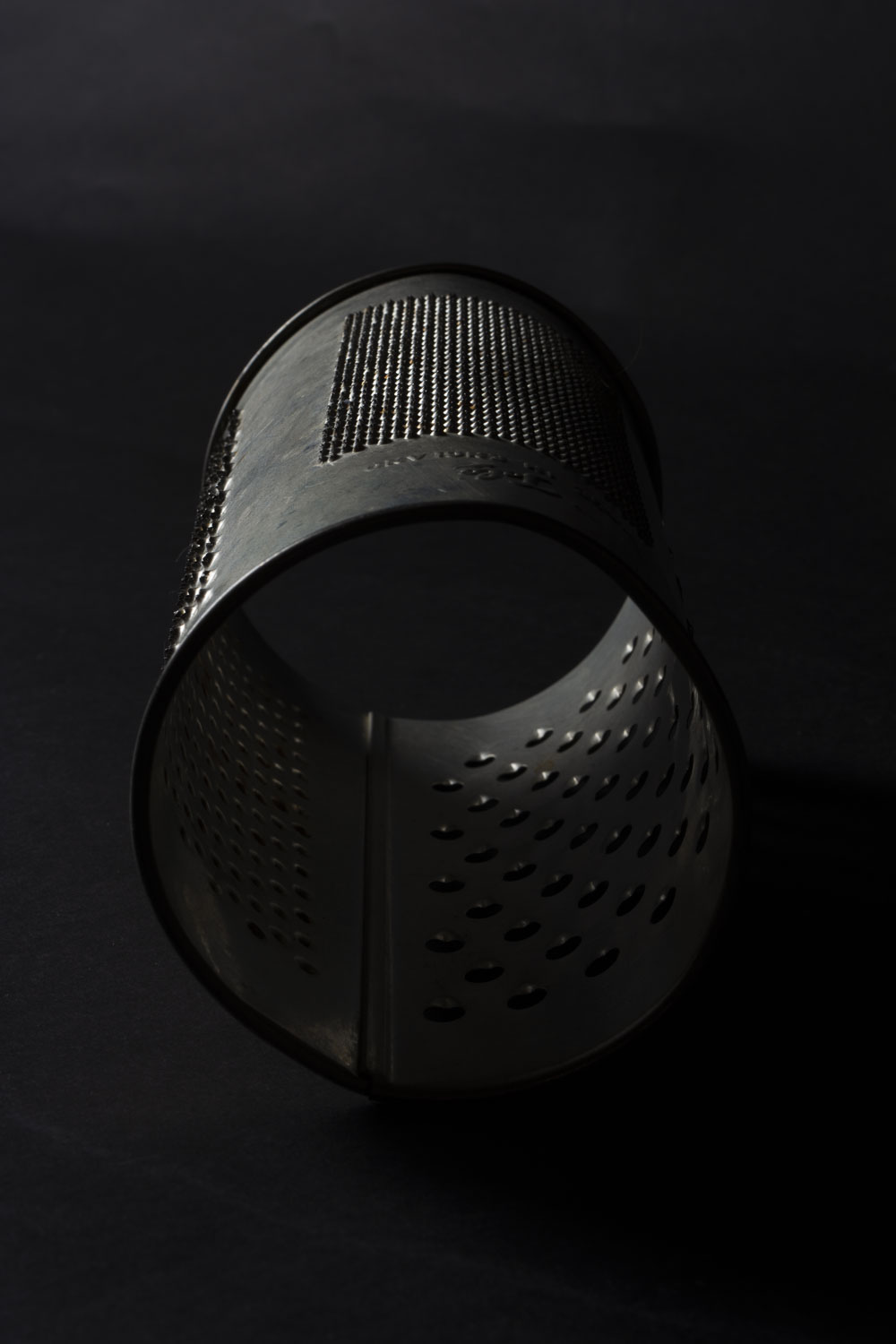
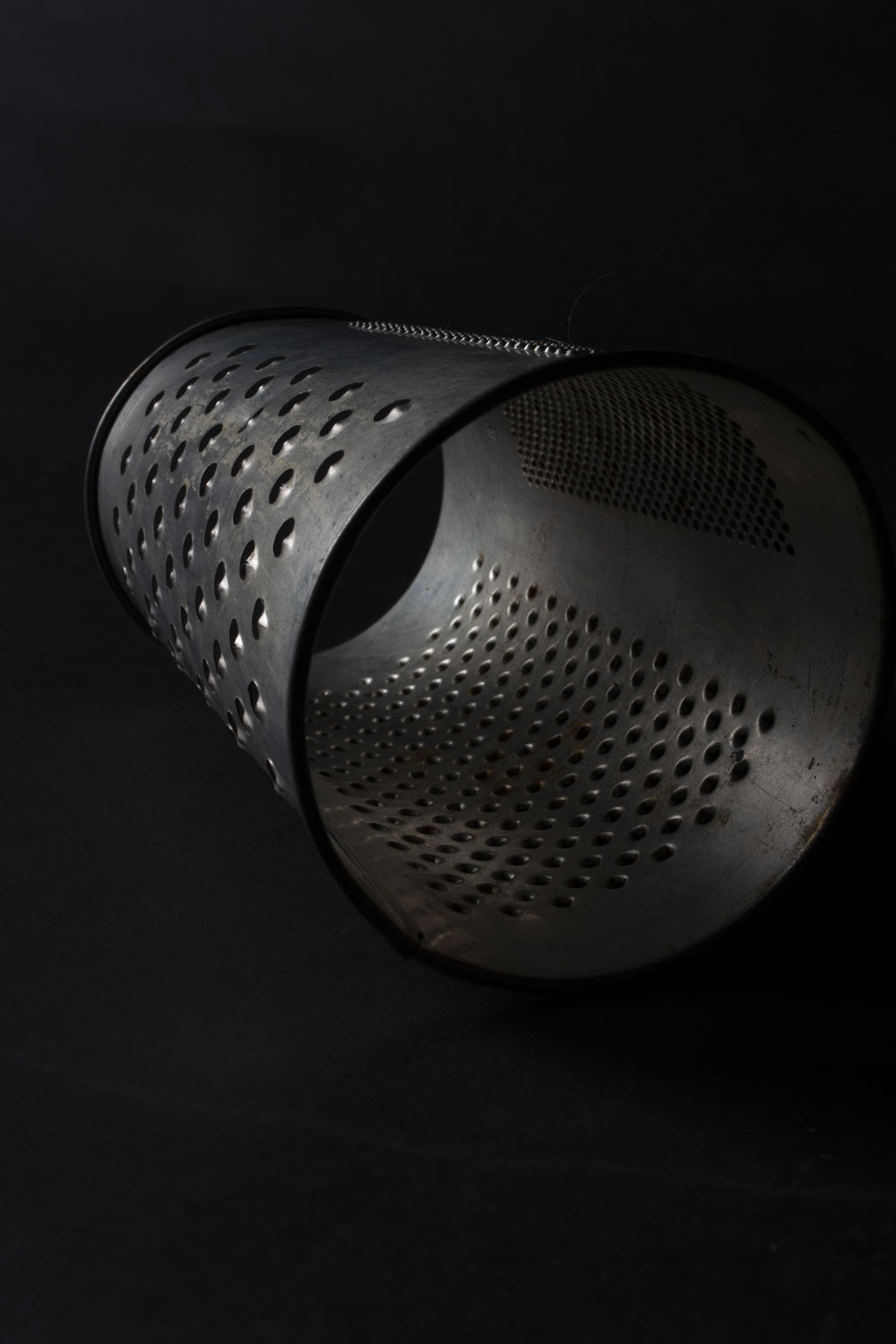
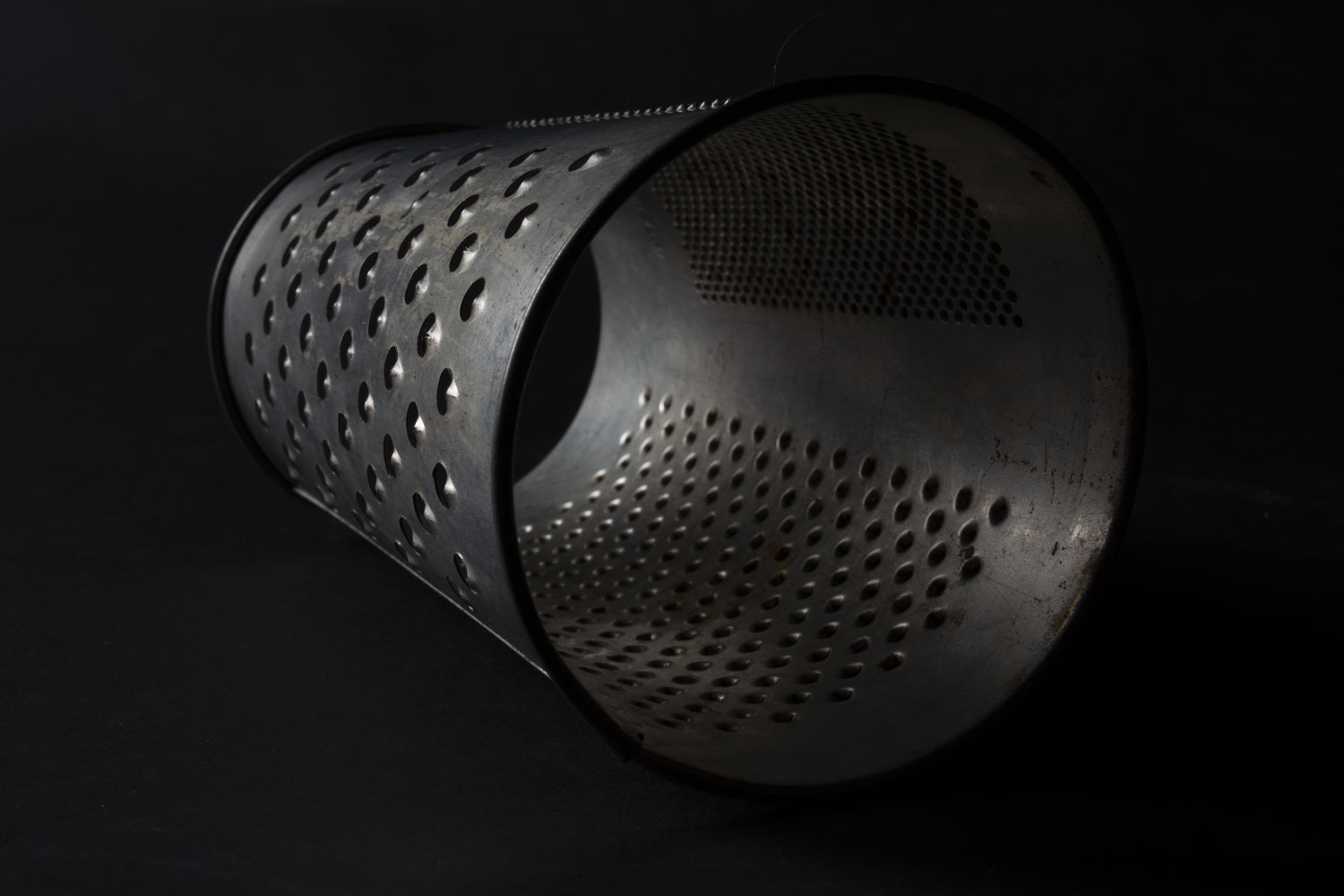
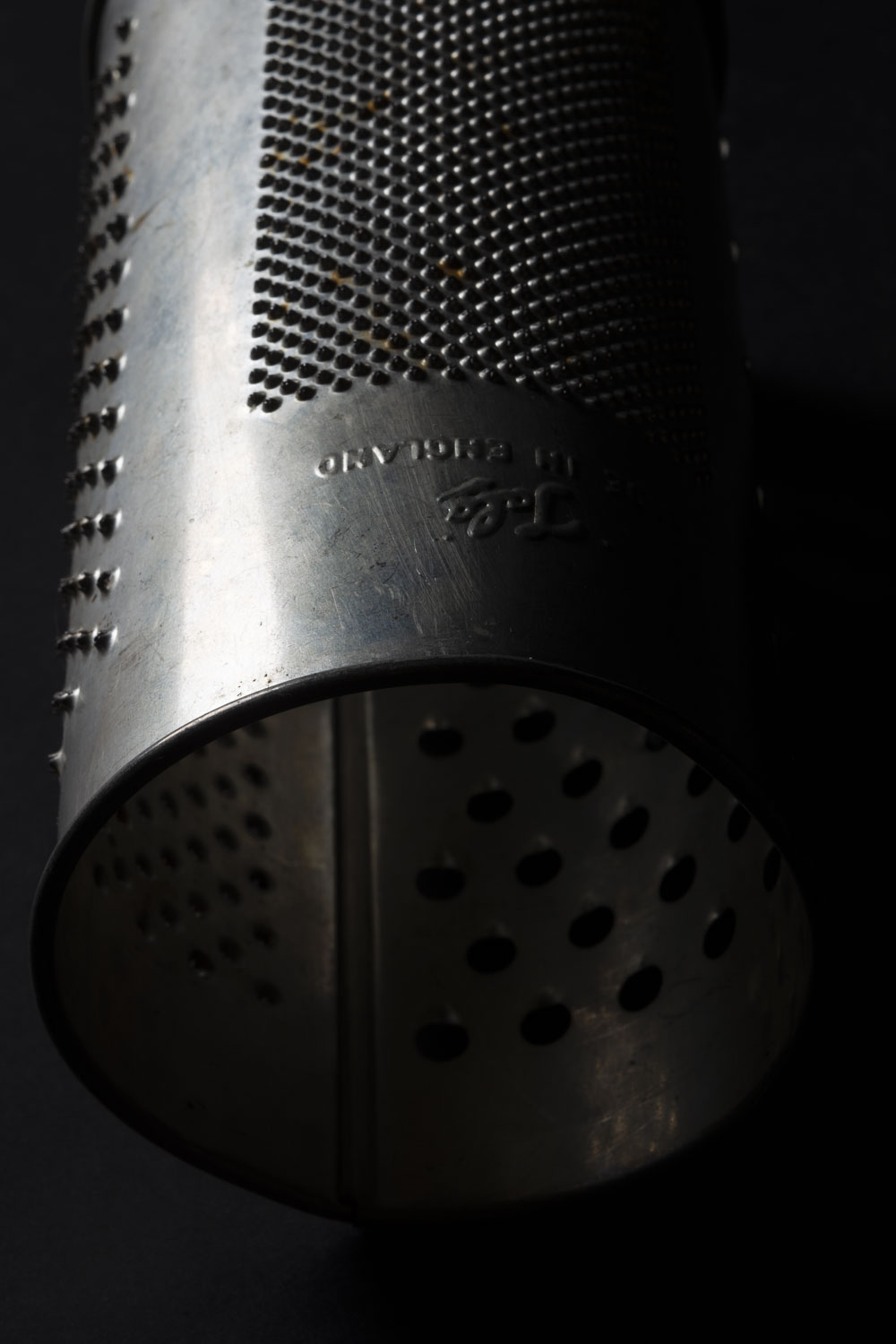
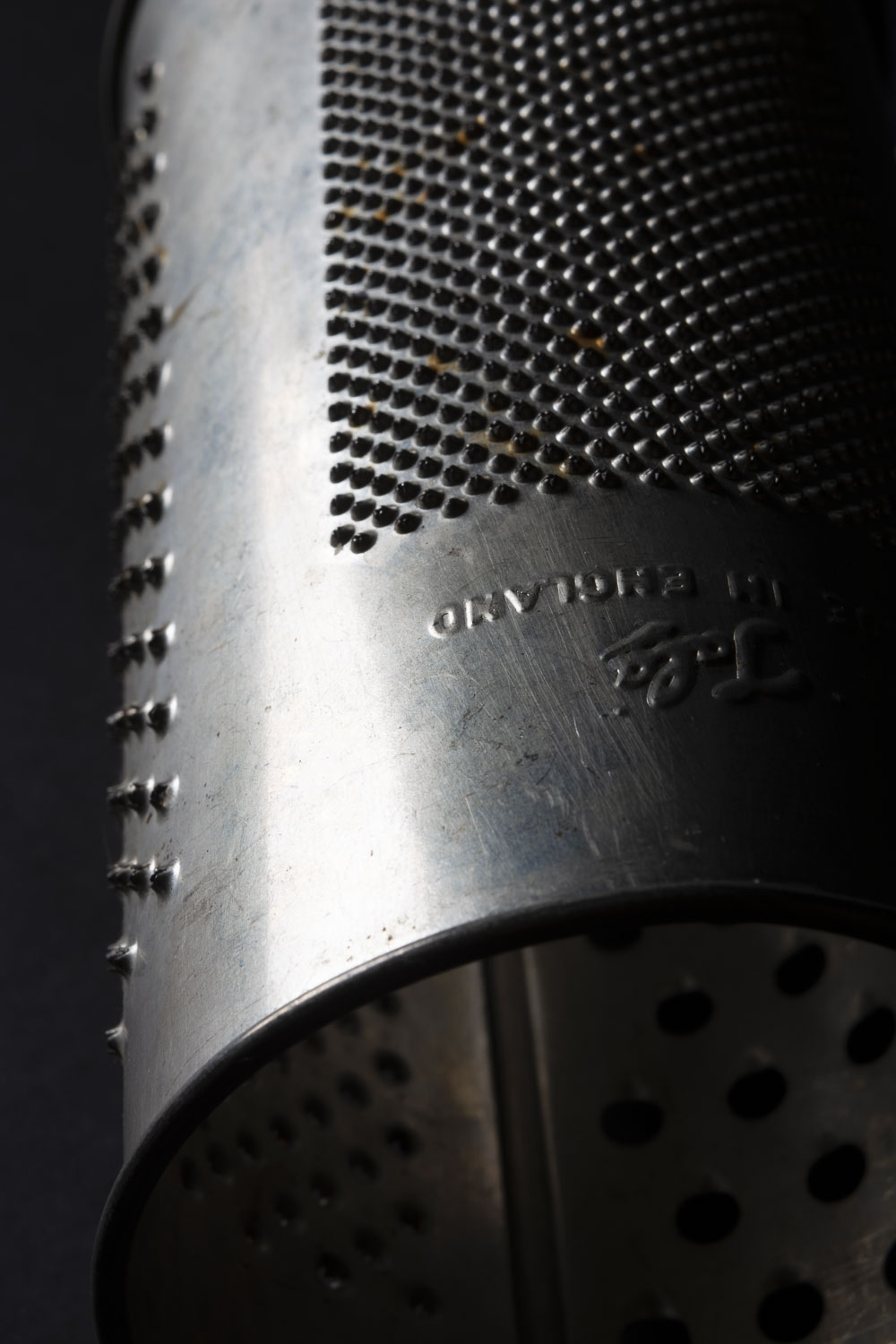
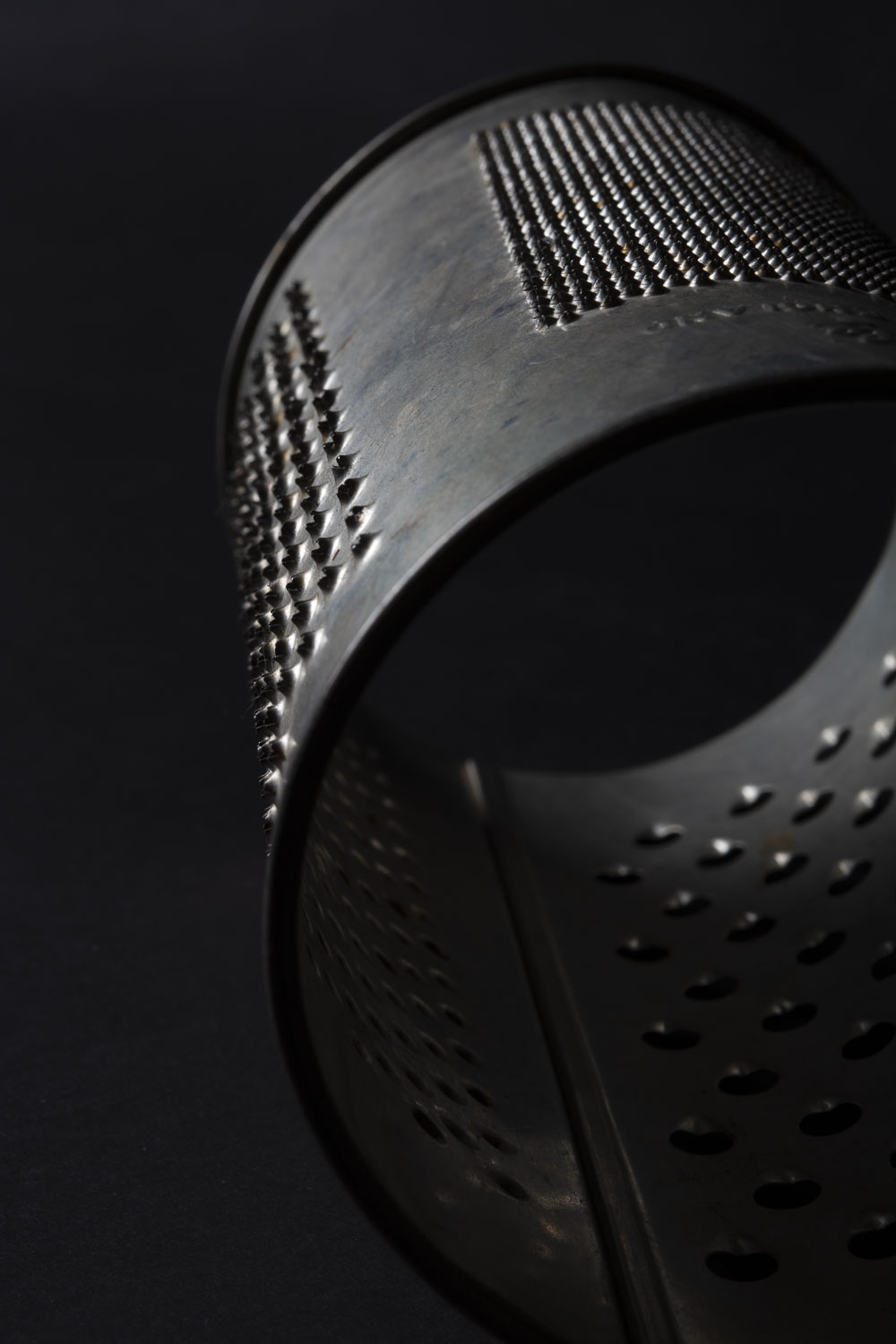
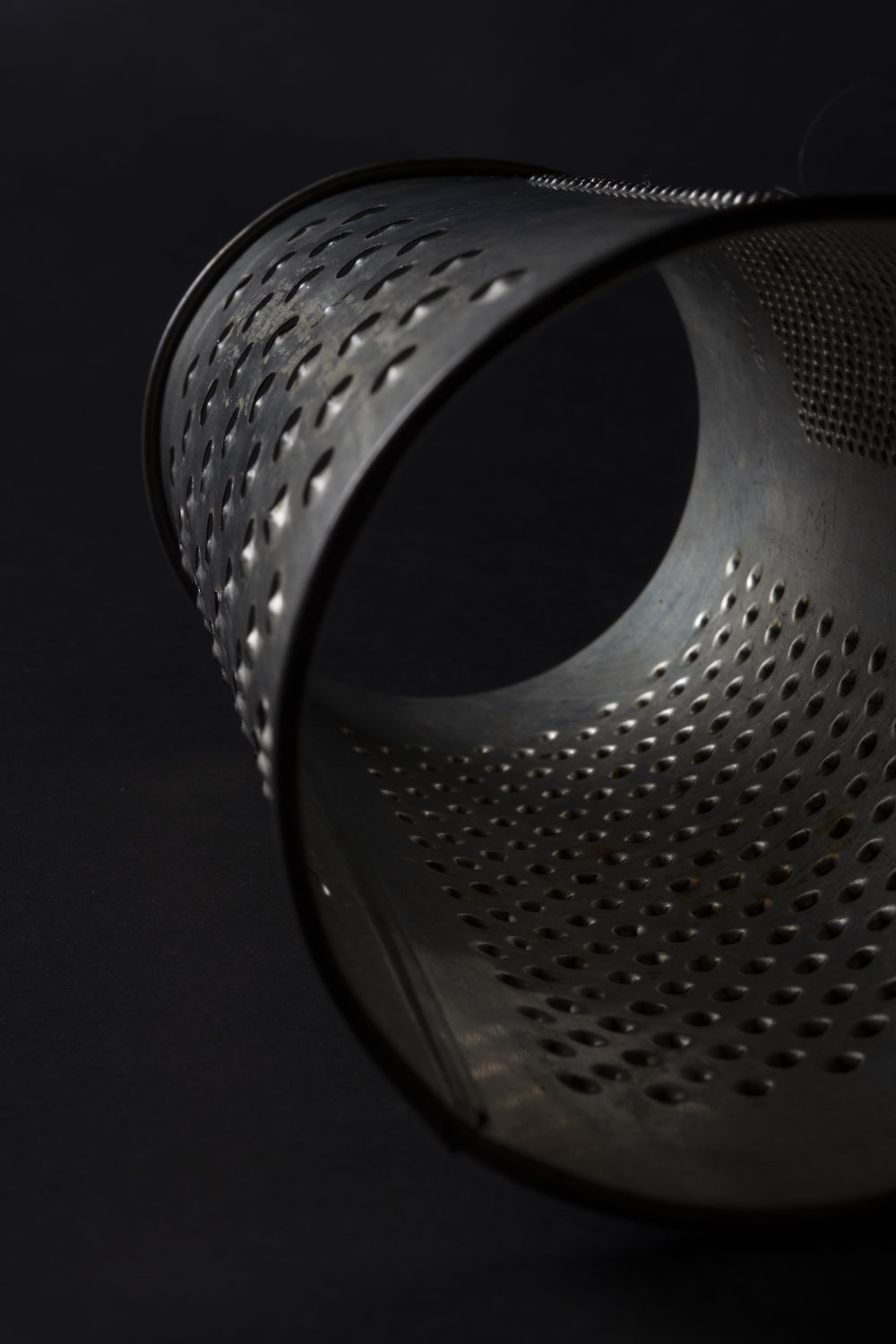
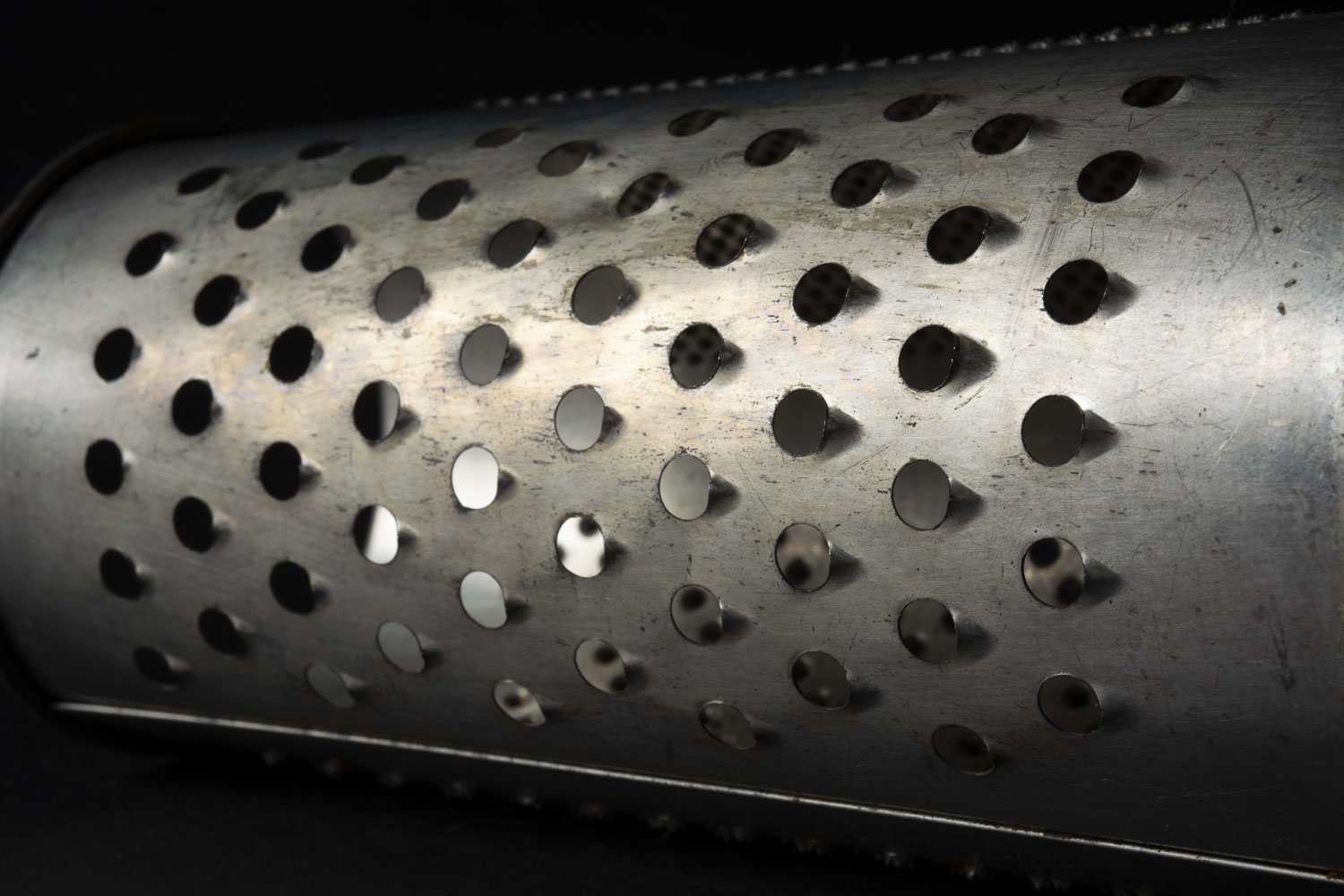
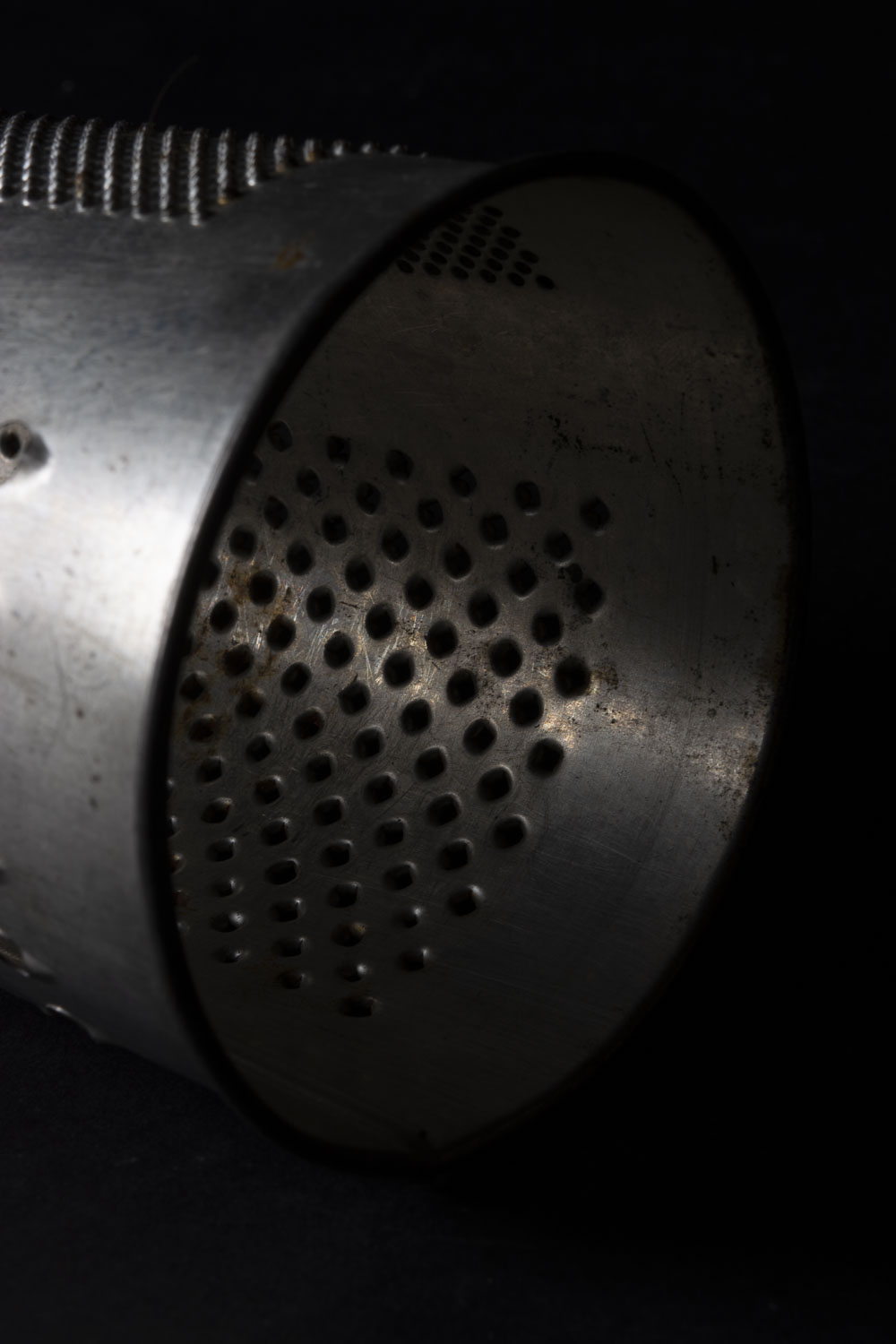
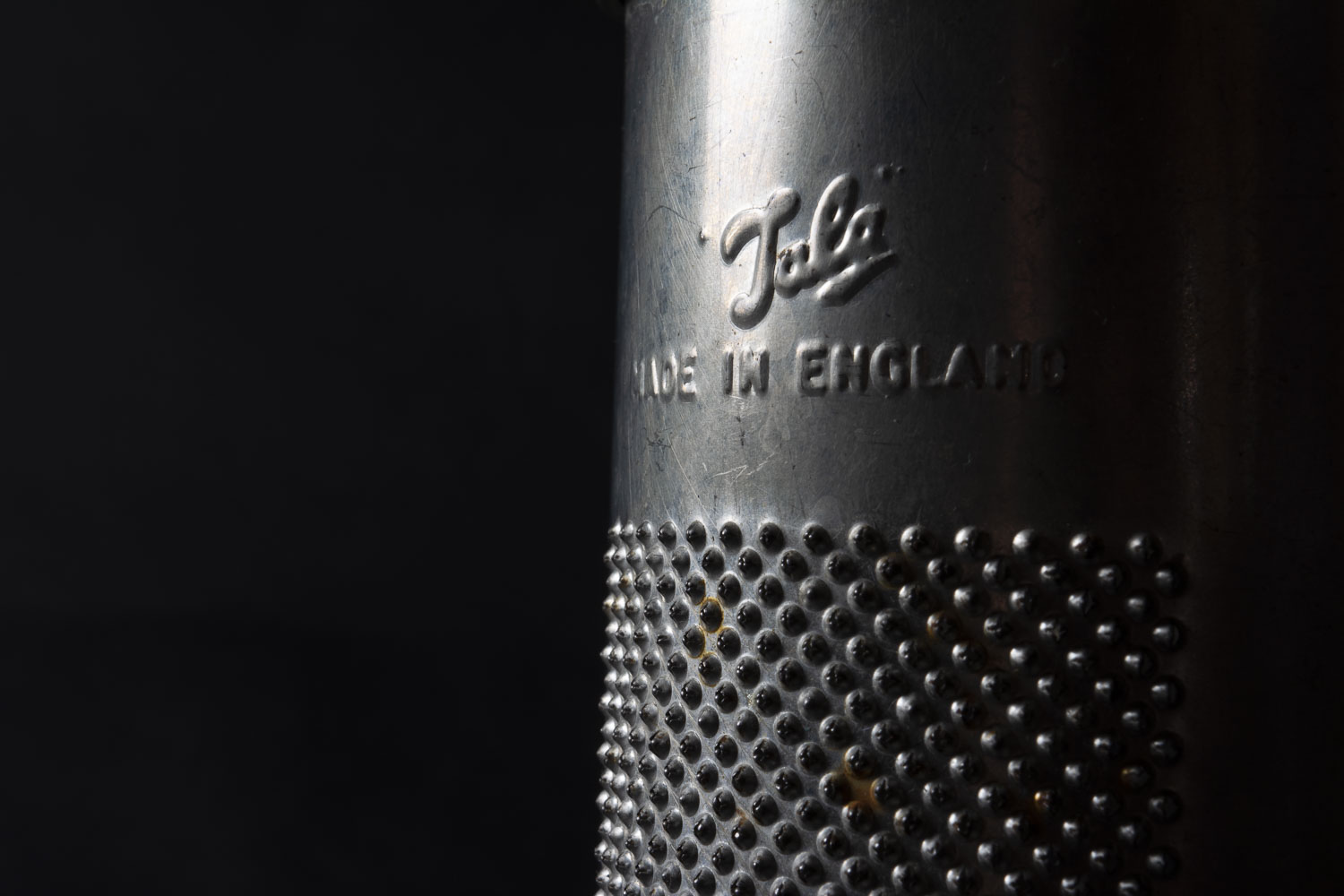
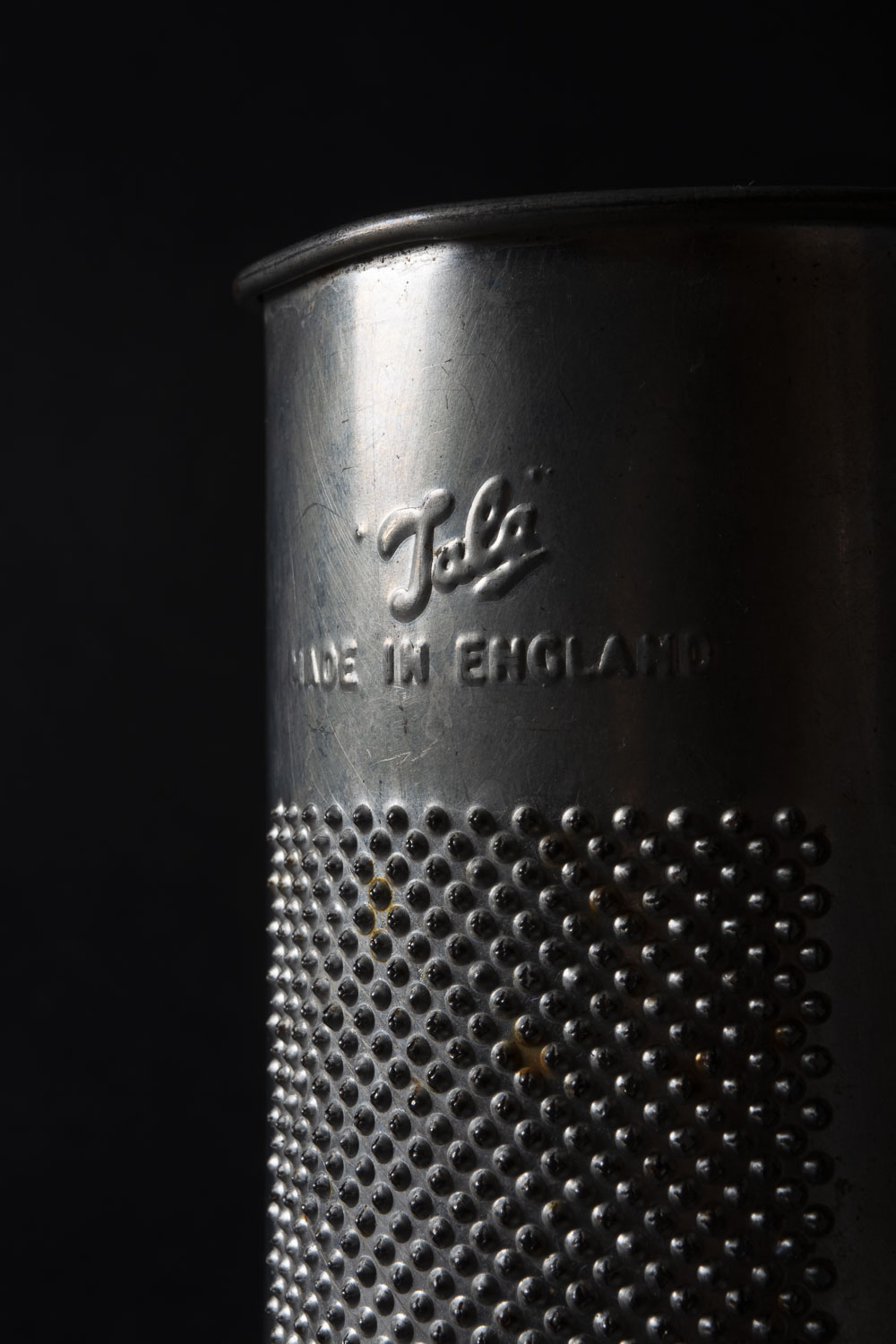
I quite like to photograph old metal and different textures. I seperated the grater from the bottles.
Light to dark with Apeture
F-7.1 F-8 F-9
F-10 F-11 F-13
F-7.1 with silver reflector
with out refector
With a reflector -moving
central composition, slight reflector
with reflector
Below, playing with different angles and one light source.
This week I purchased a second hand Prime Lens for my Nikon camera. F stop 1.8 This lens is a manual focus lens and therefore I have to be really careful and work hard to get the correct focus.
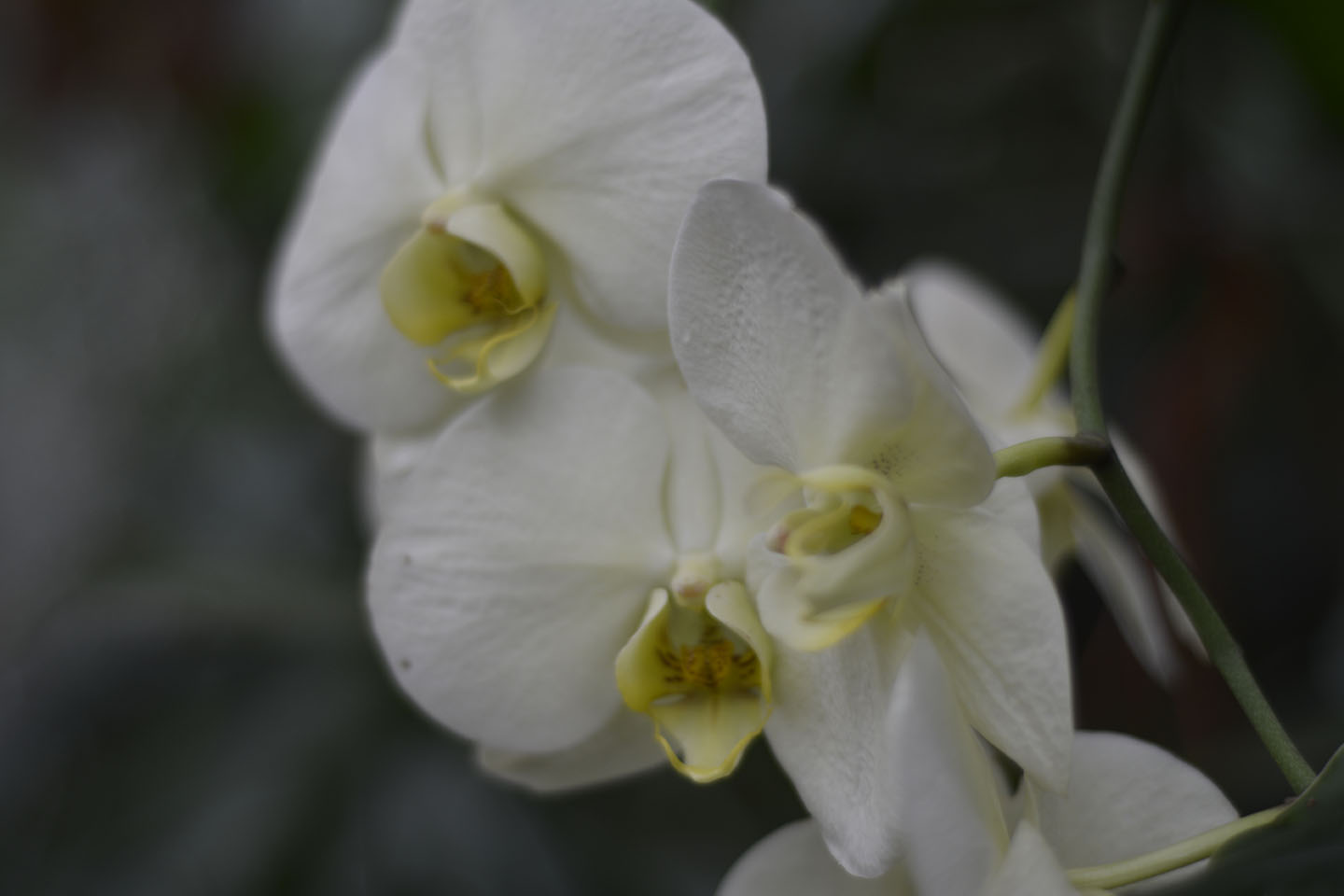
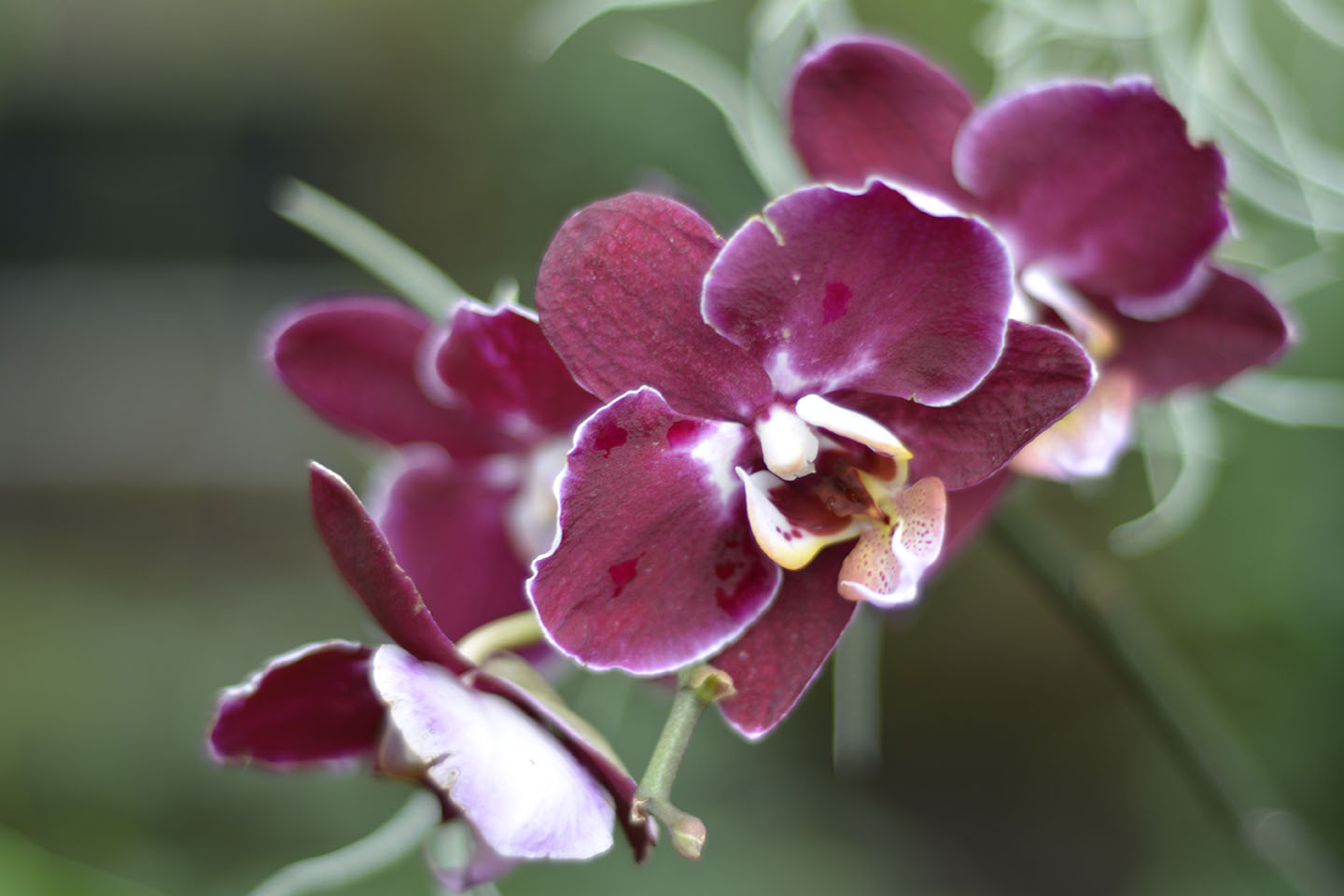
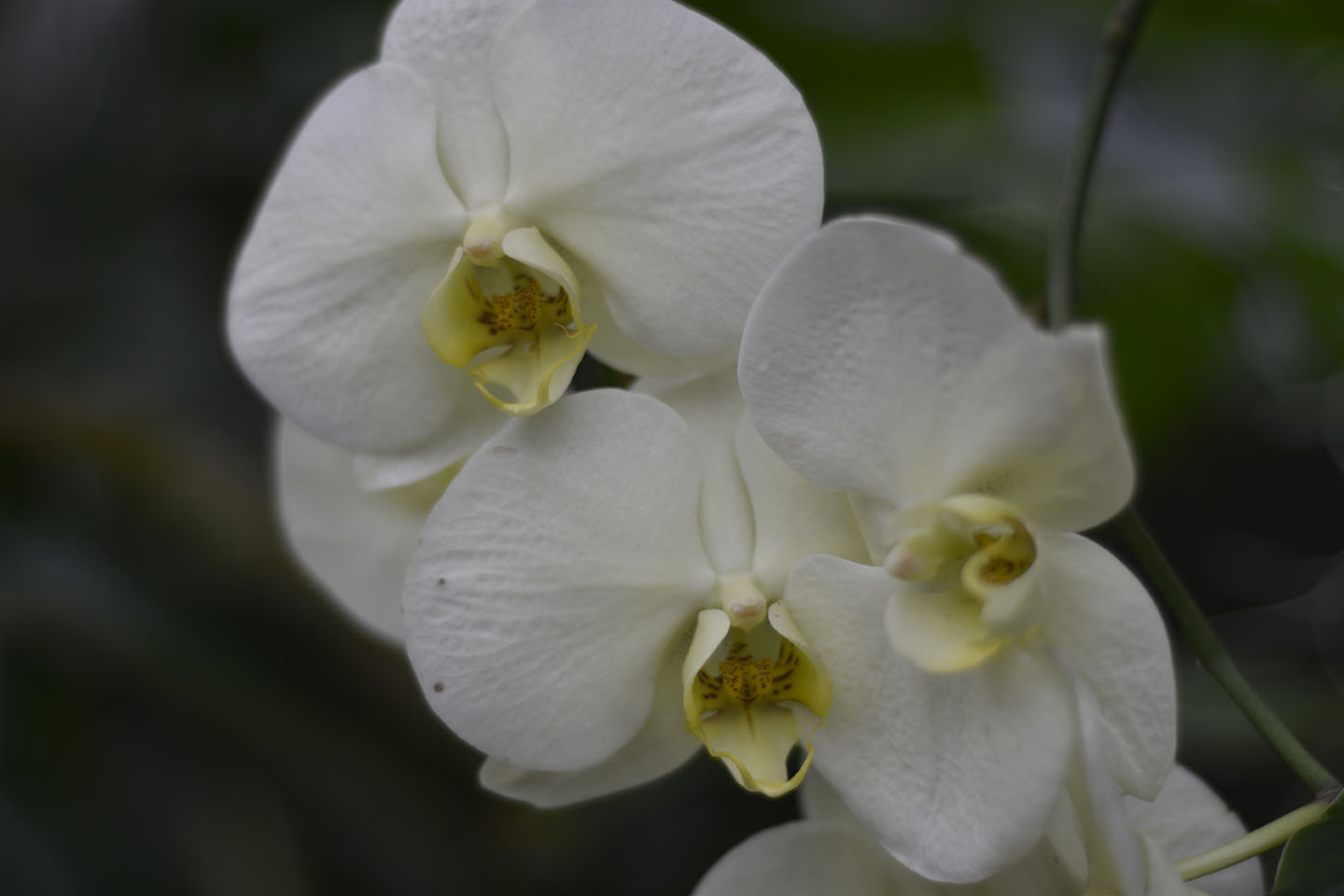
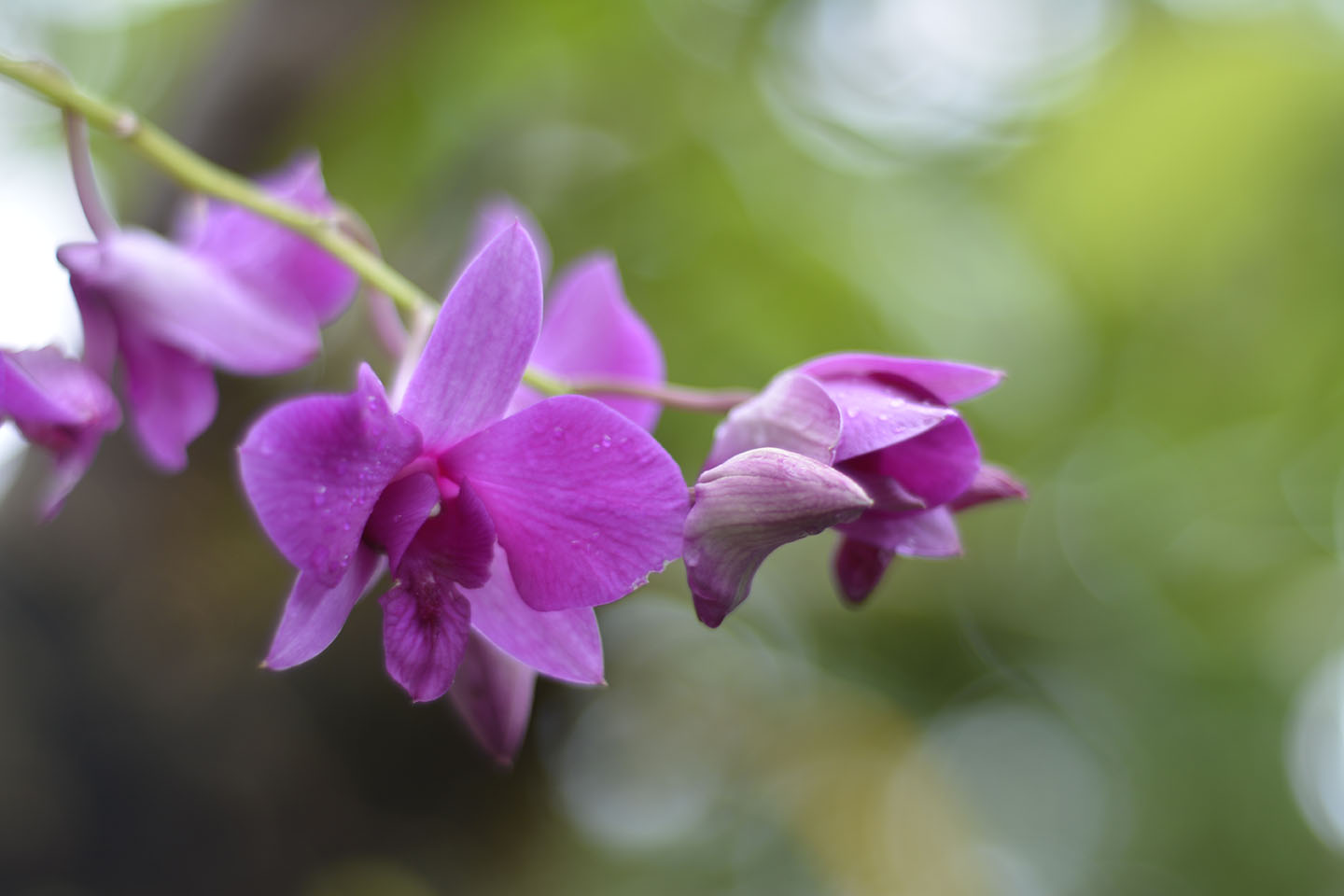
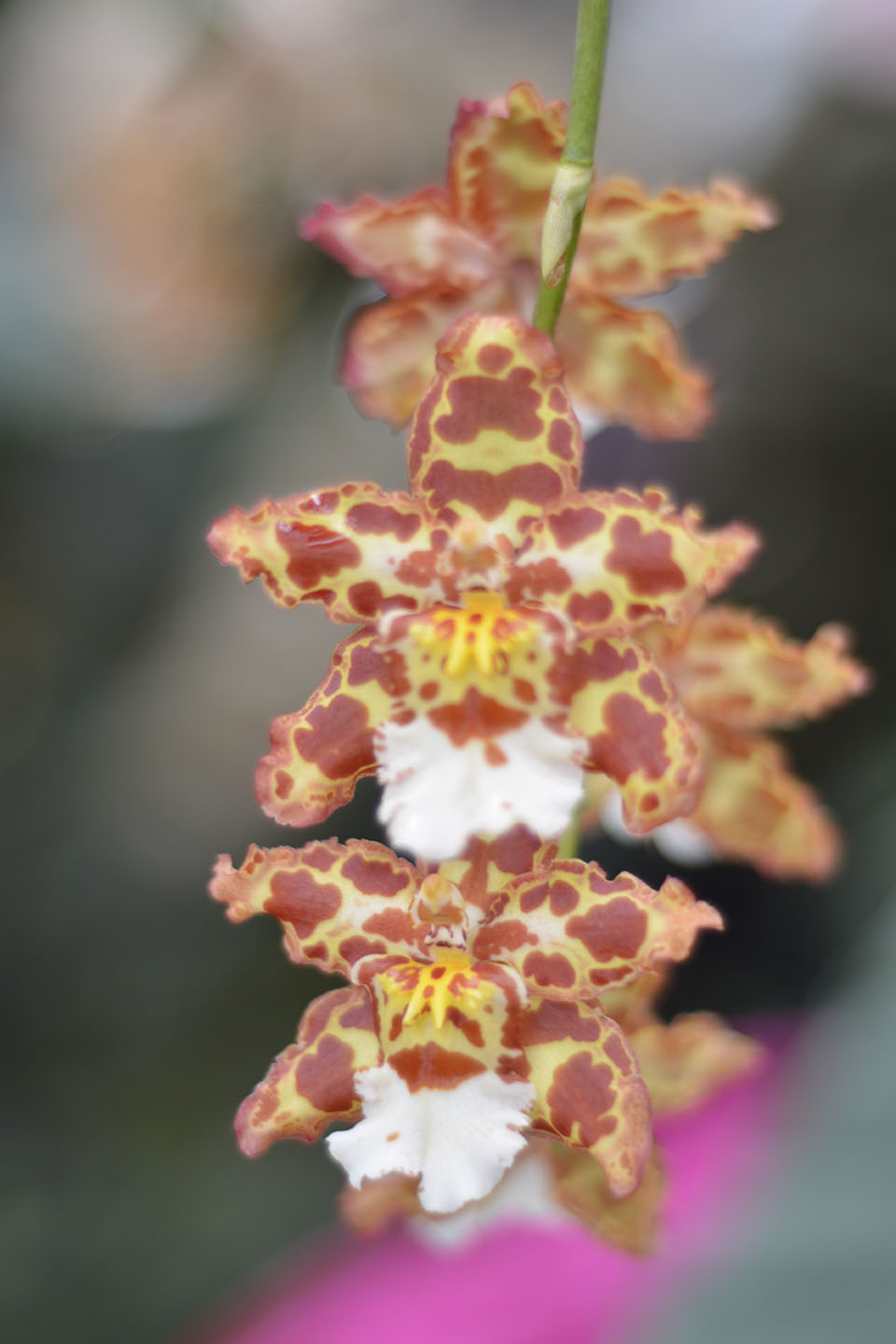
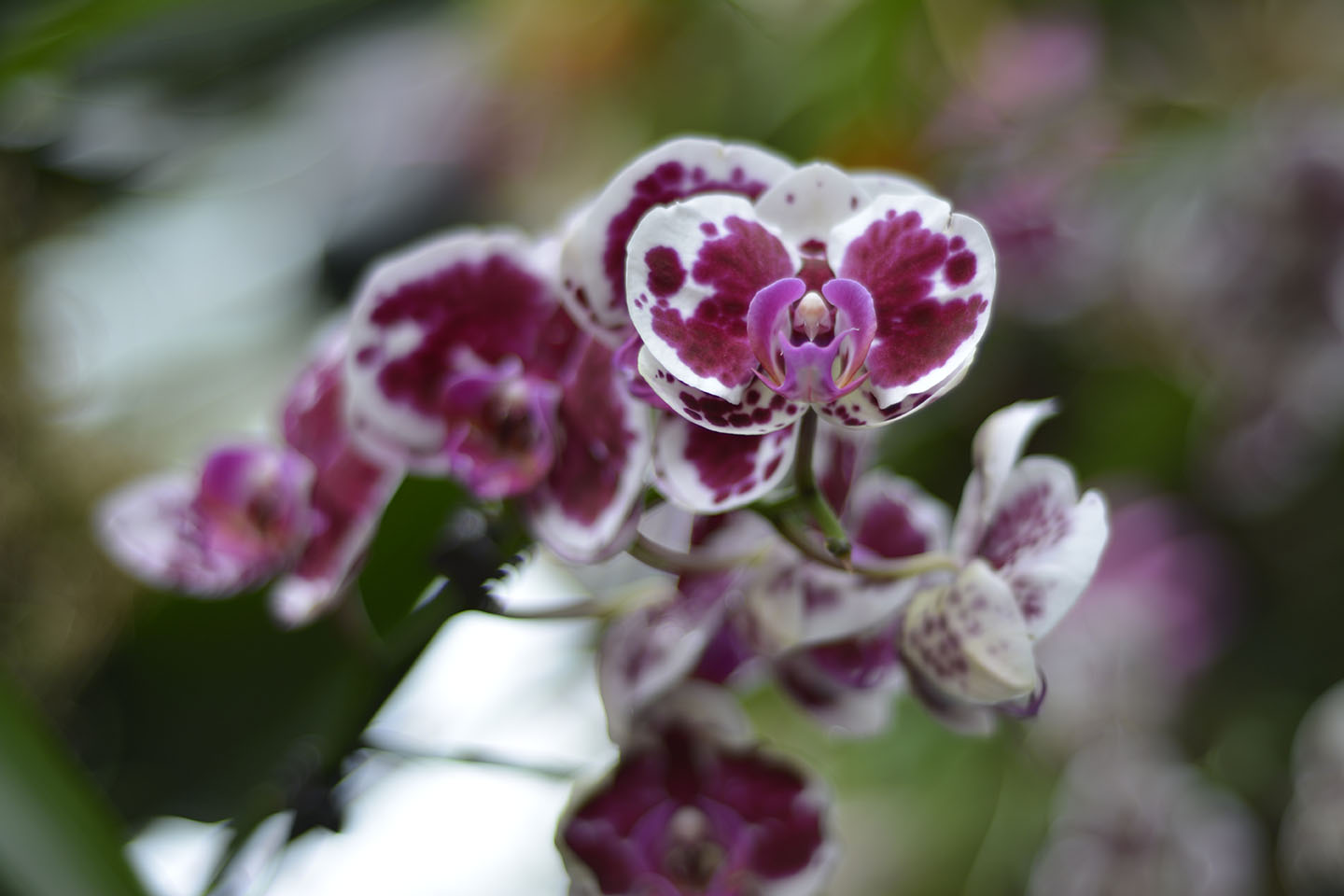
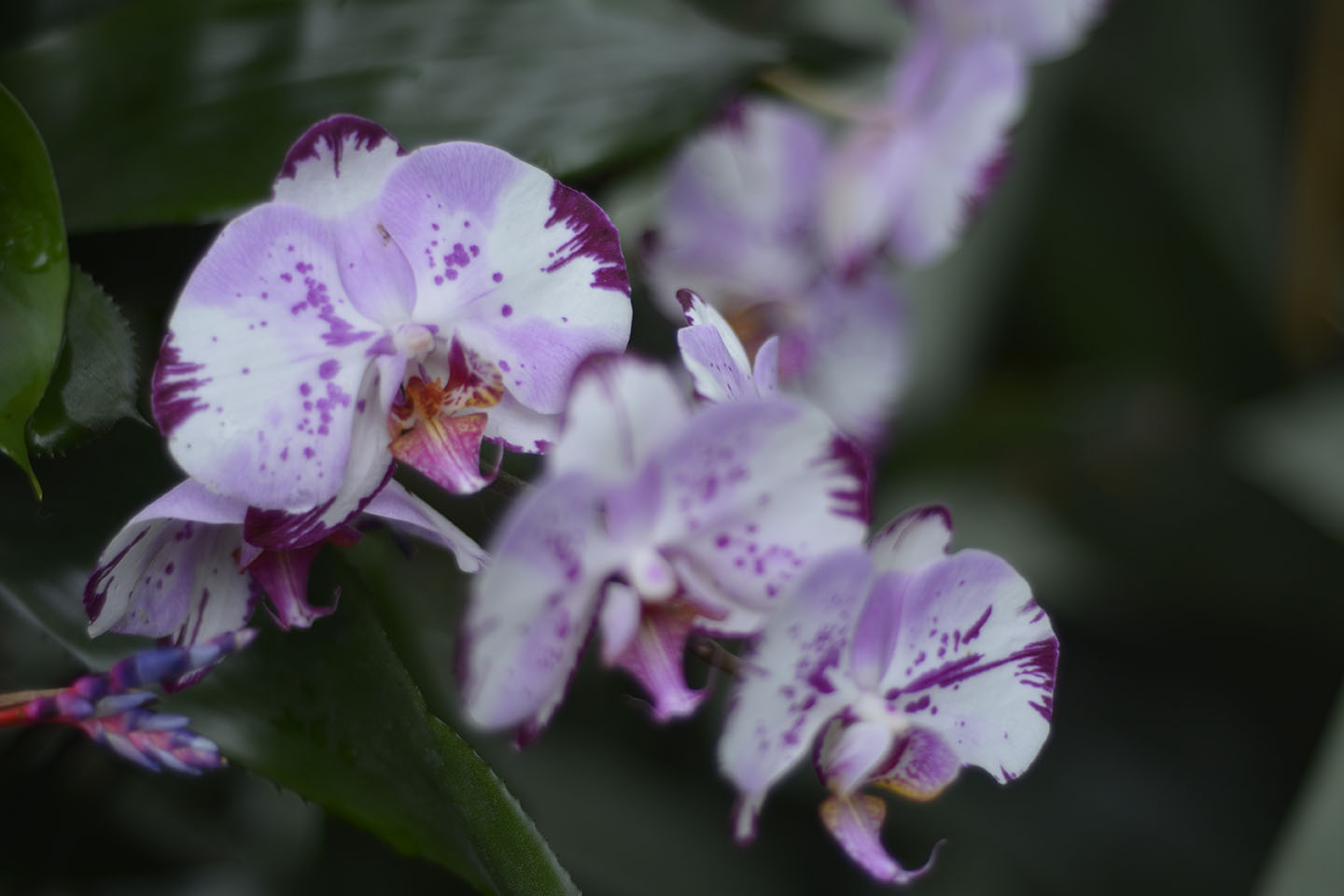
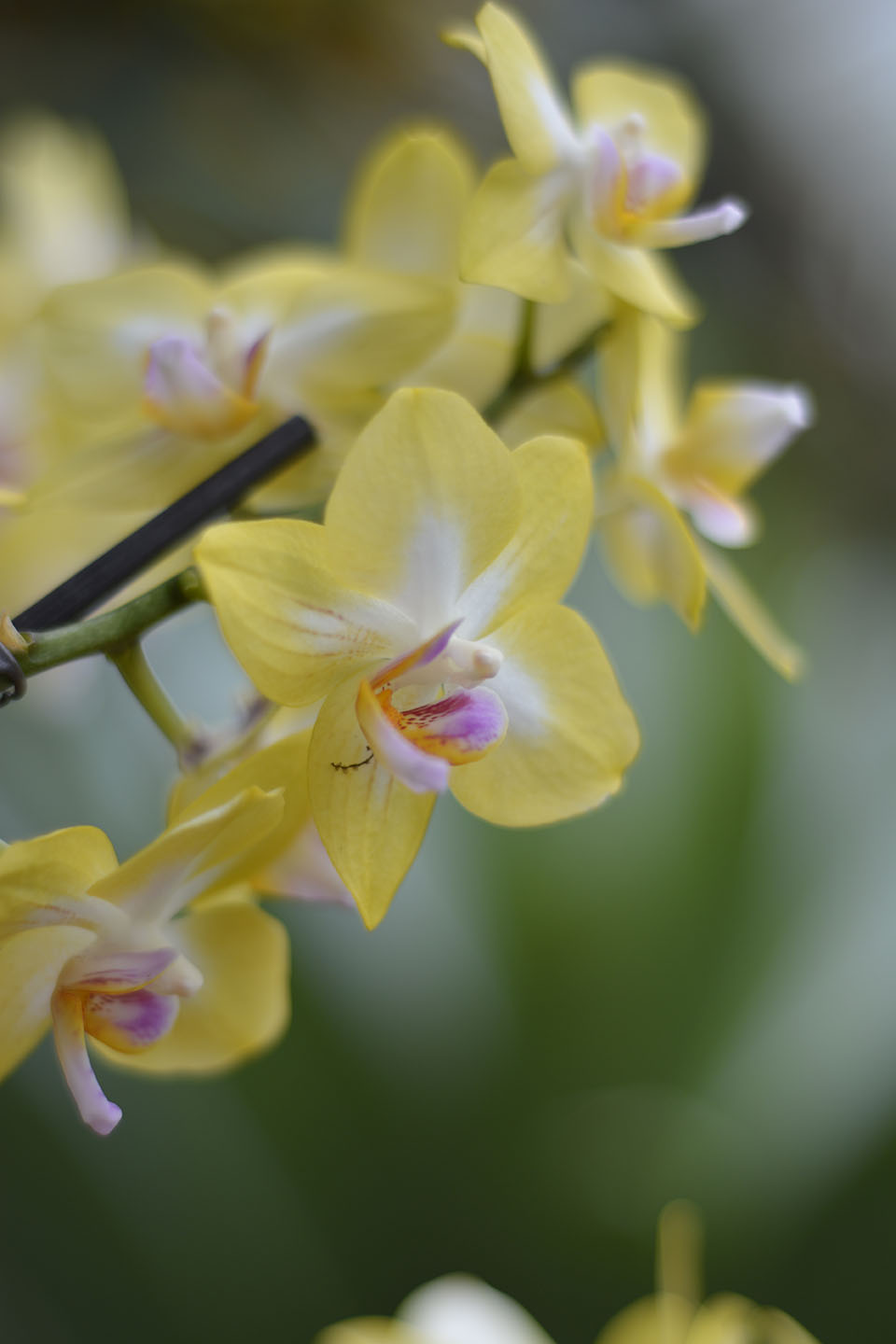
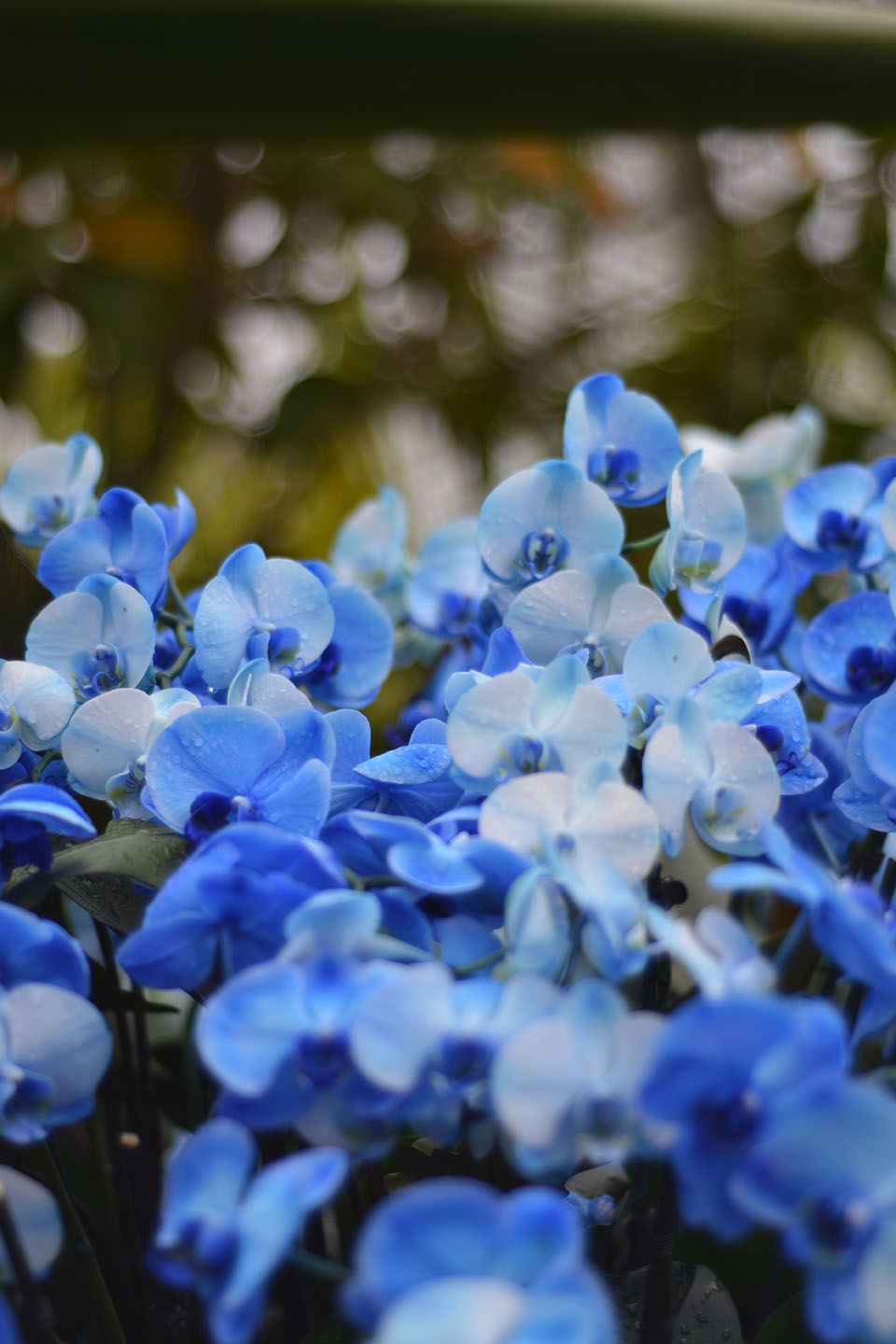
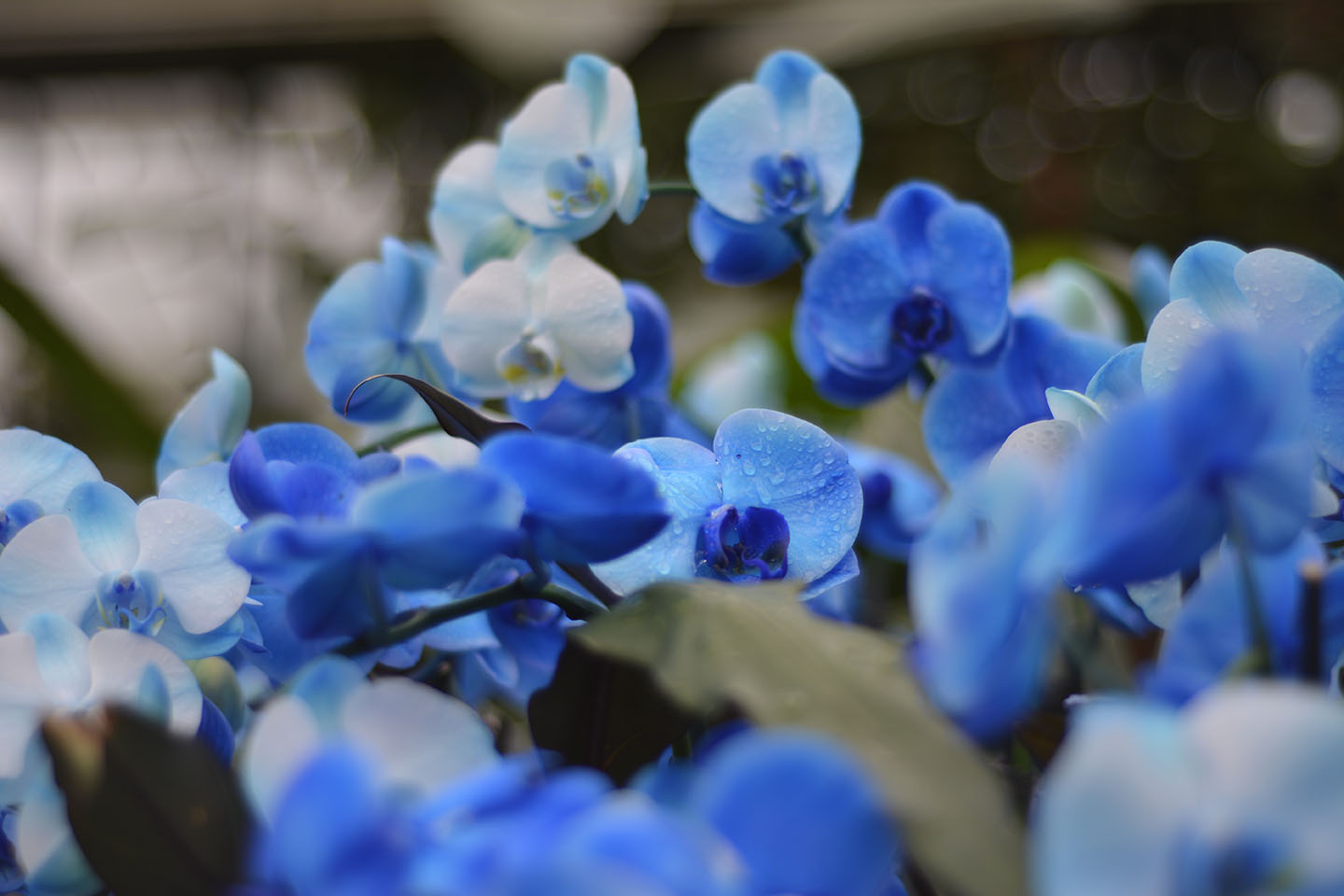
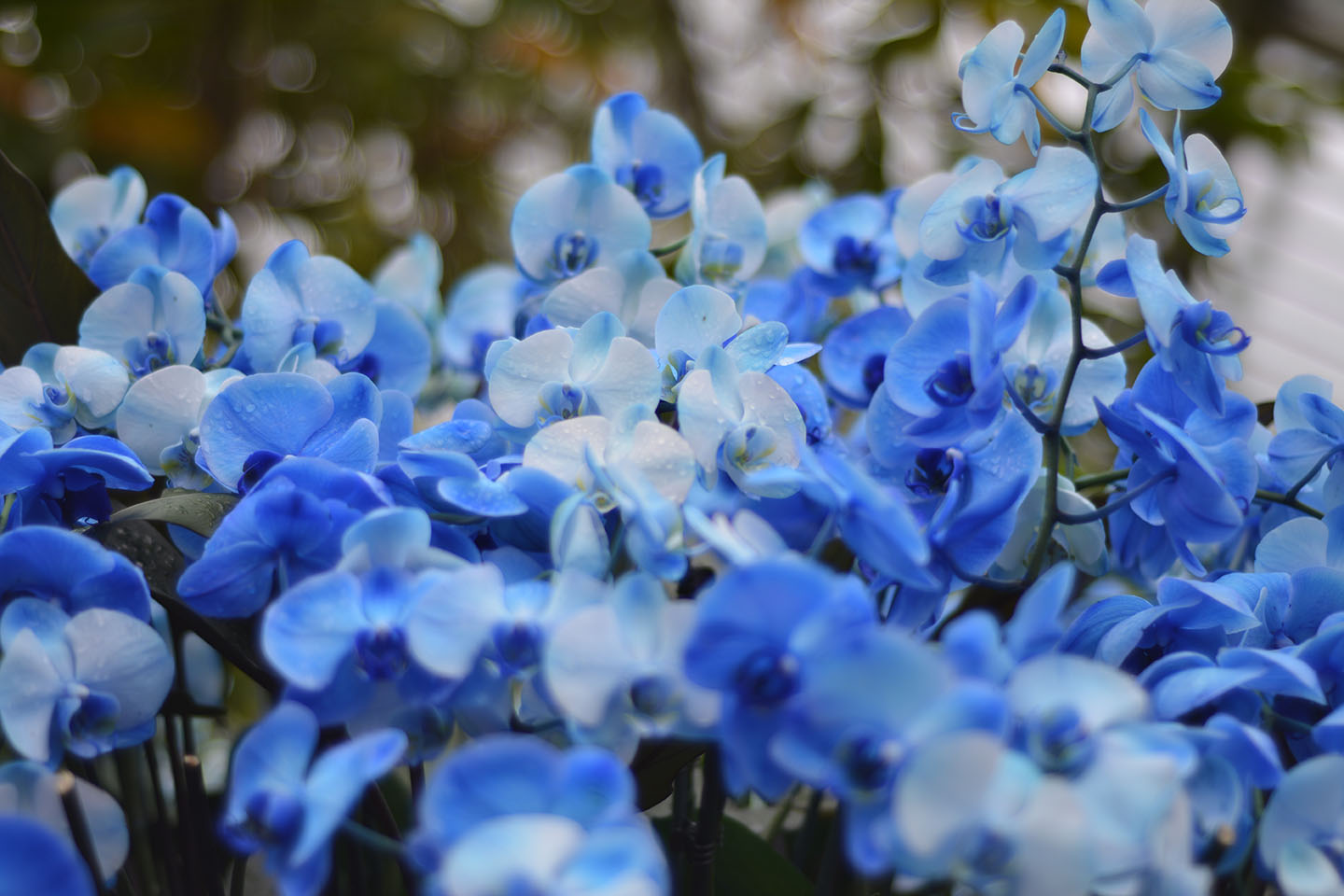
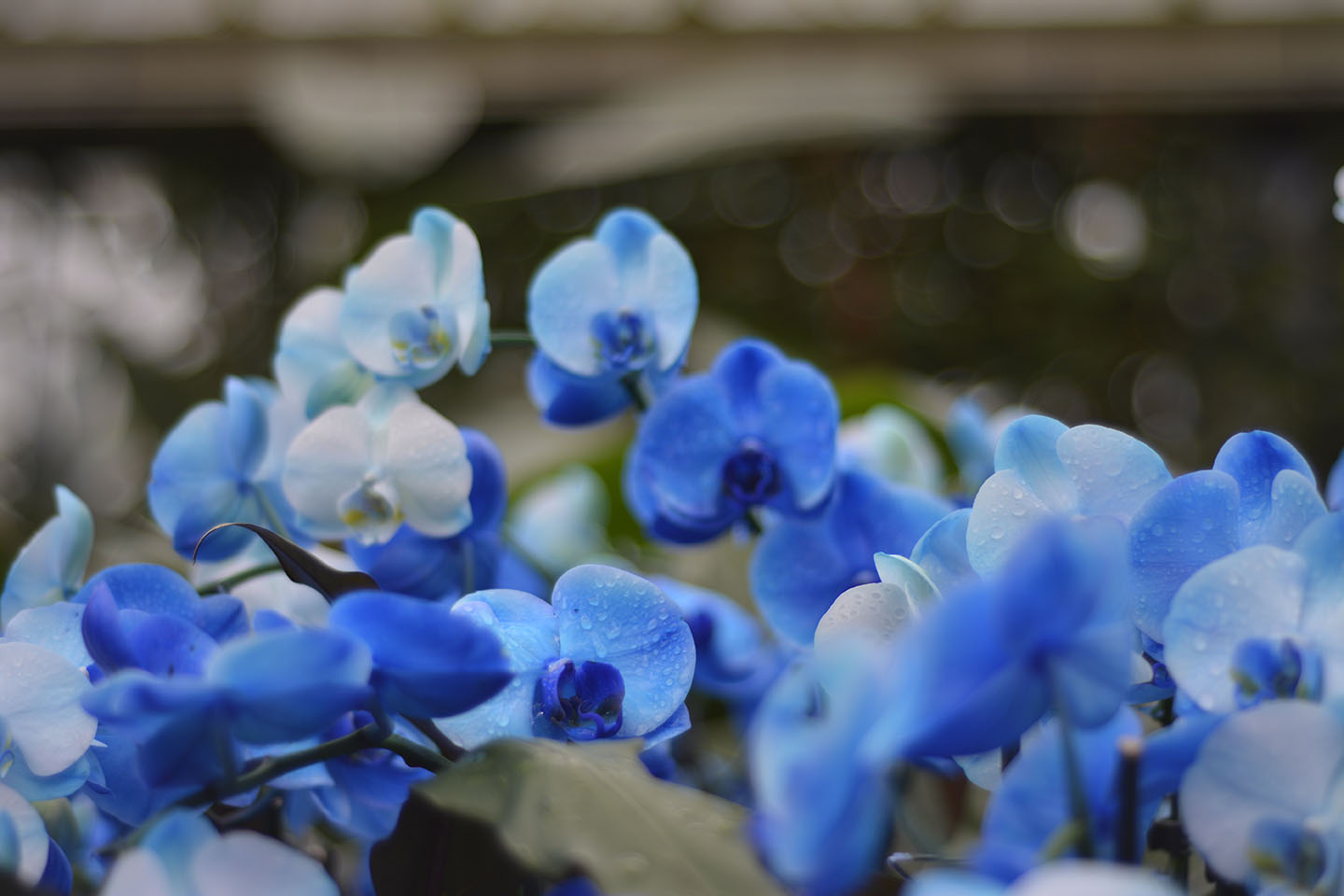
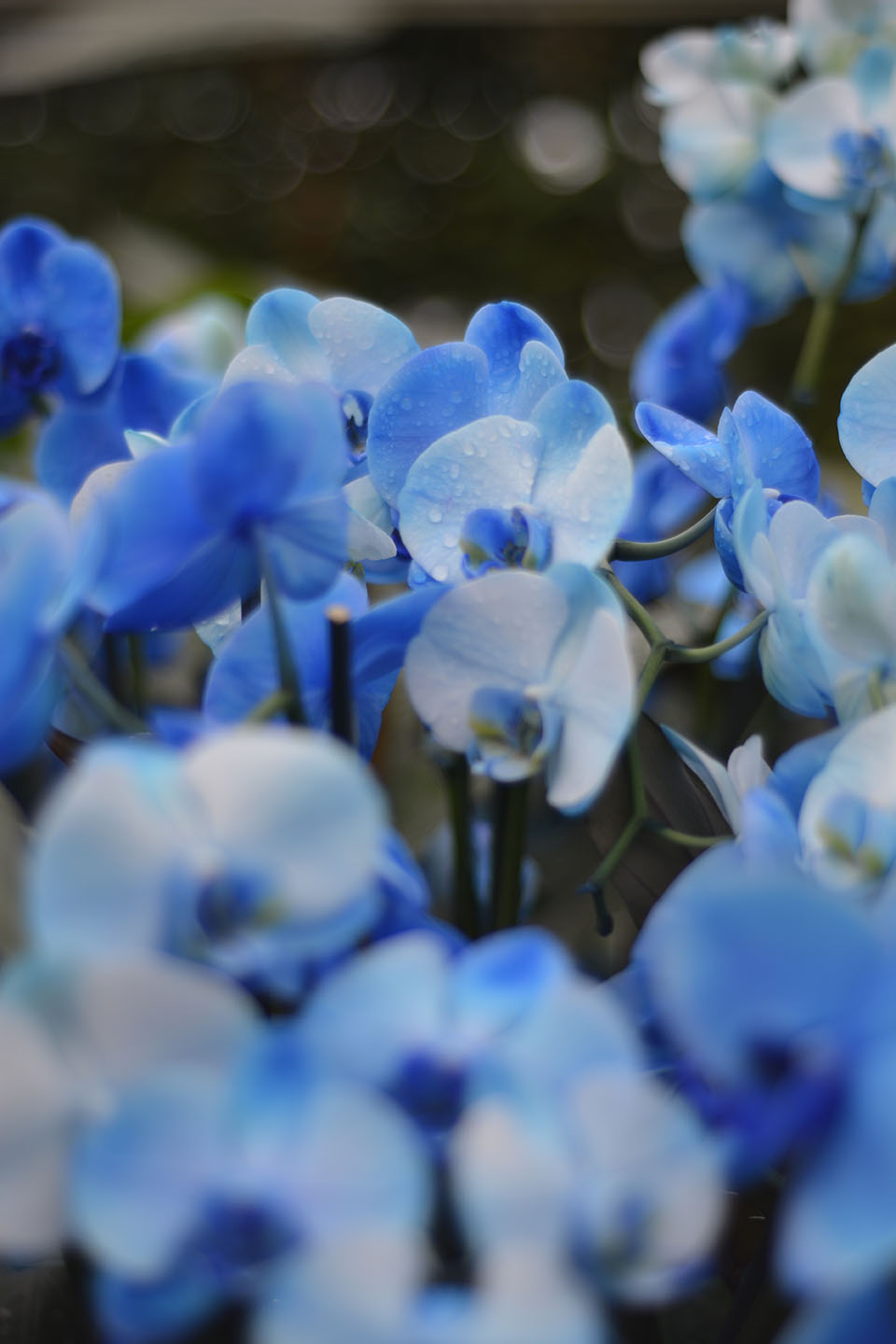
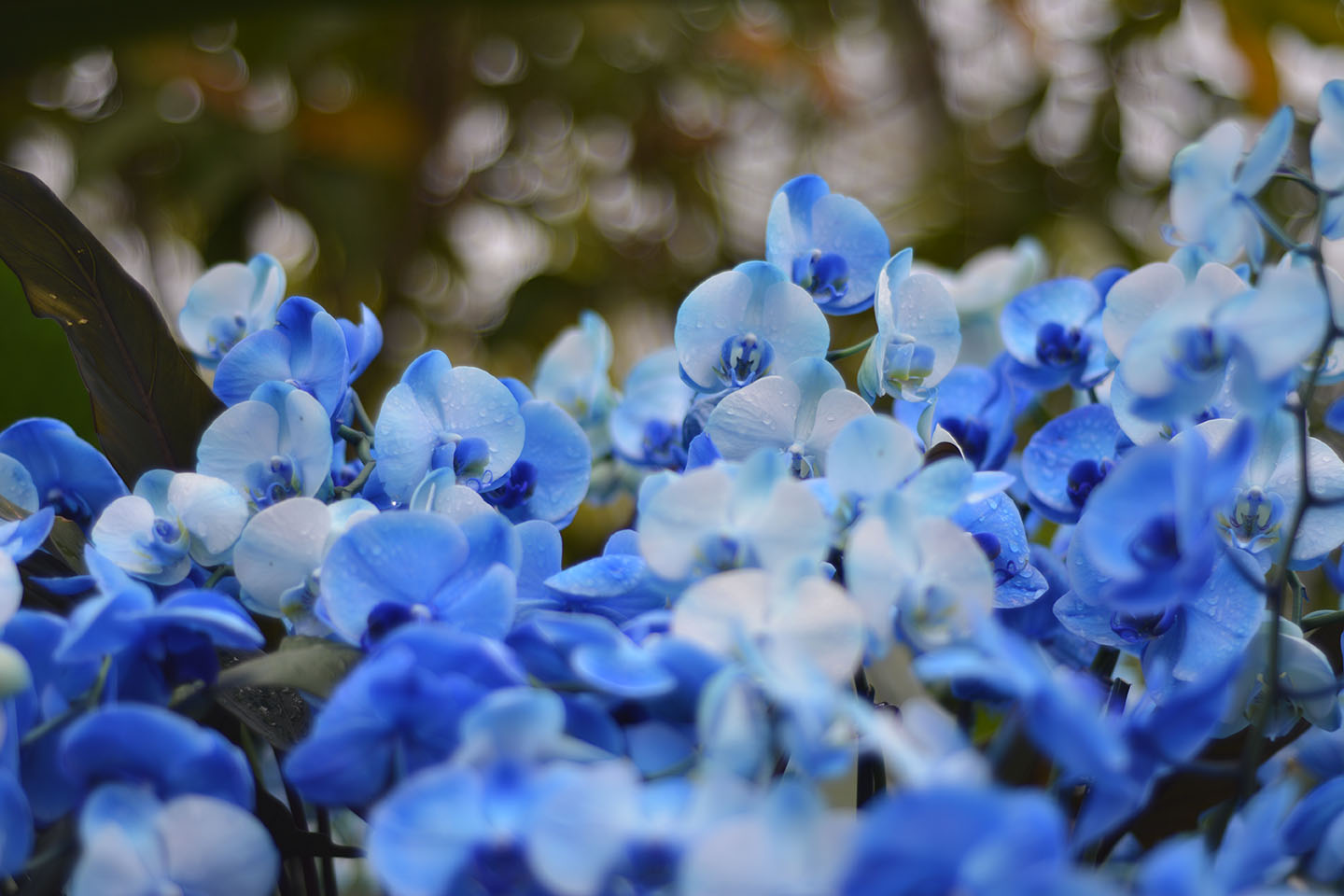
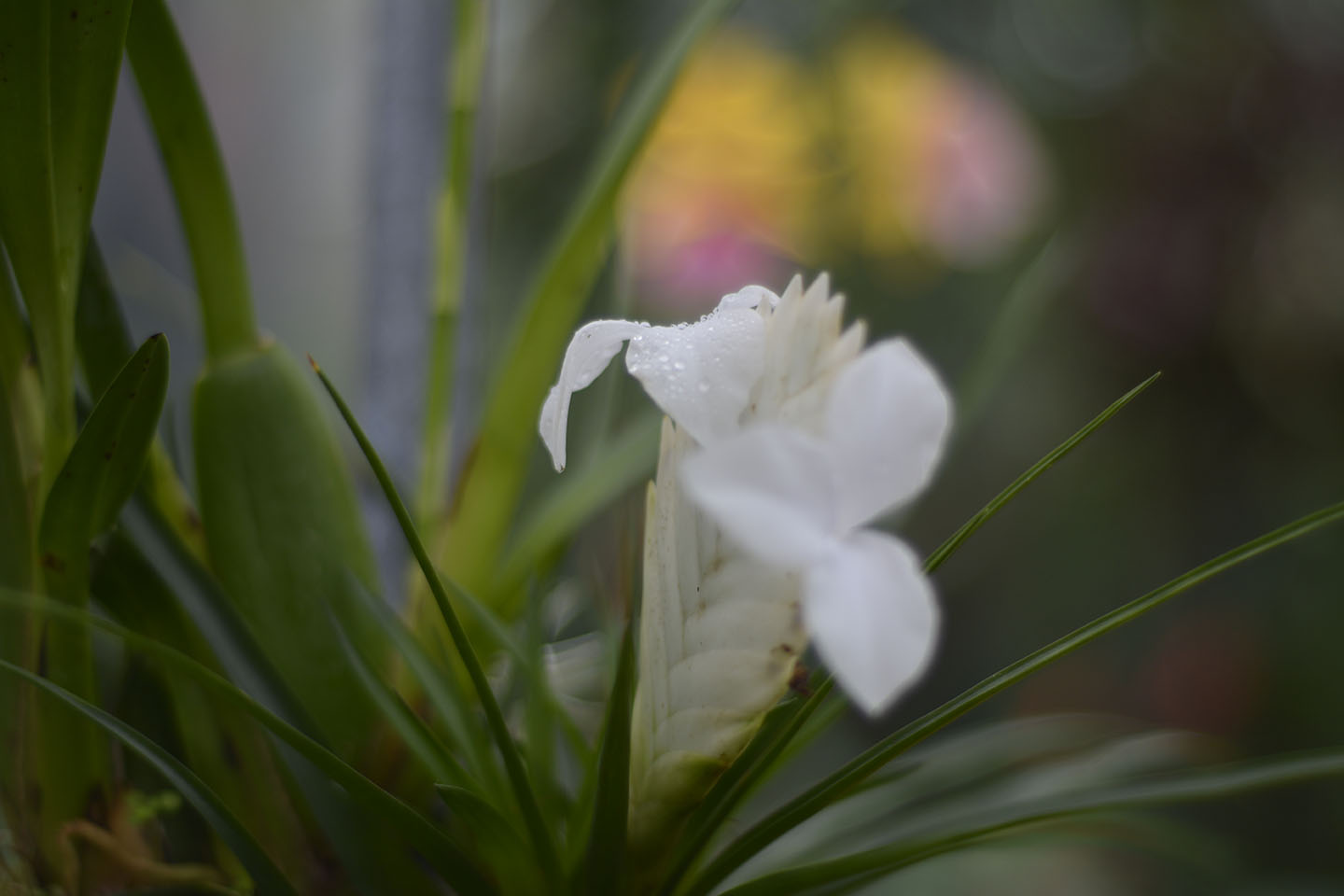
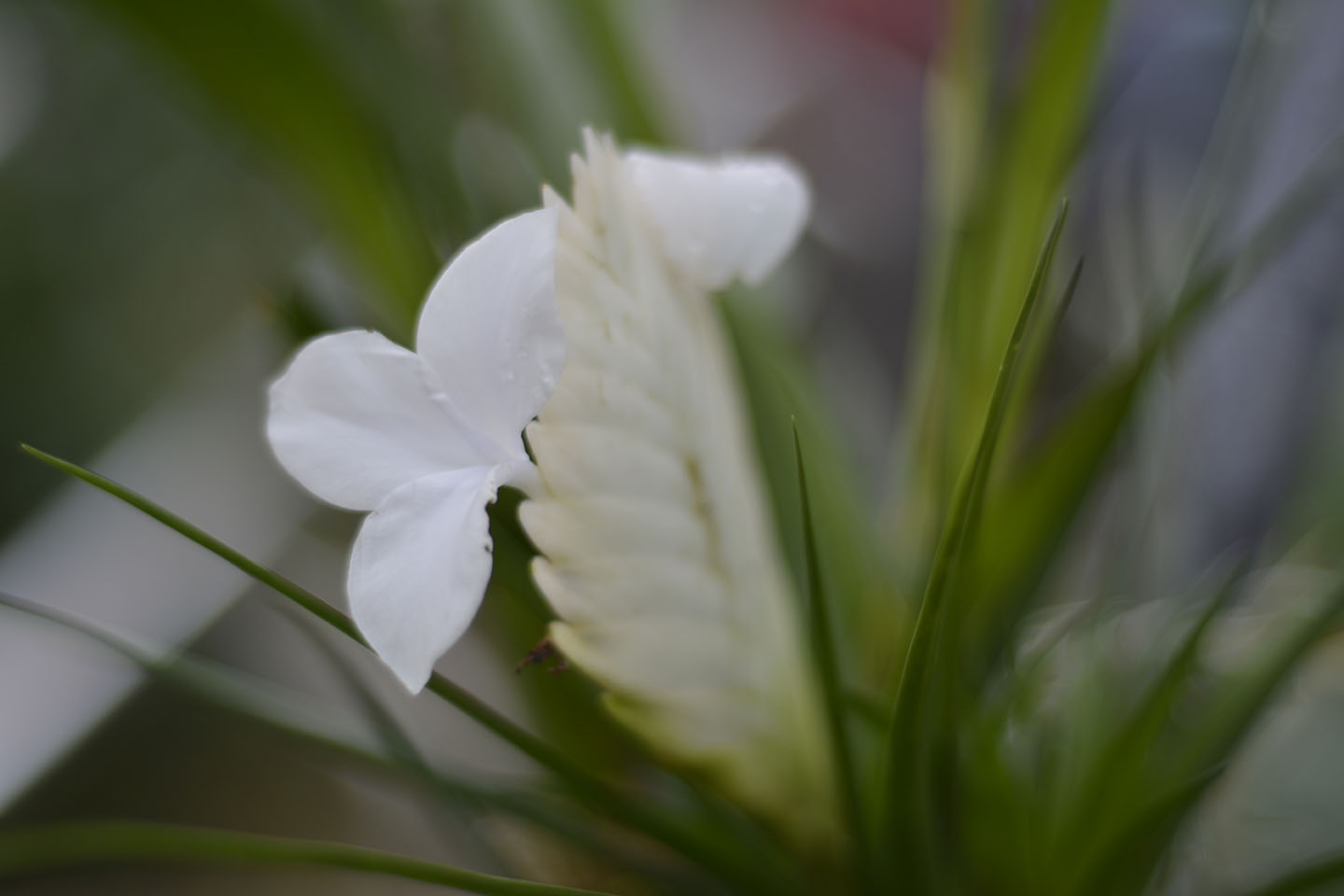
Visiting the Orchids Festival at Kew Gardens this week, I took my prime lens to see if I could get some close up shots of the flowers.
I was so excited by the low aperture range in this lens, that I didn’t change from F stop 1.8 the whole afternoon. Not a problem for some of the pictures I had taken, however looking through them I can see that I should have played around with the aperture a little bit more.
Keeping my Aperture on F stop 1.8 meant I had a very shallow depth of field. On some of the photographs I took the focus area wasn’t wide enough.
As you can see from the some of the photographs below, most of one flower is in focus and gets blurred towards the edge of the flower. If I had upped the aperture to perhaps 2.8, I may have been able to get in the whole flowerhead.
Quite often when I’m taking photographs, I try to produce something that you can’t necessarily achieve using a camera on a phone. So, drawn to slow shutter speeds, I really wanted to produce some images like Alex Titarenko’s from my research.
My concept for this project is to show the beauty of some of London’s buildings and structures and how people of today lead busy lives and perhaps always rushing around not taking in the views.
All of my final five images were taken using a tripod to stabilise the camera and stop camera shake. I also used a neutral density filter, ND16, to allow me to use longer shutter speeds during brighter days or brighter lit areas so not to over exposed. They are also all shot with an ISO of 100. This allowed me to get the best quality photographs in daylight conditions.
Below are my final five photographs. I had originally wanted to try and produce some Black and White images taking inspiration from Alexey Titarenko’s motion blur photographs. However after some class discussion and feedback we all decided they worked better in colour.
Liberty’s
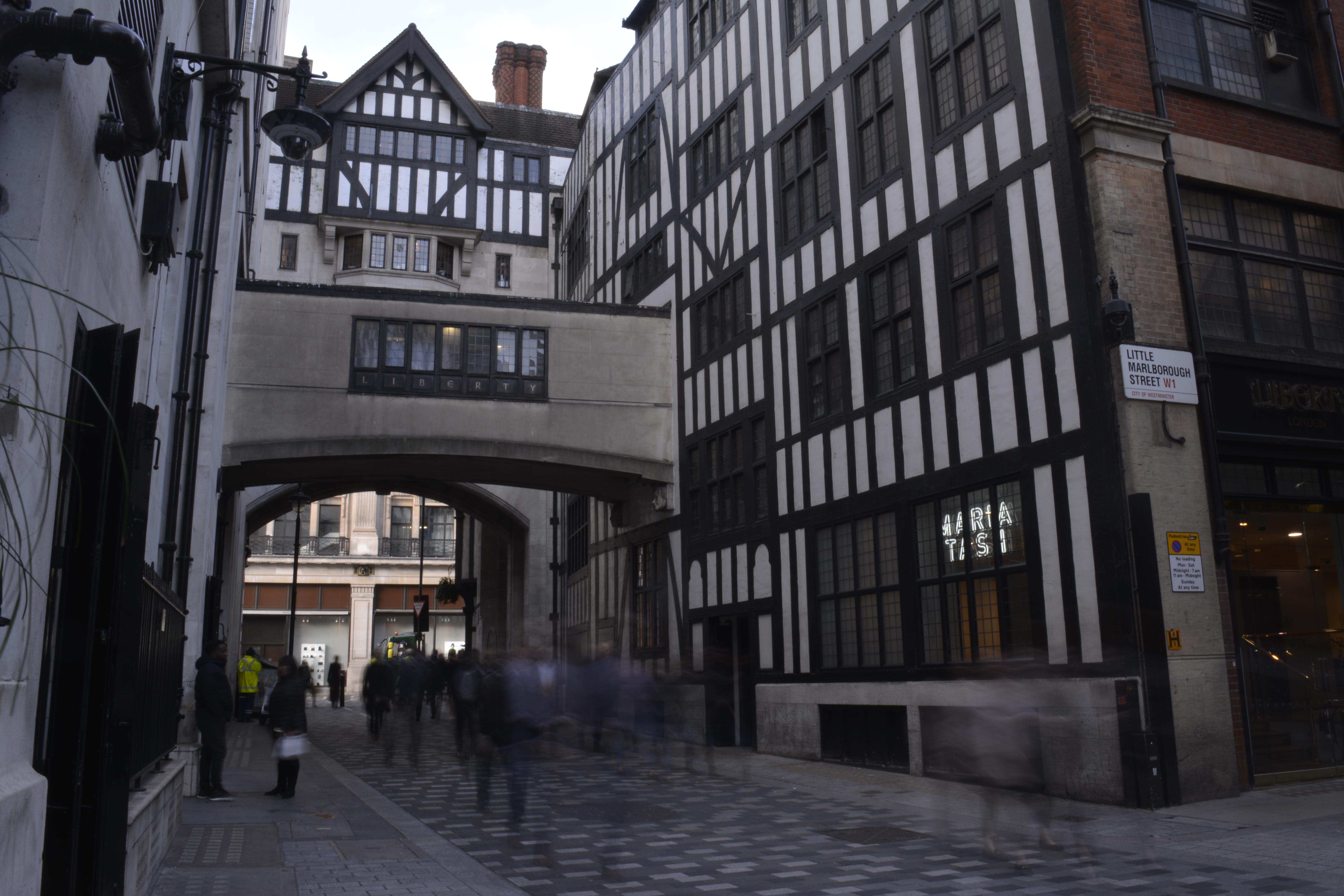
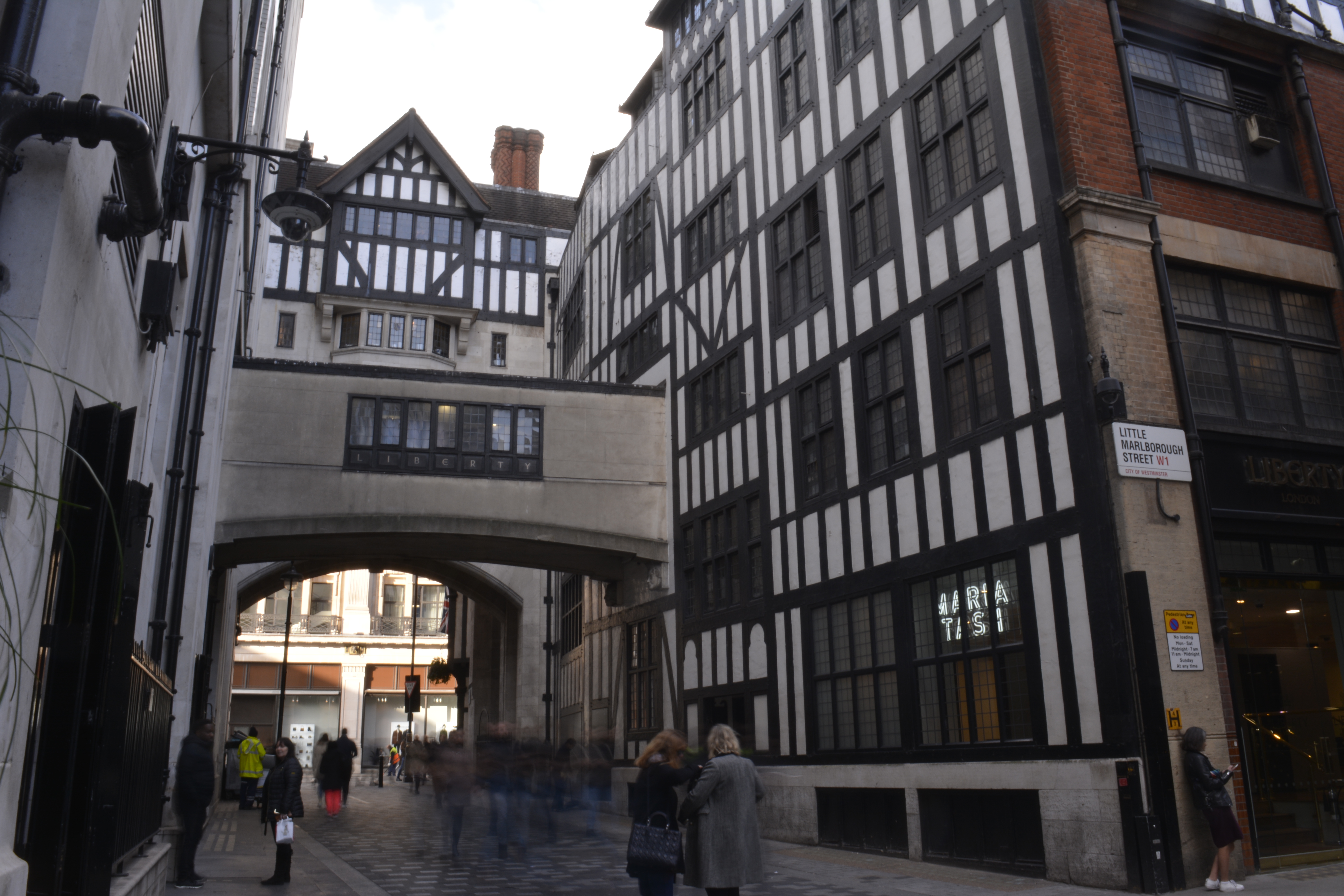
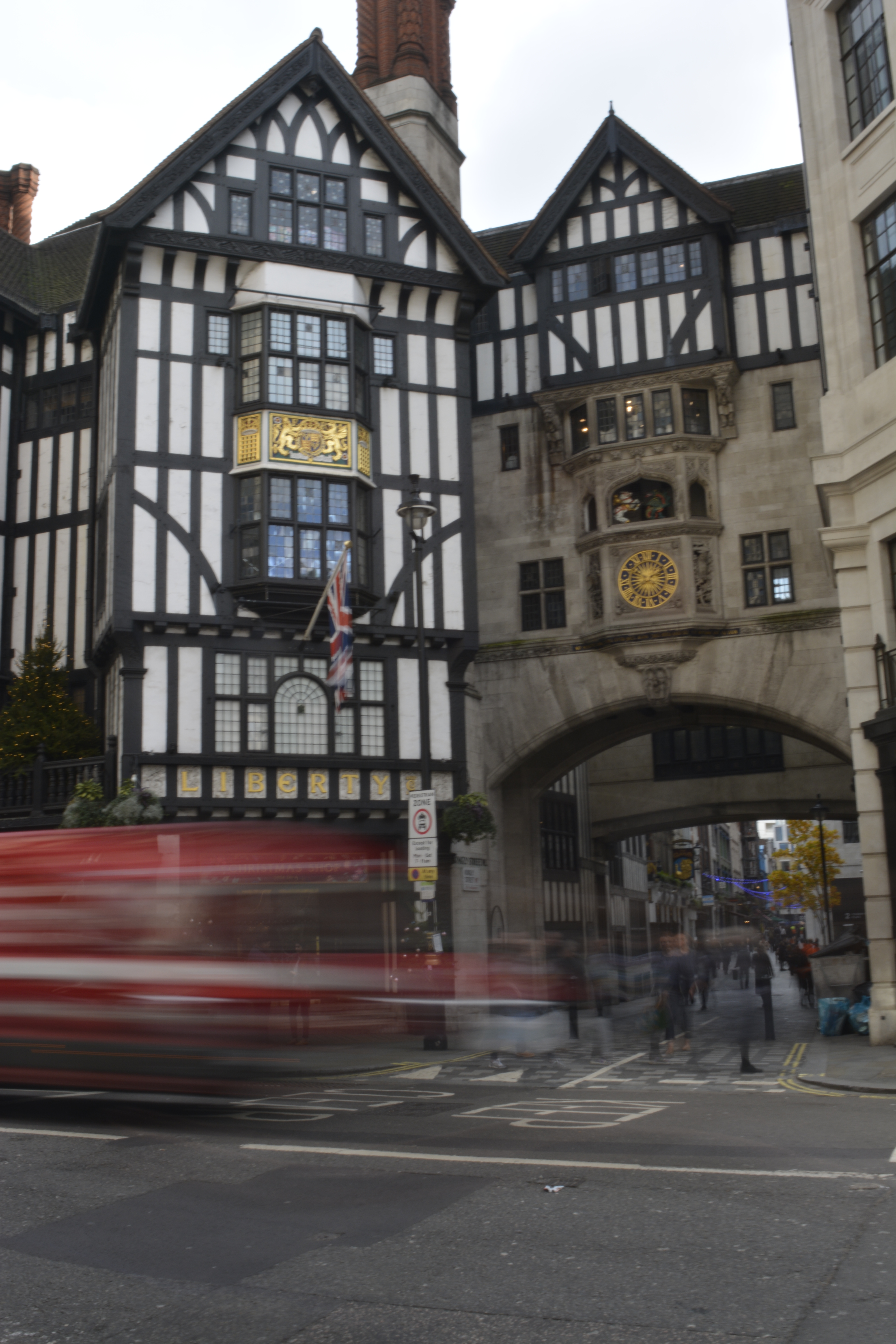
From my recce photographs you can see that I wanted to try and capture the Liberty building. With the flow of traffic and my focus not quite right, I ended up choosing this photo below. It was taken behind Liberty’s along a pedestrian walk way leading to Carnaby Street. I felt capturing flows of people gave a better effect on my images than traffic did and keeping that ghostly feel.
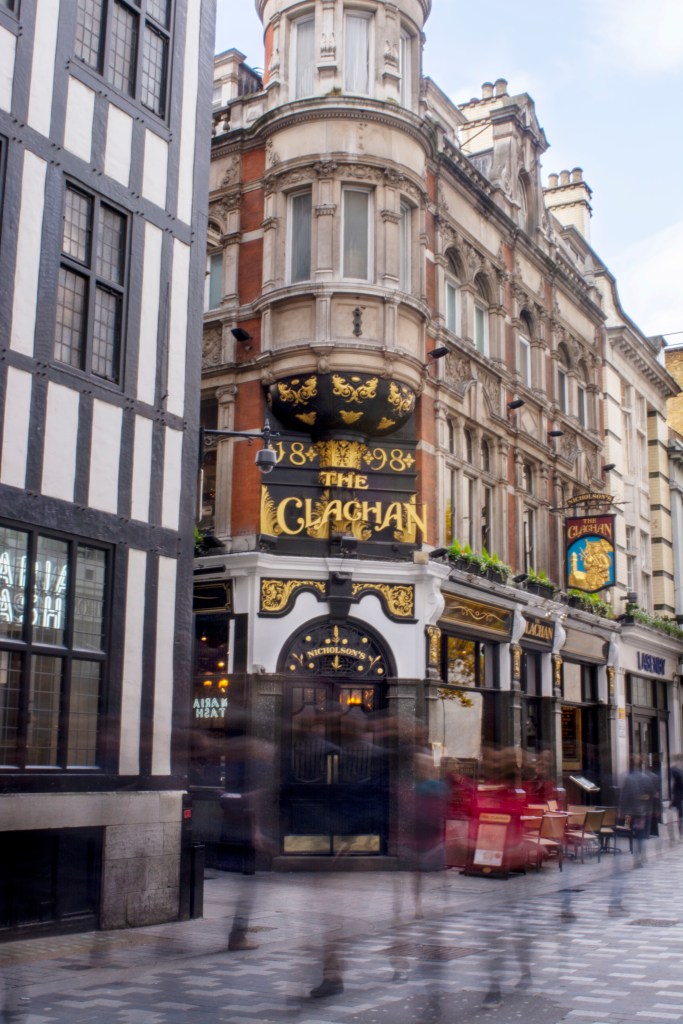
Kingly Street, Liberty’s
F-25 ISO-100 SS-1.6secs
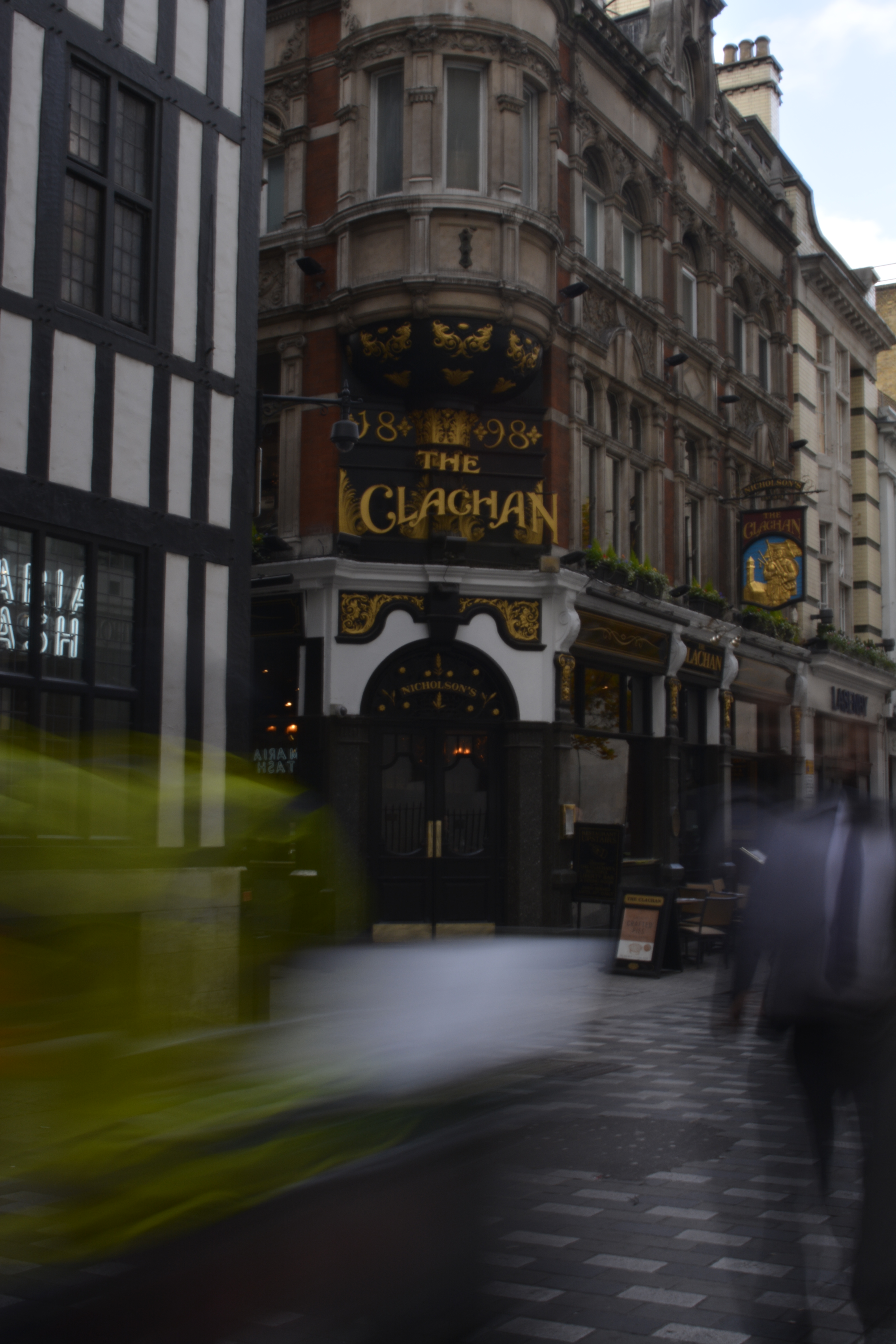
It was a very sunny day when I captured this photograph. Even though I was using an ND filter I needed to really try and control the amount of light coming into my images. Therefore I used a very high f-stop of 25. There wasn’t a constant flow of people walking past me so I needed to wait for groups of people to approach before taking the photograph. Any longer than 1.6-2 seconds was over exposing the Image.
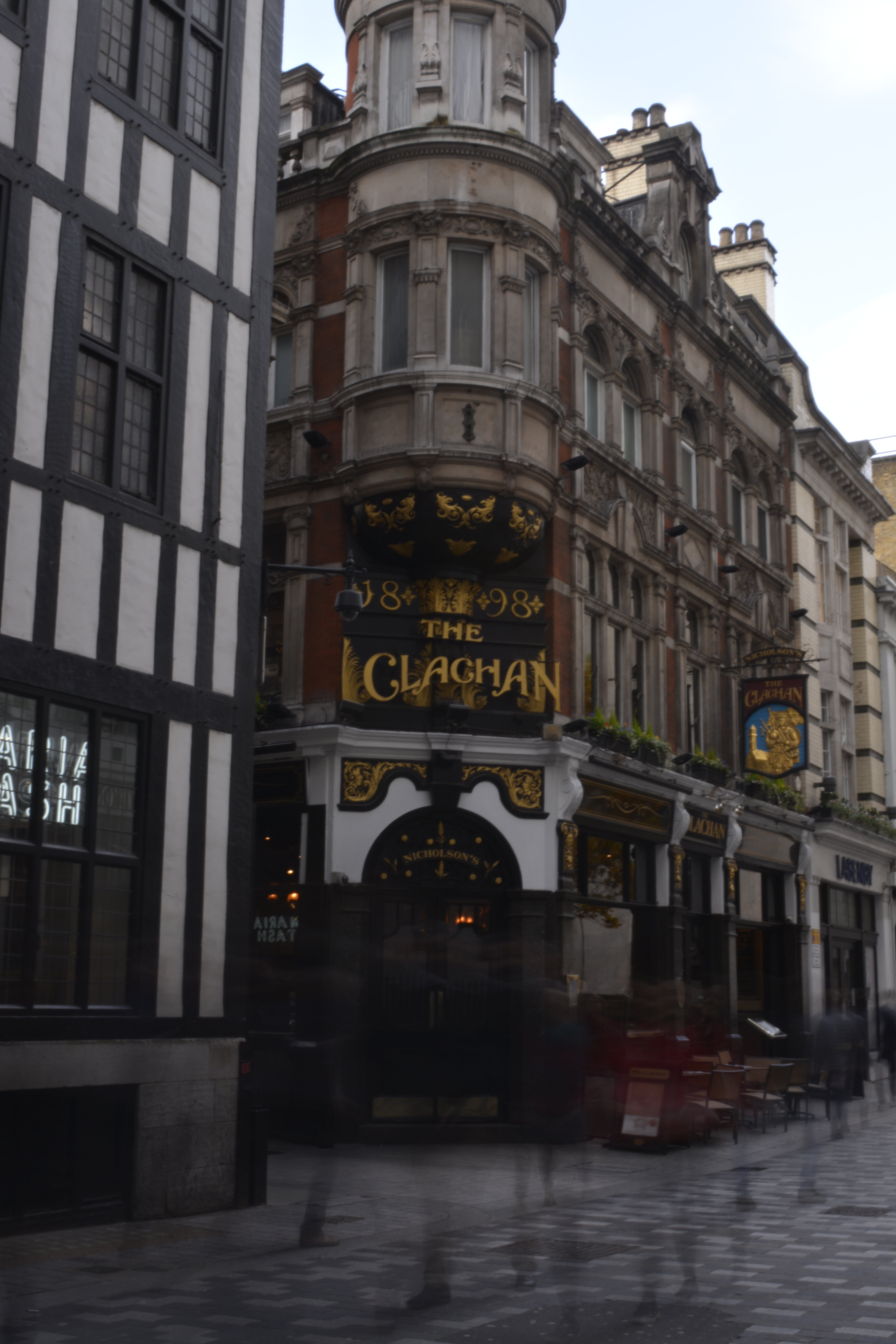
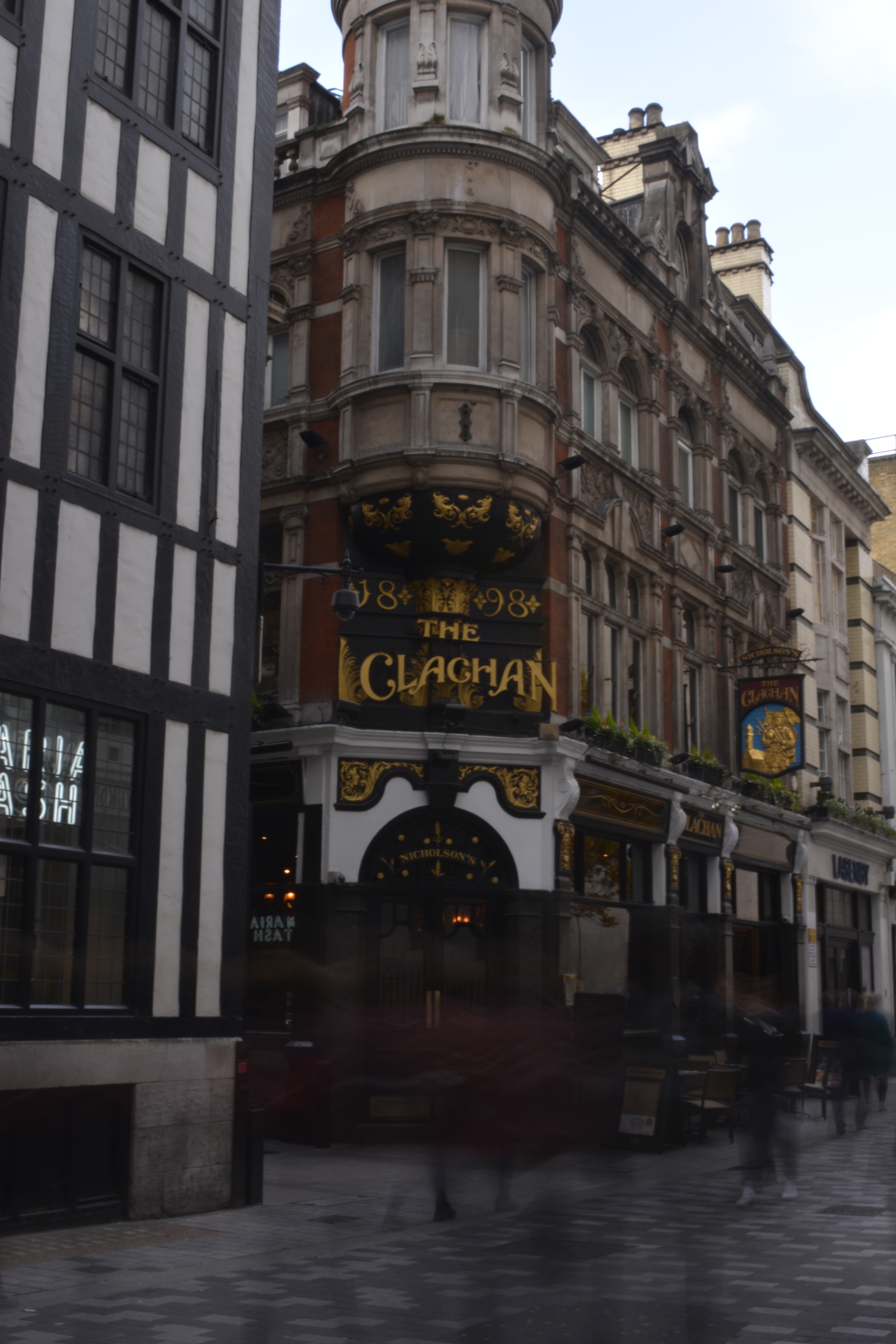
Within post production I had to work a lot with the exposures on this photograph. The original image was a lot darker. Lightening the exposure allowed the centre of the photograph to be nicely exposed, brightening the darker areas of the pub entrance and building facade. I also lightened the shadows that formed the people using the brush tool with curves on Photoshop. This draws the eye to the centre of the photograph where you can see the great detail of the pub and the motion blur from the people.
However in bringing the exposure up I had lost the colour in the sky. To bring this back I worked on a separate layer and darkened the whole photograph. Then using a mask I exposed the sky using the brush tool(soft with a low opacity). The areas around the building were tricky so zooming in helped not to darken the top of the building and chimneys. Bringing the blue sky back into the Image created a good colour balance to the whole photograph and kept the focus towards the middle.
Covent Garden
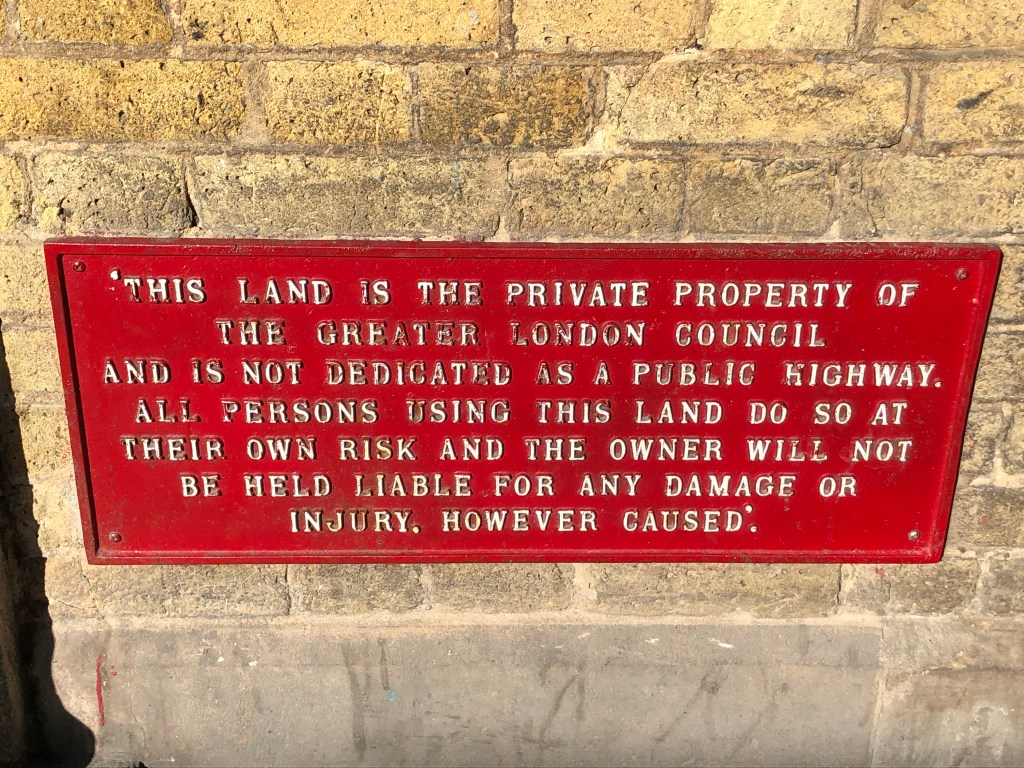
This photograph was not my initial vision that I wanted to try and capture at Covent Garden. Trying to use a tripod in the market stall areas was not allowed and as I was using longer shutter speeds I needed to stabilise the camera somehow. I was not wanting to give up but really struggling to find a solution.
Sign on the wall of Covent Garden (iPhone)
I was so pleased to be able to bend the rules and get one of my final five photographs.
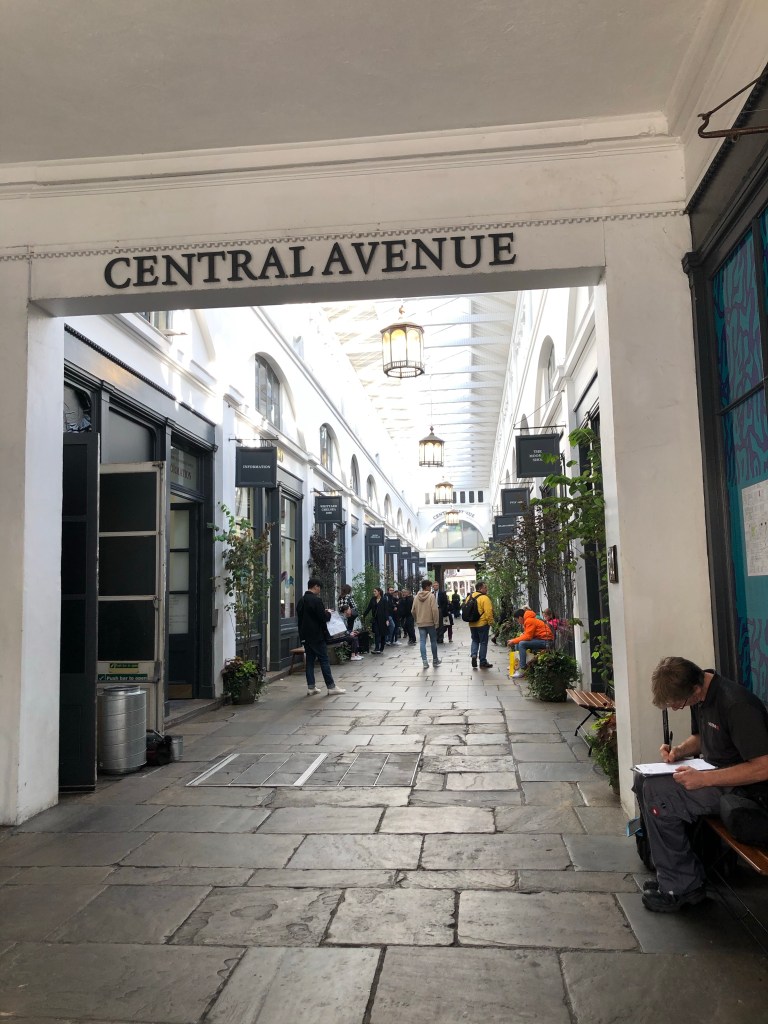
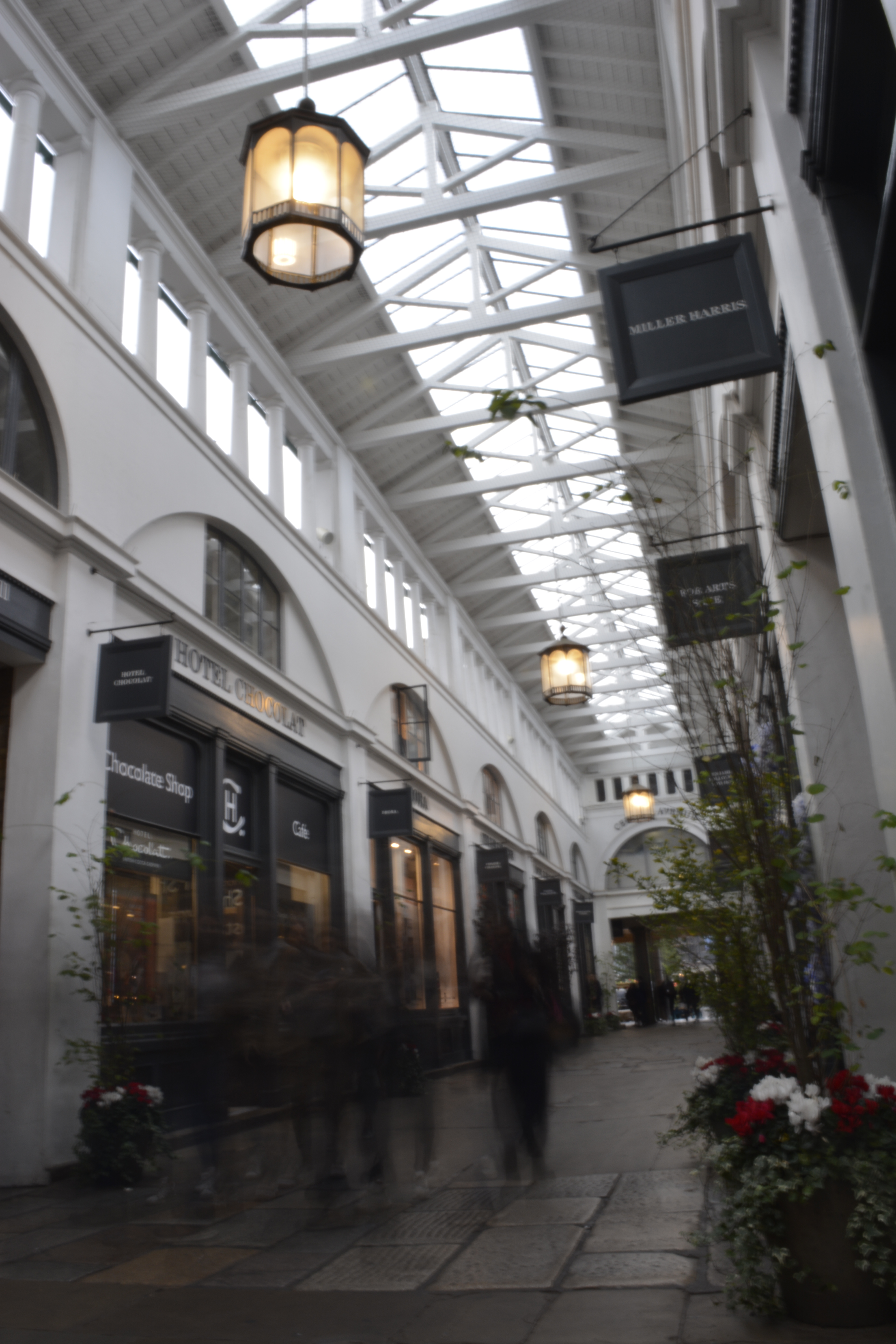
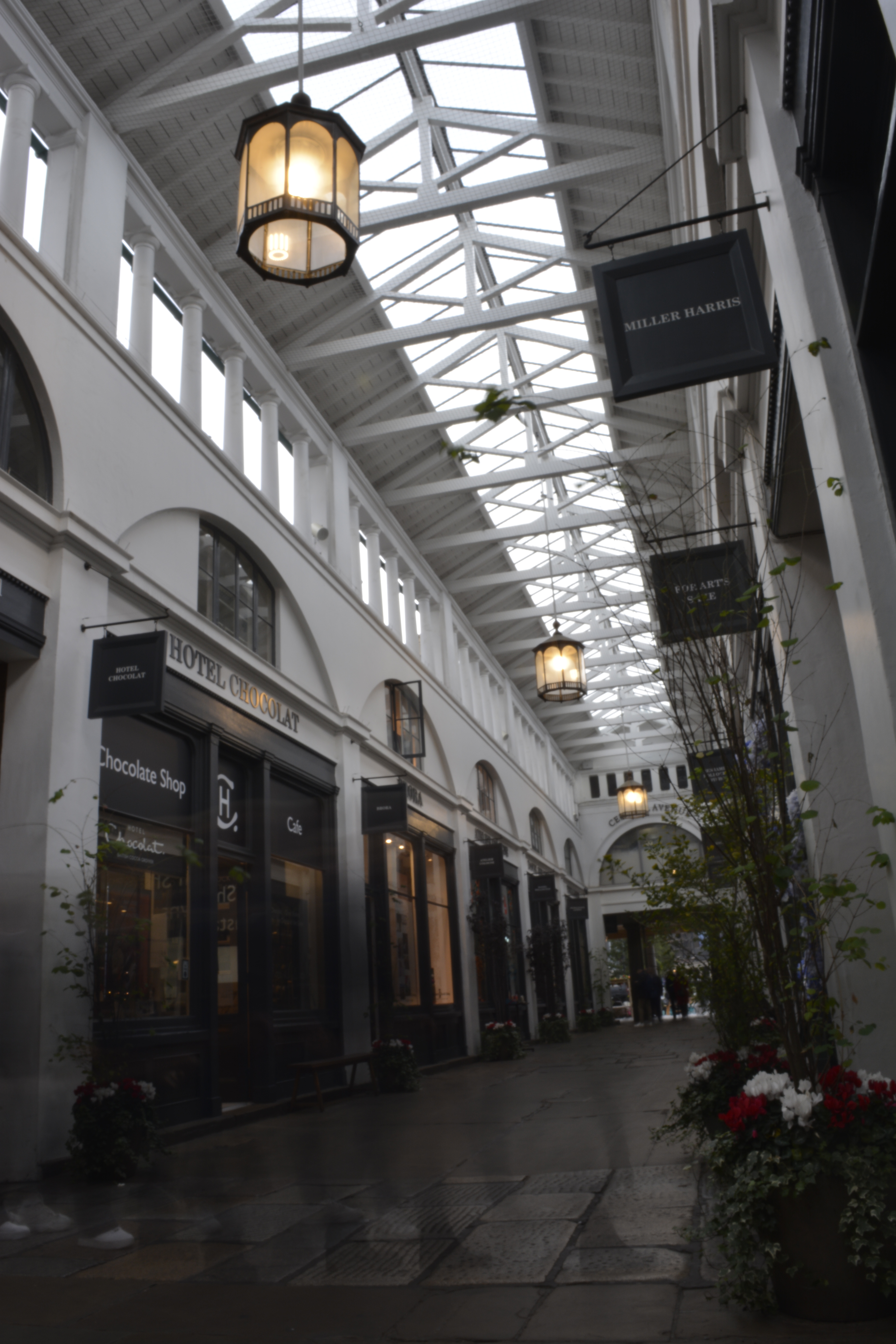
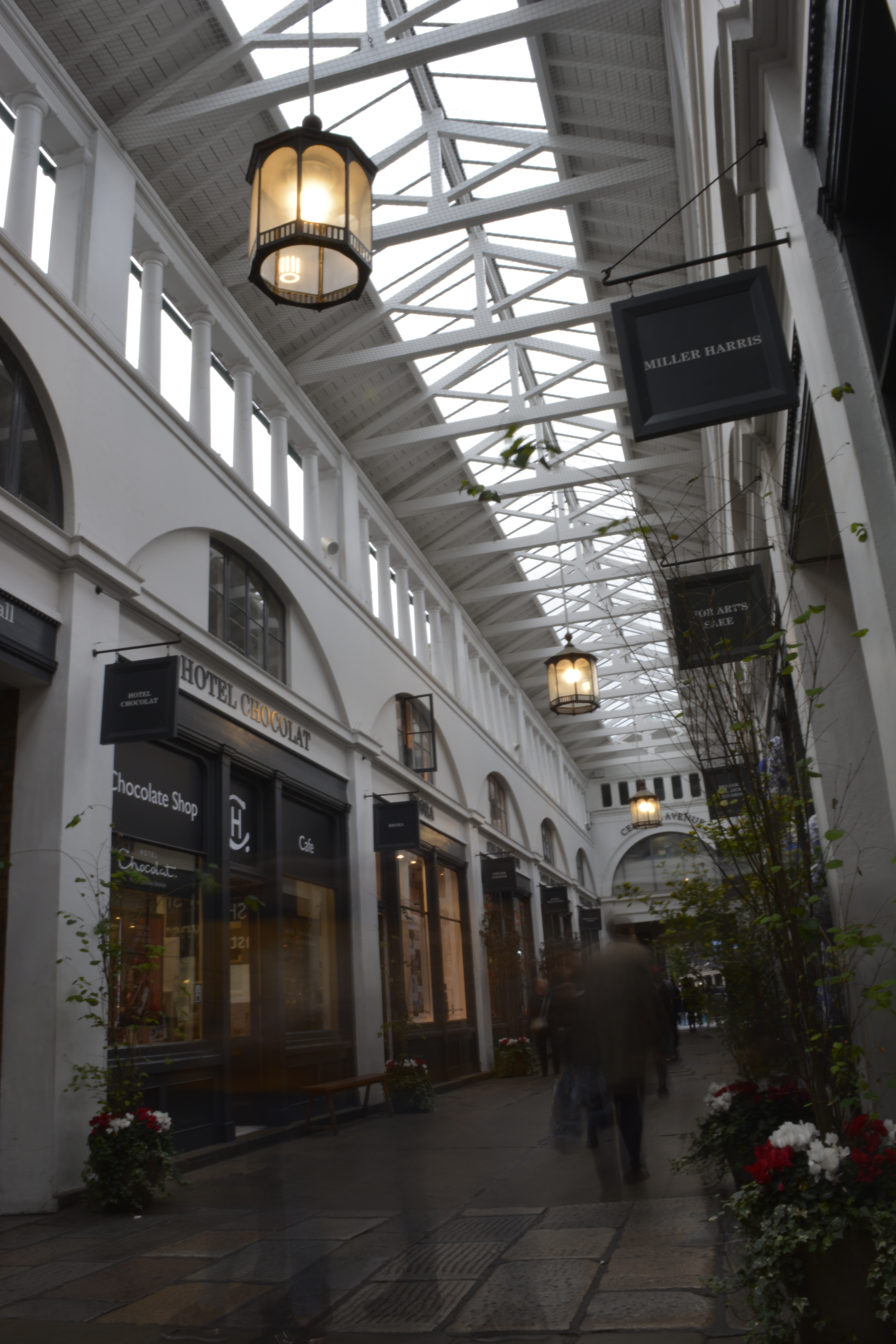
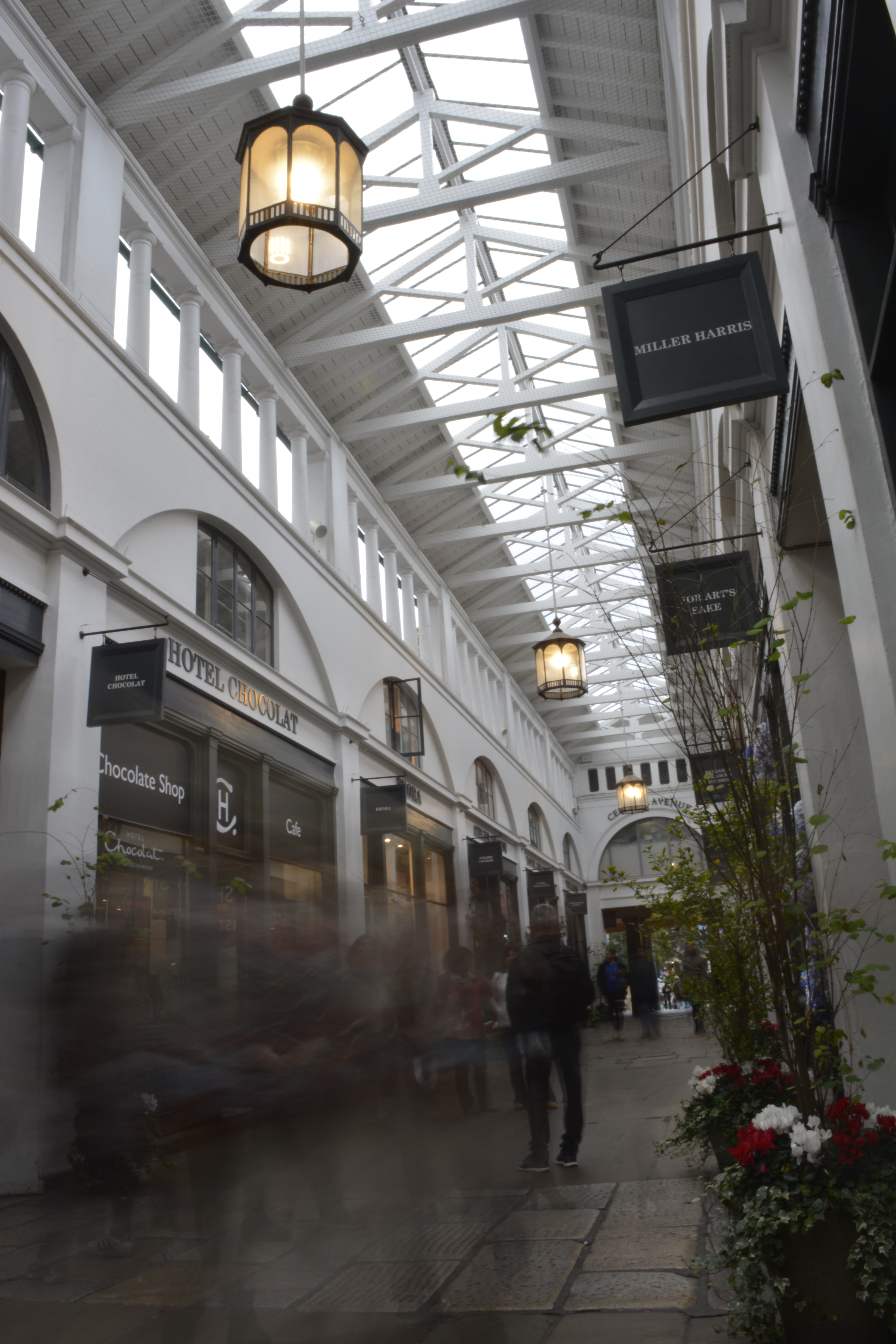
Central Avenue (see photo below) was within the grounds of the market. All along the shops within were benches. I managed to set up my tripod on the smallest setting and rested it on the bench. This way, I wasn’t causing a trip hazard or breaking any rules and was able to stabilise the camera to get the shot.
Central Avenue in Covent Garden (iPhone)
It was on this recce that I had decided to switch my lens focus from manual to auto. I have mainly used manual focus up until now, thinking to be a good photographer that is what I need to master. The only problem with that is that you think you have the perfect shot, however you get home and zoom in on a bigger screen and realise you’re just off with the focus.
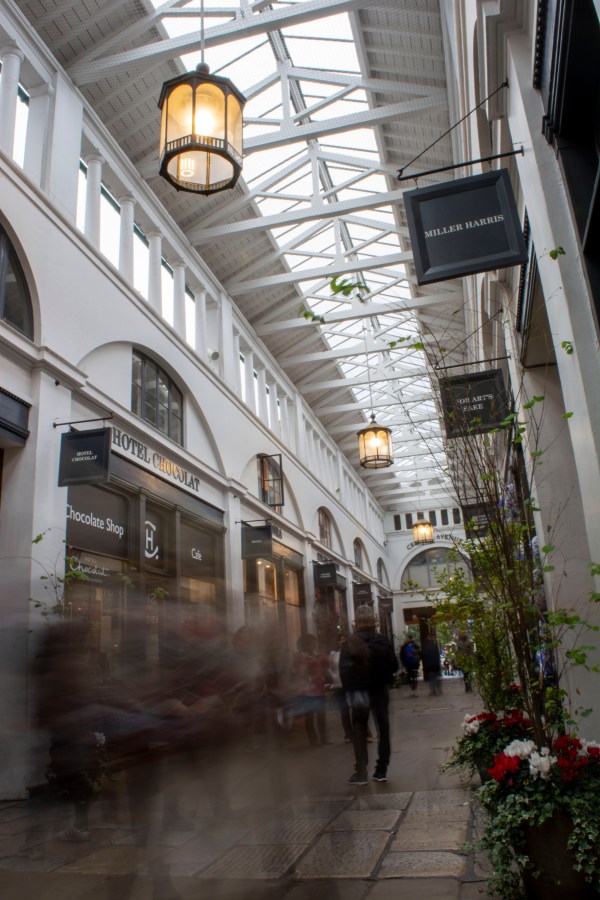
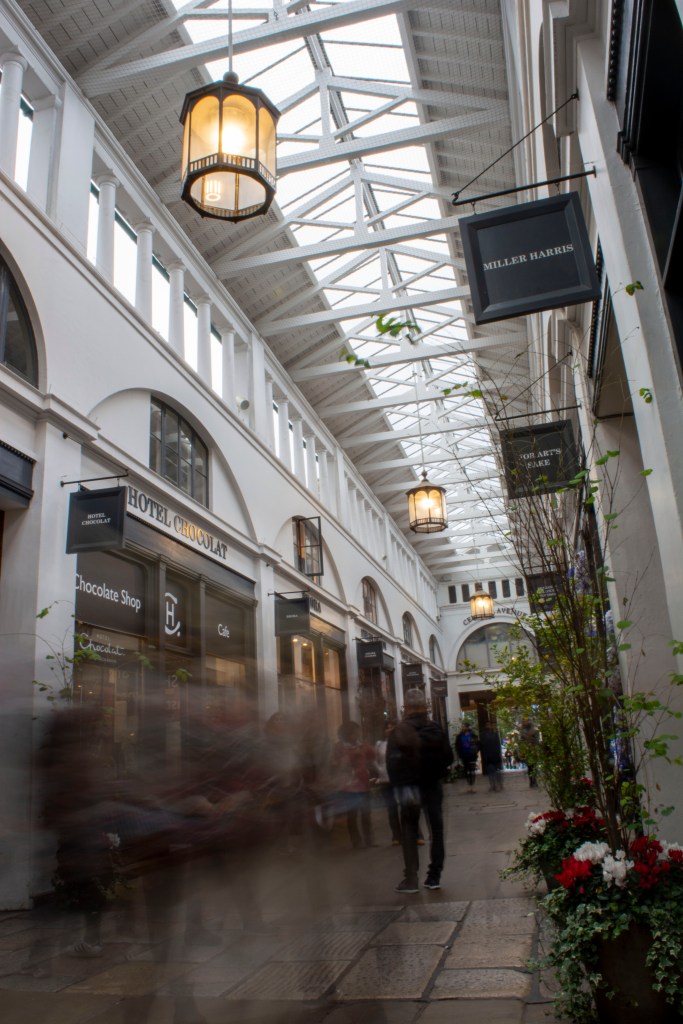
Central Avenue, CoventGarden
F-22 ISO-100 SS-2.5secs
Although this walkway was undercover there was still a lot of light coming through the windows at the top so I decided to use a fairly high f-stop to try to minimise the light. Using a shutter speed of 2.5 seconds allowed me to capture stationery people and moving people quite well.
Over all I am really pleased with this photograph. The walkway being narrower than the market halls allowed there to be a constant flow of people walking through. Exactly what I needed. I like the perspective of the image however, maybe I could have aligned the image better, made the right hand side shop fronts line up with the right hand side of the frame. This is something I could go back to do in Photoshop.
This photograph I felt looked good in black and white however to keep cohesiveness within the final five, I kept it in colour.
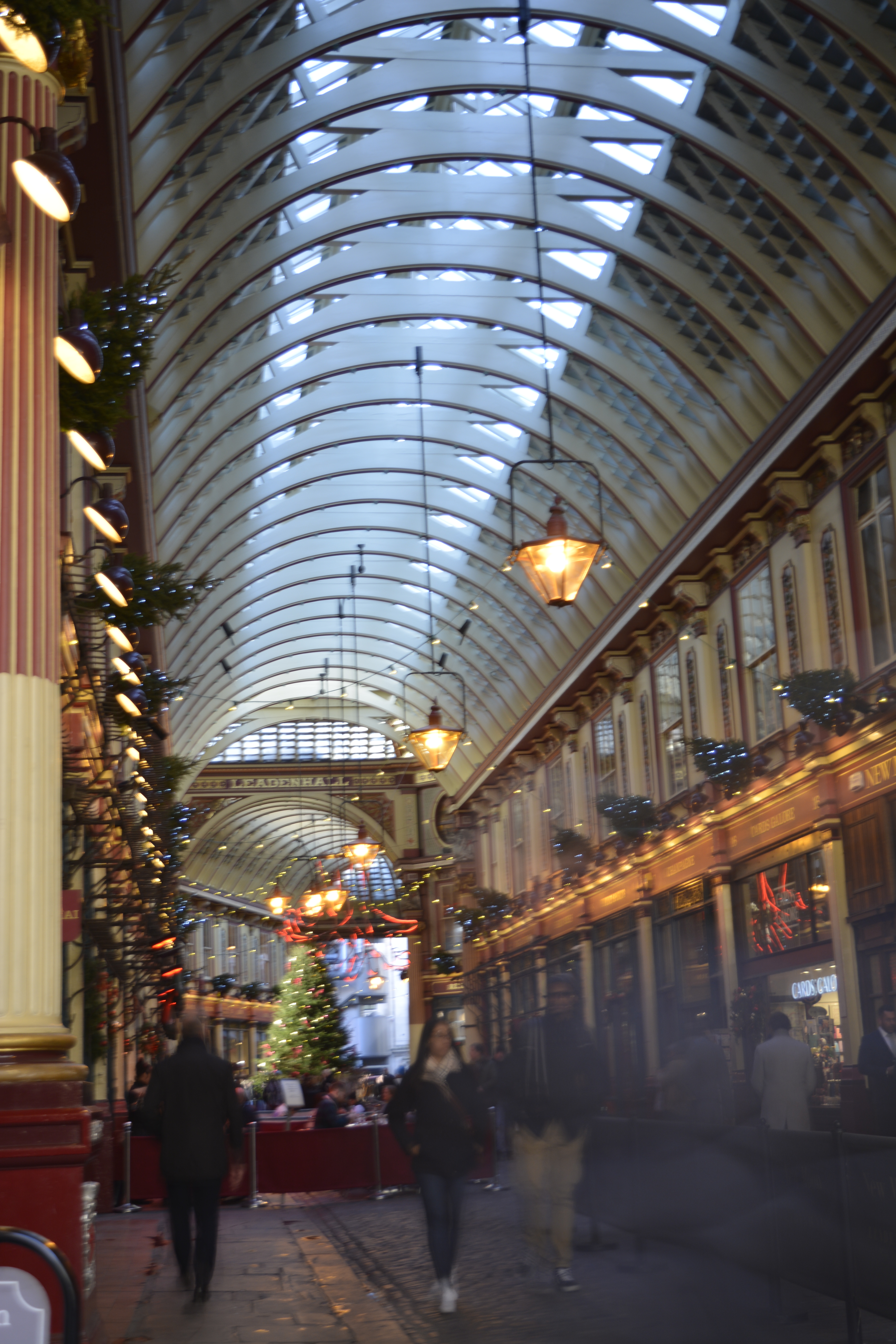
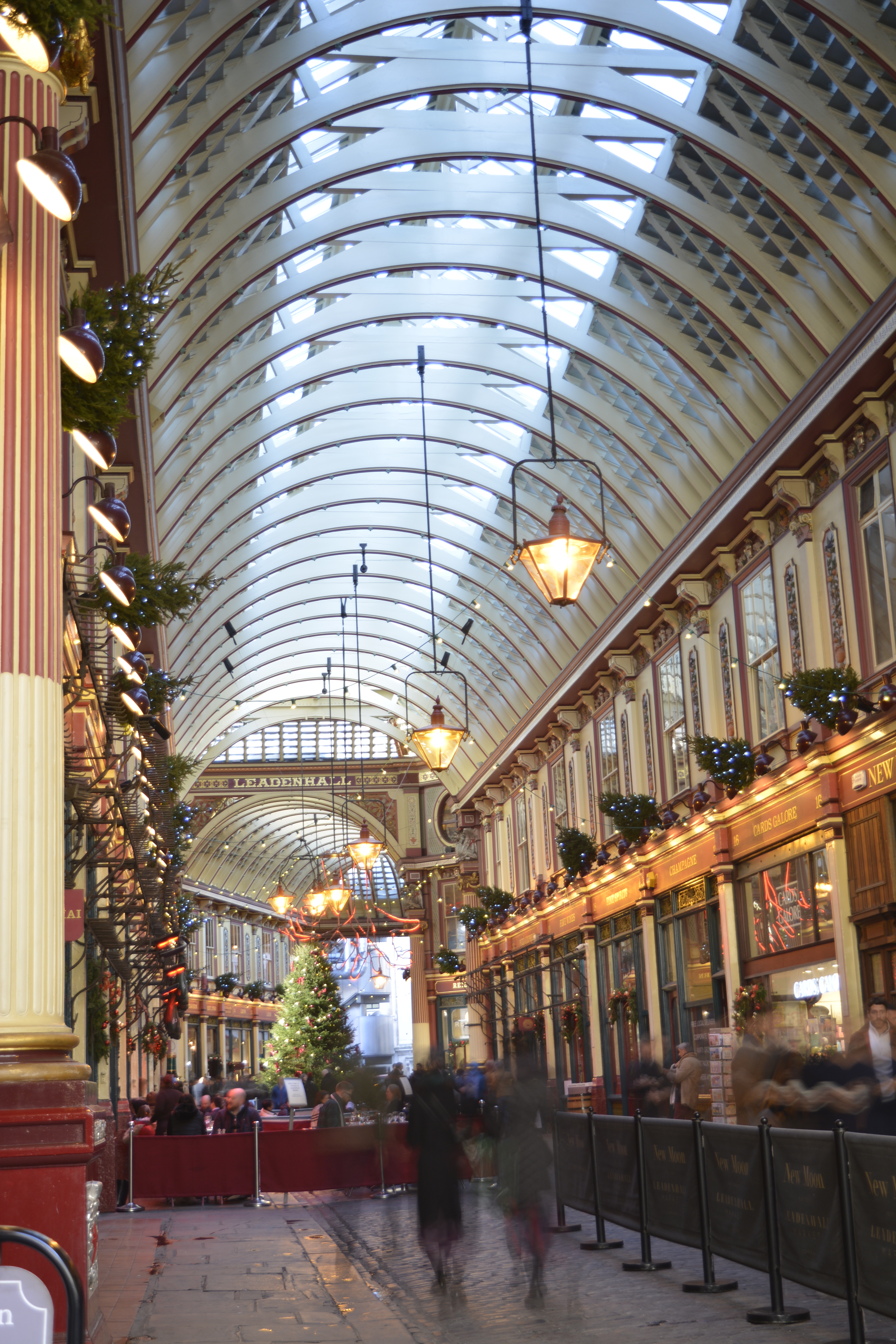
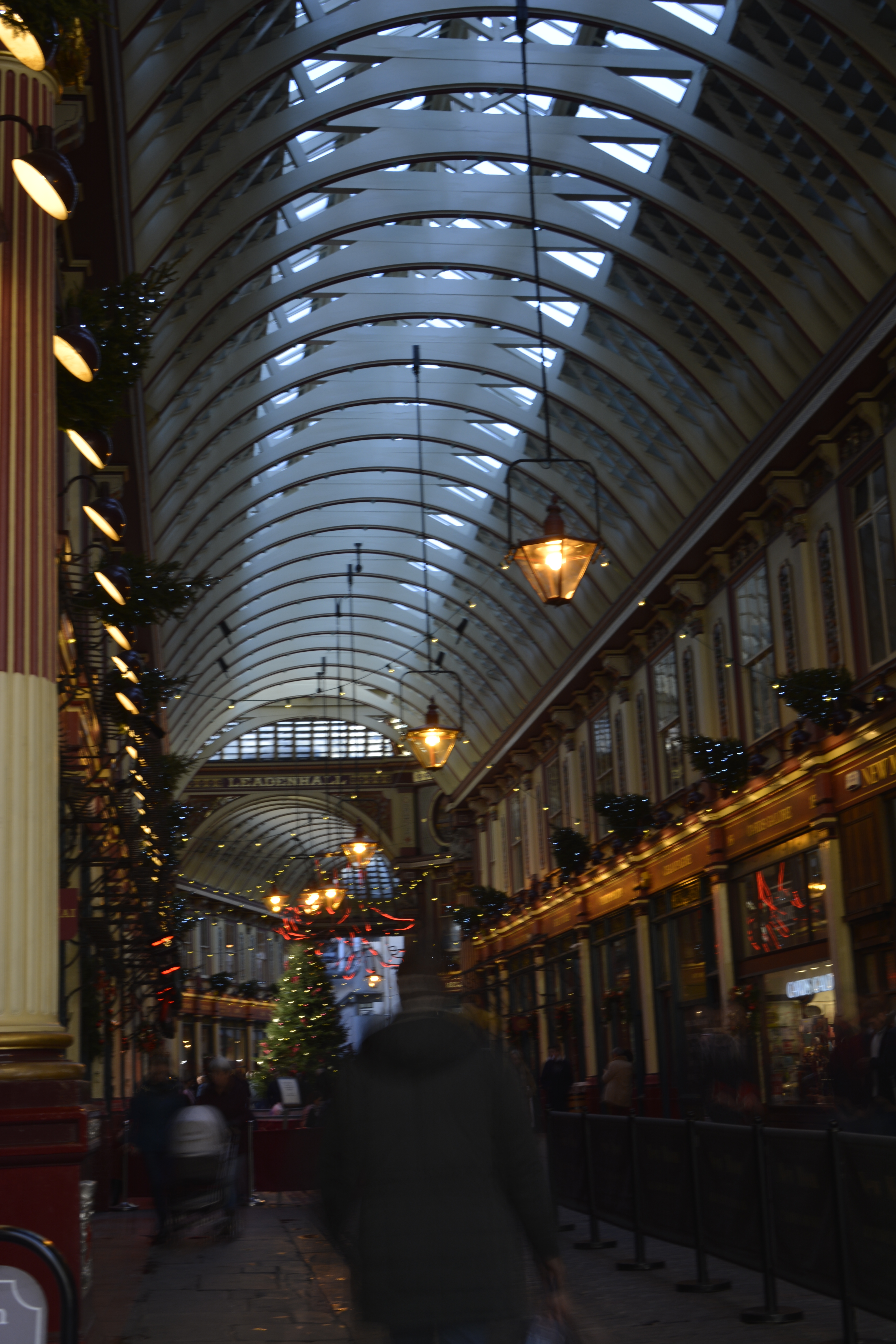
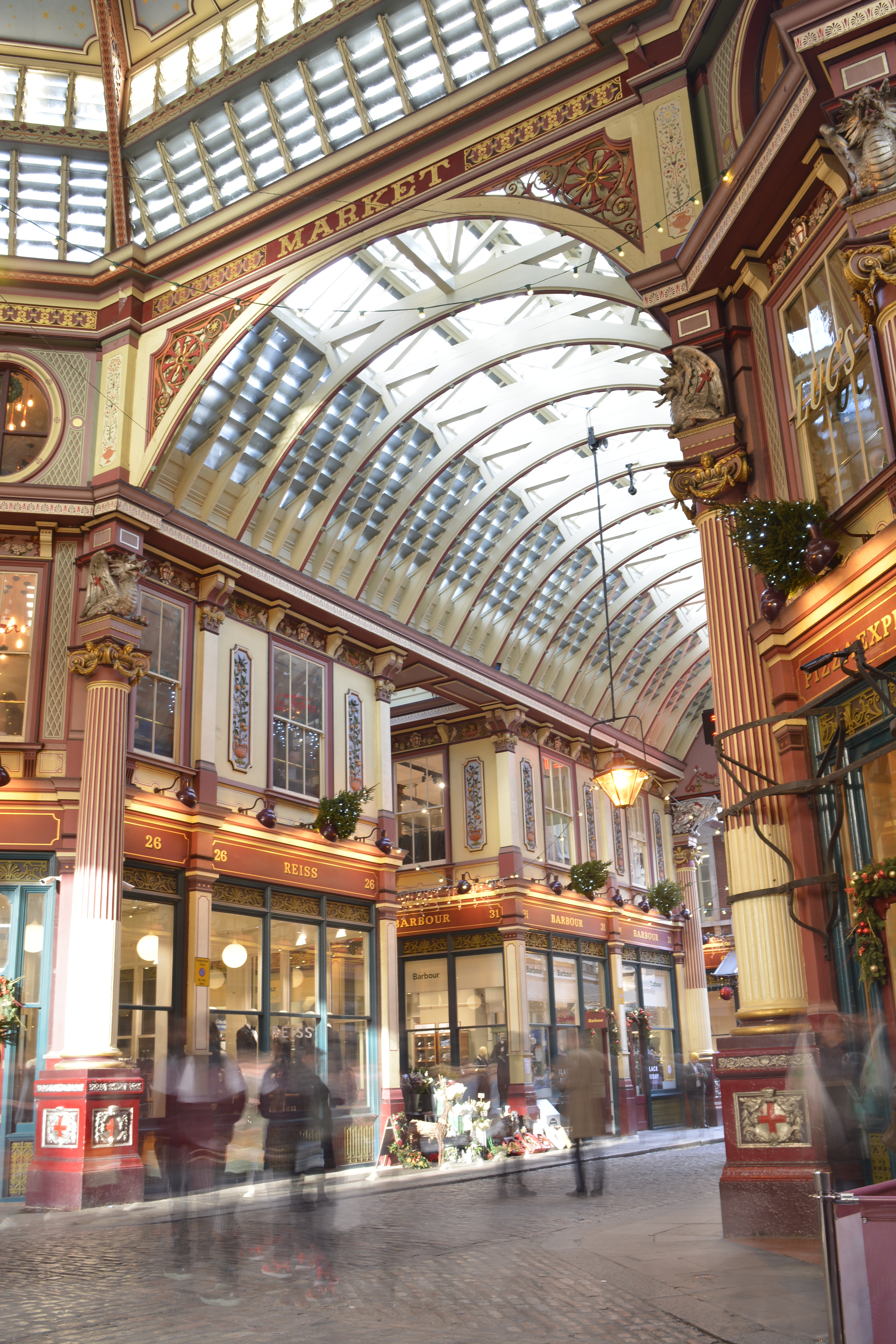
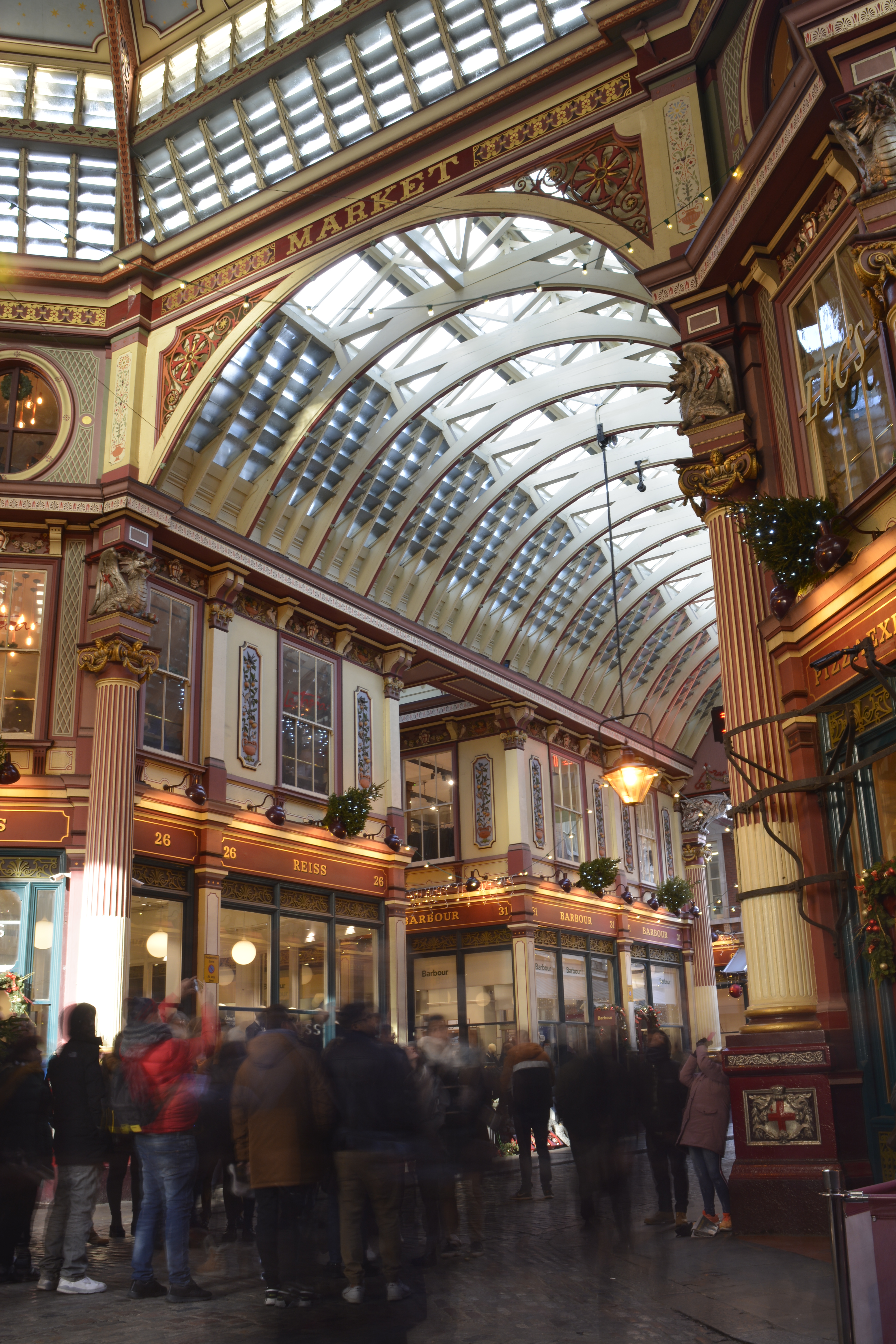
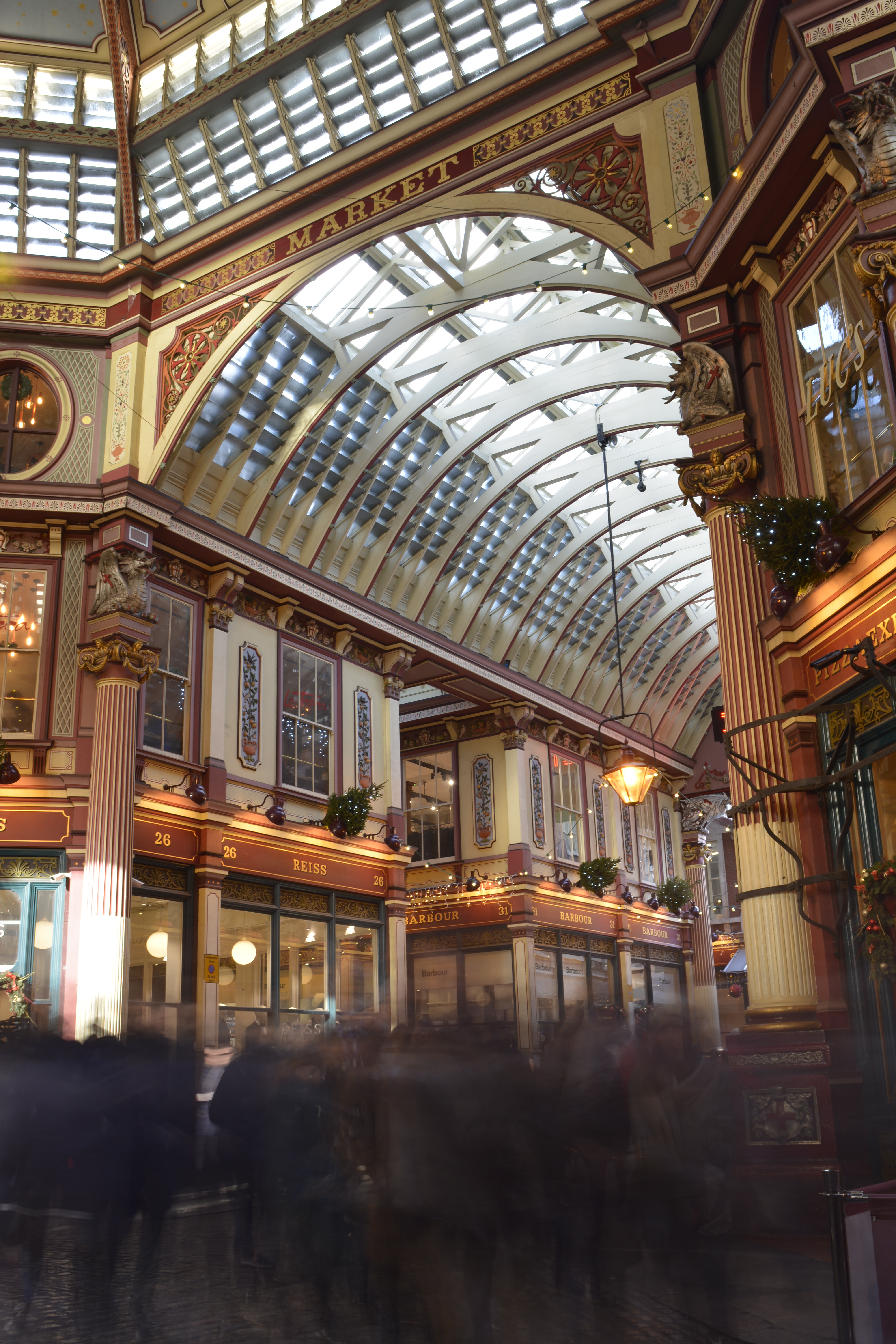
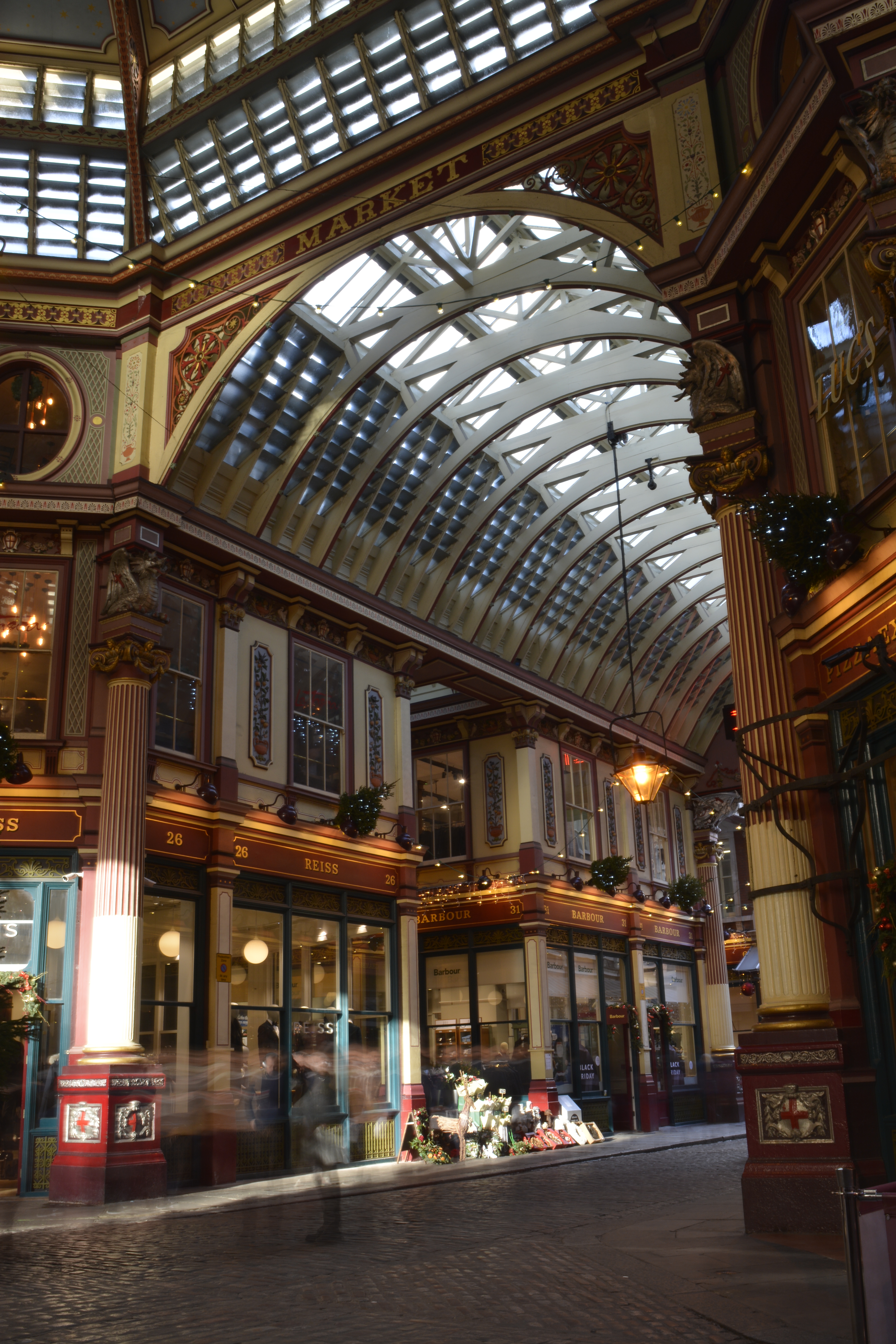
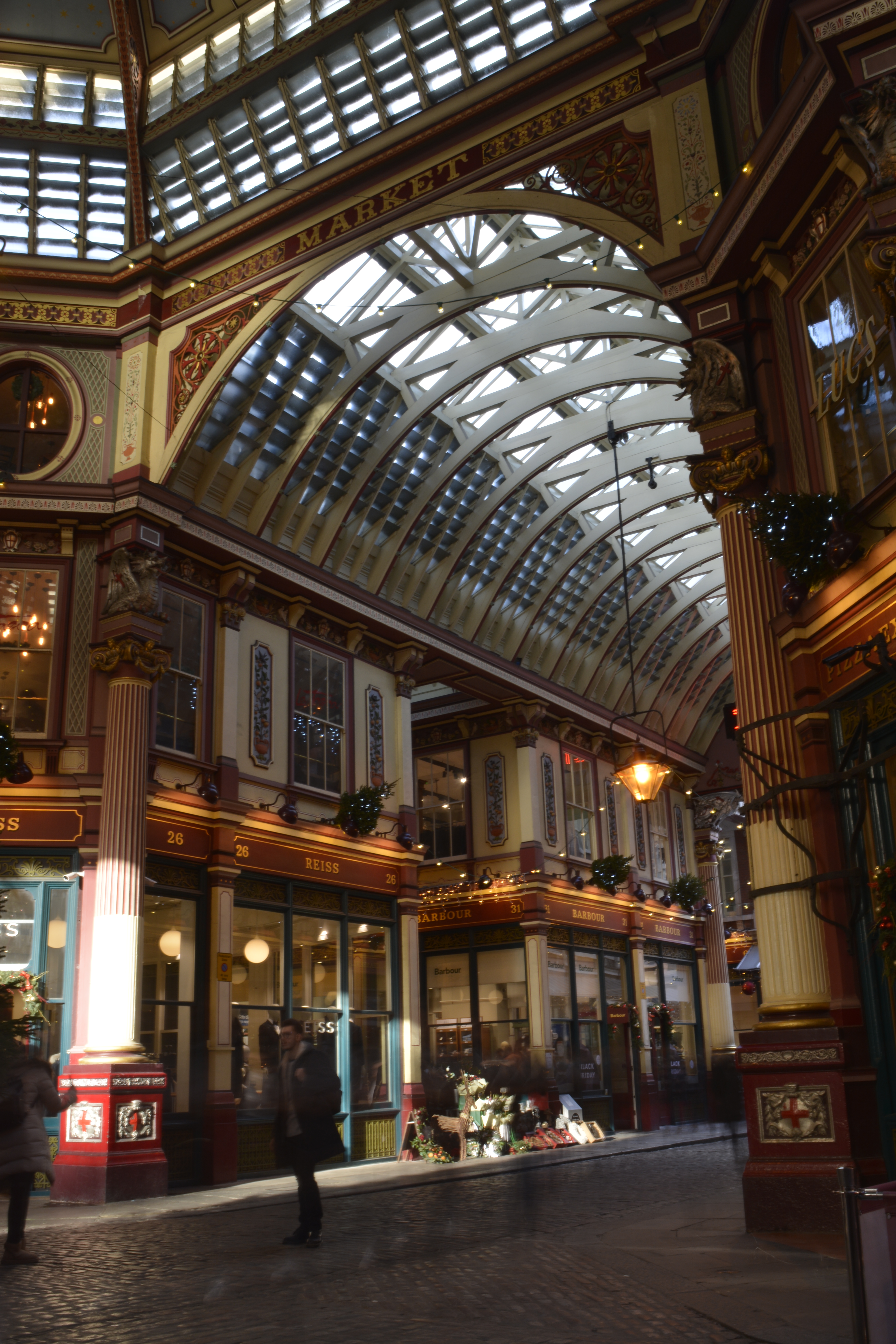
Leadenhall Market
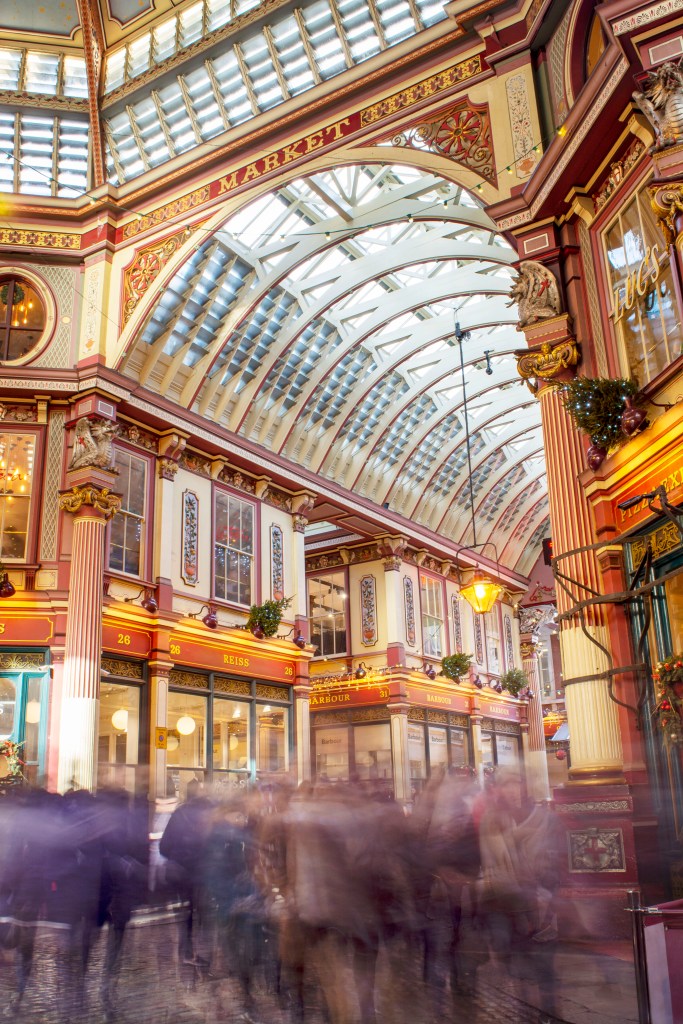
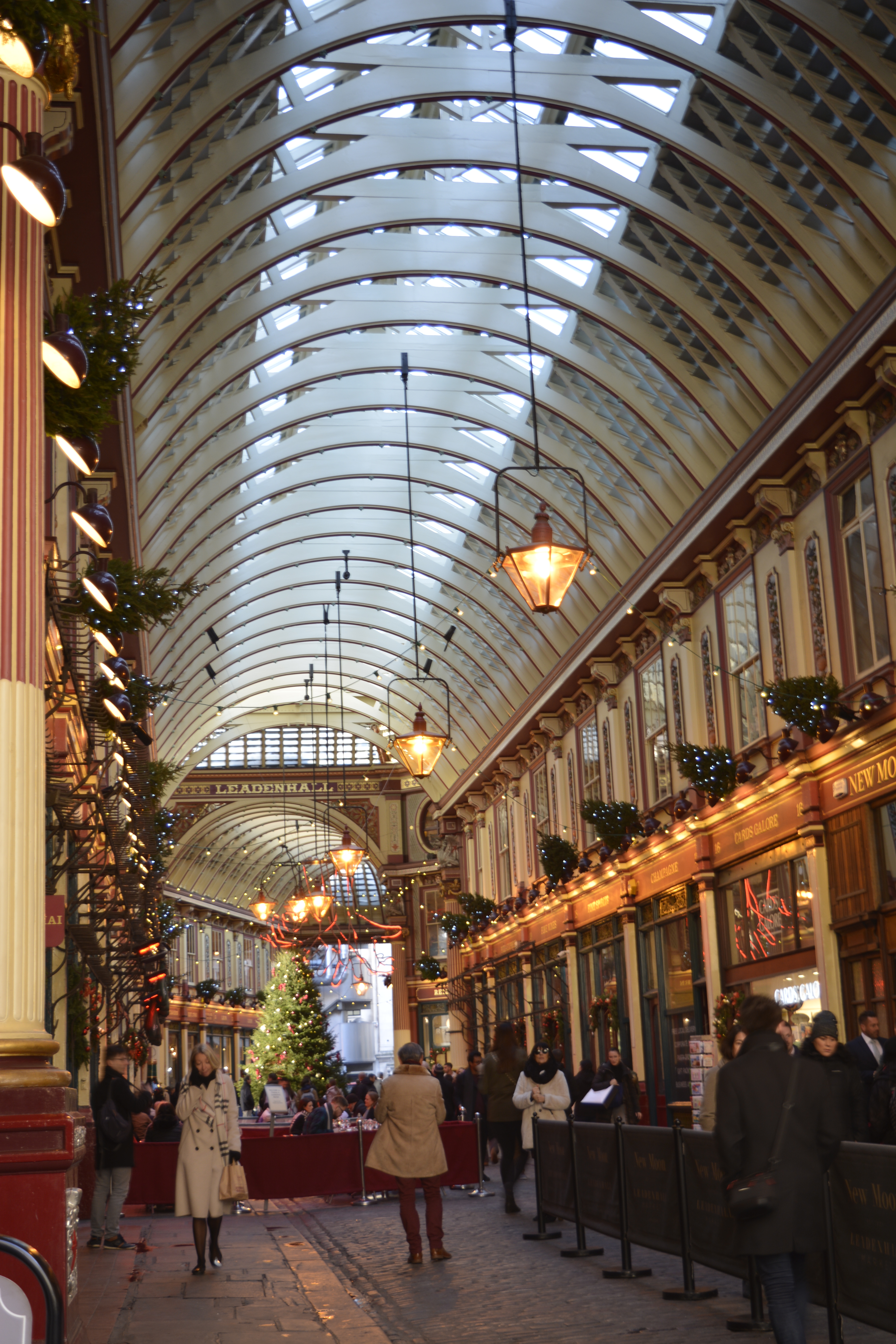
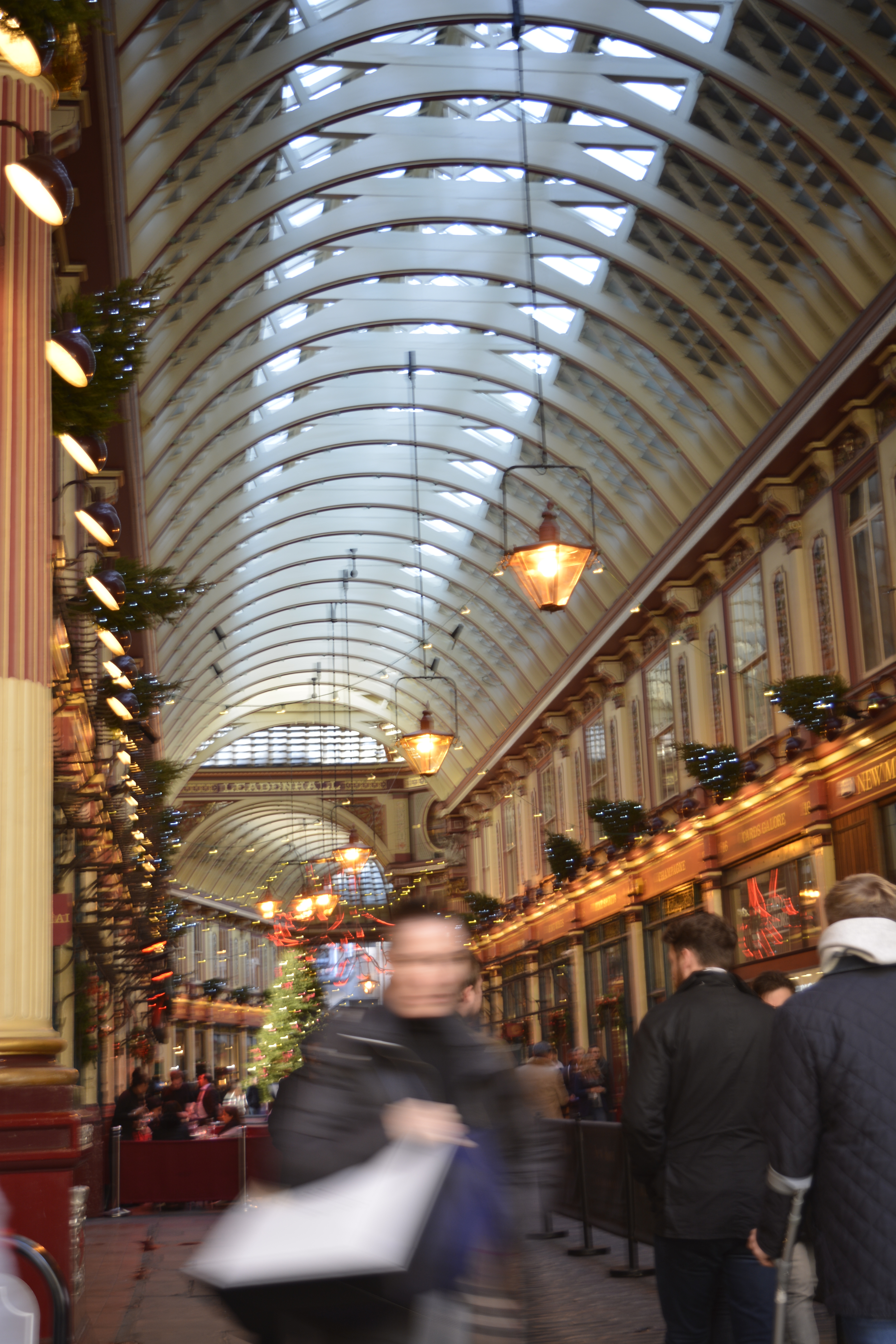
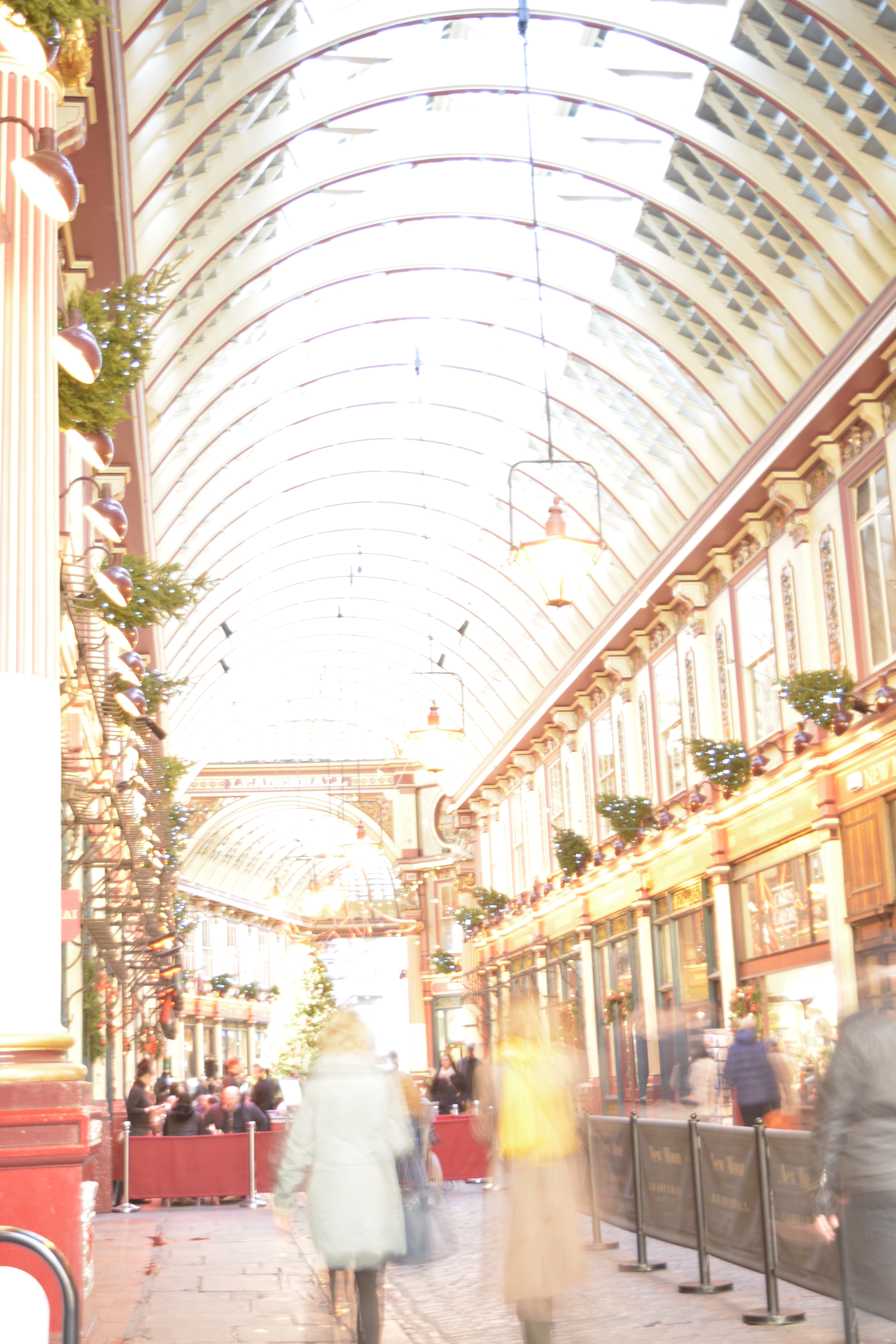
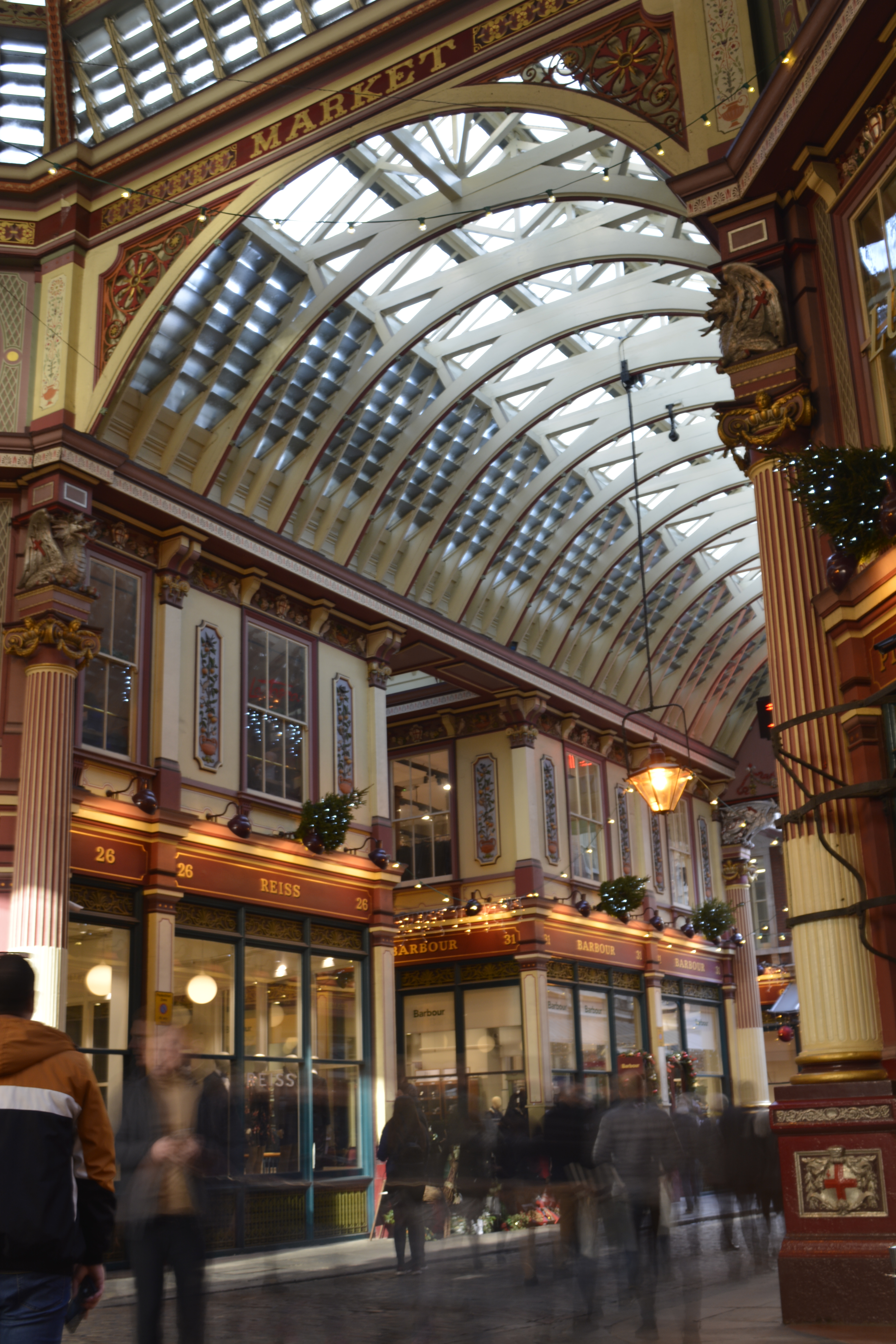
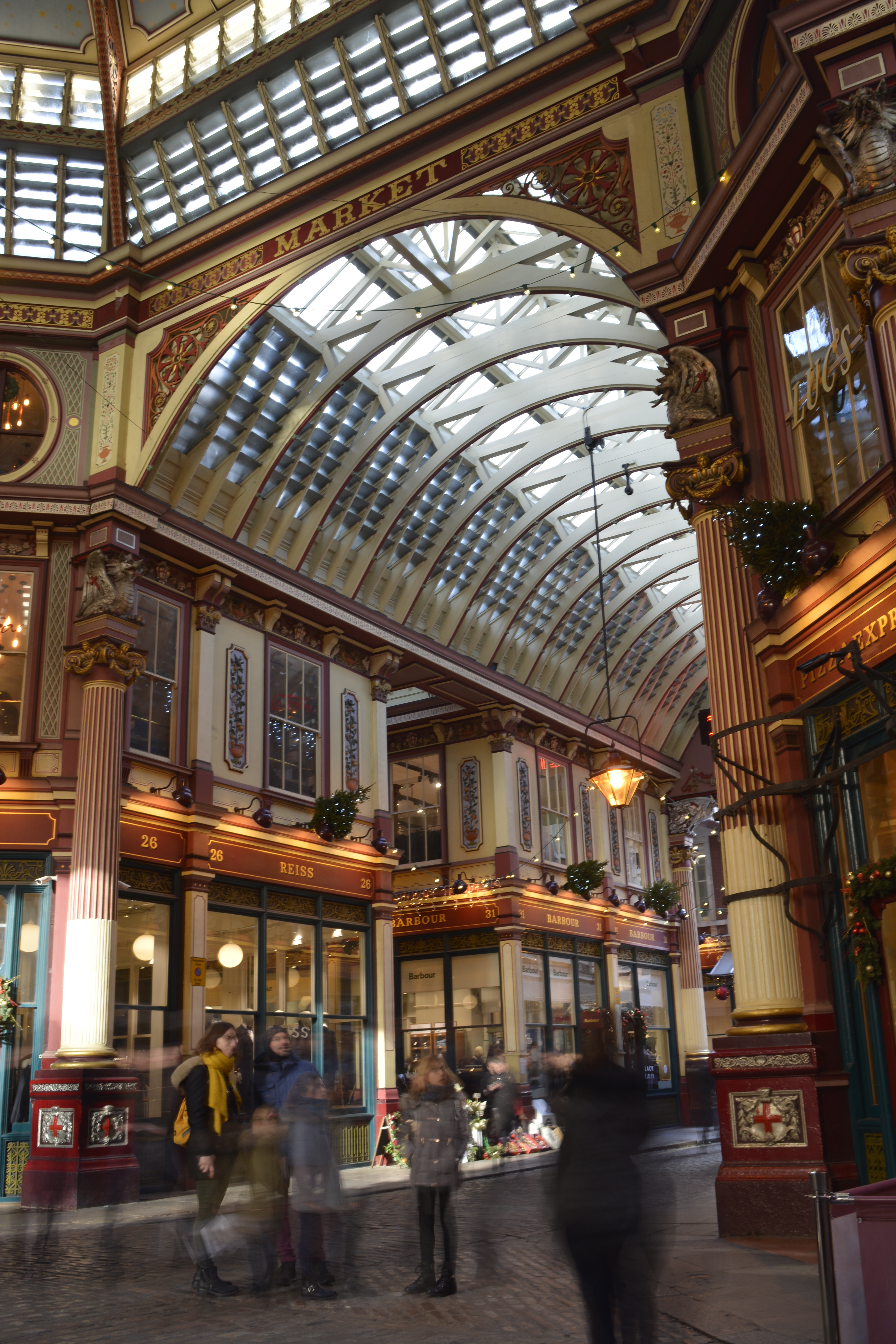
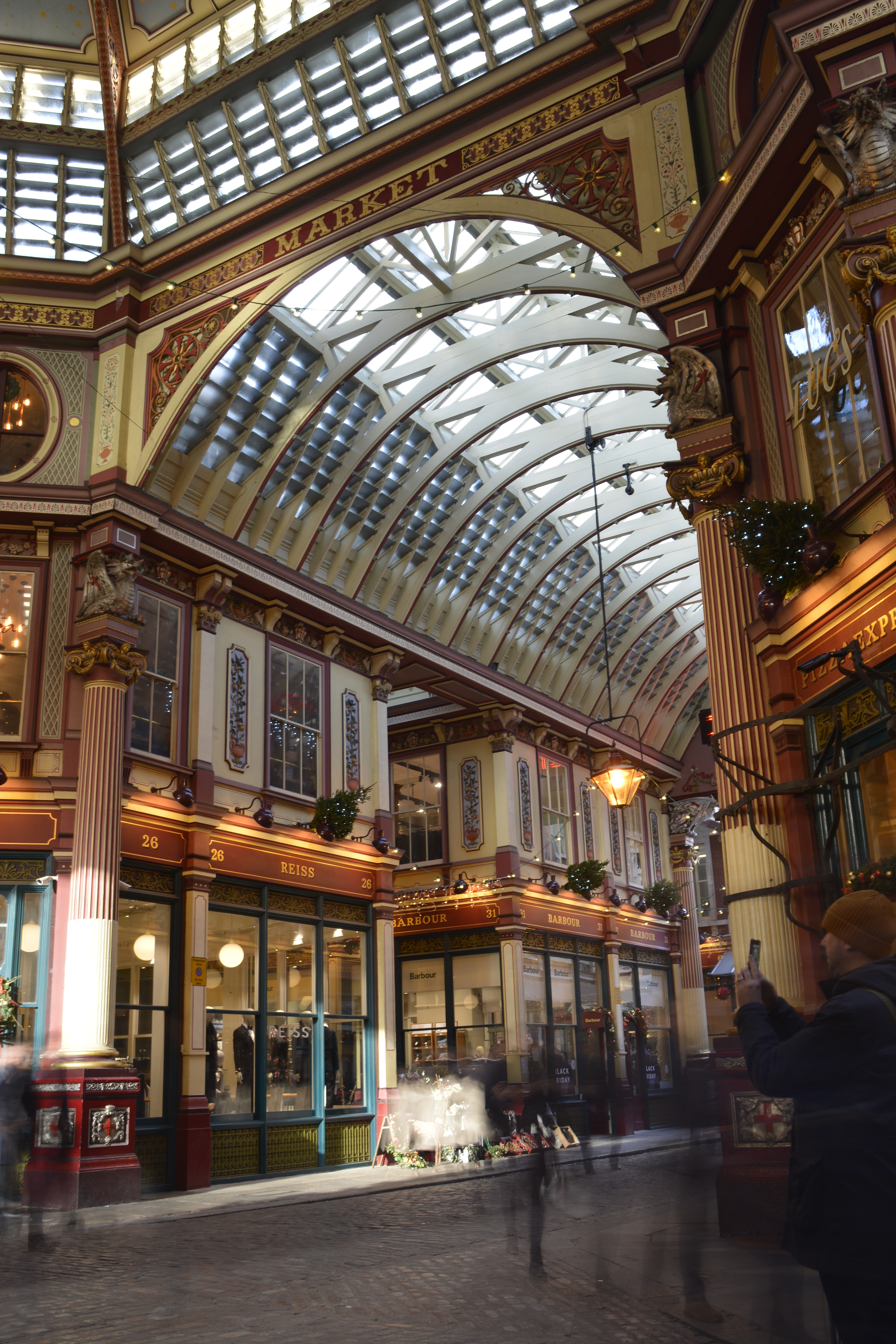
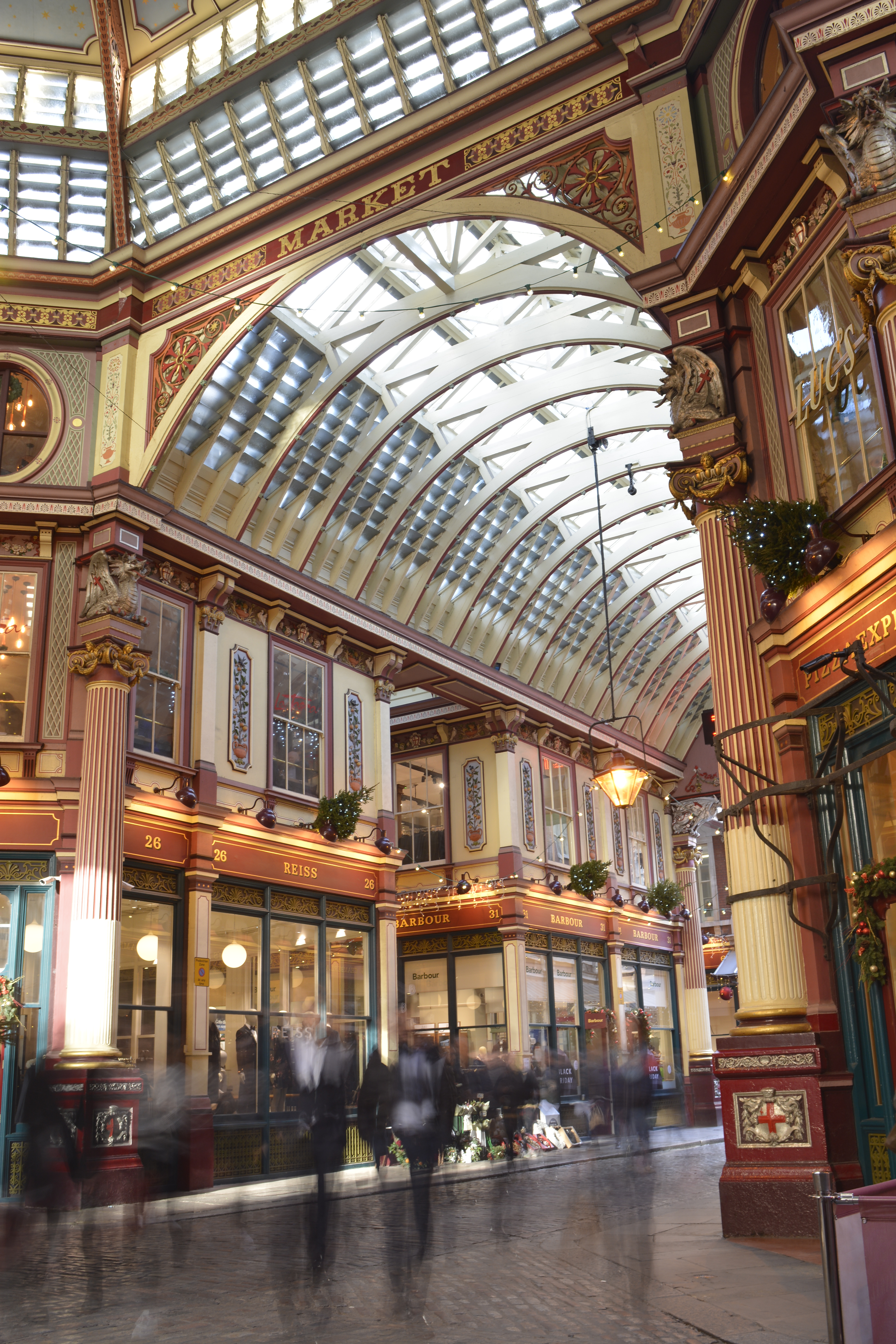
This photograph is my favourite. I love all the architectural lines and shapes which are strong and stationary in the photograph, compared to the soft flowing motion of the blur from the people walking past.
Taken during lunchtime it made for a constant flow of people which was ideal for the type of photograph I want to achieve. I didn’t ask permission from anyone to take photographs here however I knew I wouldn’t be able to set up a tripod in the middle of a busy area. I found a spot close to the central area I wanted to photograph and positioned myself to one side, tucked slightly behind a pillar by a shop. This way I wasn’t causing an obstruction or a potential trip hazard.
Leadenhall Market
F-11 ISO-100 SS-8secs
Within Leadenhall Market, even though you can see the light coming through the top of the structure, it still was quite dark inside. Using an aperture of F-11 I managed to use an 8 second shutter speed to capture lots movement flowing through the market hall. I am very pleased with the result.
Progressing through this project, I have gained more confidence in my ability to use Photoshop. Using several different layers, I darkened and brightened the exposure in certain places. I darkened the higher windows and over exposed pillar. Then brightened some of the shop fronts and people shadows. Lightening the shadows from the people enables the viewer to see the shapes of bodies and faces and adds balance to the image. I also slightly darkened the to corners to help draw the eye towards the centre of the photograph.
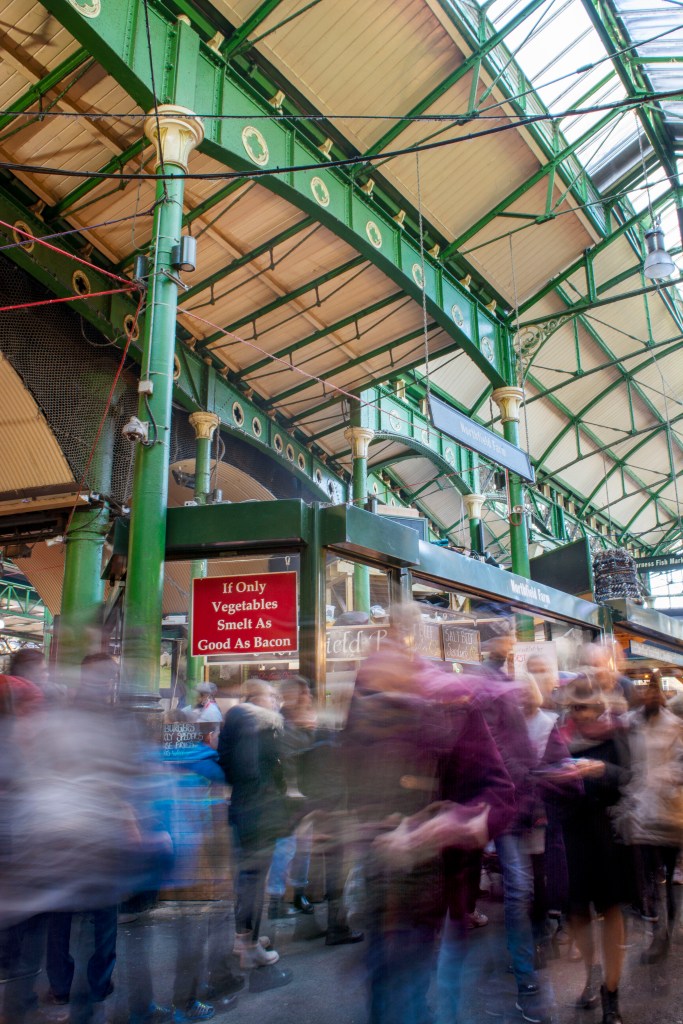
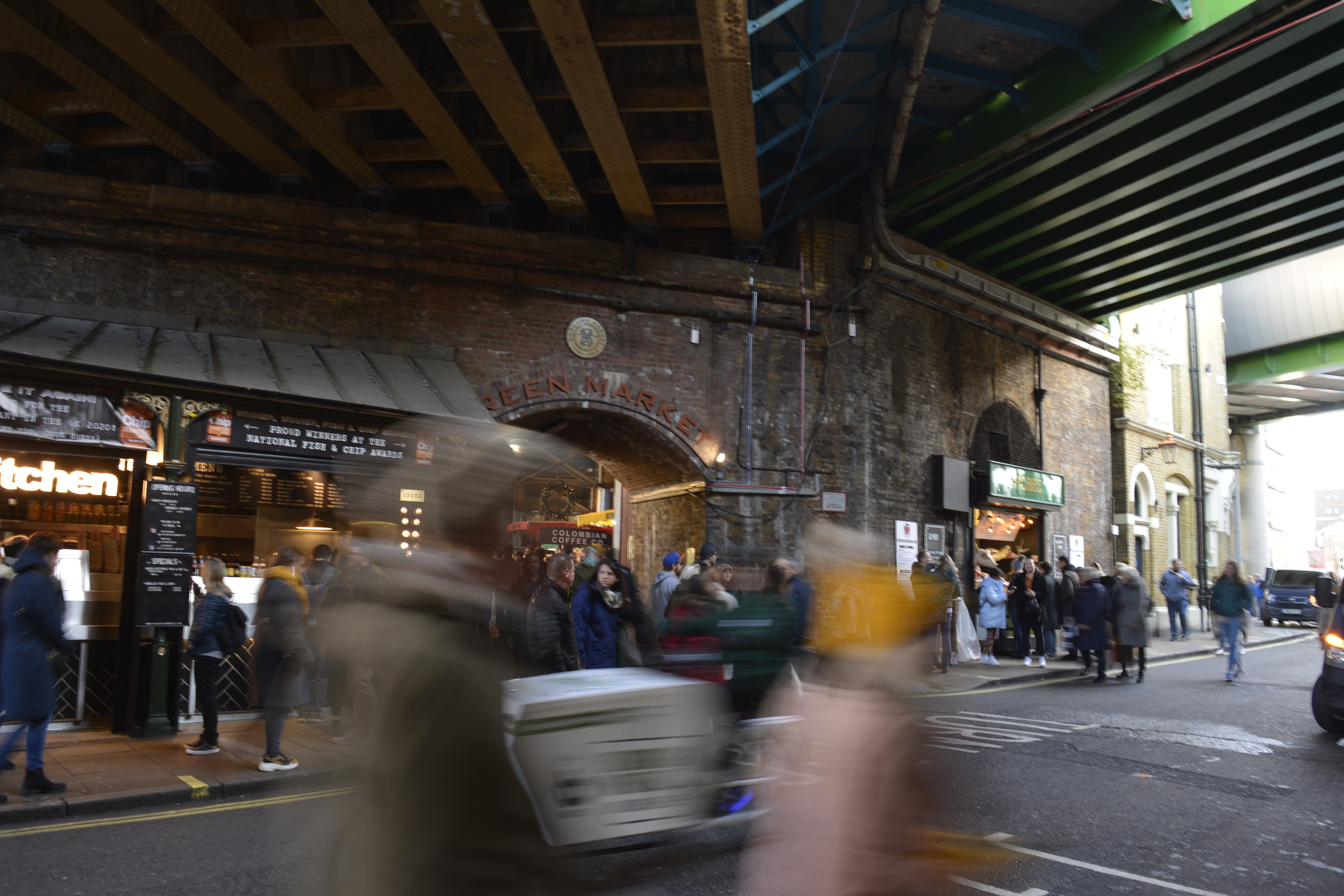
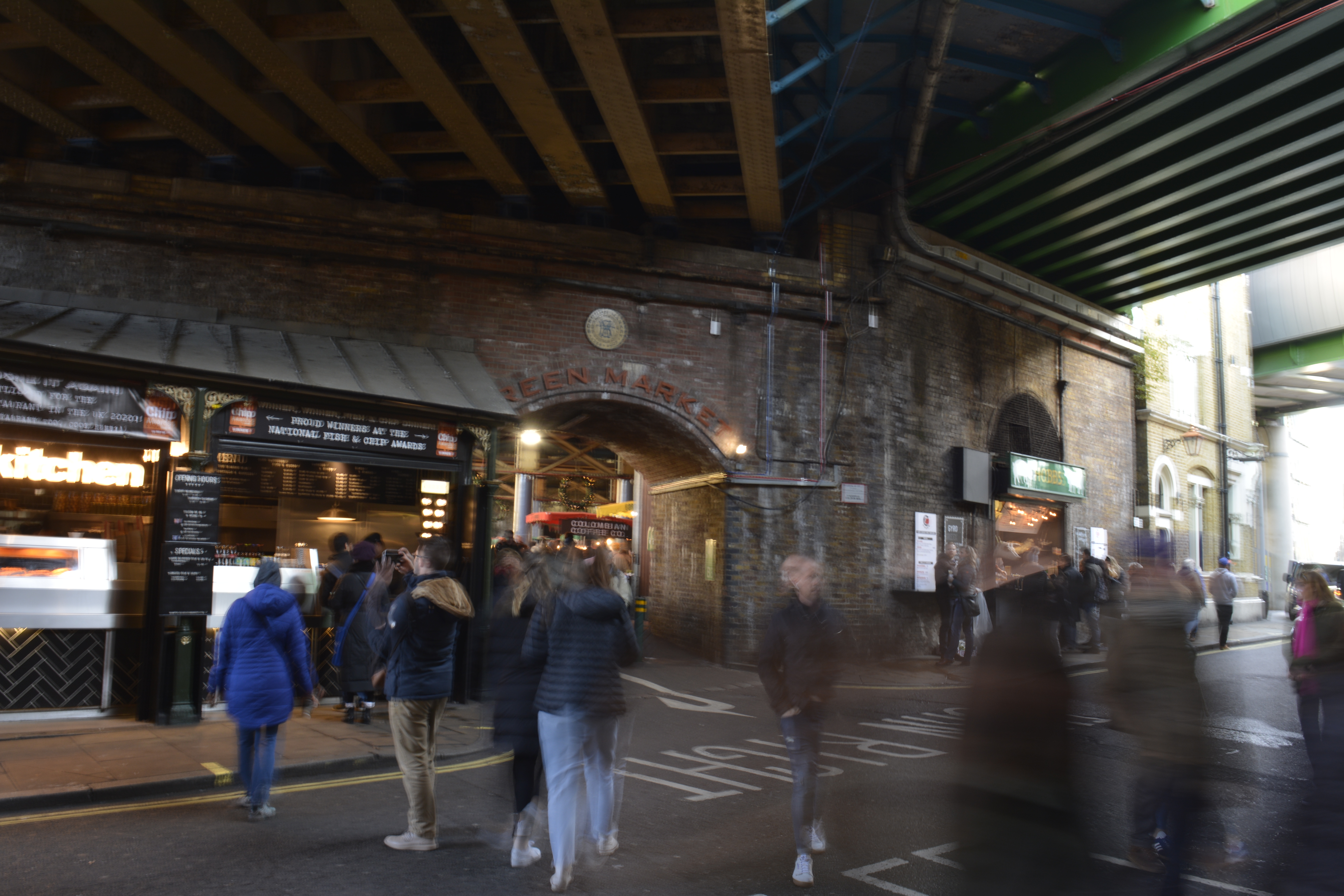
Borough Market
At Borough Market I found it quite hard to position myself with my tripod somewhere that wouldn’t be a trip hazard. A lot of the areas in the market I wanted to photograph, I would have needed to be in the middle of the central walkway or road. I did however find a spot between the market halls that I could set up my tripod safely. This was between a wall and a pillar, so the pillar protected passers-by from my tripod.
BoroughMarket
F-9 ISO-100 SS-2secs
Using only a two second shutter speed you can make out some of the faces and body parts from the people walking past me.
Again I felt my images were quite dark so I needed to do some work in postproduction to lighten the whole photograph. Perhaps I should of changed my ND filter to ND 8, something to consider for the future.
In post production, before lightening my exposure I sharpened the image. I worked on different layers with masks when brightening the exposure, as I had to keep the top right-hand corner from being overexposed when lightened. Working on the motion blur, I lightened the shadows. This defines the blur and you start to see some faces emerge.
BoroughMarket
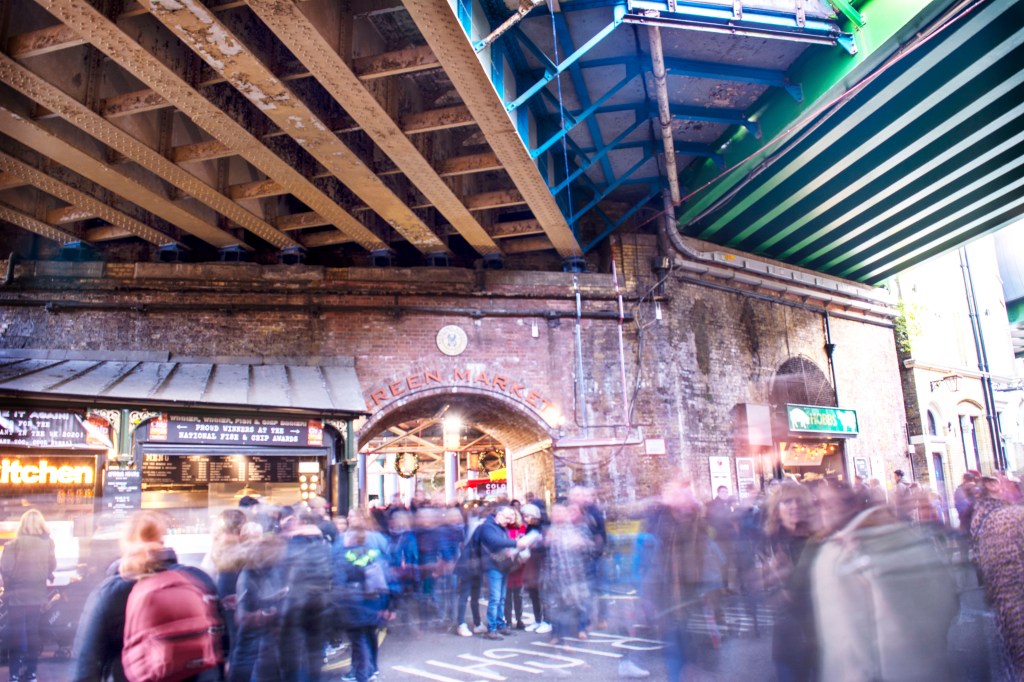
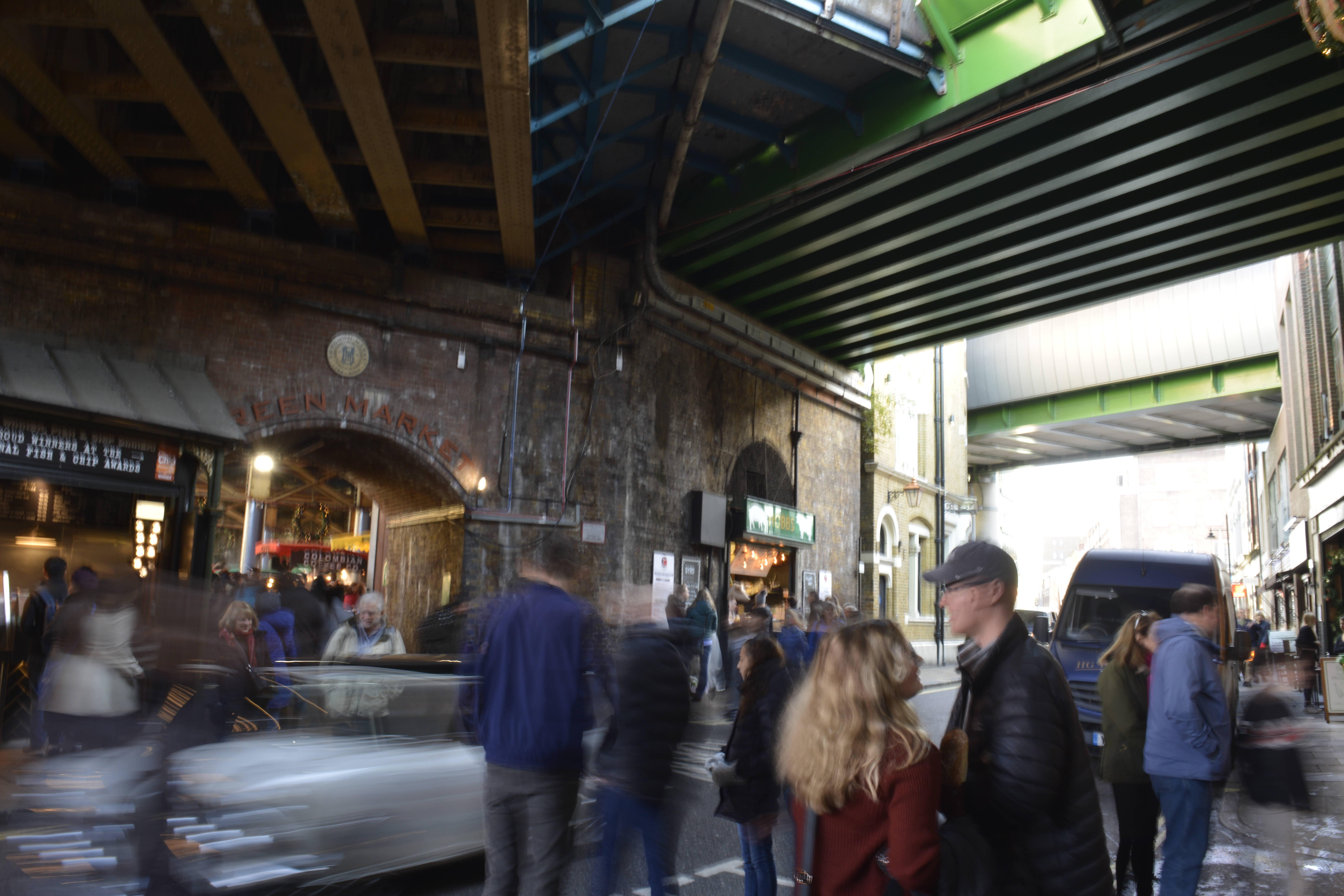
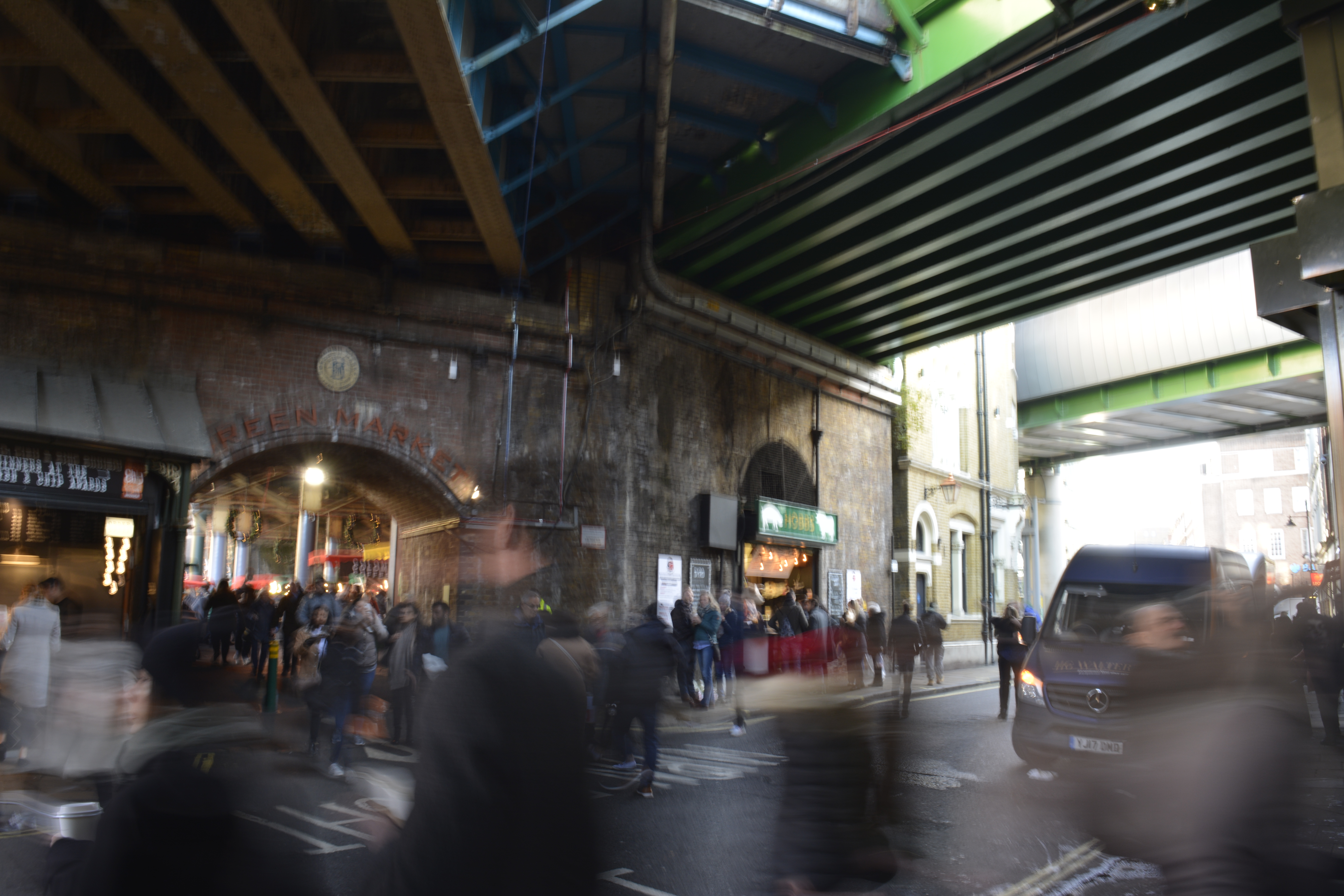
This photograph is my least favourite from my final five. I had planned to photograph five different areas however I ran out of time and decided to use this photograph also taken at Borough Market. Shot from the same spot as the above photograph, This was the view behind me so I picked up the tripod and turned 180°.
Situated under the railway bridge, this made for some great lines from the iron beams. The converging lines bring the viewers eye down towards the centre of the photograph focusing on the central brick arch and motion blur.
BoroughMarket
F-5.6 ISO 100 SS-4secs
It was quite dark under the bridge, so I was trying to let as much light come through as possible by using a lower aperture of F stop 5.6. Using a shutter speed of four seconds helped with letting more light in however the original image was still quite dark. Thinking about it now I probably should have changed the ND filter to a lower number filter, to let in a bit more light. Therefore I wouldn’t have had to do so much brightening in postproduction.
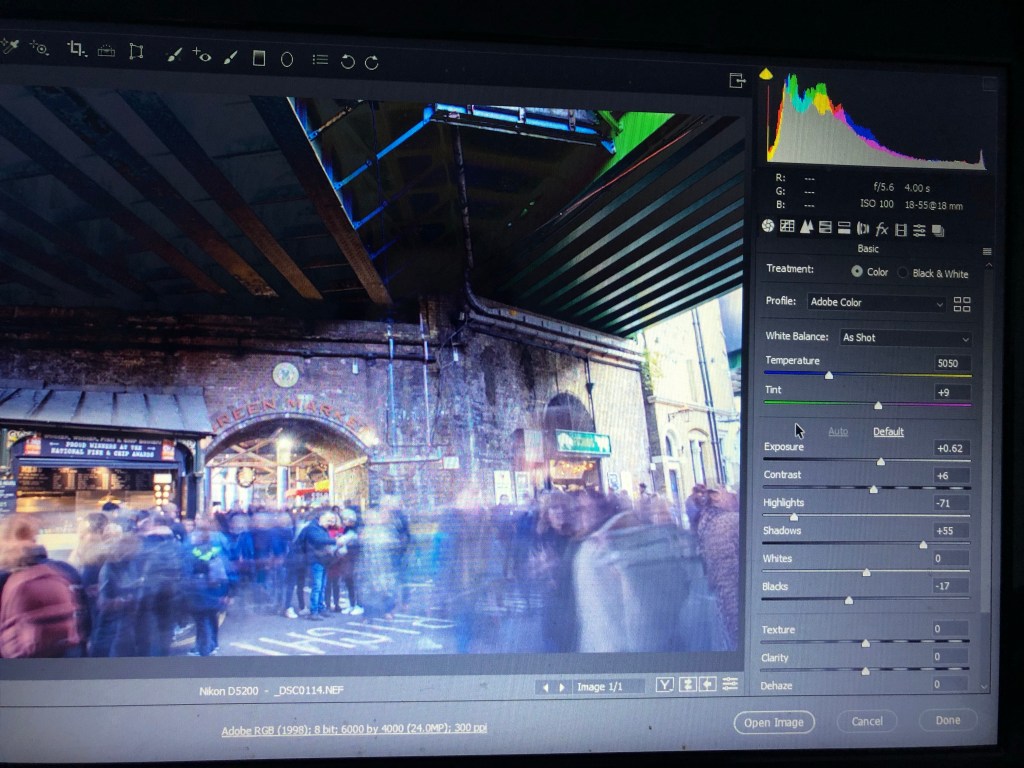
In post production I initially sharpened the photograph and used the auto button in camera raw to help guide me with the exposure, highlights and shadows on this photograph. In photo shop, I then proceeded to lighten more of the image as I felt it was still a little too dark. I wanted to see more of the lines under the bridge. I had to darken a few areas where the sun was shining through.
After doing post production on this image, I do feel that I have over done it a little across the central part. I have lighten too much and therefore lost some colour in the process, however I do like the green that I have pulled back from the metal beams.
Screen shot from camera raw
I didn’t manage to do any test prints before I sent my final photographs off to the printers, maybe that is something I might do in the future, to really confirm I am making the right paper choice. I decided to go for a Fuji velvet mat paper. I knew I wanted to keep the paper type basic, so not to distract from the detail in the images.
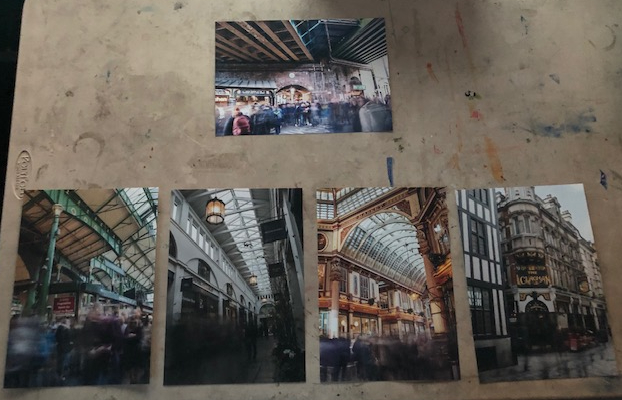
The photograph below shows how I would arrange my final five images on a wall for display. I feel if all images were taken with a portrait view they would have all sit nicely together. However as one image is landscape I have set it above the other four. This allows it to sit alone above, yet leads into the other four, almost like a preview before the other stronger images.
I have taken a lot of inspiration from Alexey Titarenko’s work. I have tried to re-create similar photographs combined with my ideas for the project. Using the motion blur of people, just like Titarenko, but in my photographs I am conveying the busy lives of people passing beautiful structures and land marks. It has been a little restricting with where I position myself to photograph, this has played a big factor in planning locations and compositions.
I have made many mistakes throughout this project like my time management, knowledge of Photoshop and remembering to charge batteries. However I am going to use them as a learning curve to take forward in my next project. Generally I am pleased with my outcome and I will definitely continue experimenting with motion blur and slow shutter speeds.
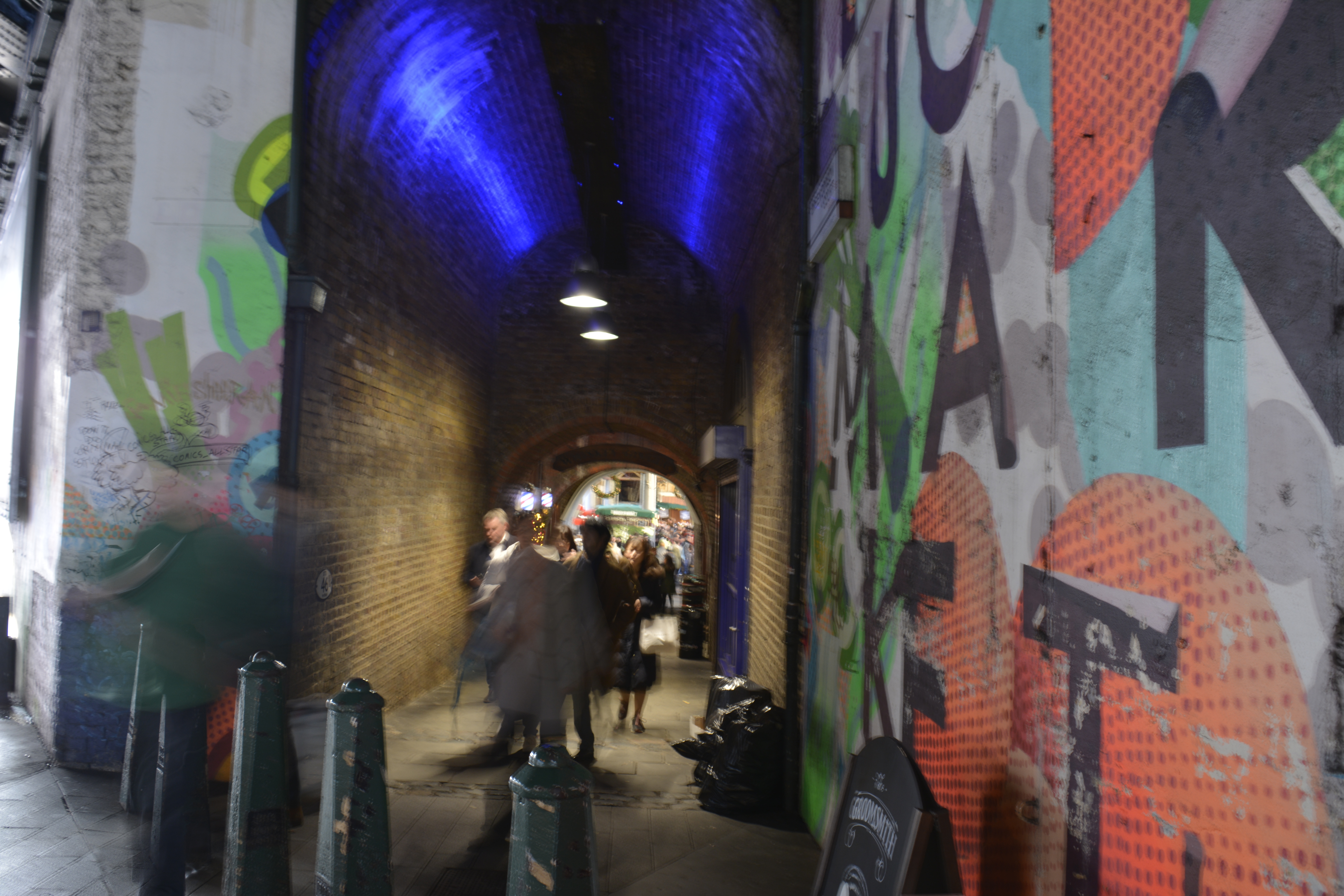
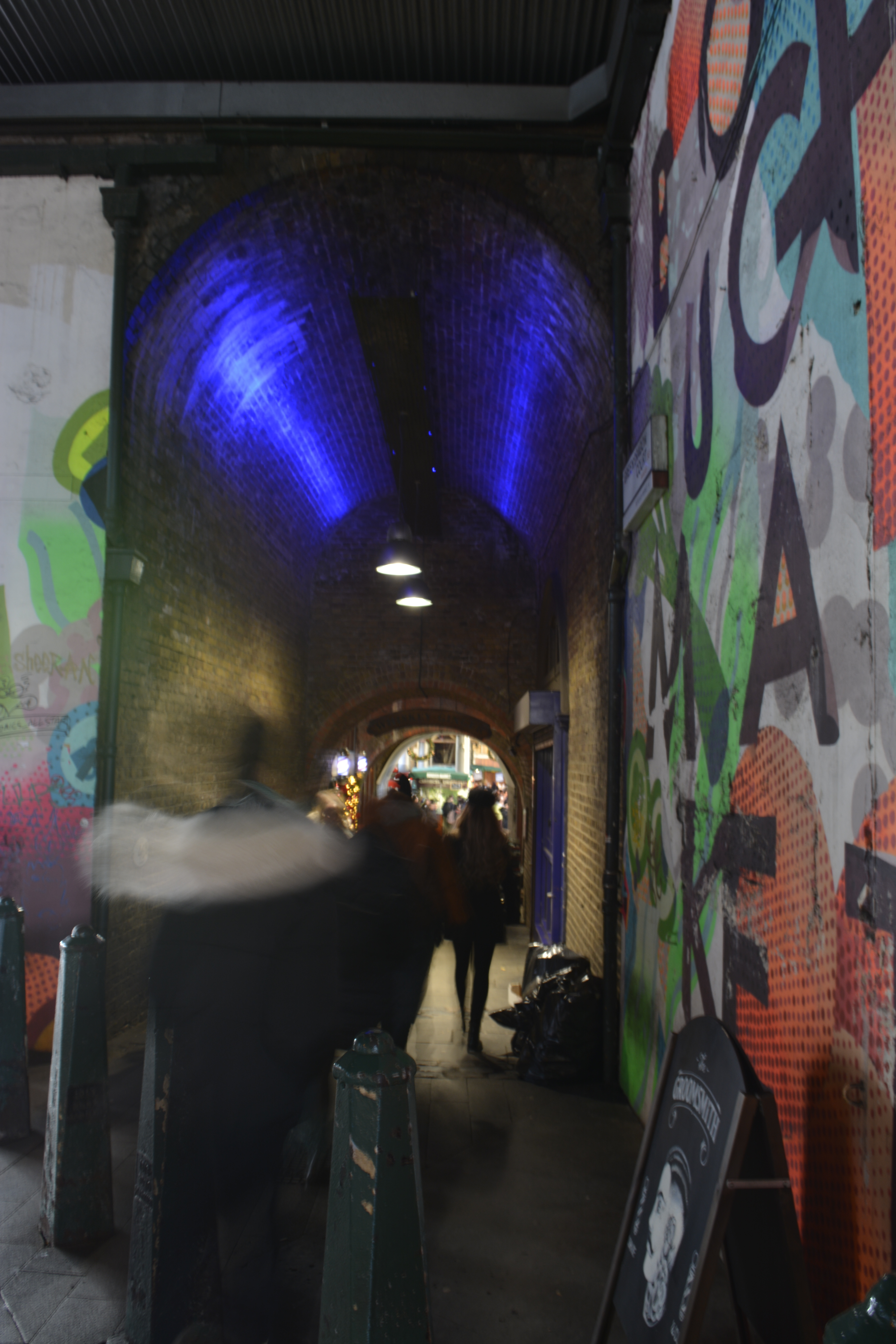
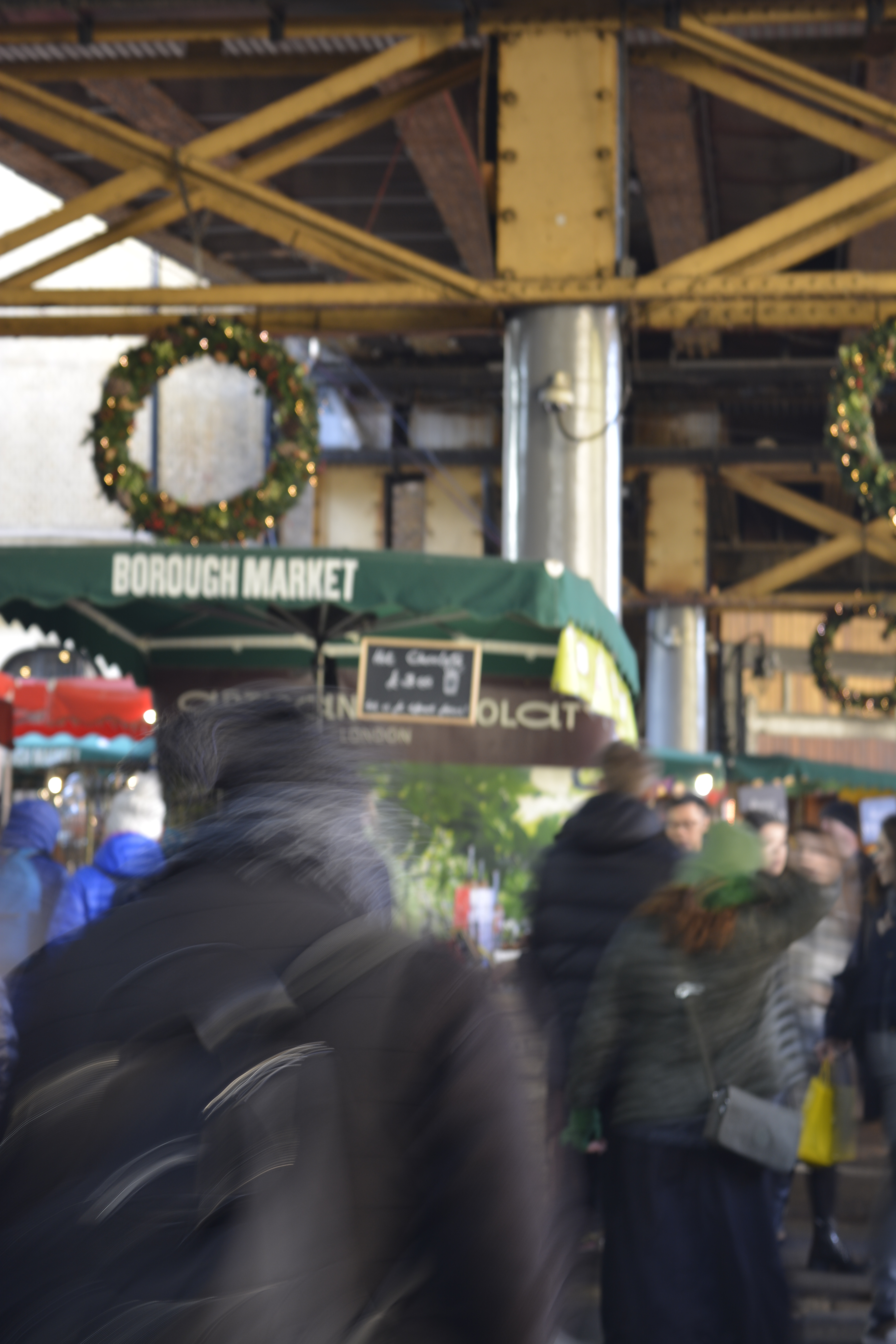
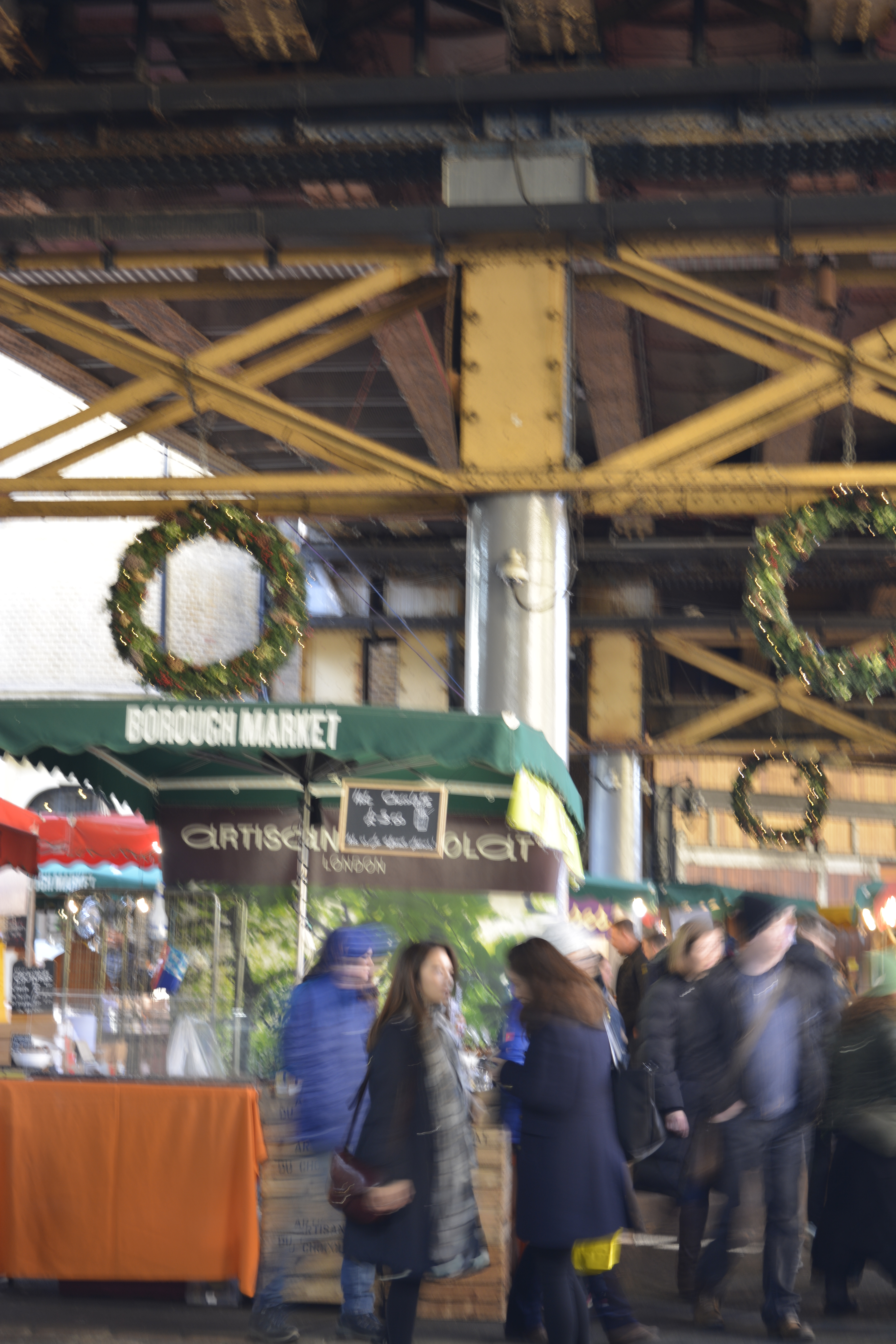
Knowing that Borough Market is always busy I thought this would make for some good motion blur of people. Under the railway makes for some good structural lines and brickwork.
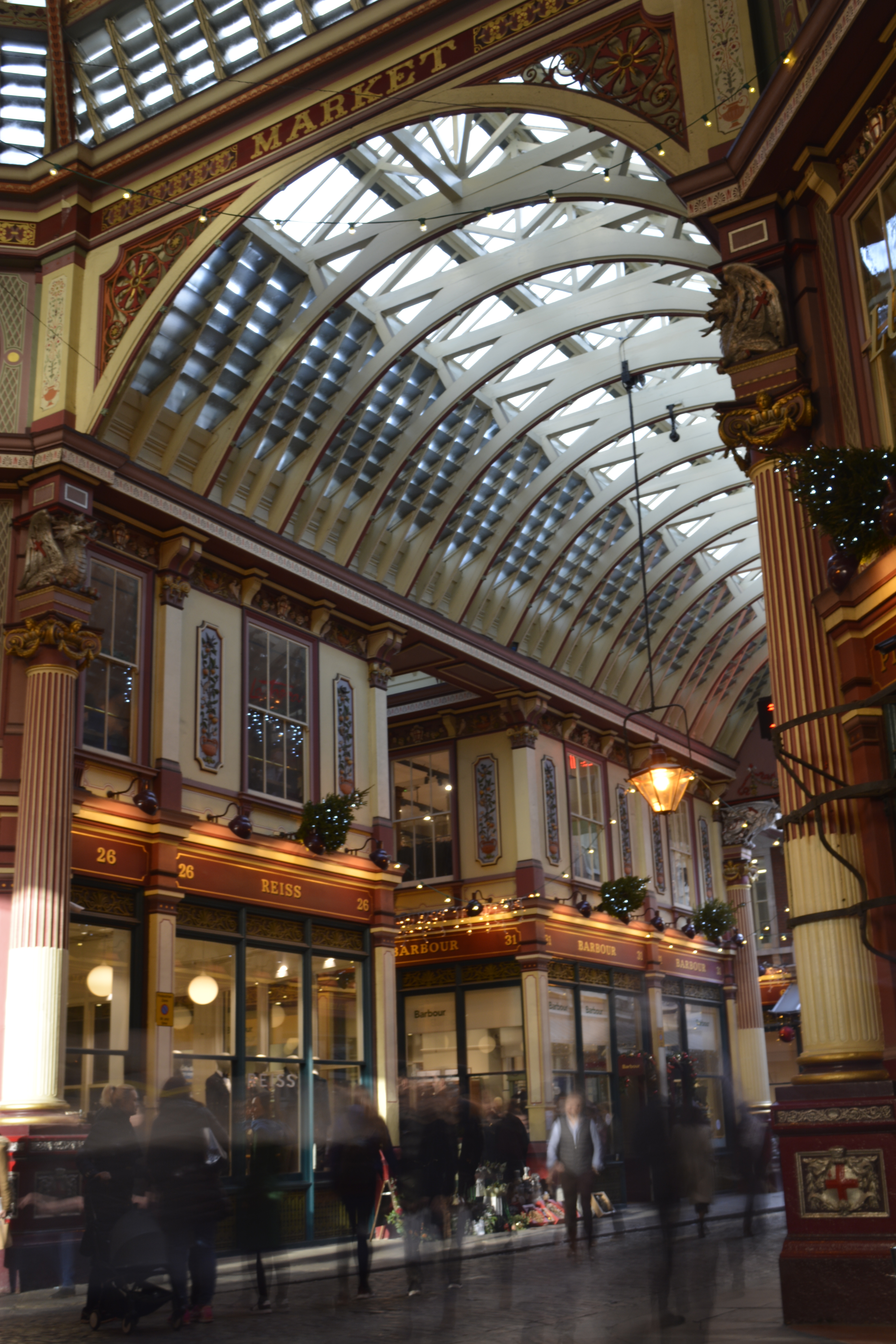
Leadenhall Market
I had always seen pictures of Leadenhall Market but had never been there. Steeped in history, this Indoor market was a great location for the architecture and flow of people. Now it’s more of a place to go and grab food, so when I visited at a lunchtime I captured some great motion blur of tourists and city workers on their lunch break.
Within both these areas I am happy with some of my results. I have managed to capture my idea of moving people and stationary scenery.
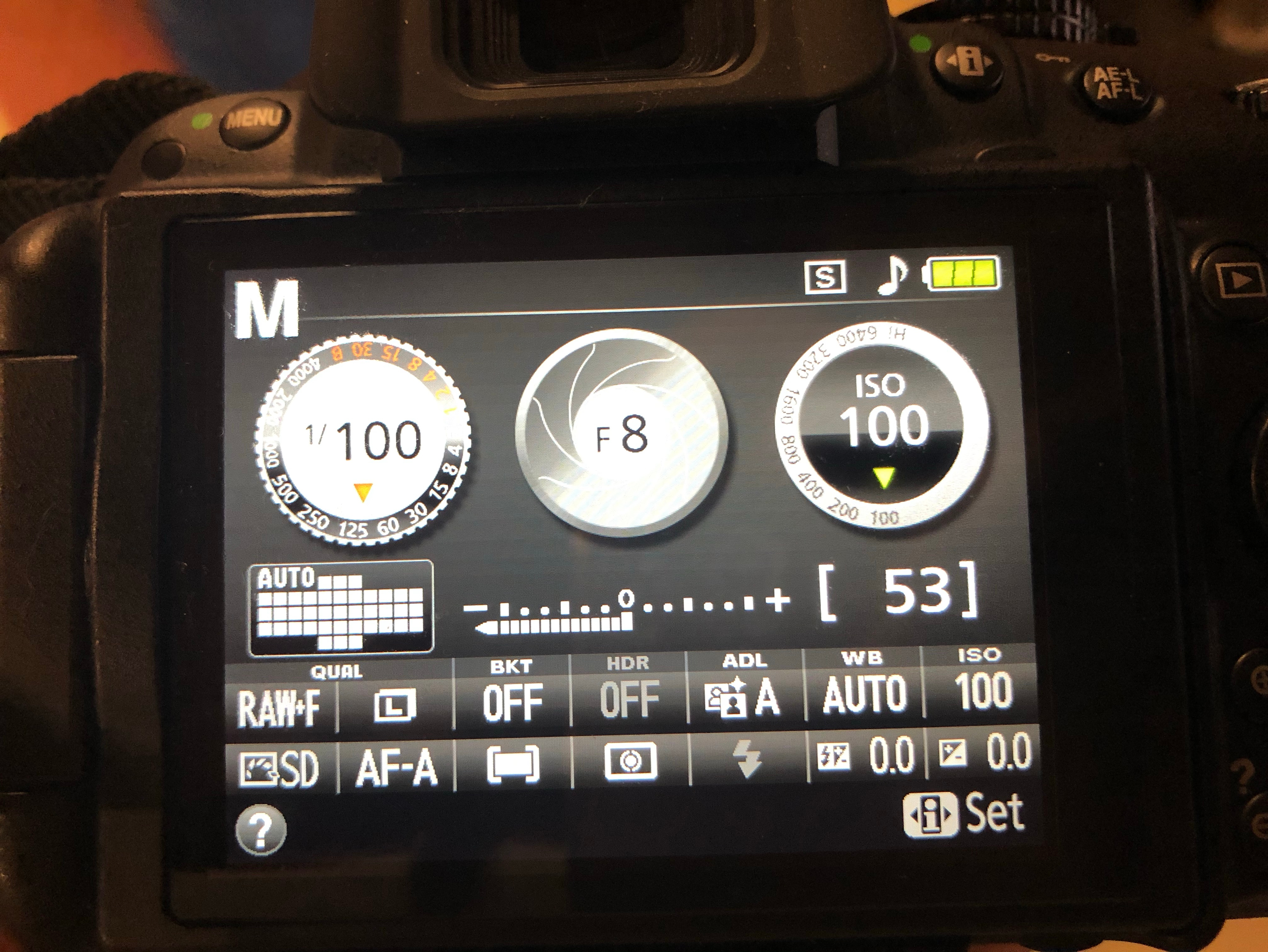
General go to settings when doing a studio shoot are as follows, Shutter Speed 100, F-Stop 8, ISO 100. After finding and setting your correct lighting, changing your Aperture will also help with getting a correctly exposed photograph.
Initial camera settings
Black Background
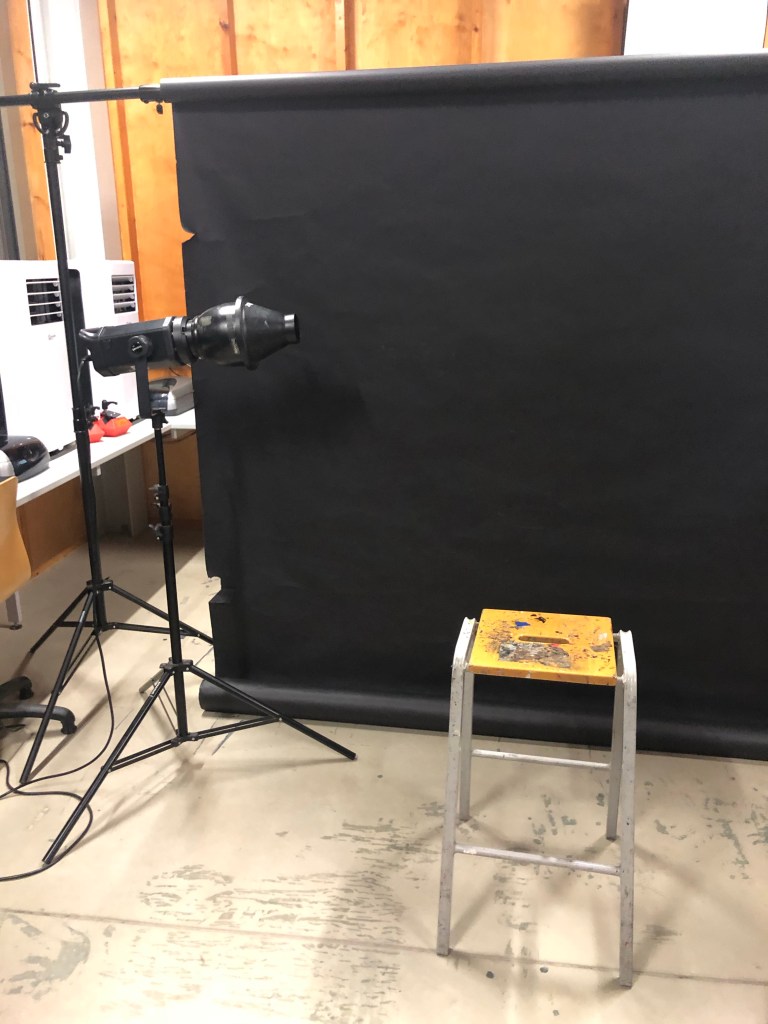
For this set up I used a black paper backdrop , one light source and a stall for the model to sit on. (See photo below).
Lighting set up with Snoot attatchment
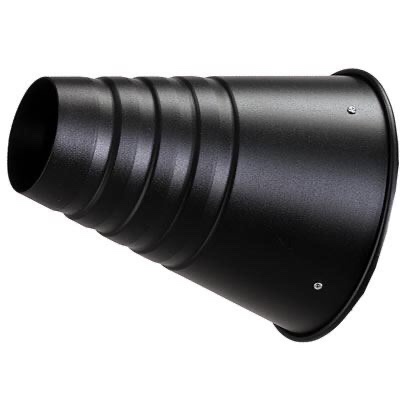
To achieve a harsh light, source I have added a snoot attachment to the modelling lamp. This has a smaller opening which controls the beam of light, ideal for directing the light on specific areas.
Snoot attachment
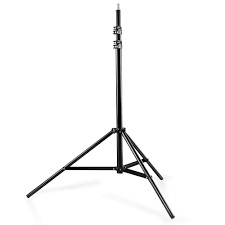
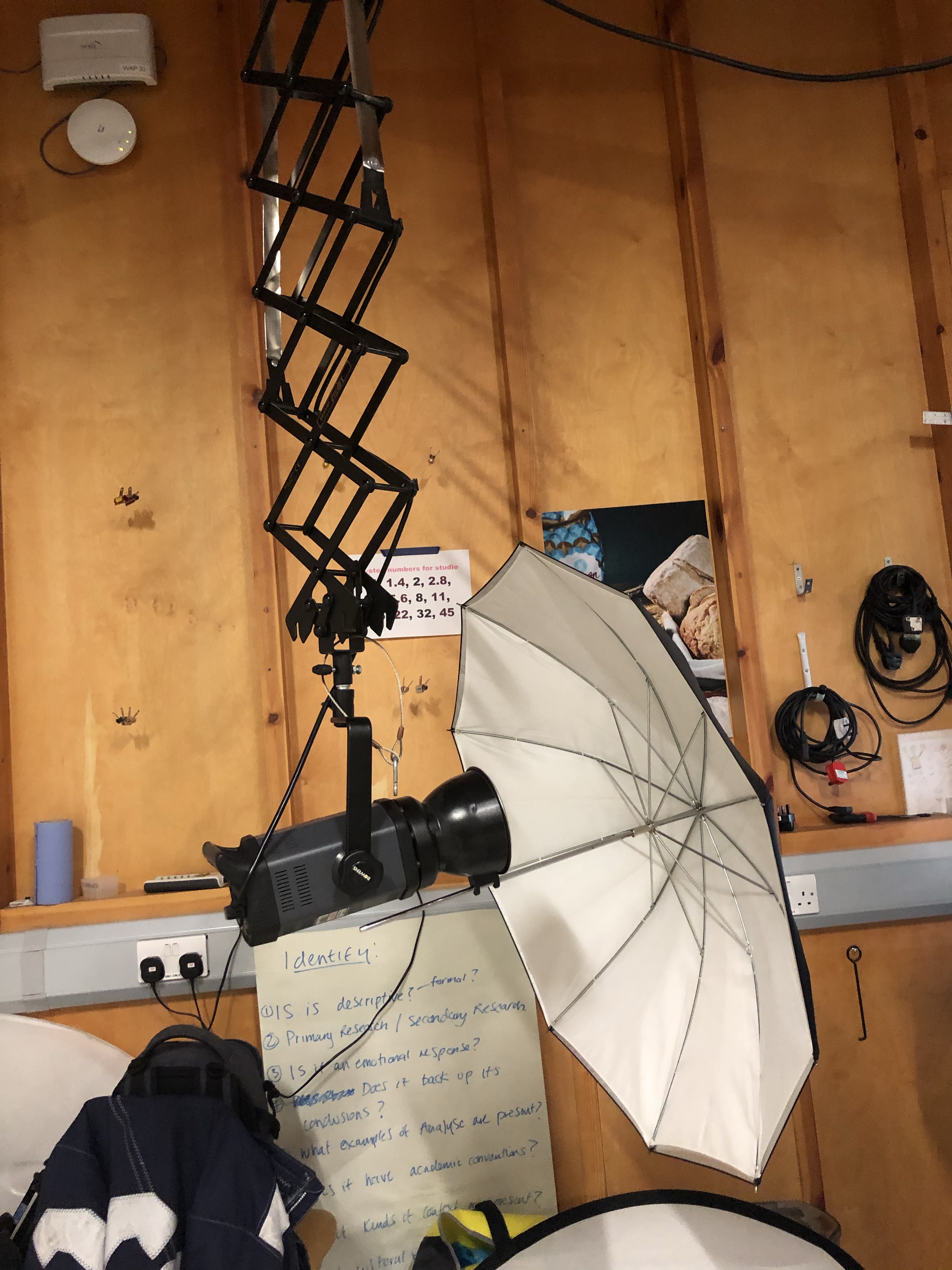
In a studio set up, most lights are suspended from the ceiling on pantographs. However if this is not available to you, or you wish to make a studio set up, most modelling lamps or flashguns can be mounted on a suitable tripod with an adapter. The hazard with using a tripod is tripping over. The lead and the legs can cause this, so make sure excess wires are taped down and tripods positioned safely.
Tripod
These three photographs below show the key light gradually getting brighter with each picture. Starting at a low light level of number 1 until the desired lighting level is reached.
Below the key light is getting to a better strength level of level 4. You need to take test shots to see what to adjust to get the desired effect and a correctly exposed portrait.
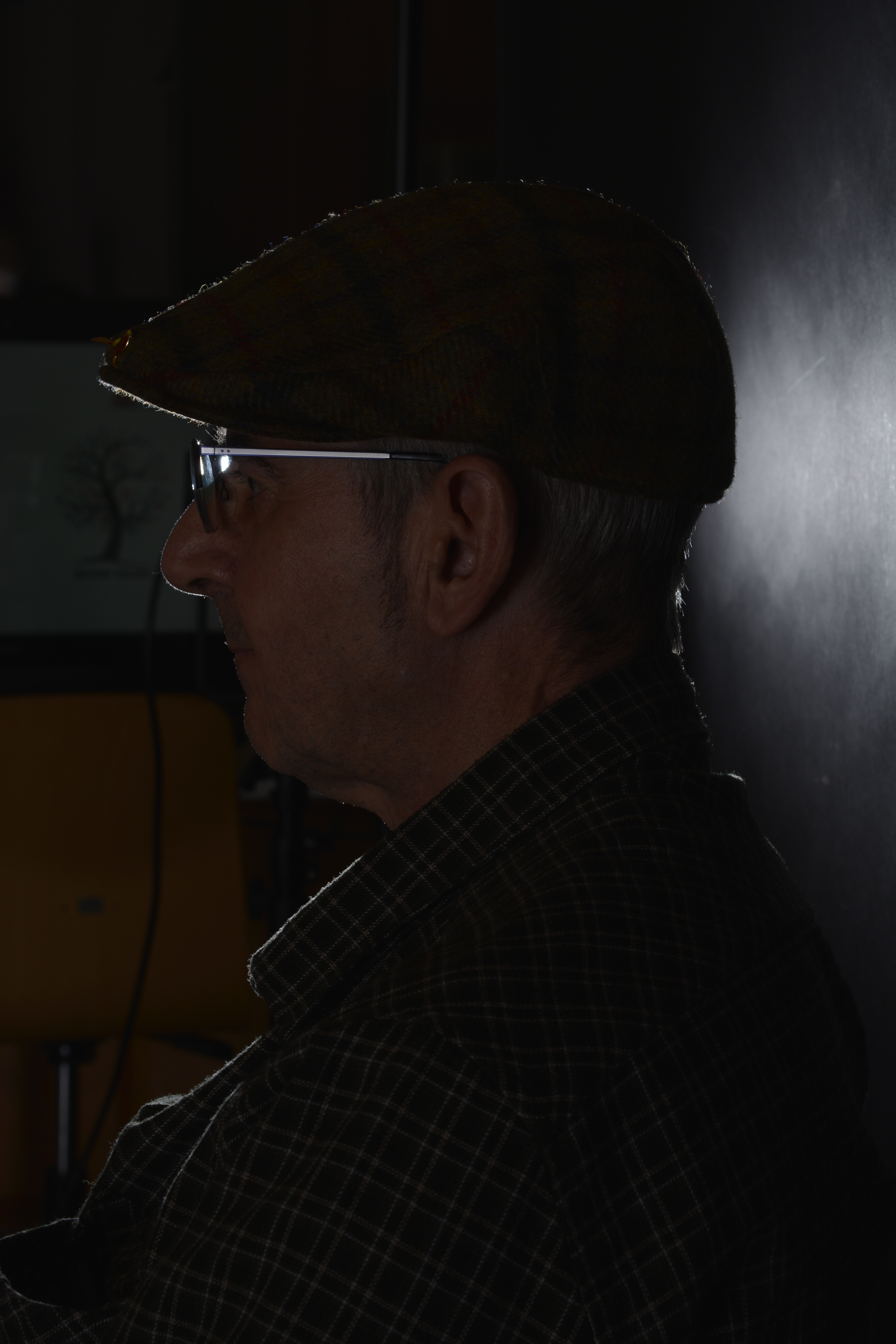
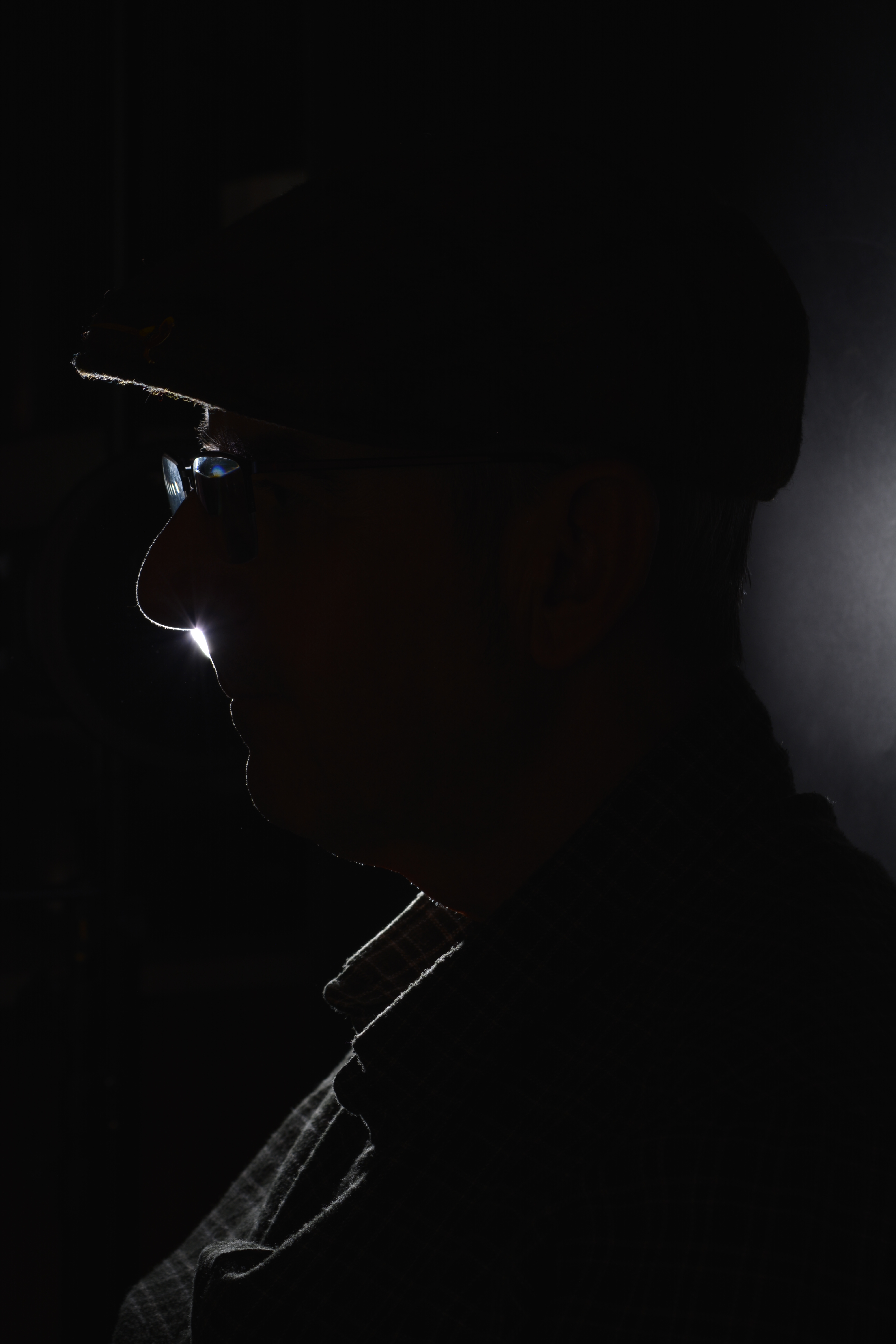
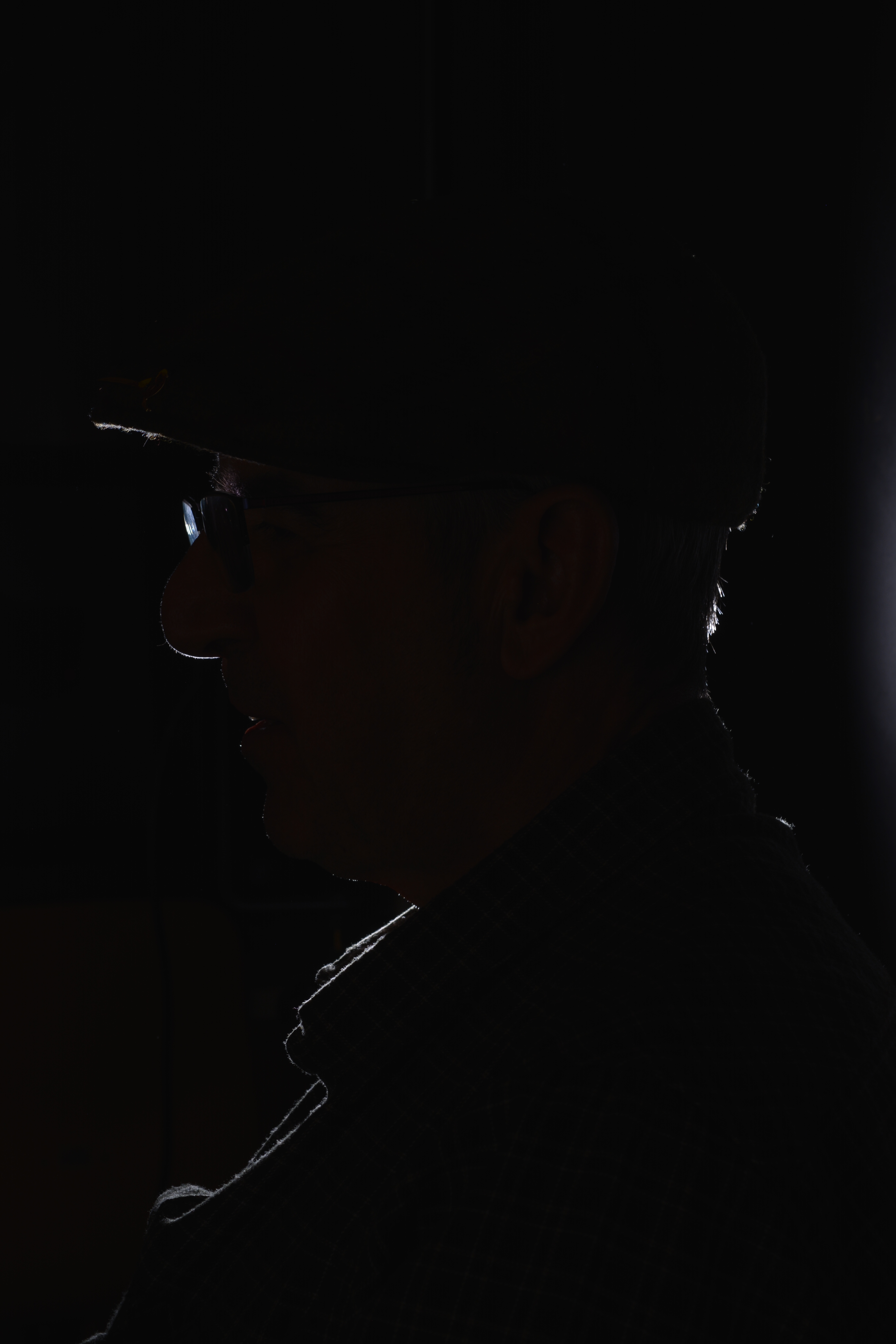
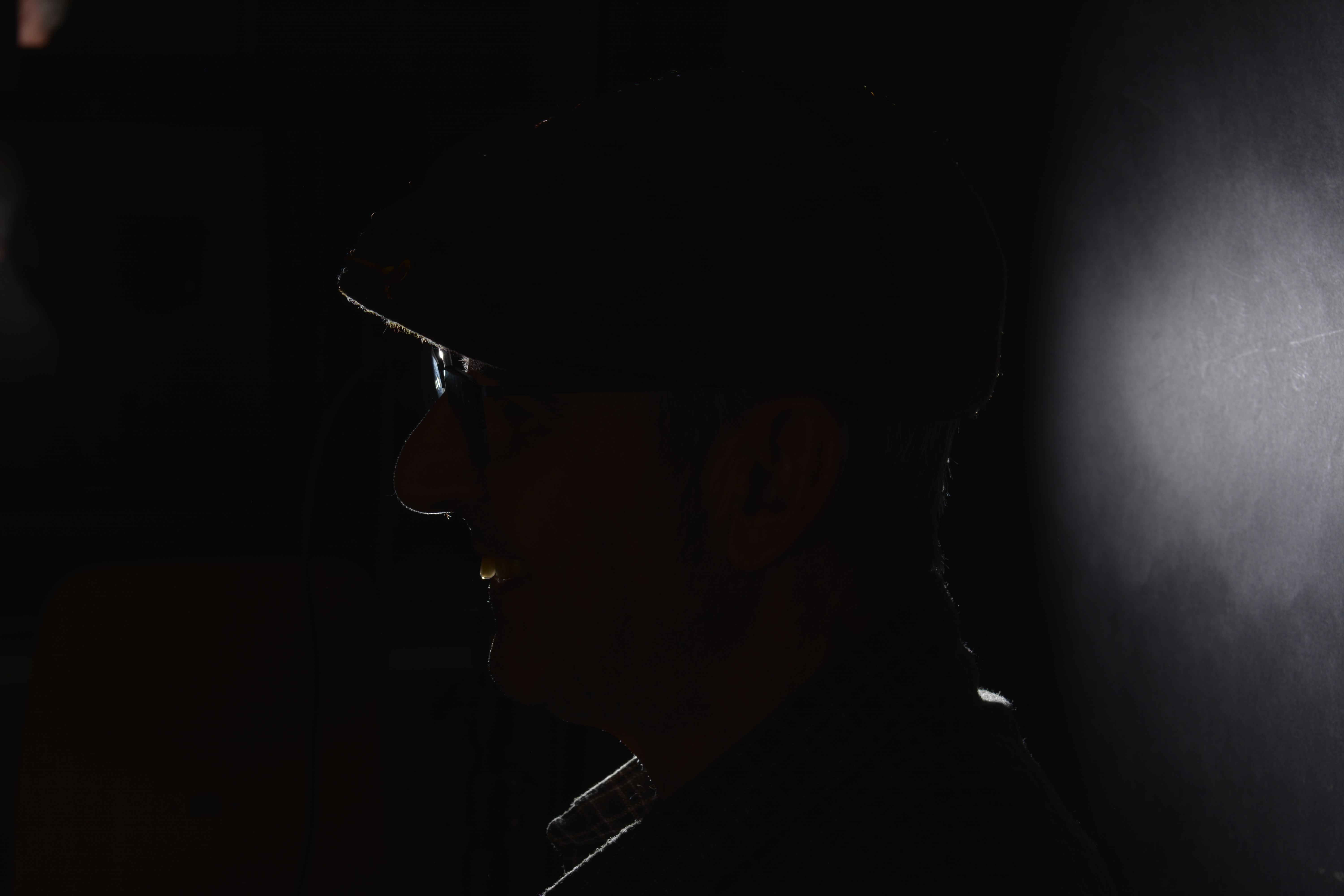
Rim Lighting
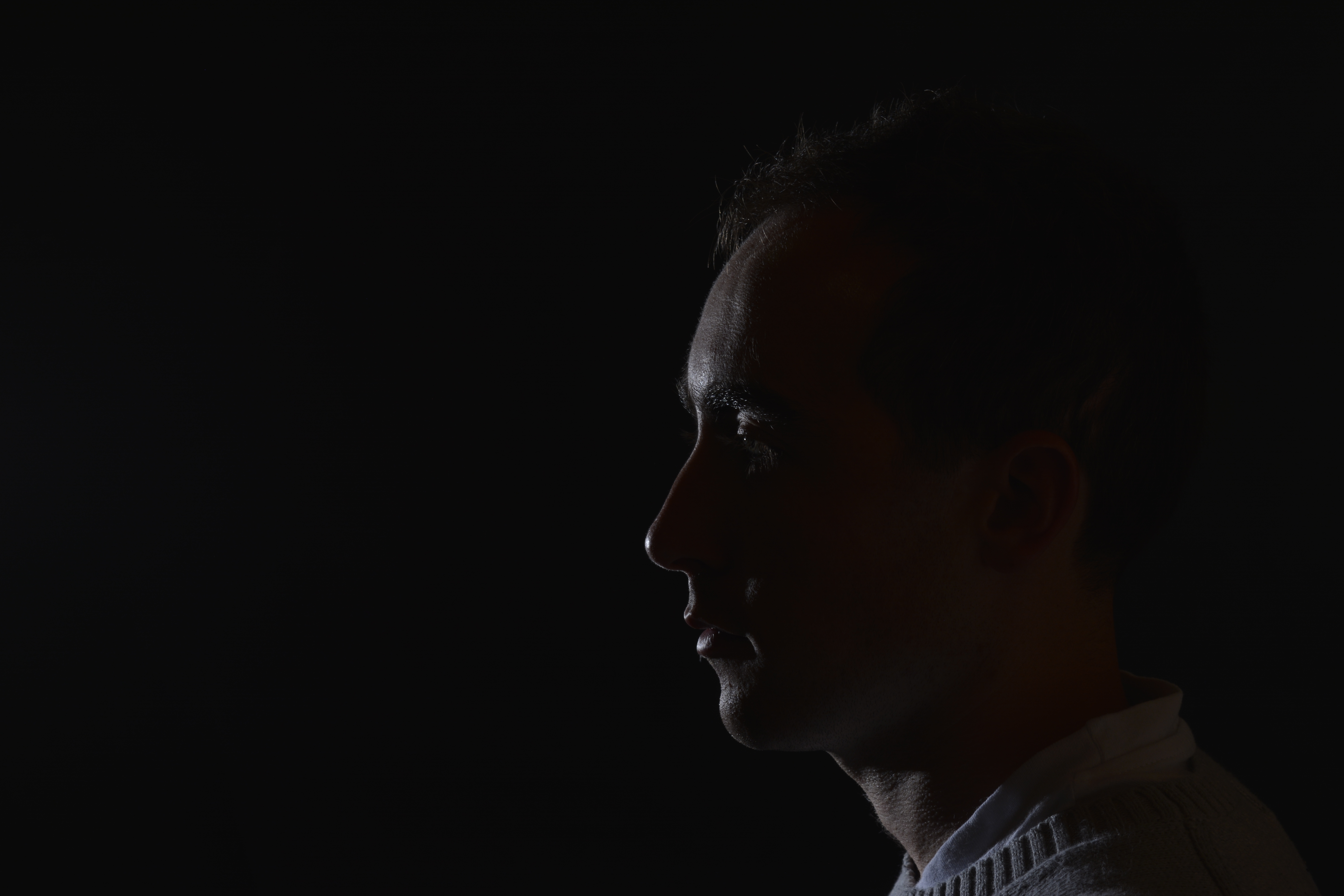
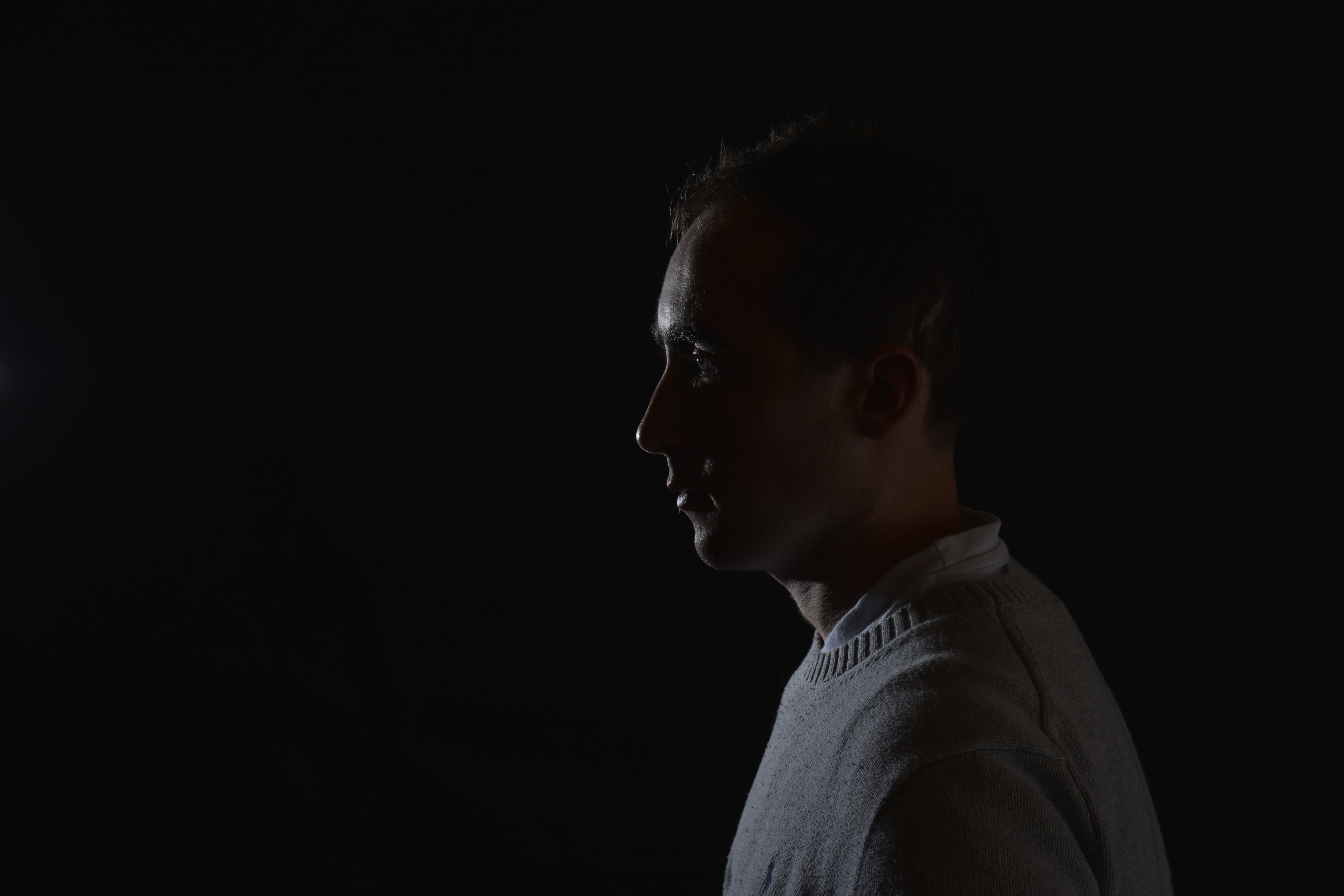
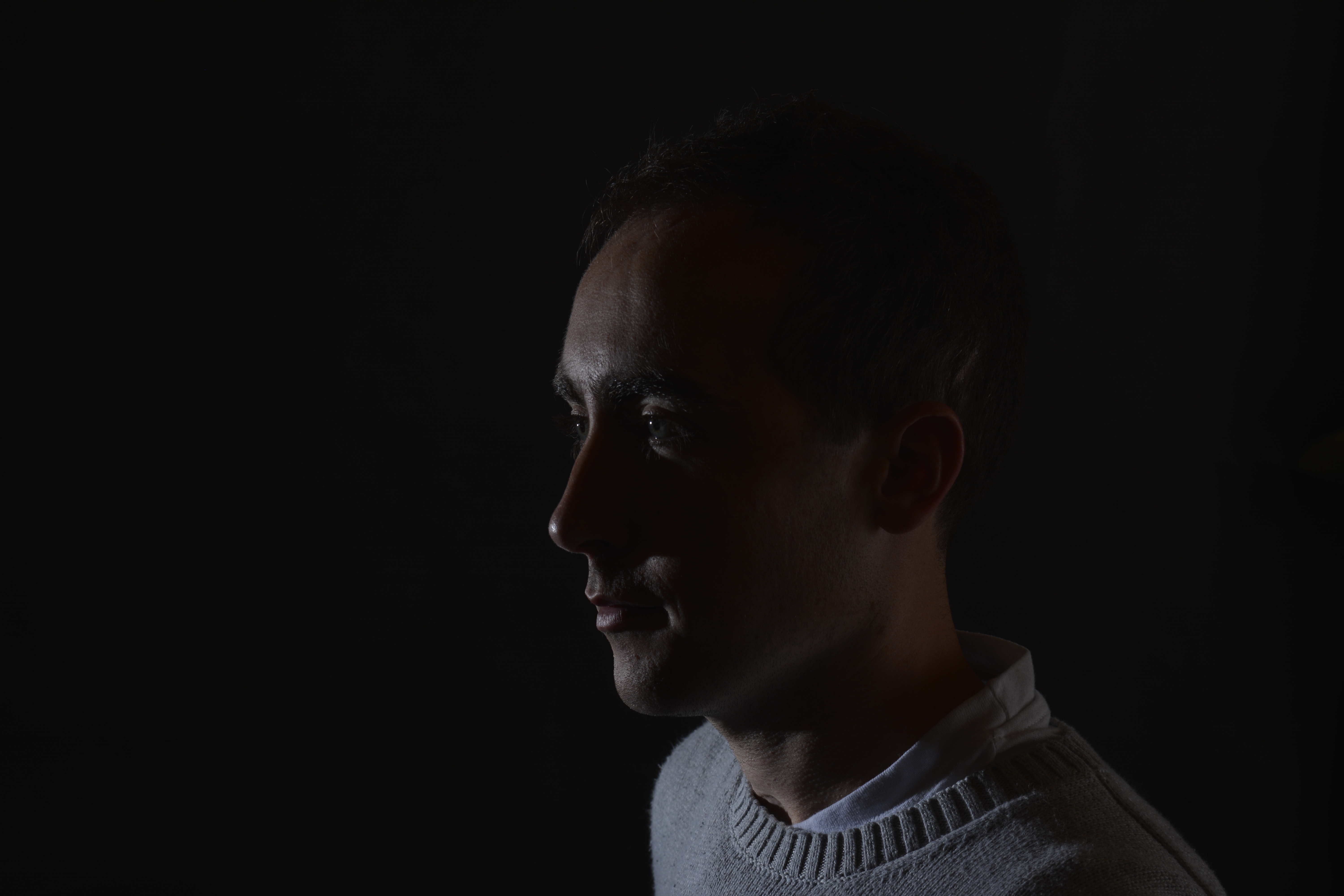
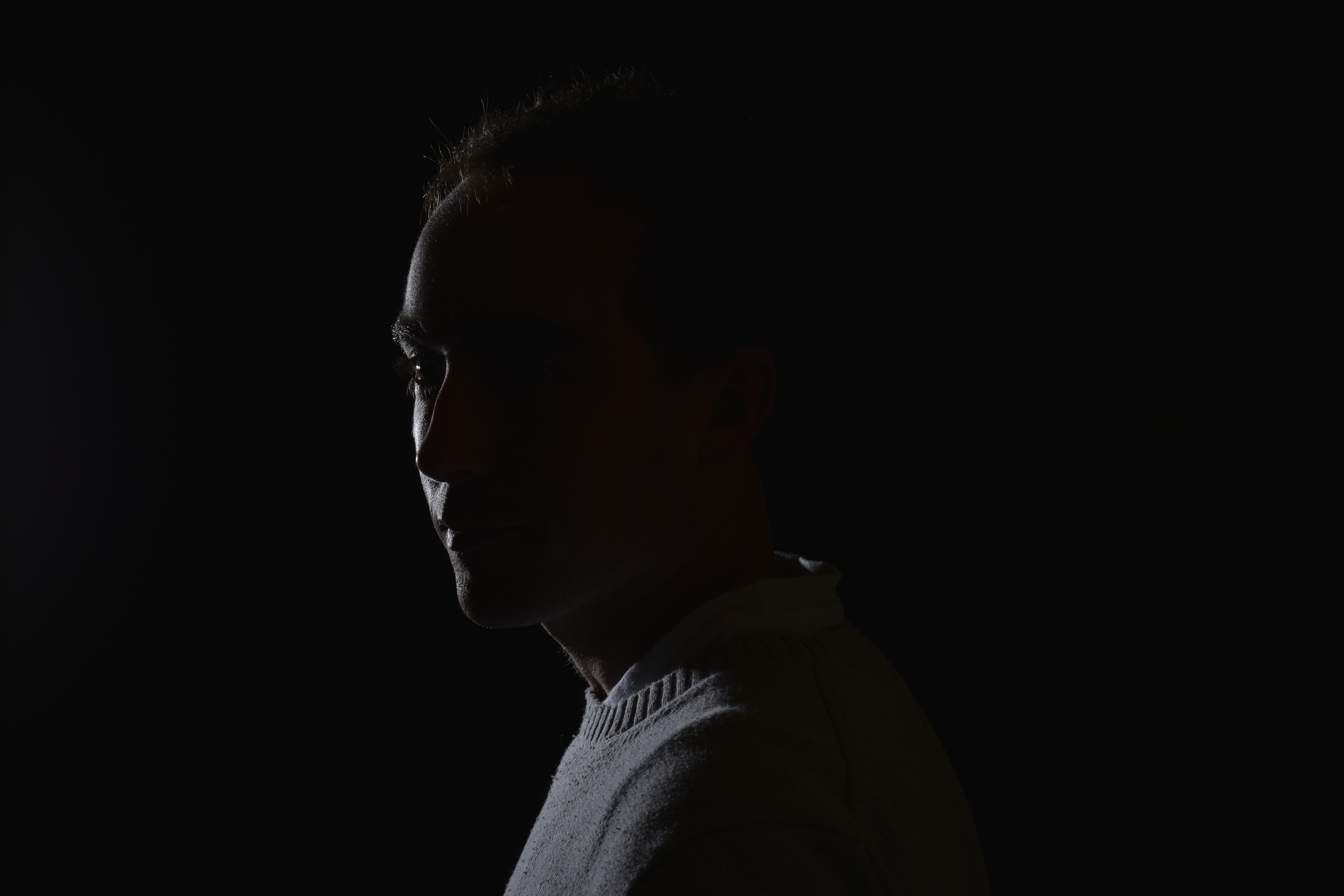
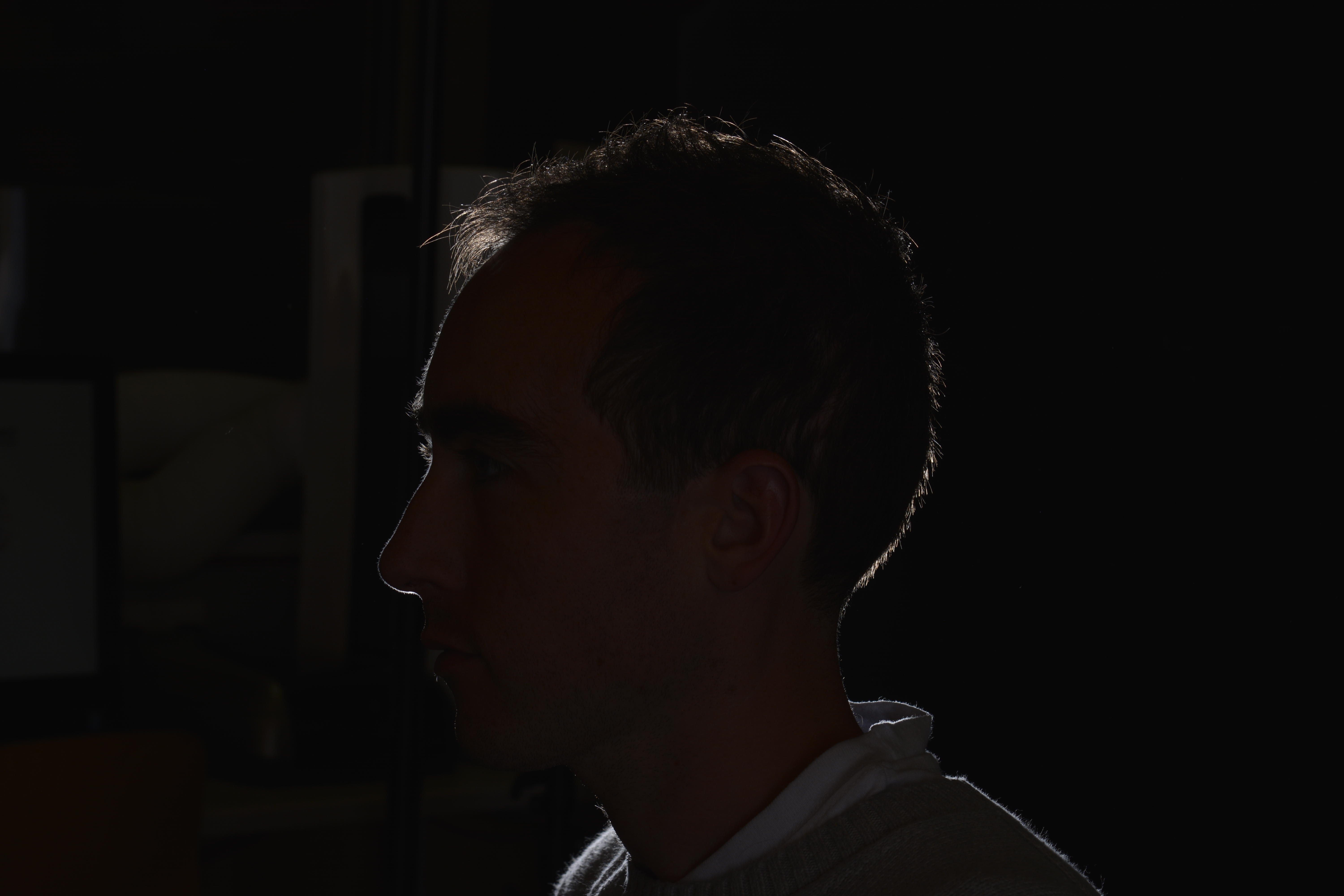
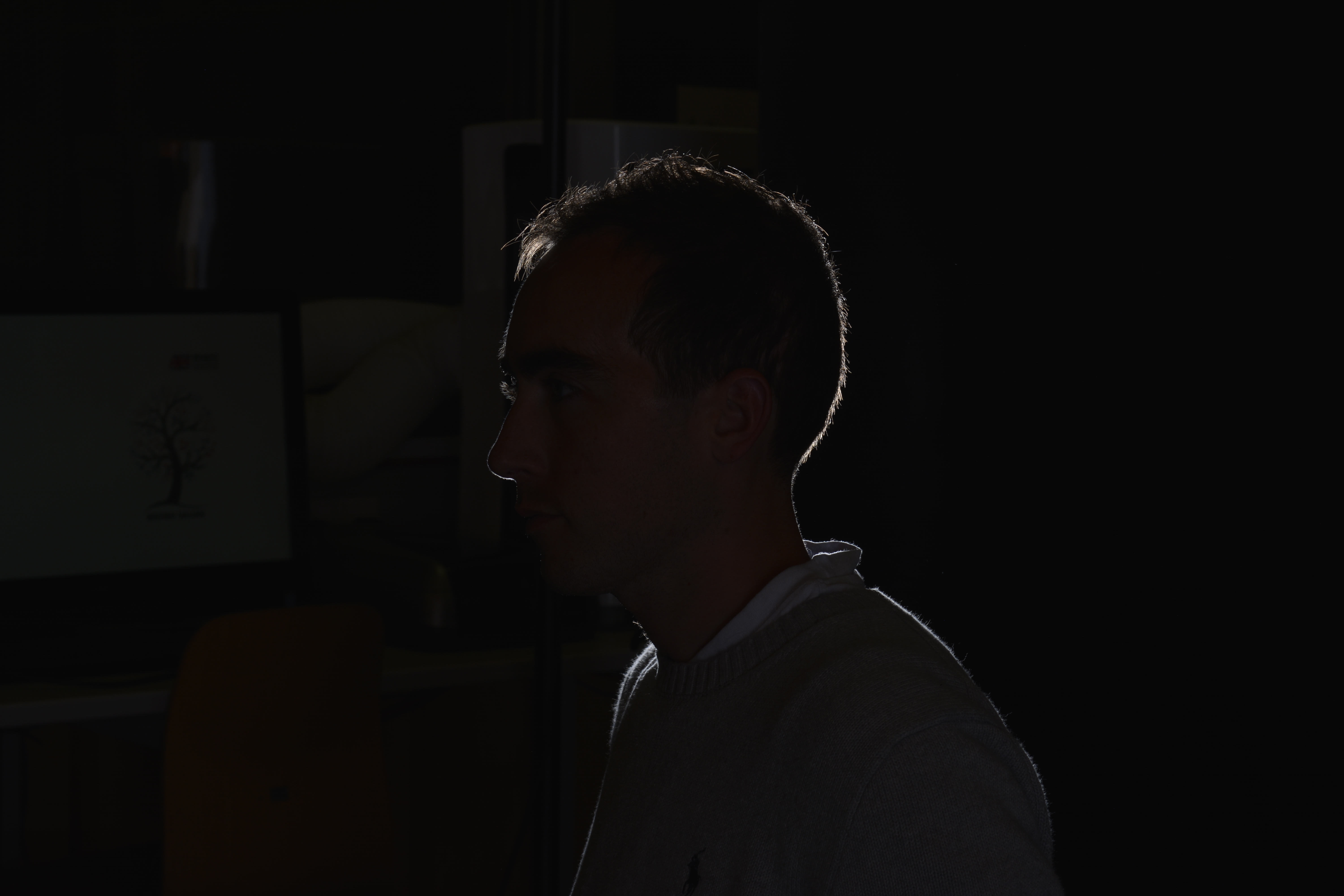
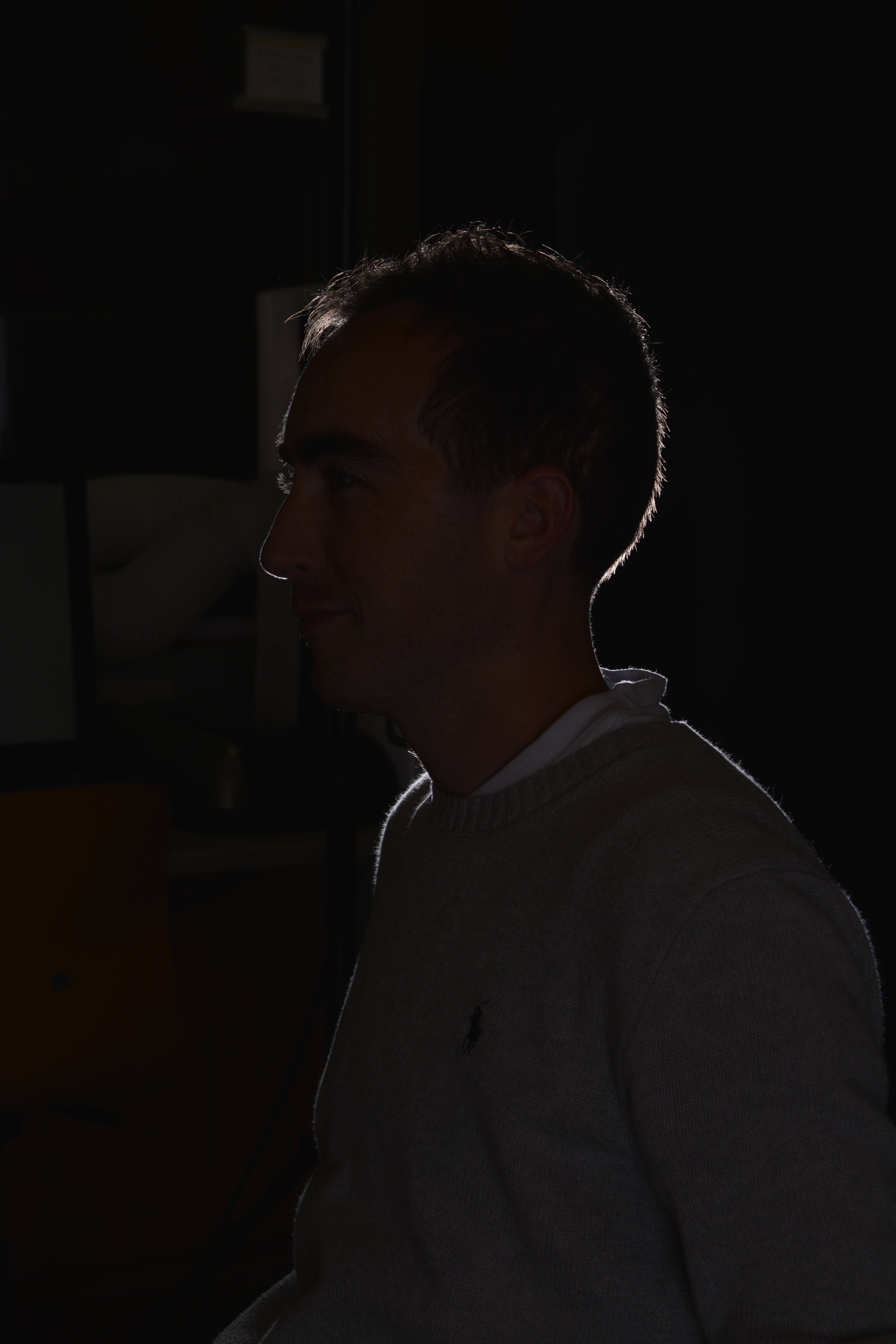
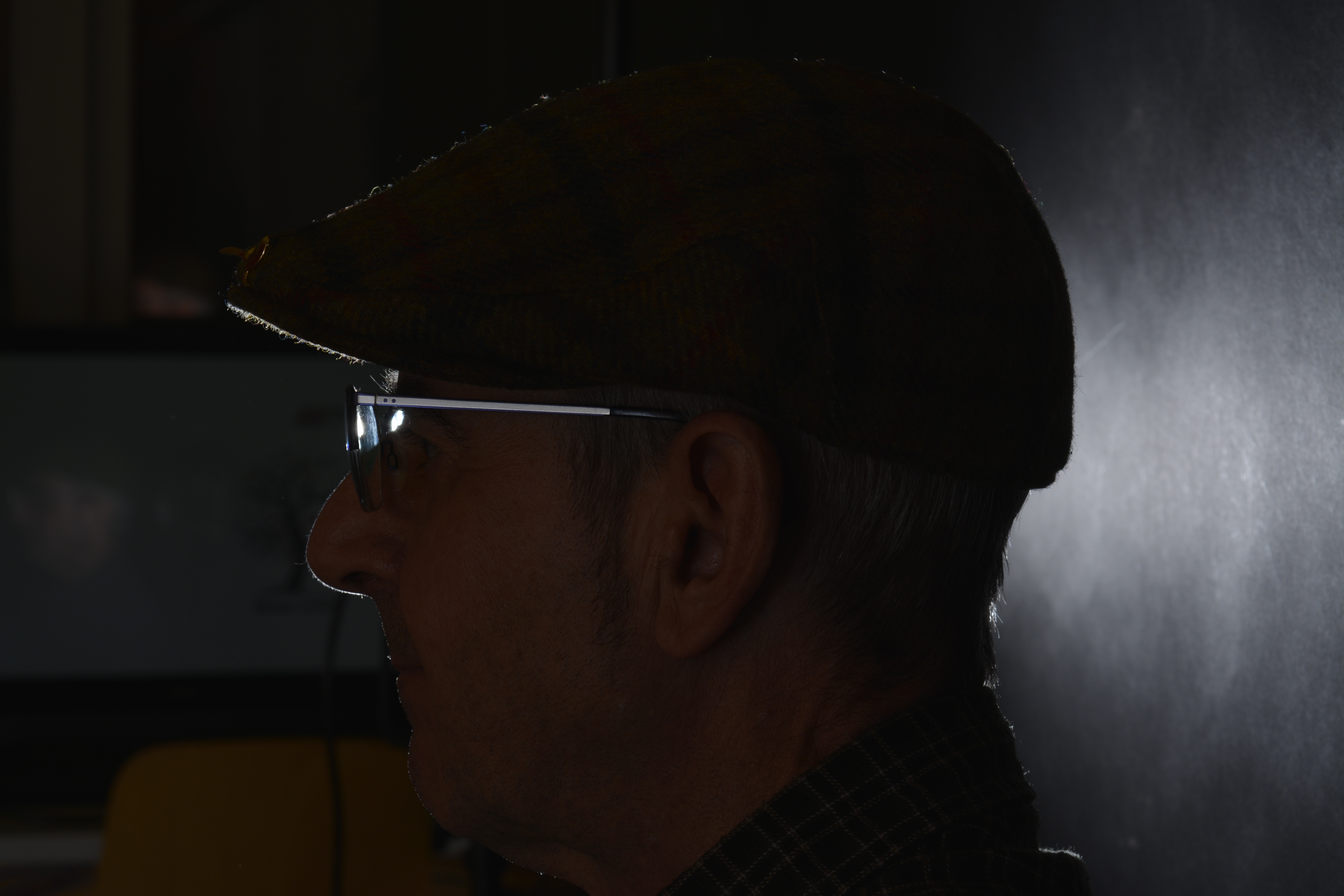
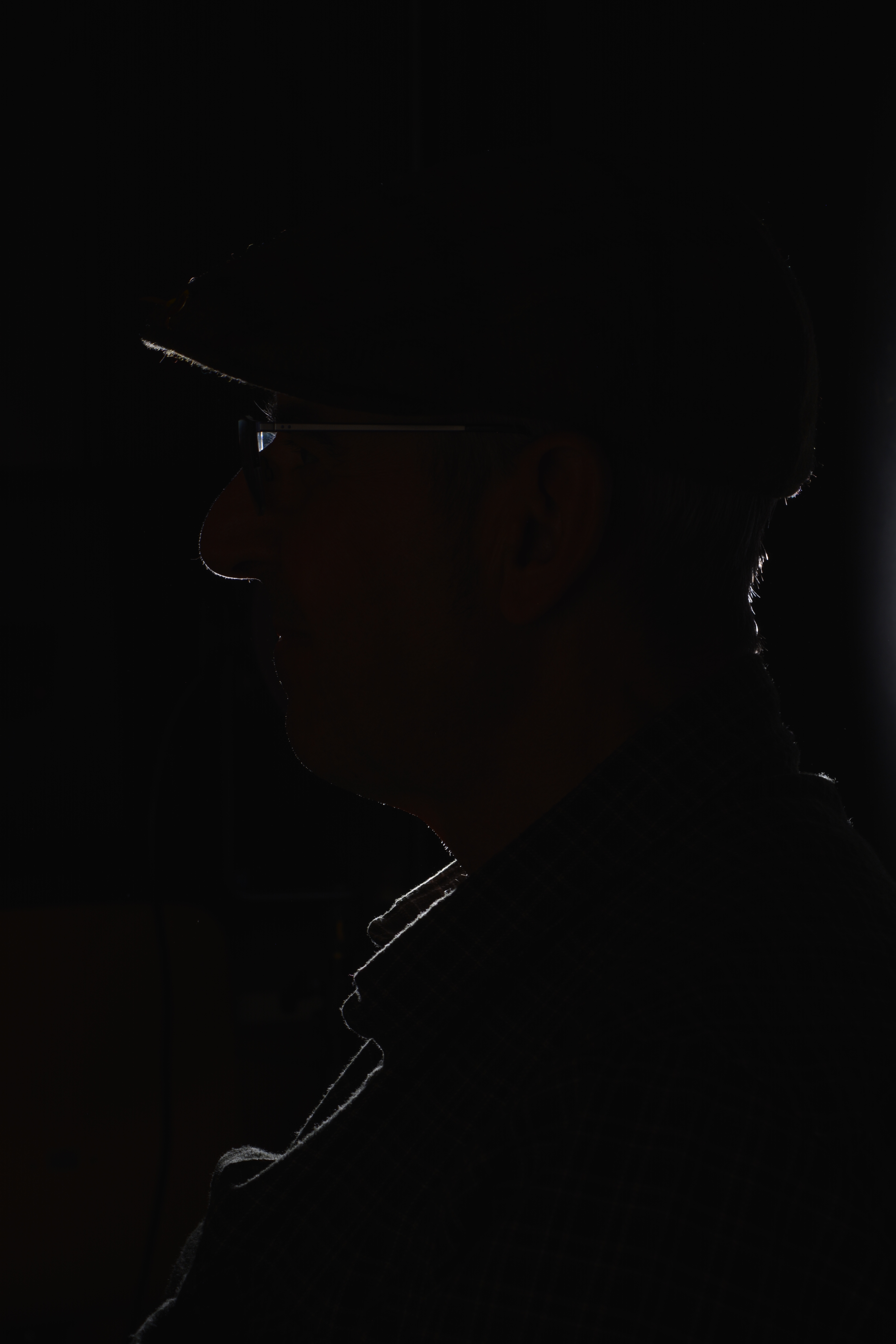
Keeping the model facing the same direction, I moved myself to the right. So from split lighting, I was trying to create some back or rim lighting. Back or Rim lighting is where the subject is lit from behind, this creates a halo effect around the subject and leaves it in silhouette.
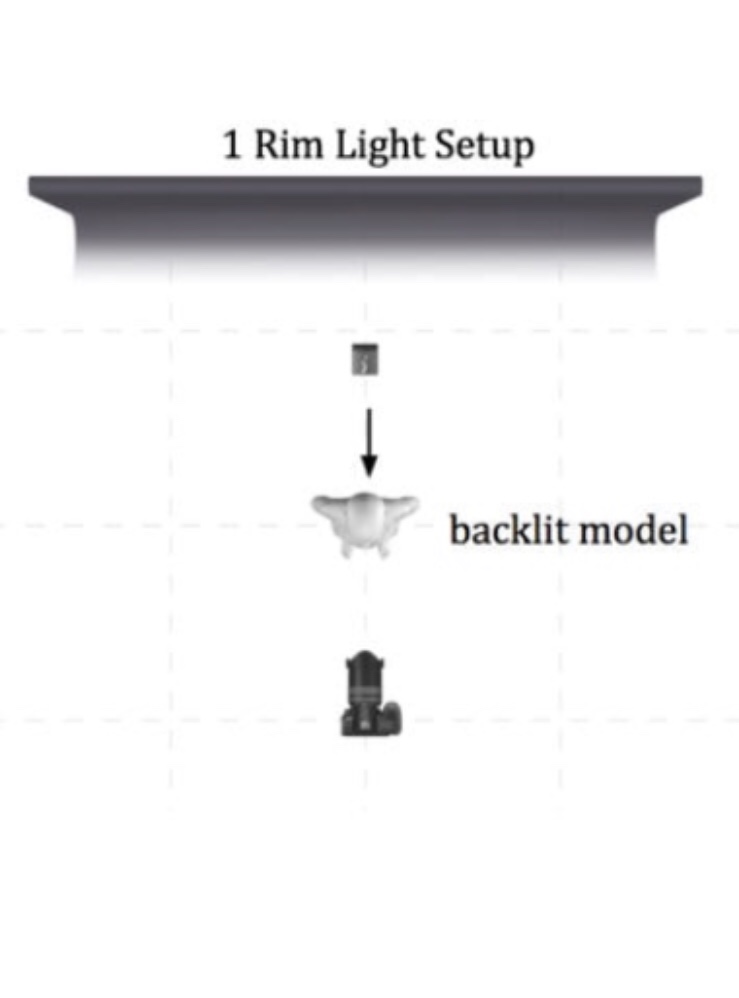
I was just playing with angles to see how it would look. However doing this I have captured the classroom in the background and not the backdrop. If I was going to try and photograph with Rim lighting, I would move the subject forward and place a light behind facing towards the subject and me. As the the diagram below shows.
White Background
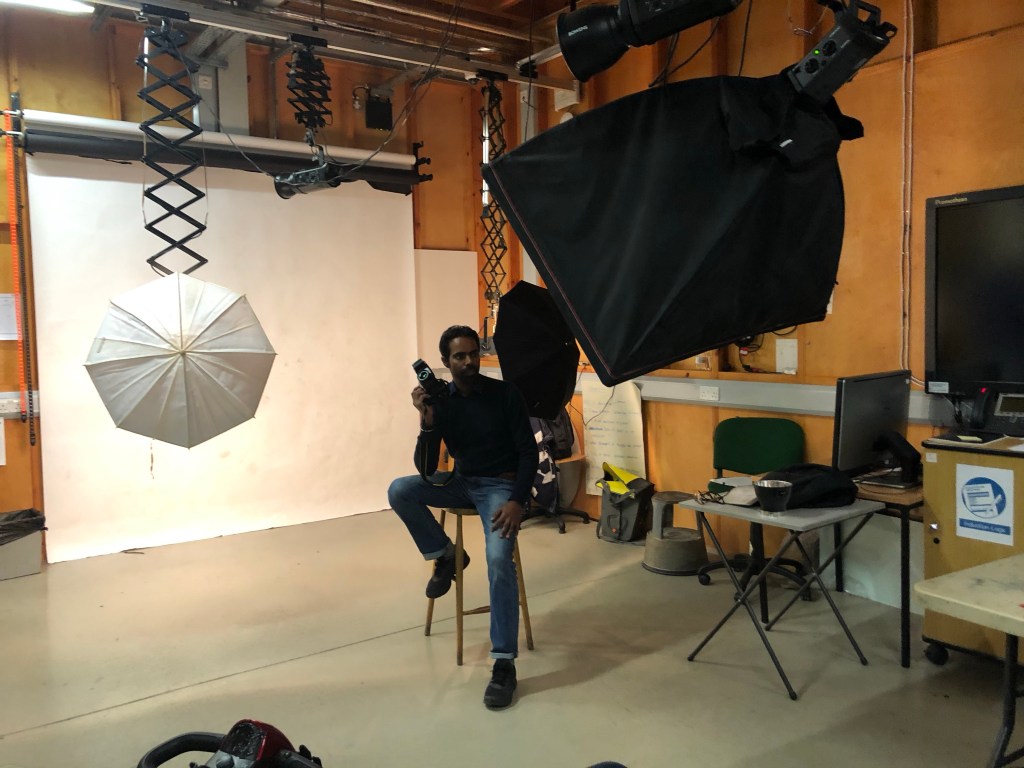
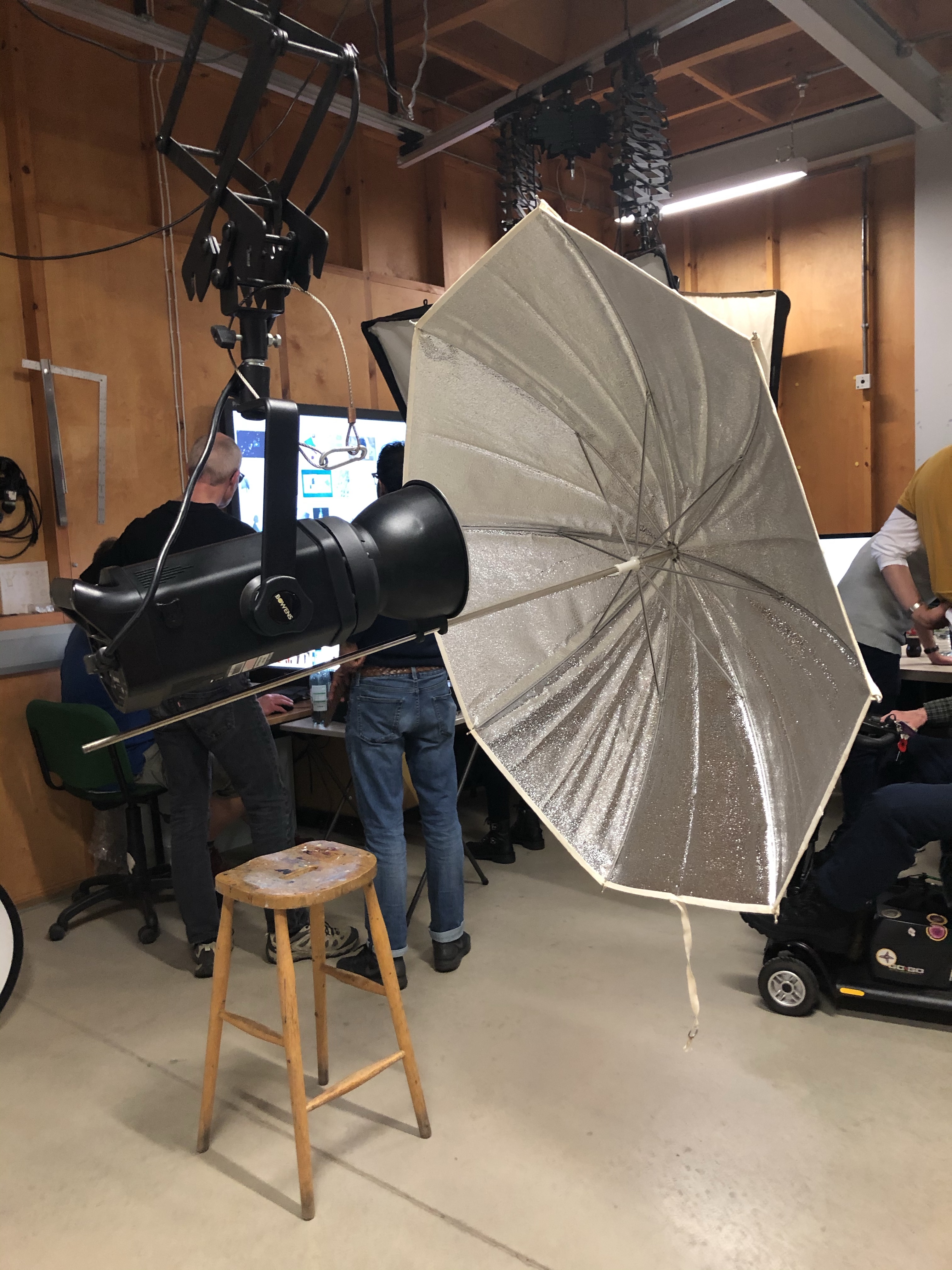
For a softer lighting set up I have used a white paper background, one key light, two fill lights and a stall for the model. (see photo below).
White background lighting set up
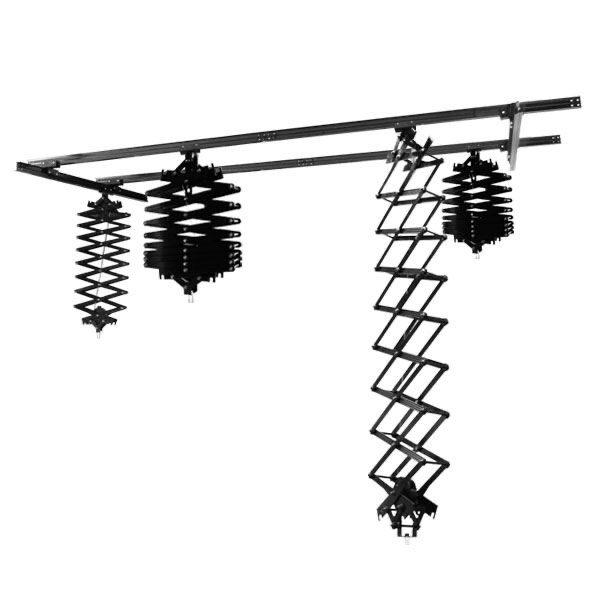
All the modelling lights are suspended from a ceiling track using pantographs. Using the lights in this way, you eliminate the trip hazards, provided the leads run up towards the ceiling. However you add another hazard of banging your head. I had to be very careful when positioning the lights and making sure the pantographs were secured in the correct height position.
Pantographs on a ceiling track
To create a softer light, umbrellas attached to the modelling lamps with adapters have been used to bounce the light back onto the backdrop. Bouncing the light back softens it as it travels.
Spot Lighting
Spot lighting is a very harsh and concentrated form of lighting usually using a snoot attachment to direct the light.
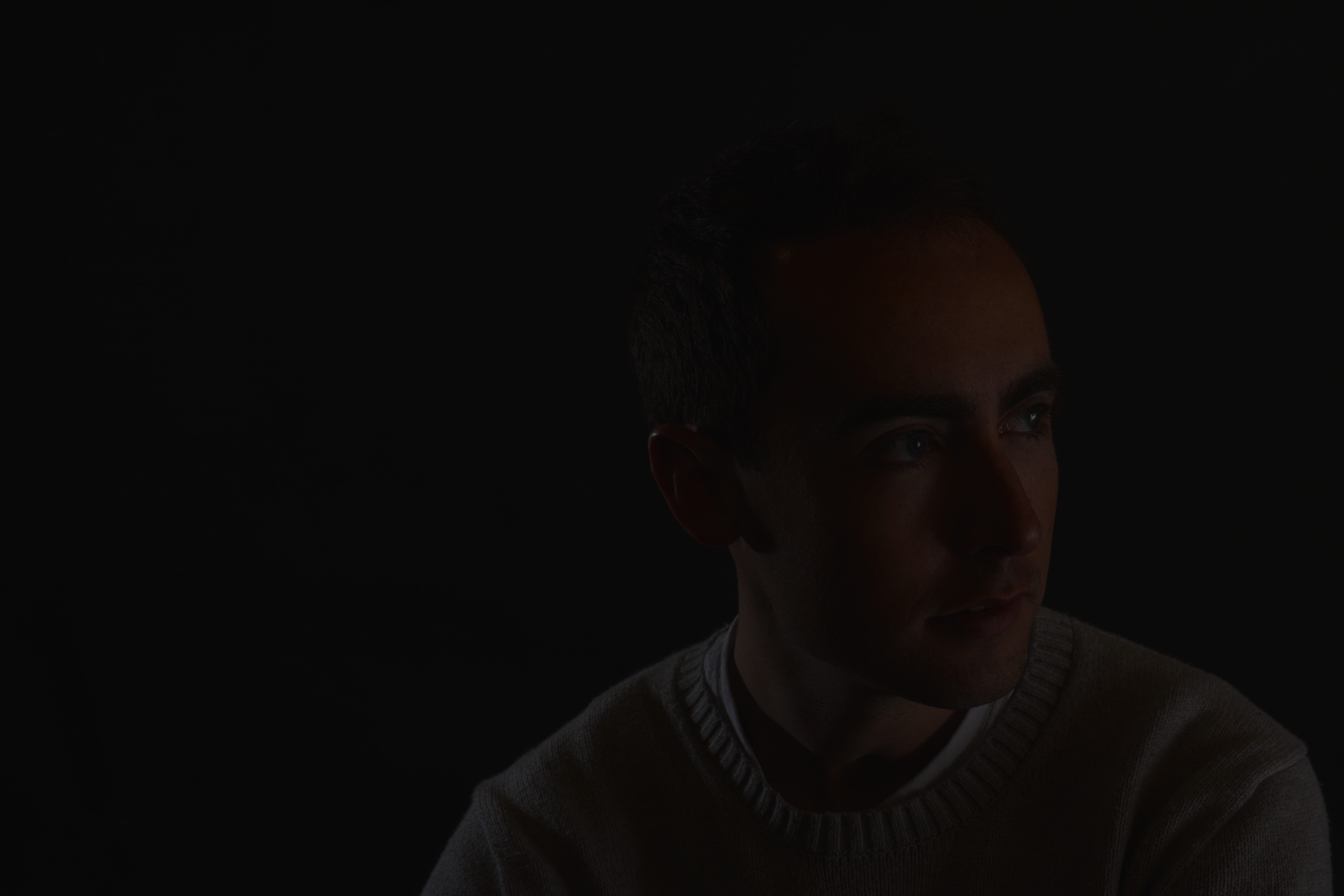
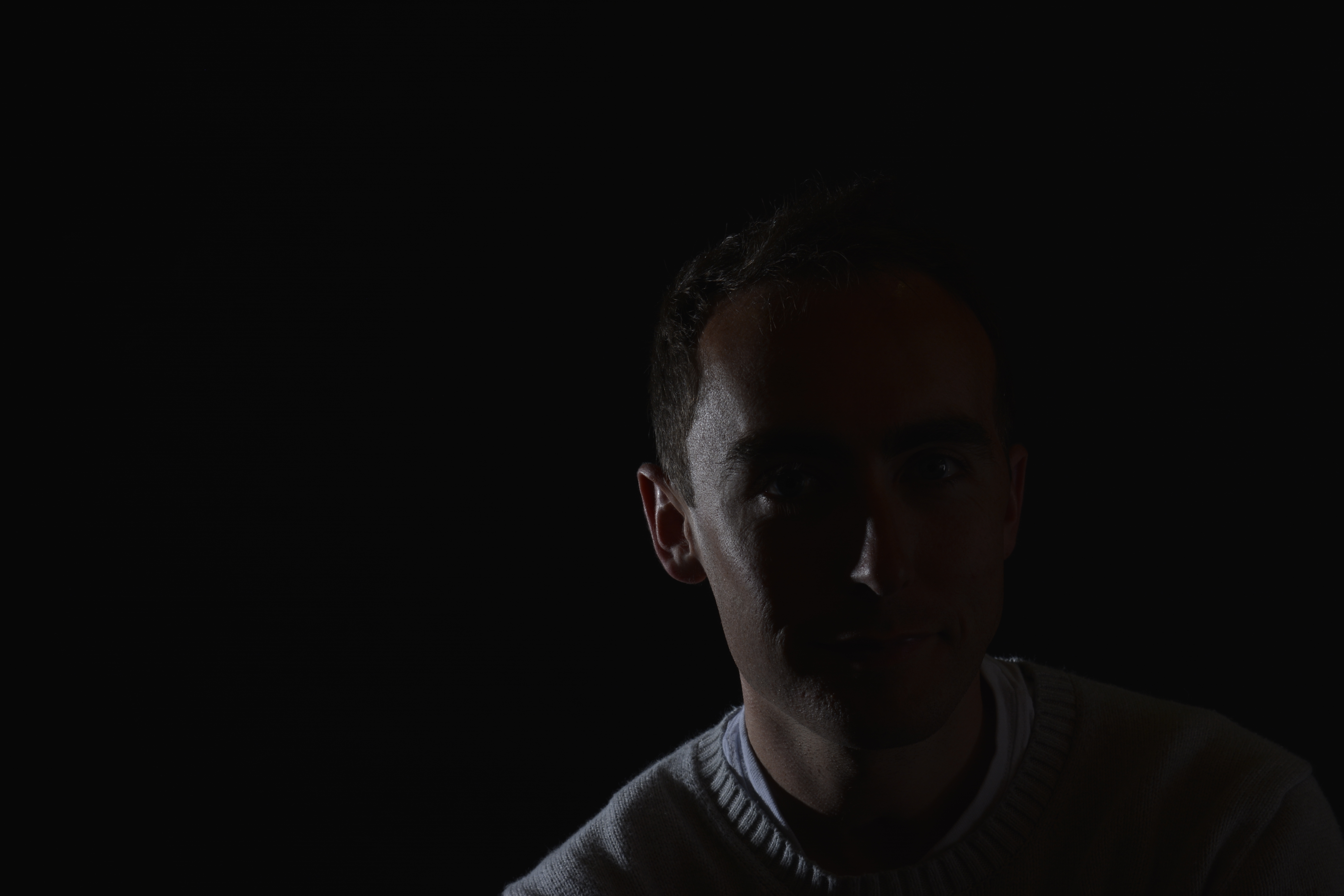
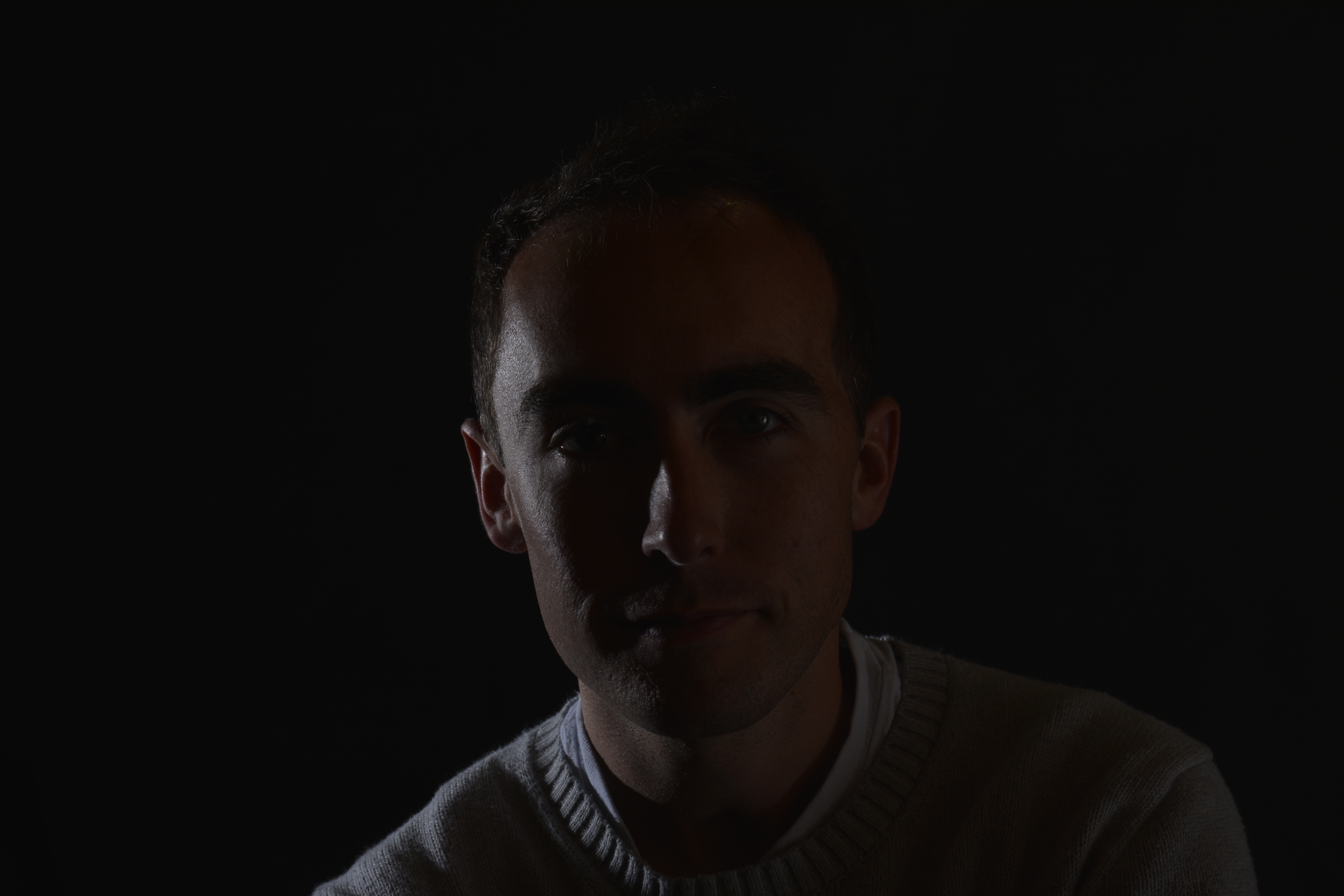
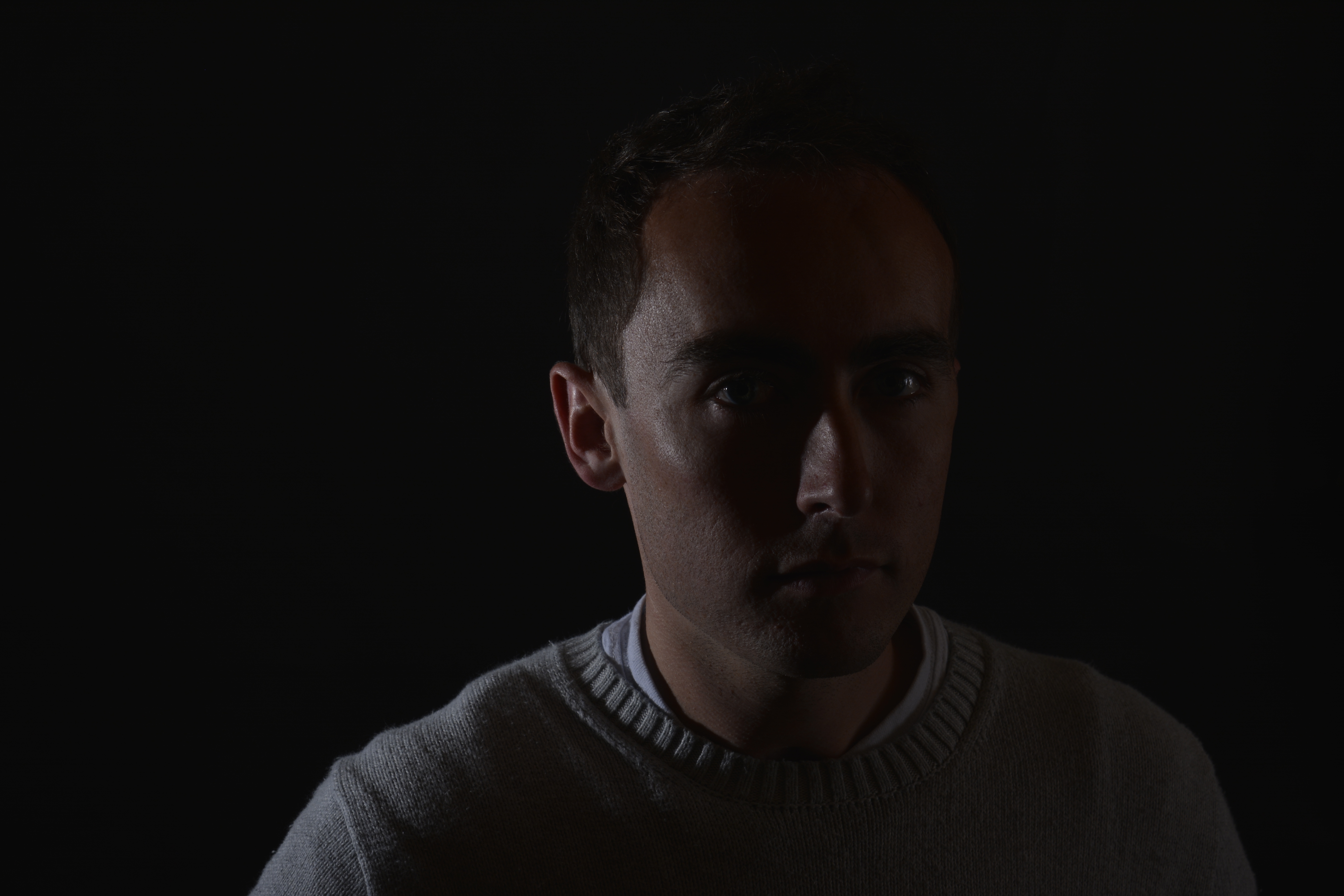
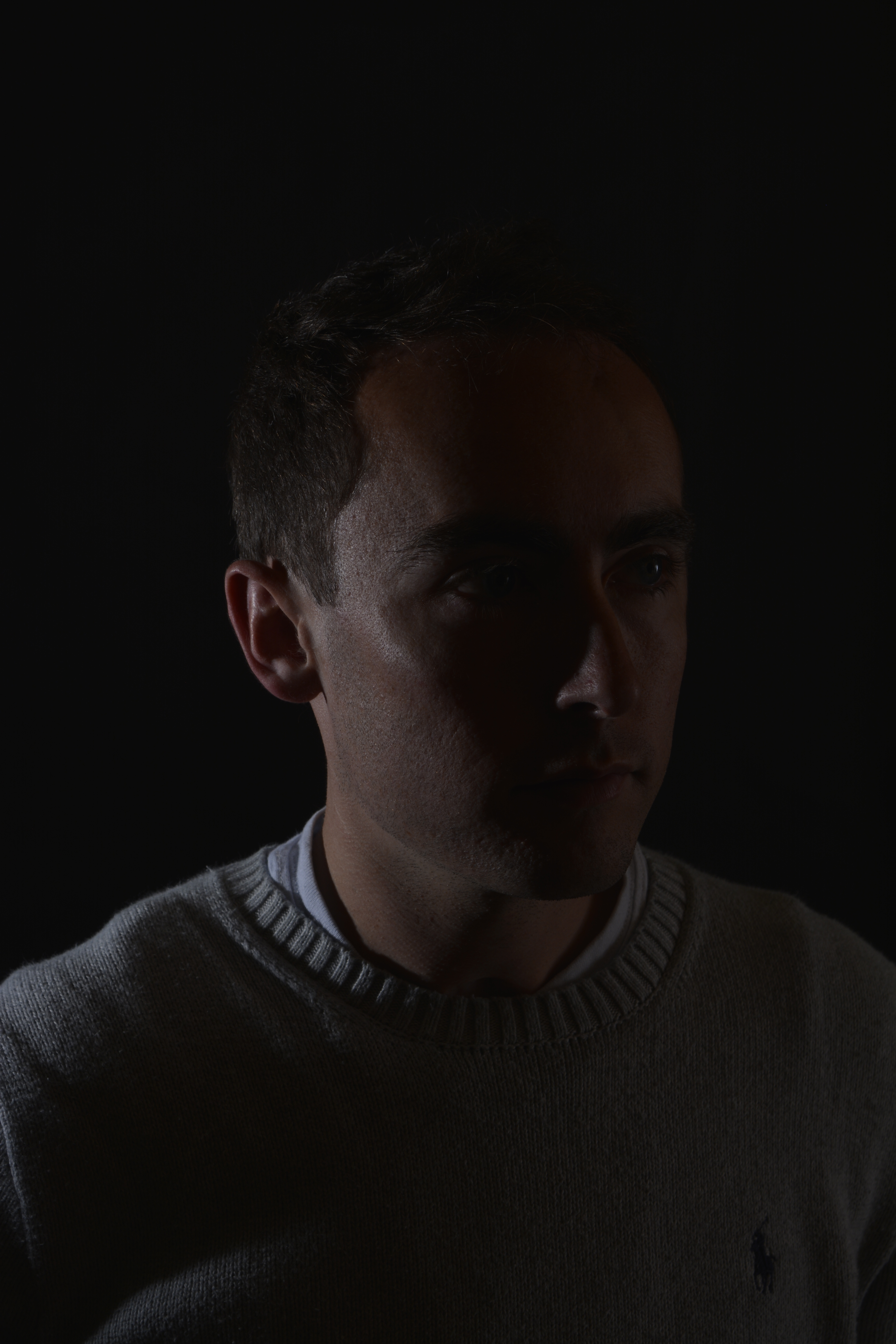
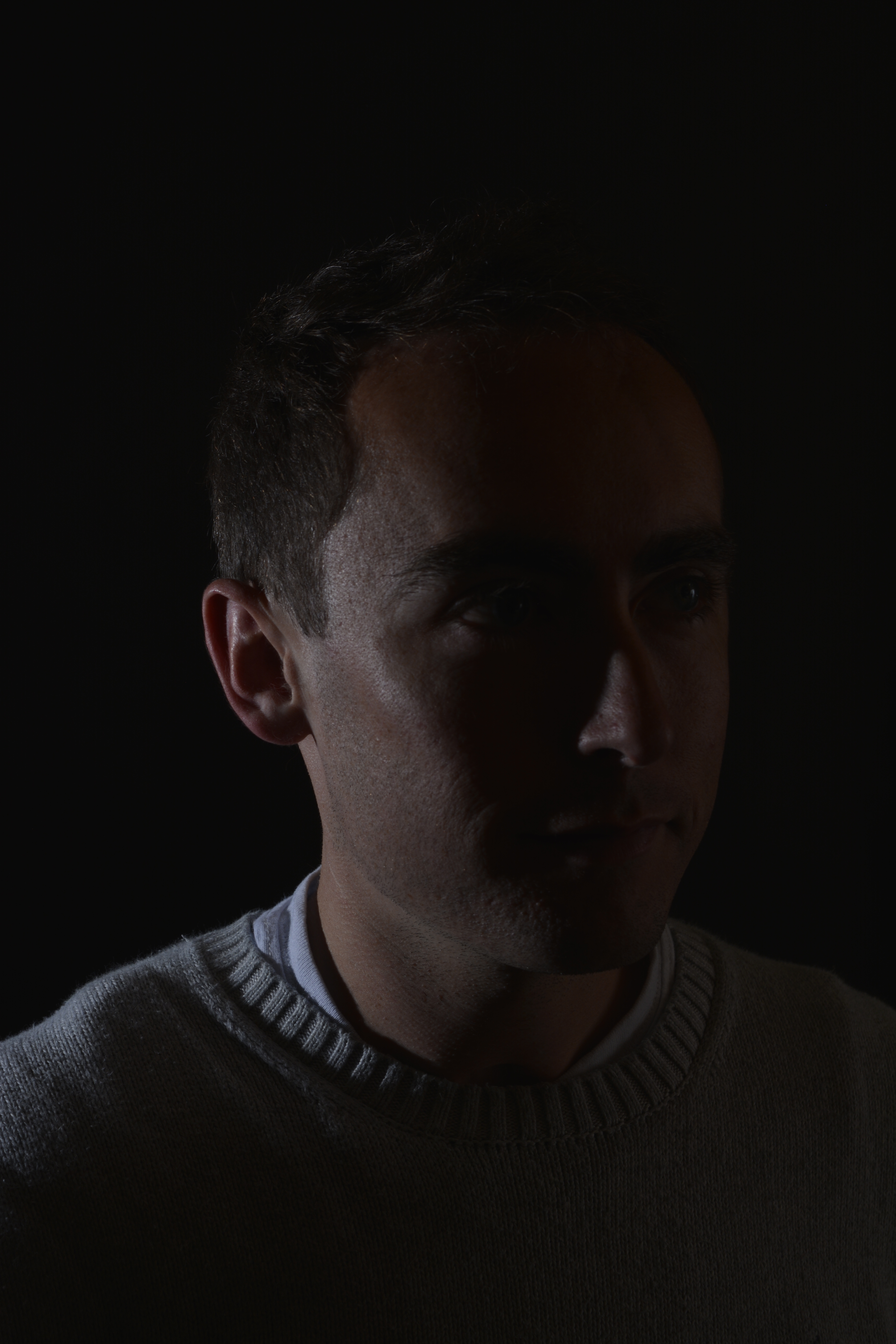
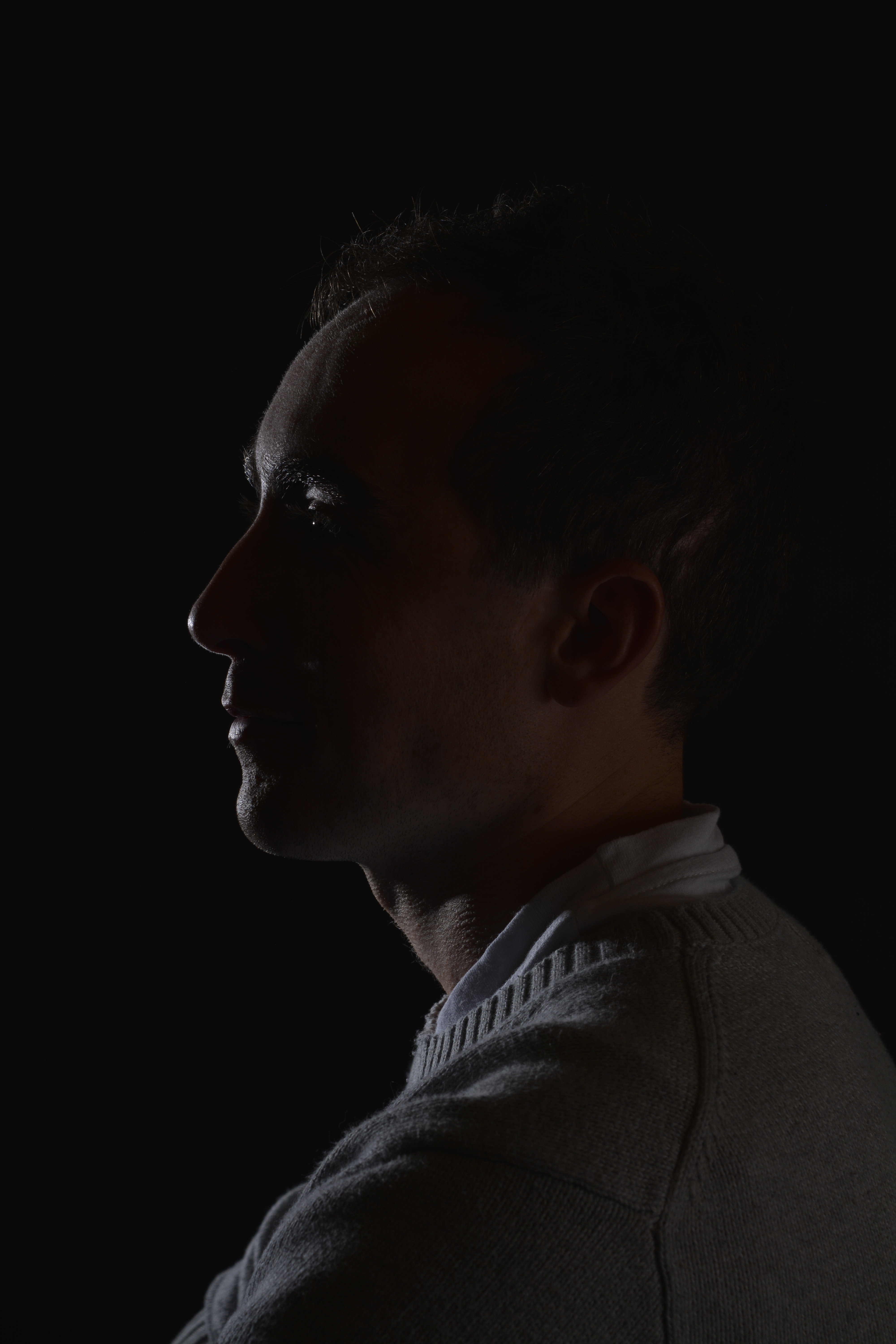
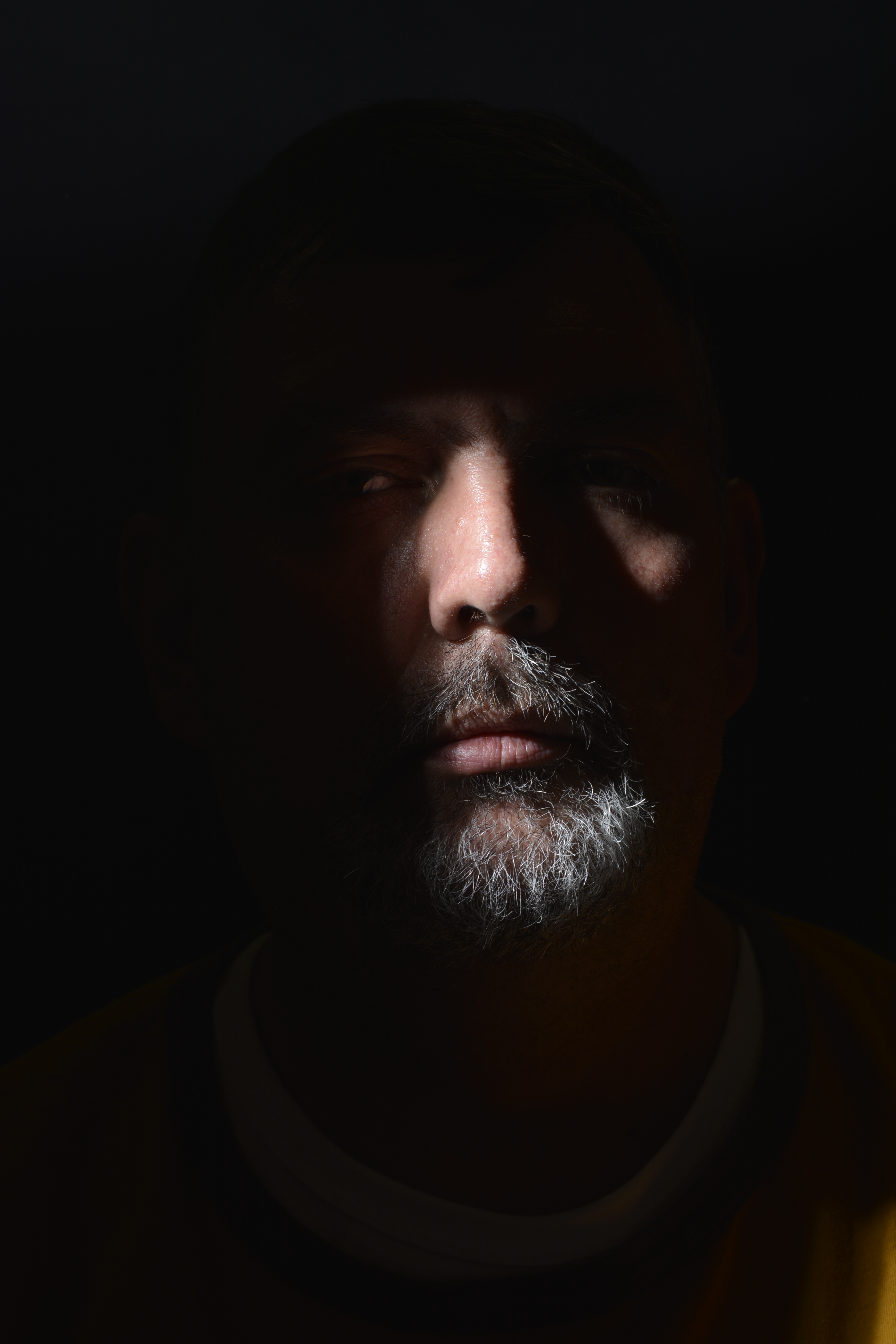
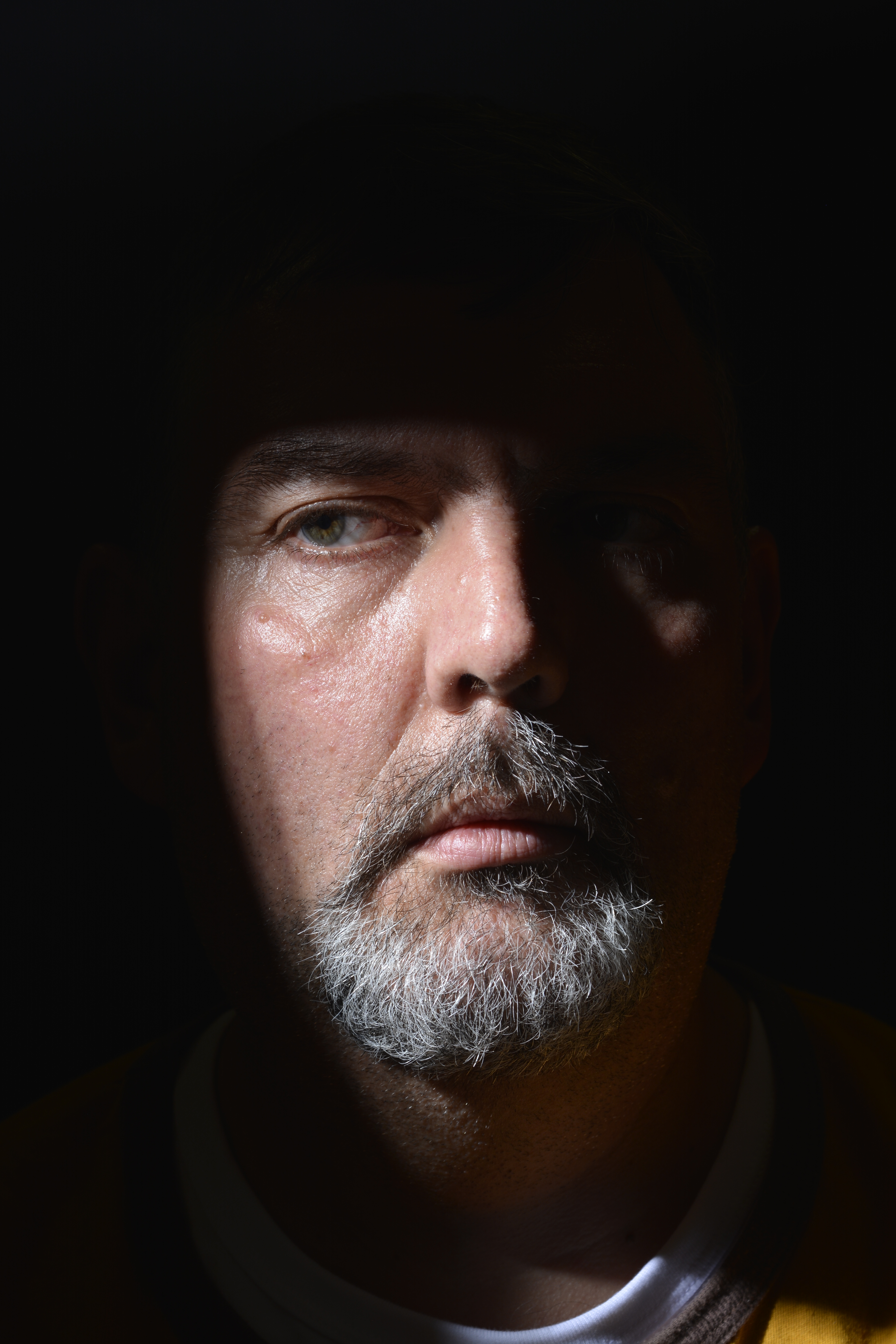
With these photographs below, two pieces of card have been used at right angles to block some of the light, to create specific shadow shapes across the face. It’s very dramatic but still looks a natural shape, as if not created in a studio.
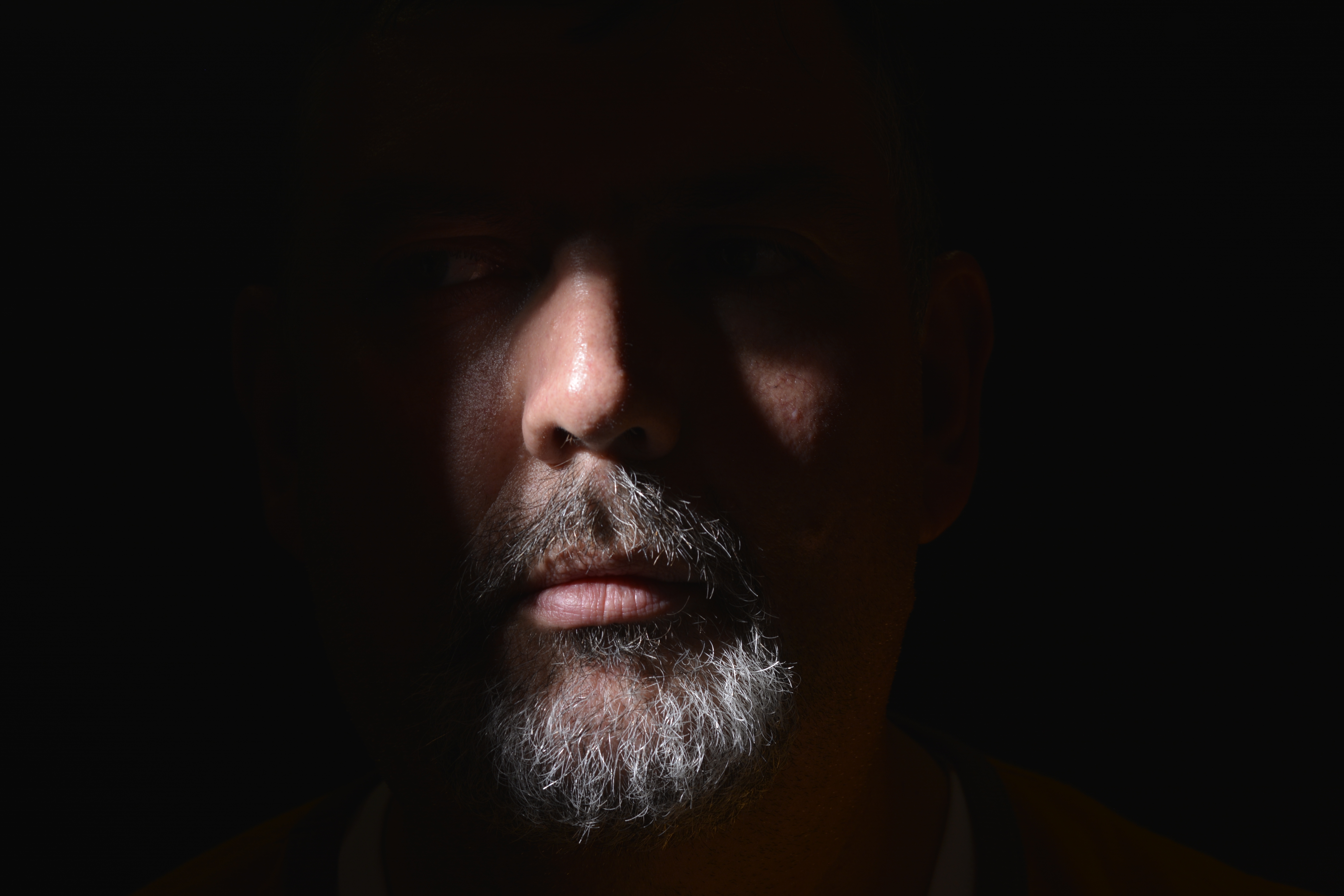
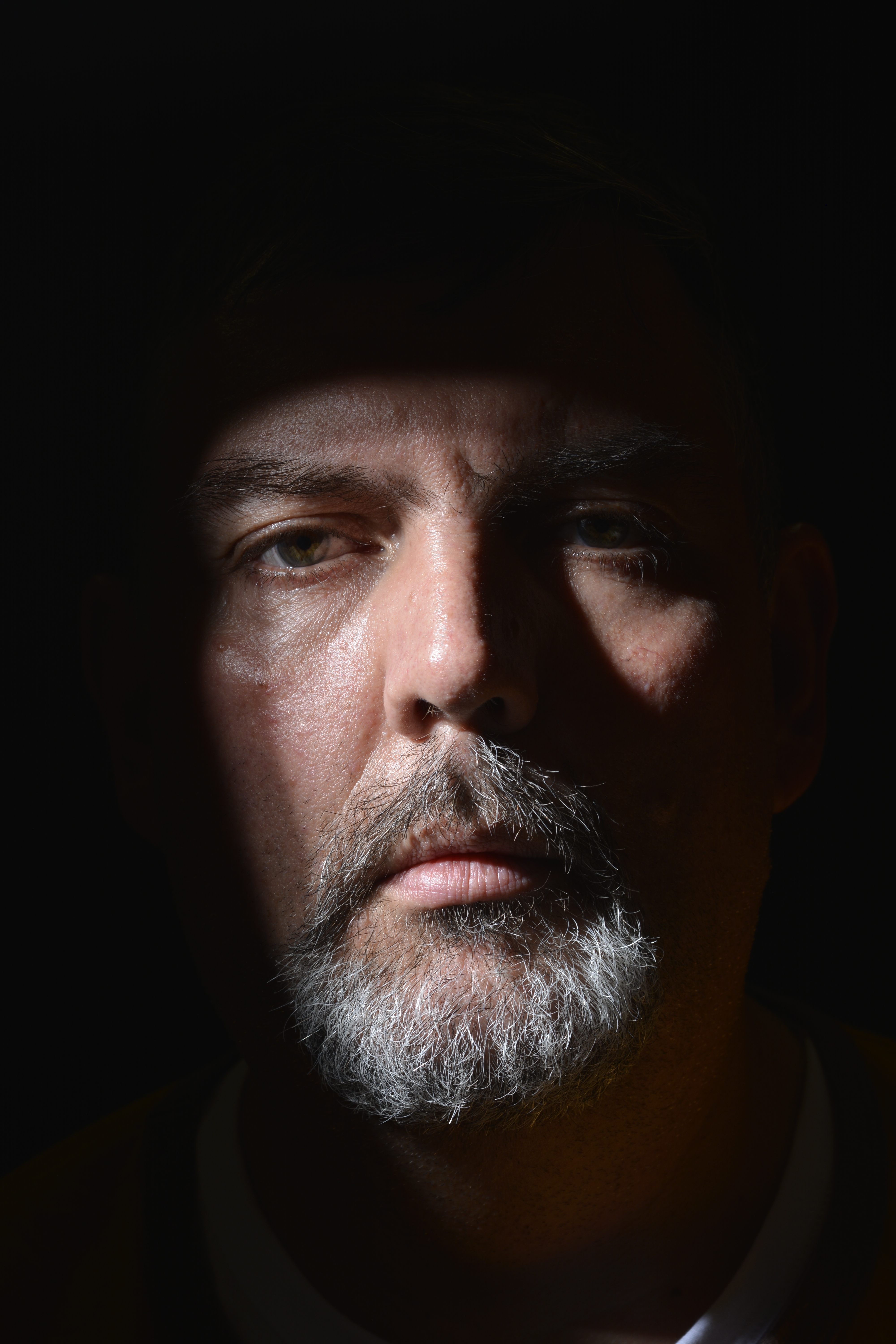
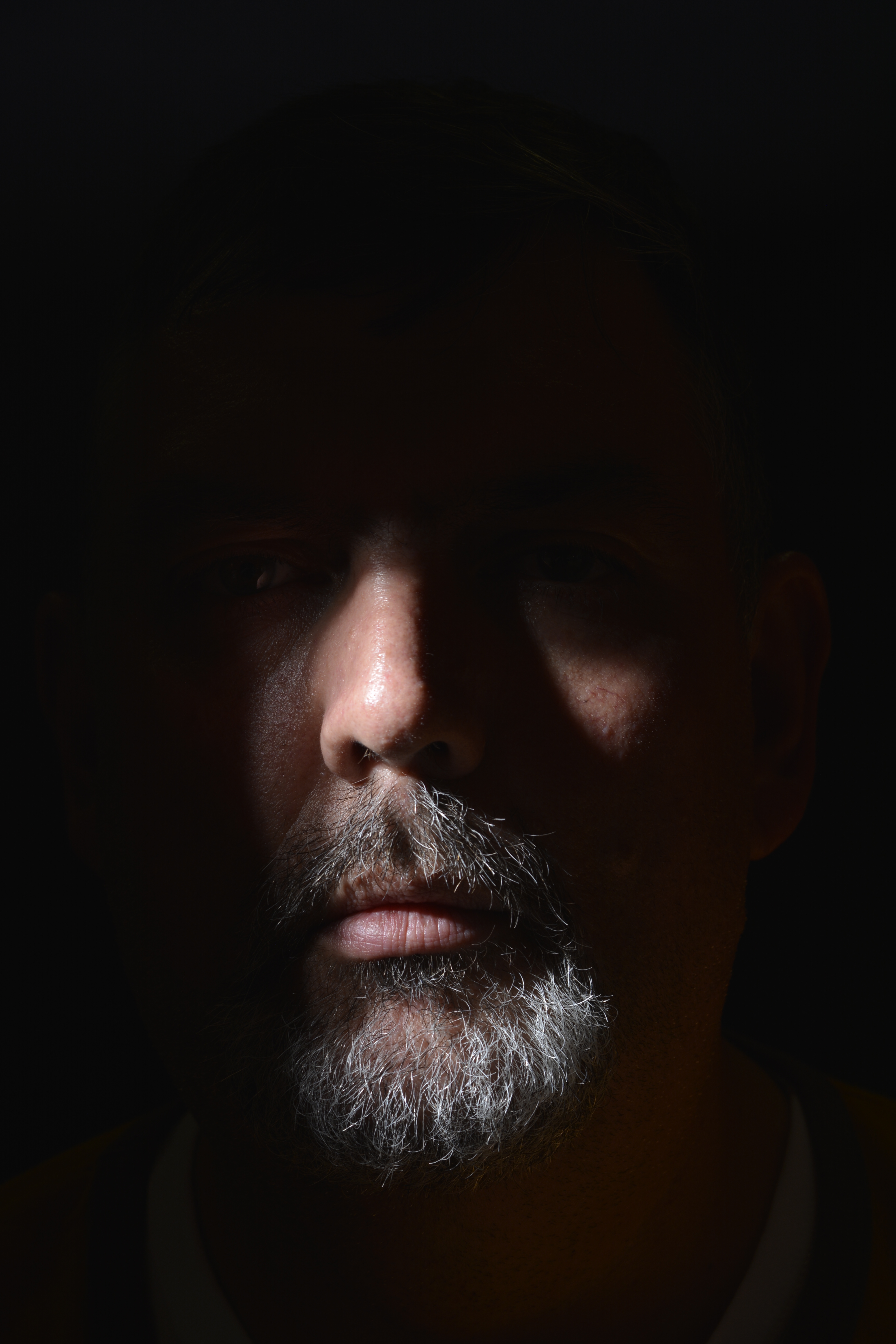
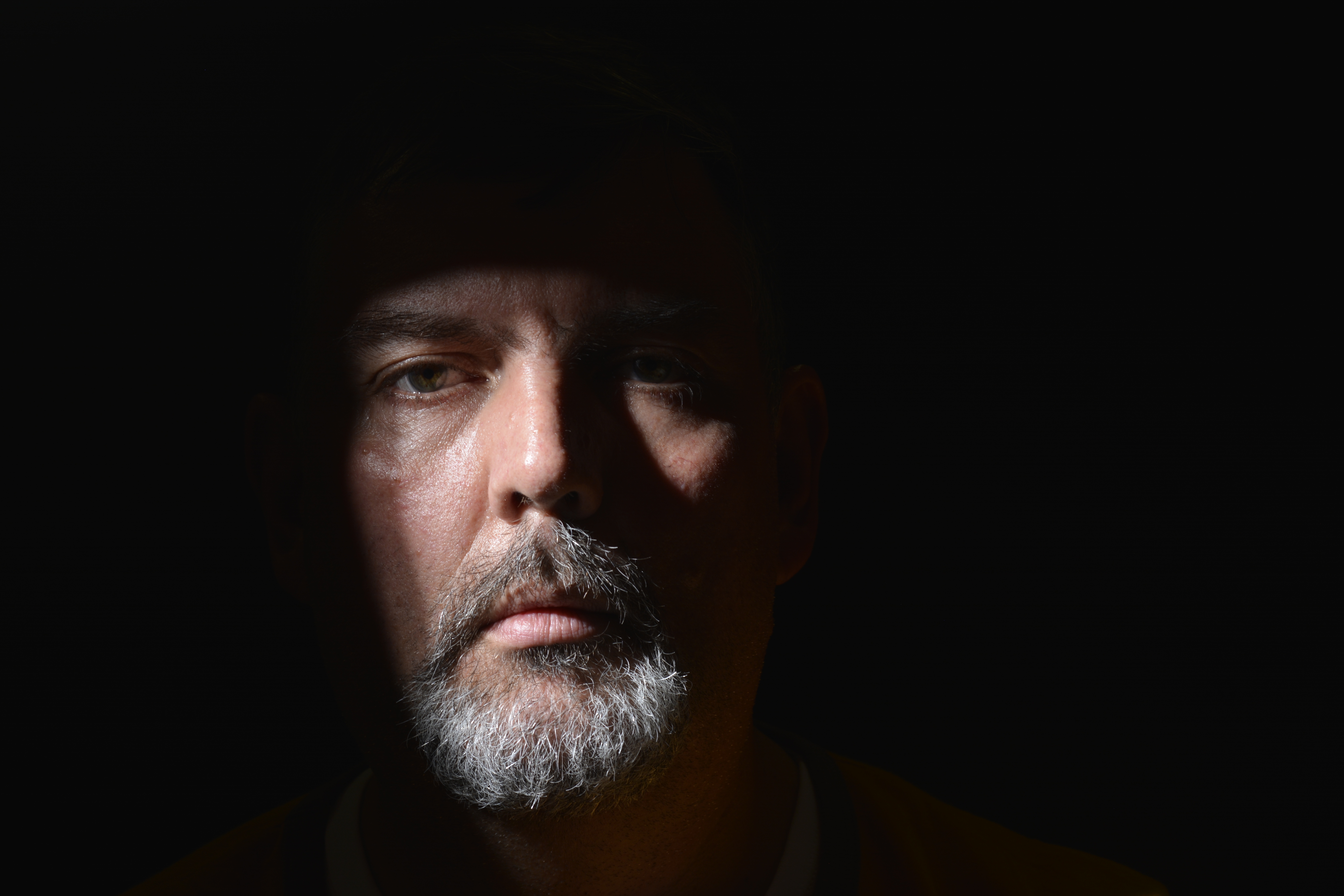
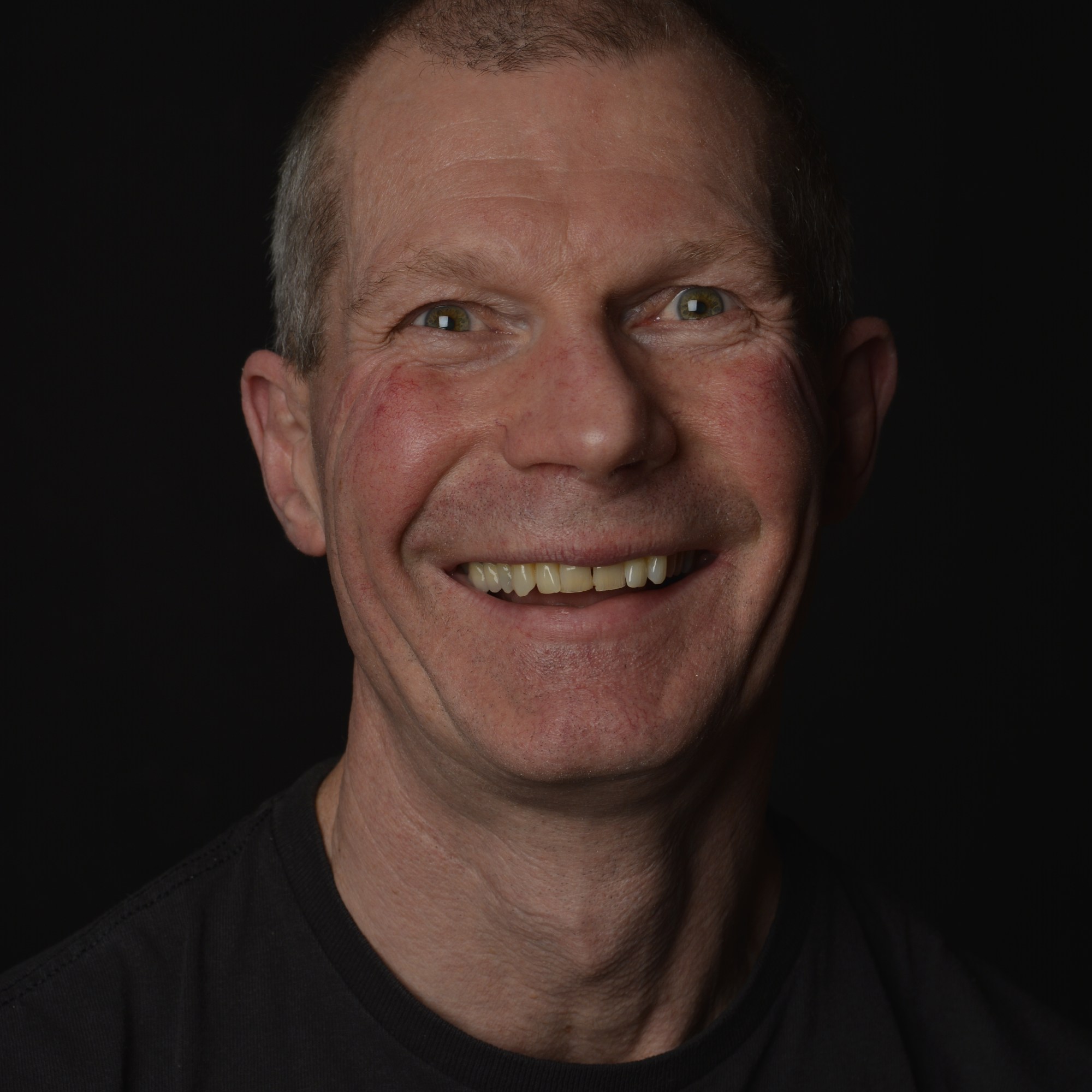
This portrait of Tony has worked quite well I feel. I like the way he just appears out of the darkness. I also like the idea of shaping and moulding a light source to create shadow shapes in a photograph. I would like to experiment this technique more.
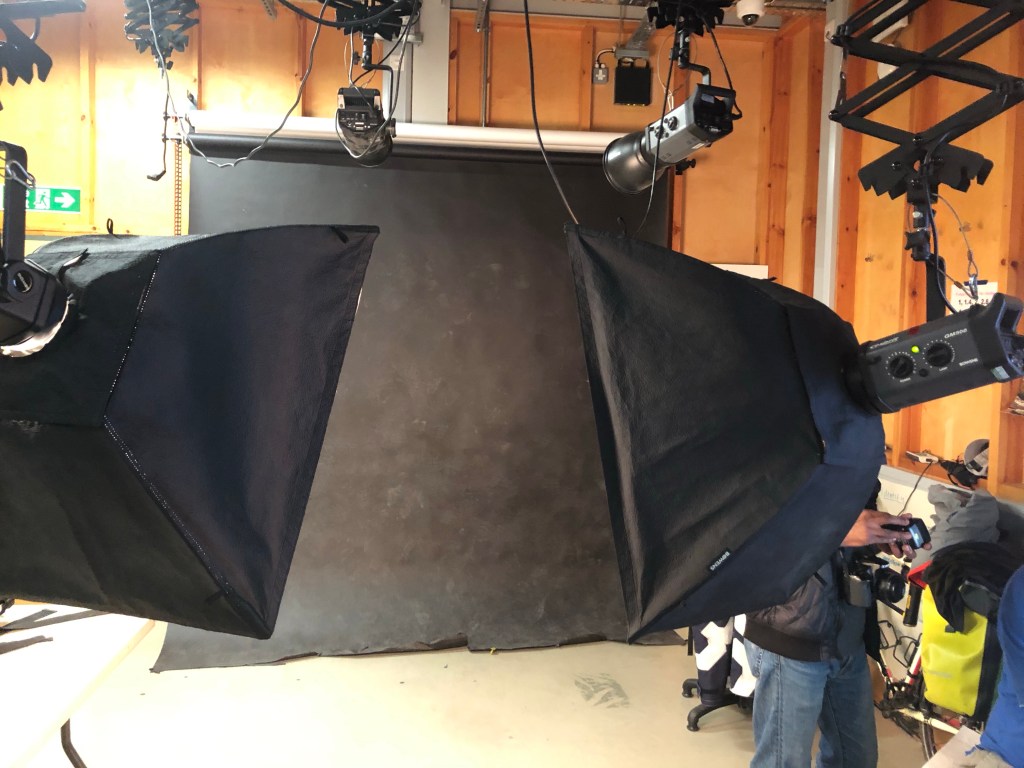
Clam Lighting
The 2 studio lights used for Clam Lighting both with Soft Box attatchments
Clam Lighting set up using 2 x Soft Boxes and a Black backdrop
Starting with Aperture F 8 and one soft box
With one soft box the the face is not lit well enough.
2 x soft boxes F-8 Too bright
With using two soft boxes and Aperture F 8, the face is too bright and therfore the skin loses some of its natural colour. To try to rectify this, changing the Aperture from F 8 to F 11 helps to make the face a little darker.
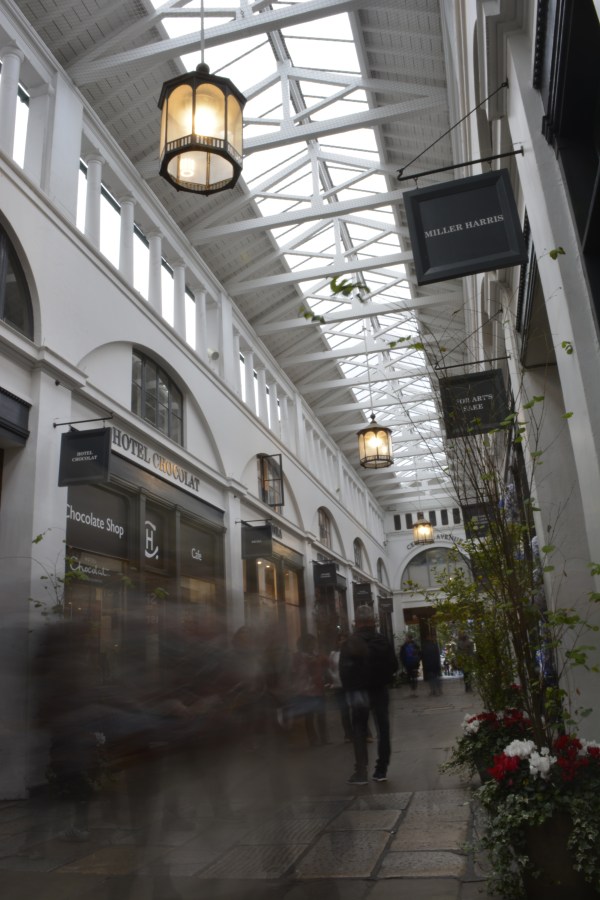
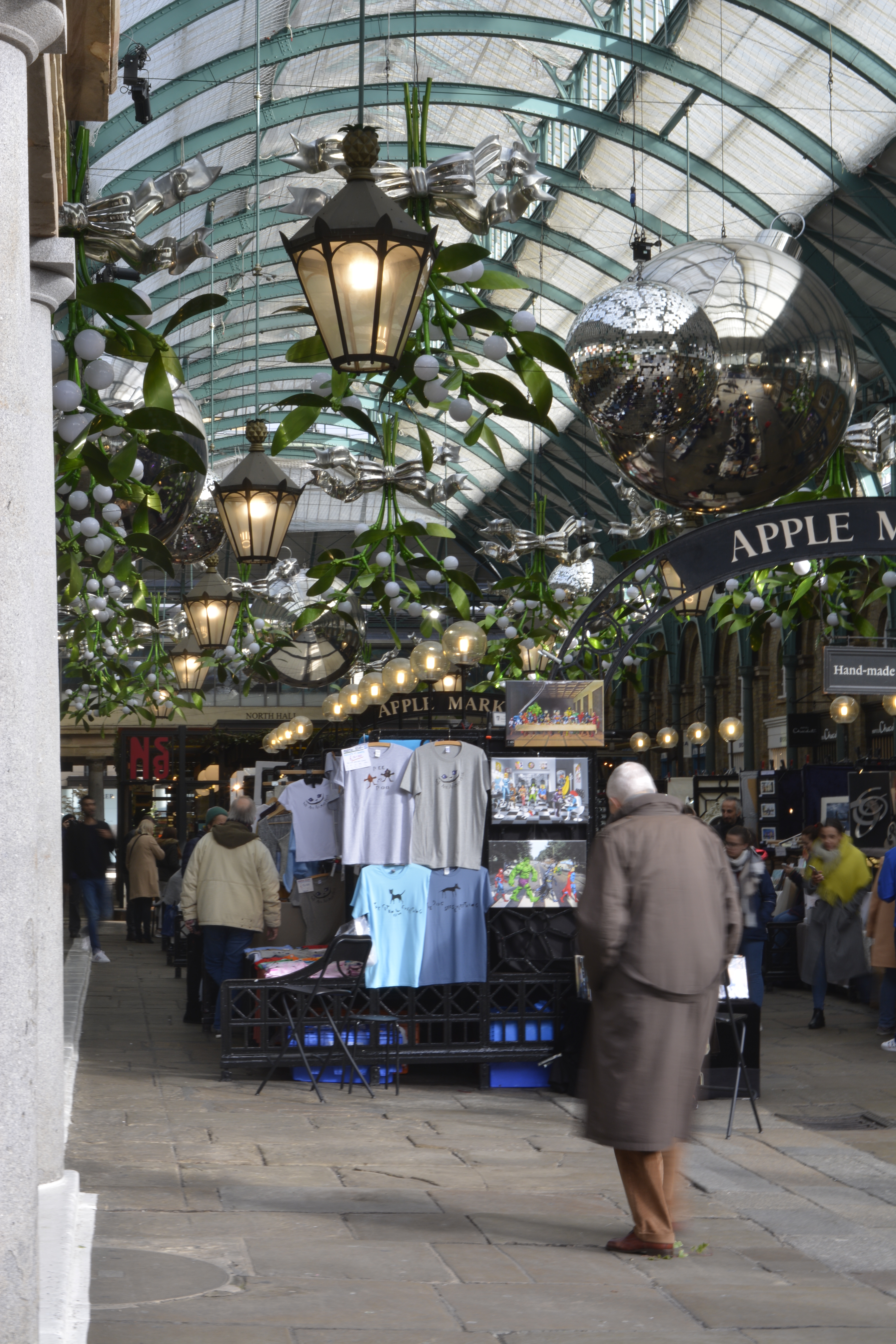
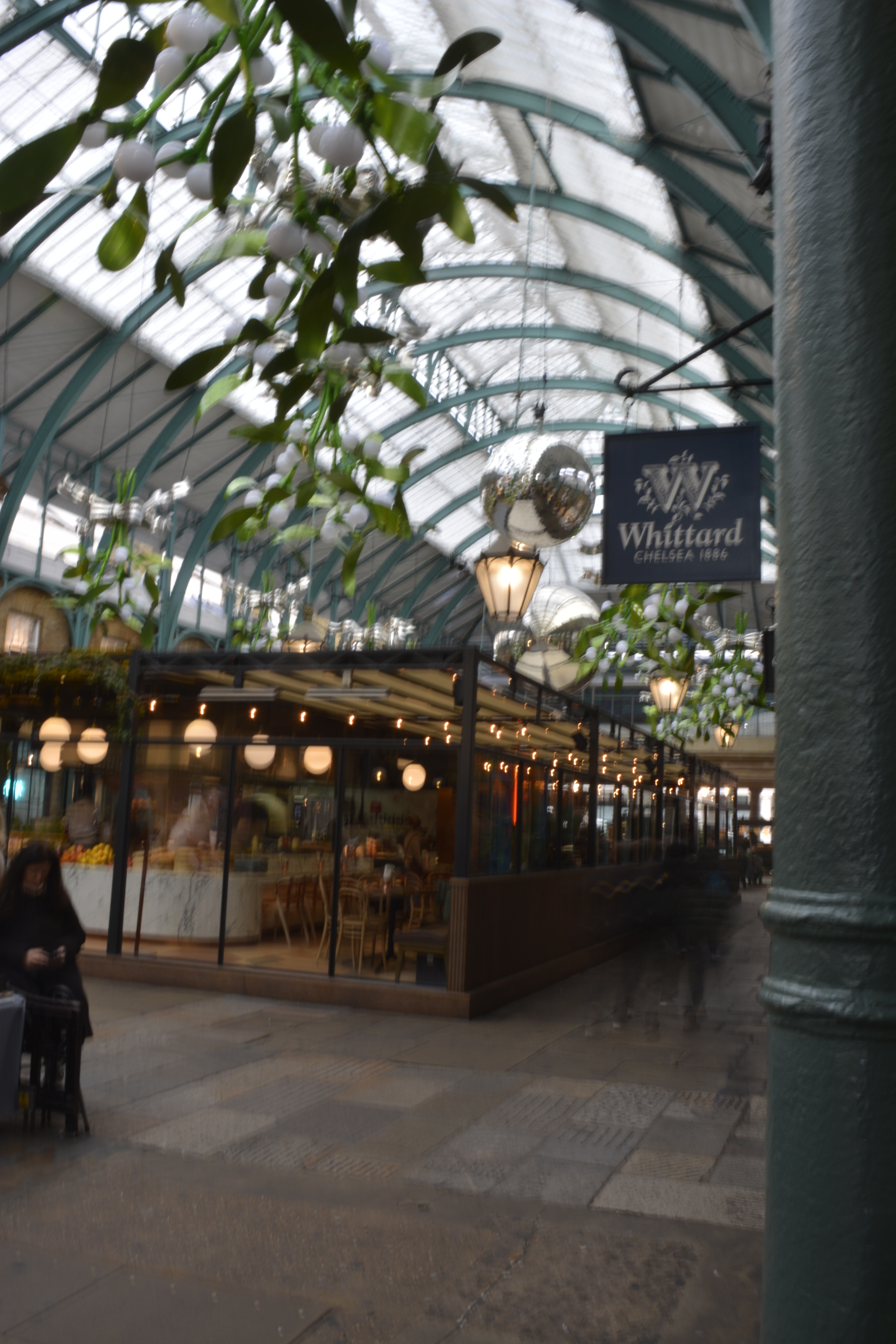
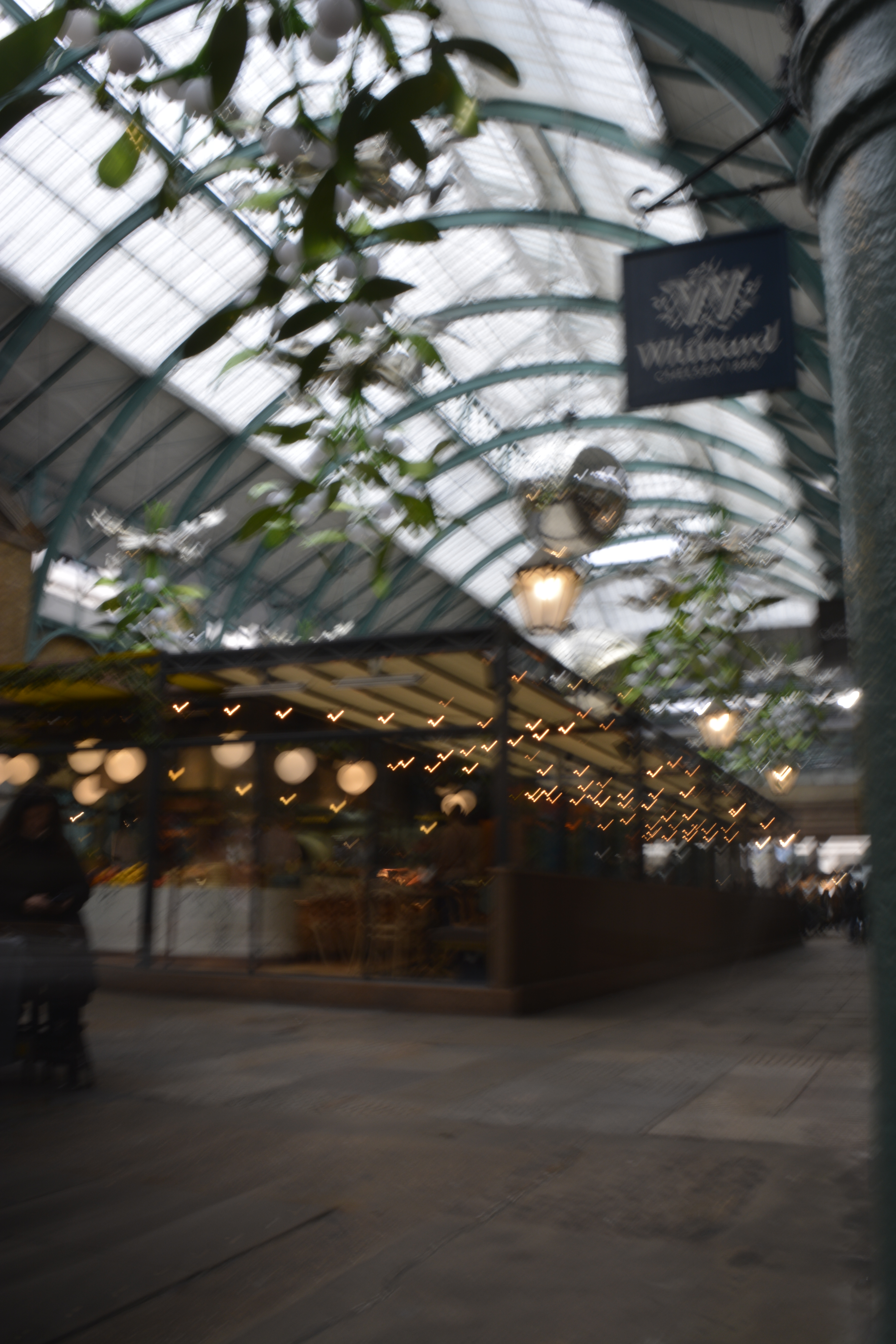
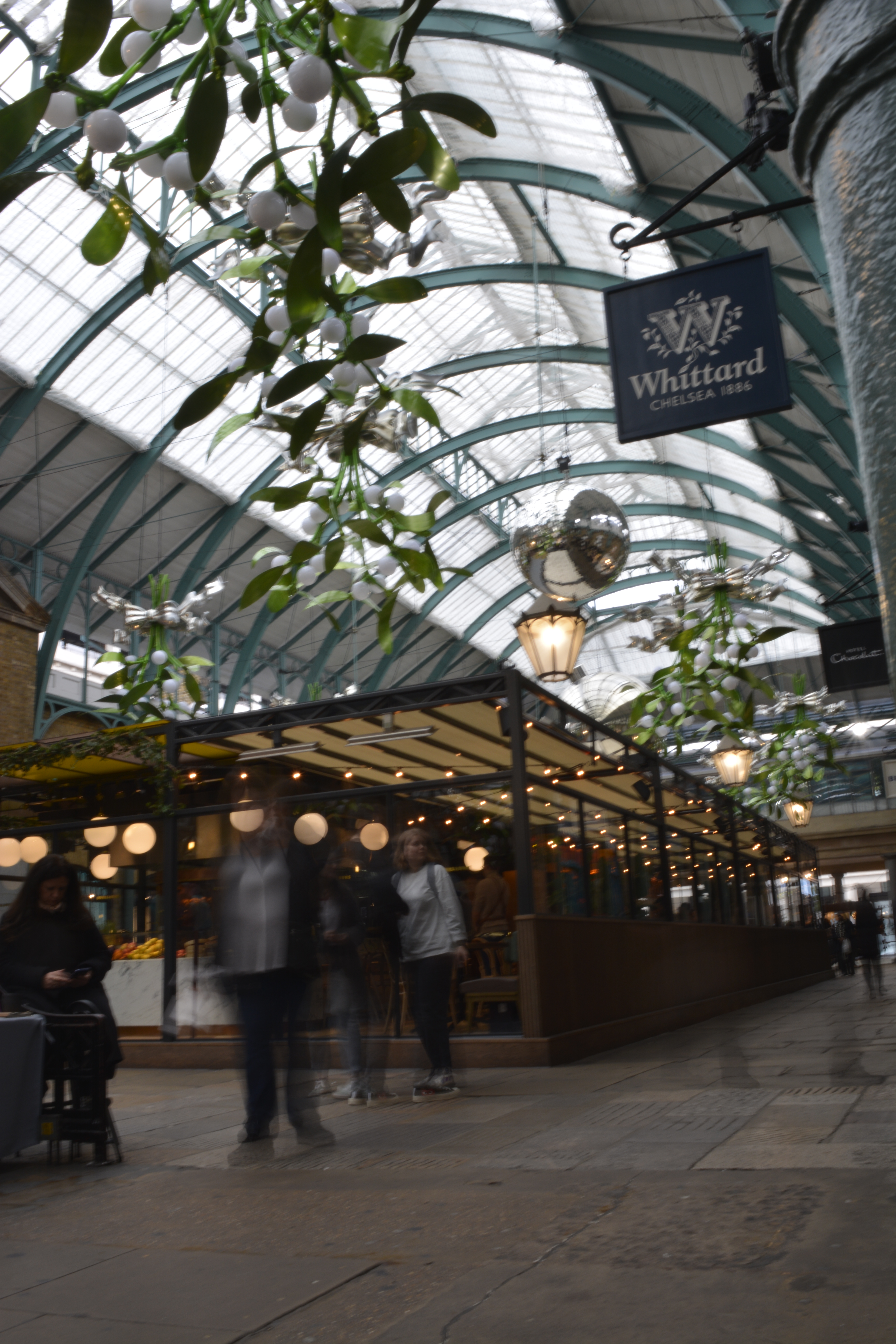
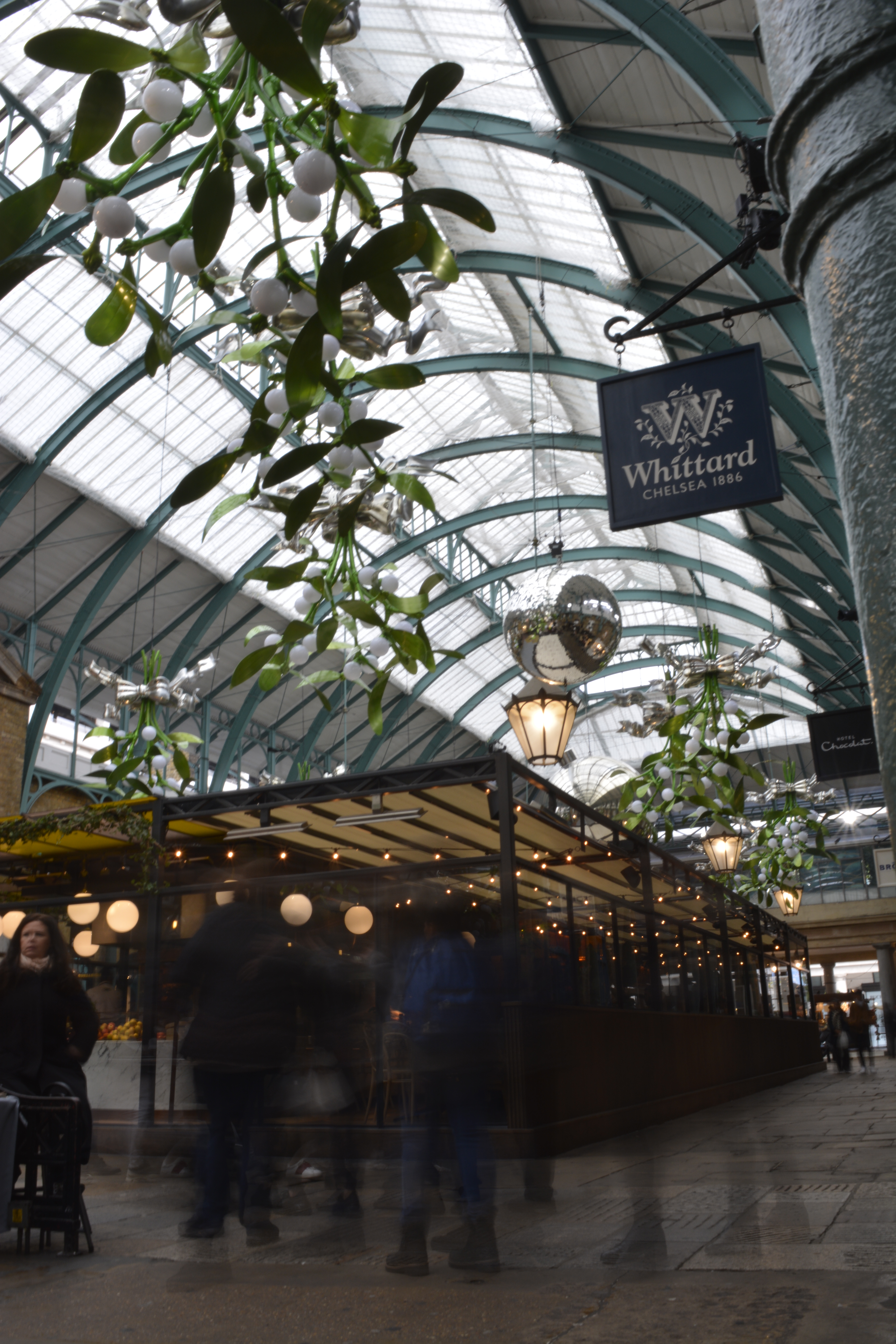
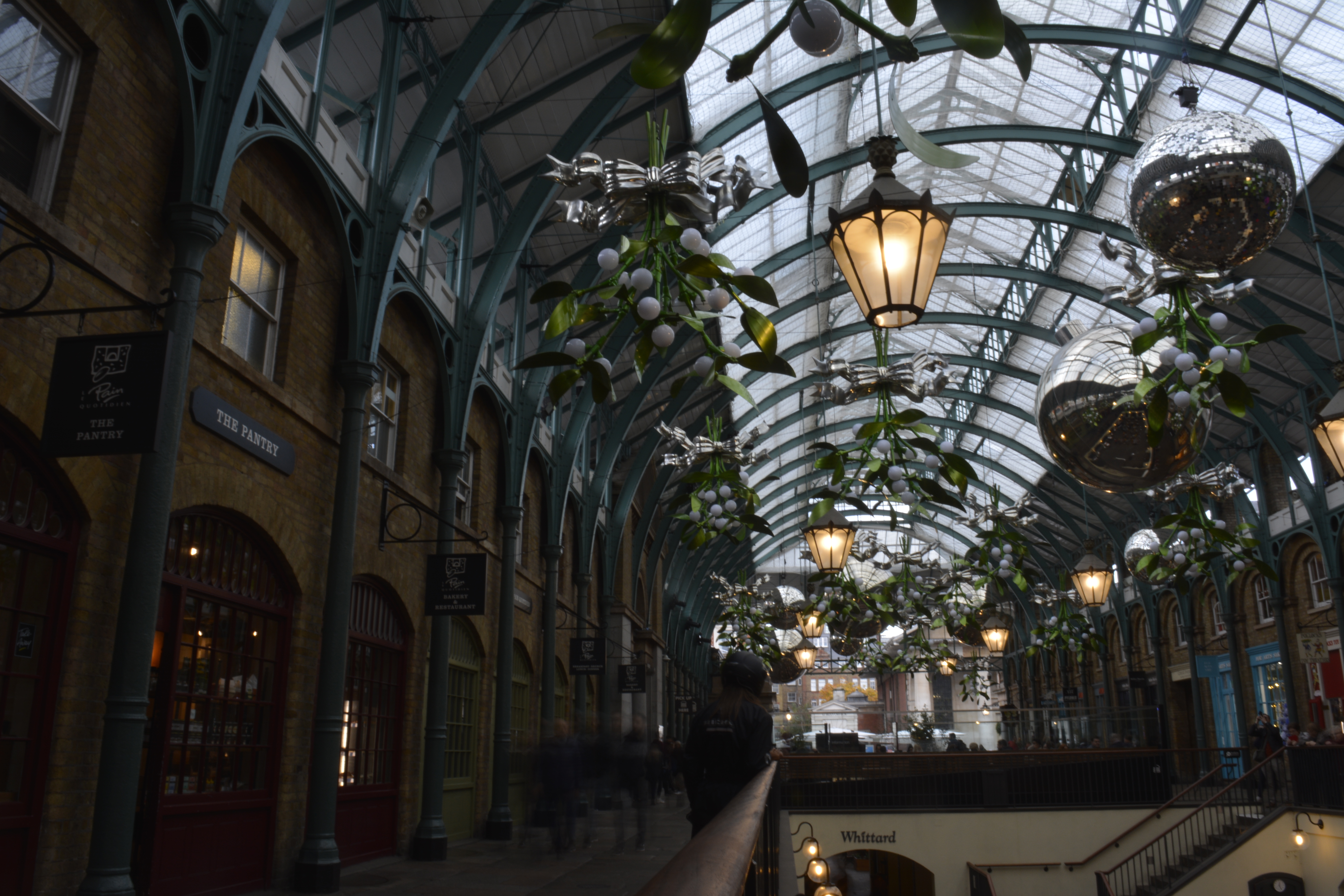
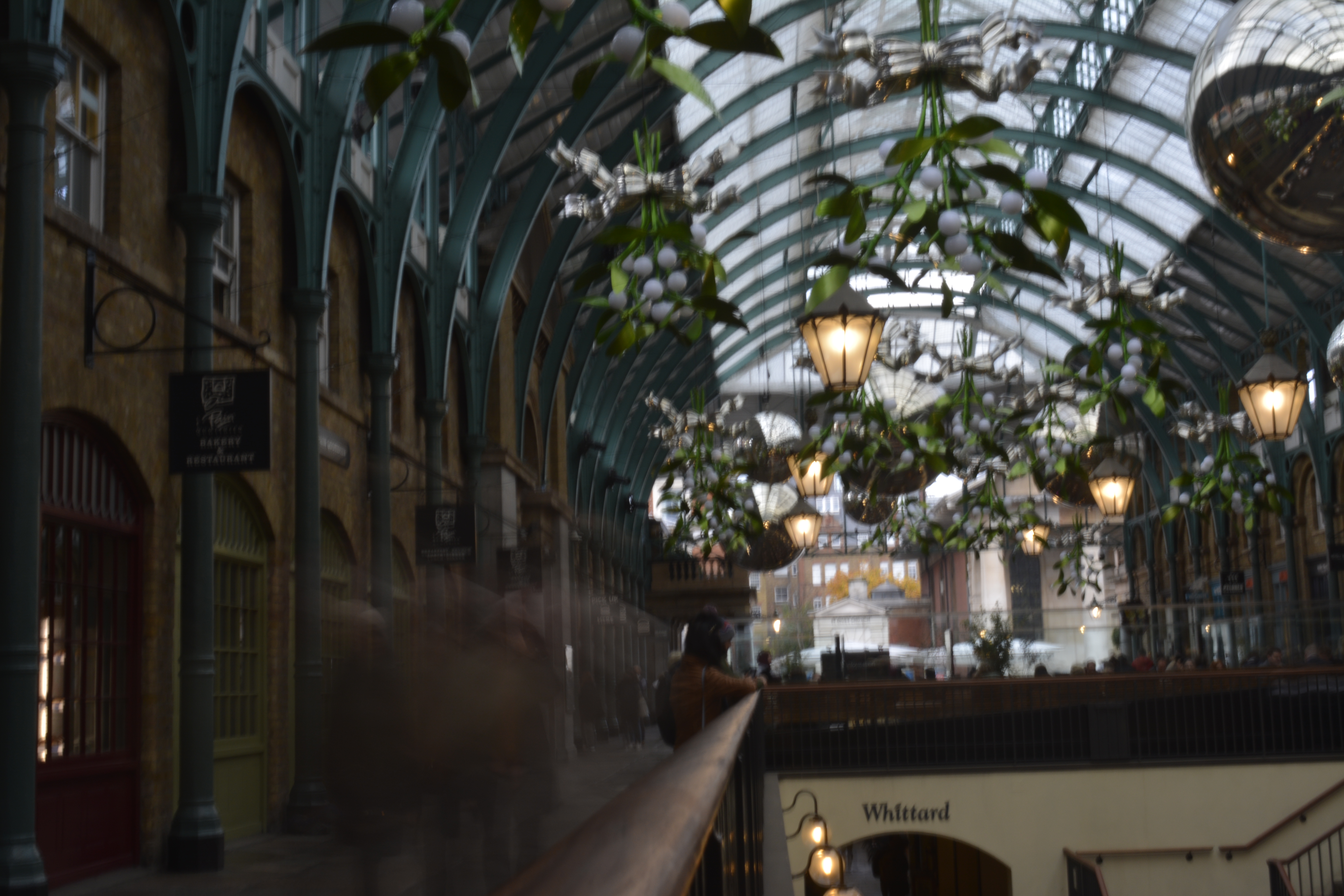
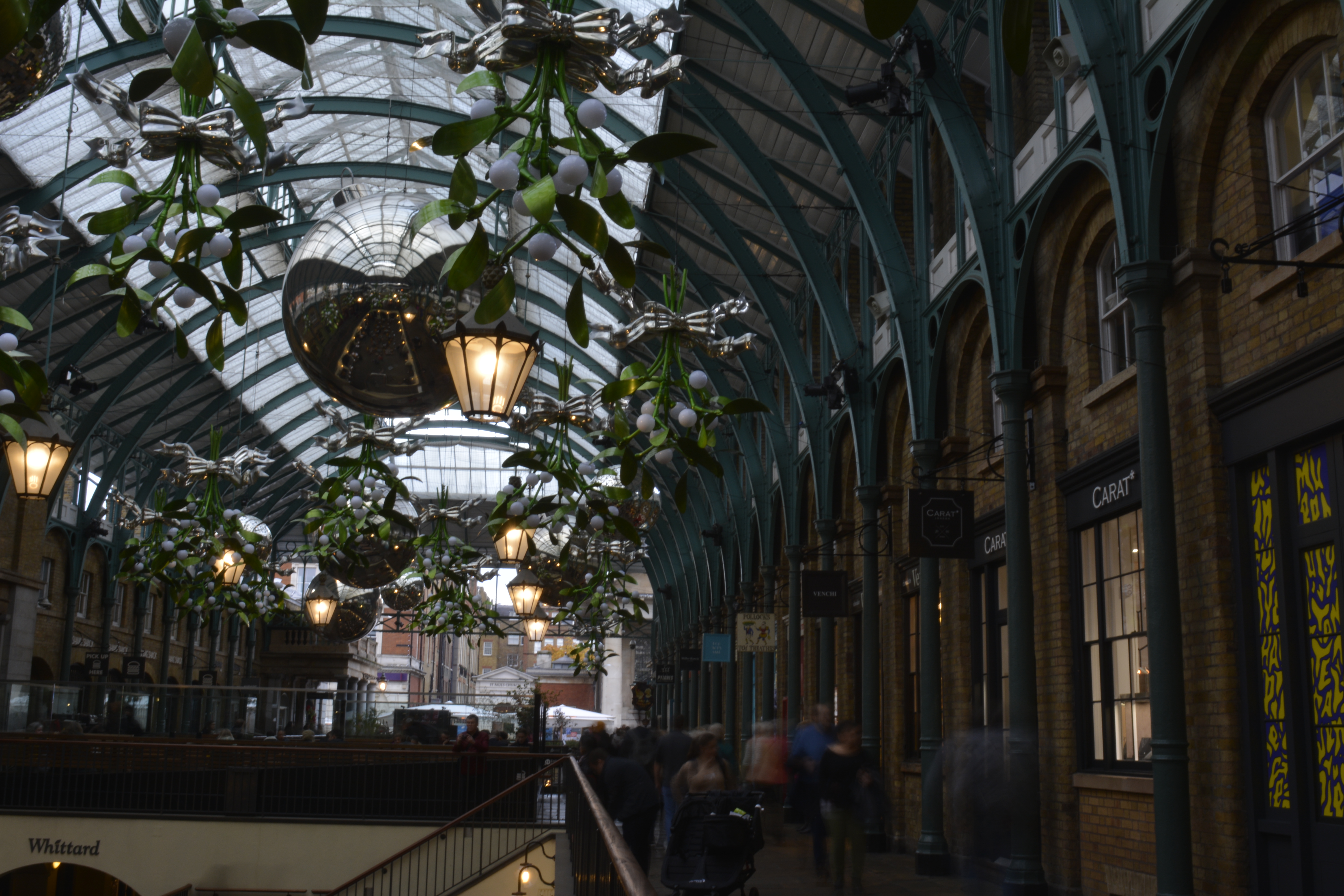
Heading back to Covent Garden I still wanted to try and Capture my initial idea for one of my final five photographs. The busiest area with the most footfall is the central balconies and market area, however I had to rethink how I was going to get my photograph as I wasn’t allowed to use a tripod.
I tried steadying the camera along a hand rail, however as I was still touching the camera it always led to some camera shake.
In these pictures I asked one of the stall vendor’s if I could use one of their stools to rest my camera on. As the stools were along the edge I wasn’t causing an obstruction. But I don’t think I have really captured as much motion blur or the beauty of Covent Garden as I would have liked.
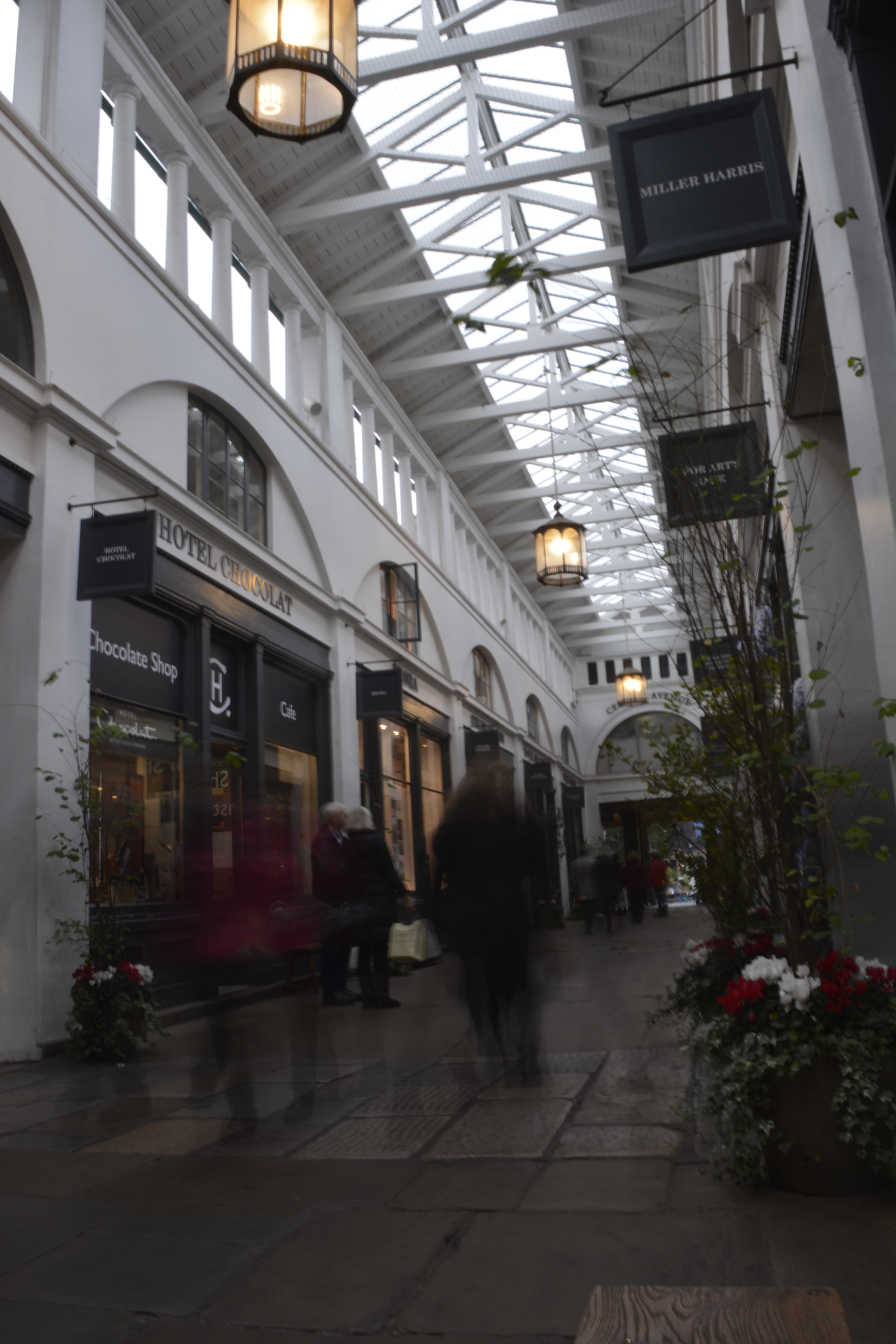
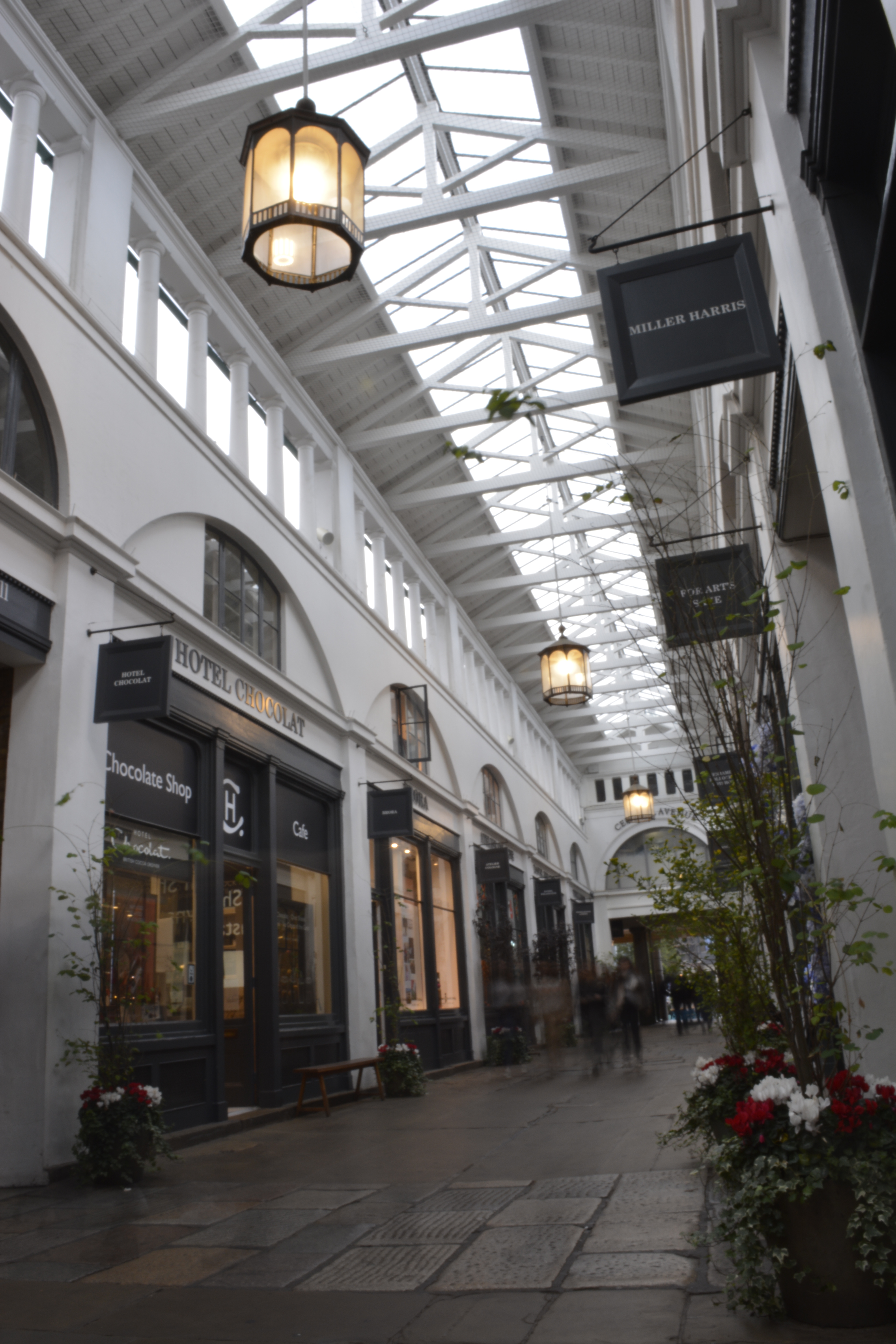
Still intent on getting a good photograph, I continued to walk around Covent Garden. Around the market halls there are smaller walkways with shops. There were benches situated along the walkways. Keeping in mind that I wasn’t allowed to set up a tripod I had the idea of sitting on the bench and setting my tripod on the seat next to me. I didn’t extend the tripod and kept it small. As the camera was quite low from not extending the tripod, it gave a good angle on this next set of photographs. Also being a smaller walk way, the flow of people walking past was more concentrated and therefore I managed to capture a better motion blur.
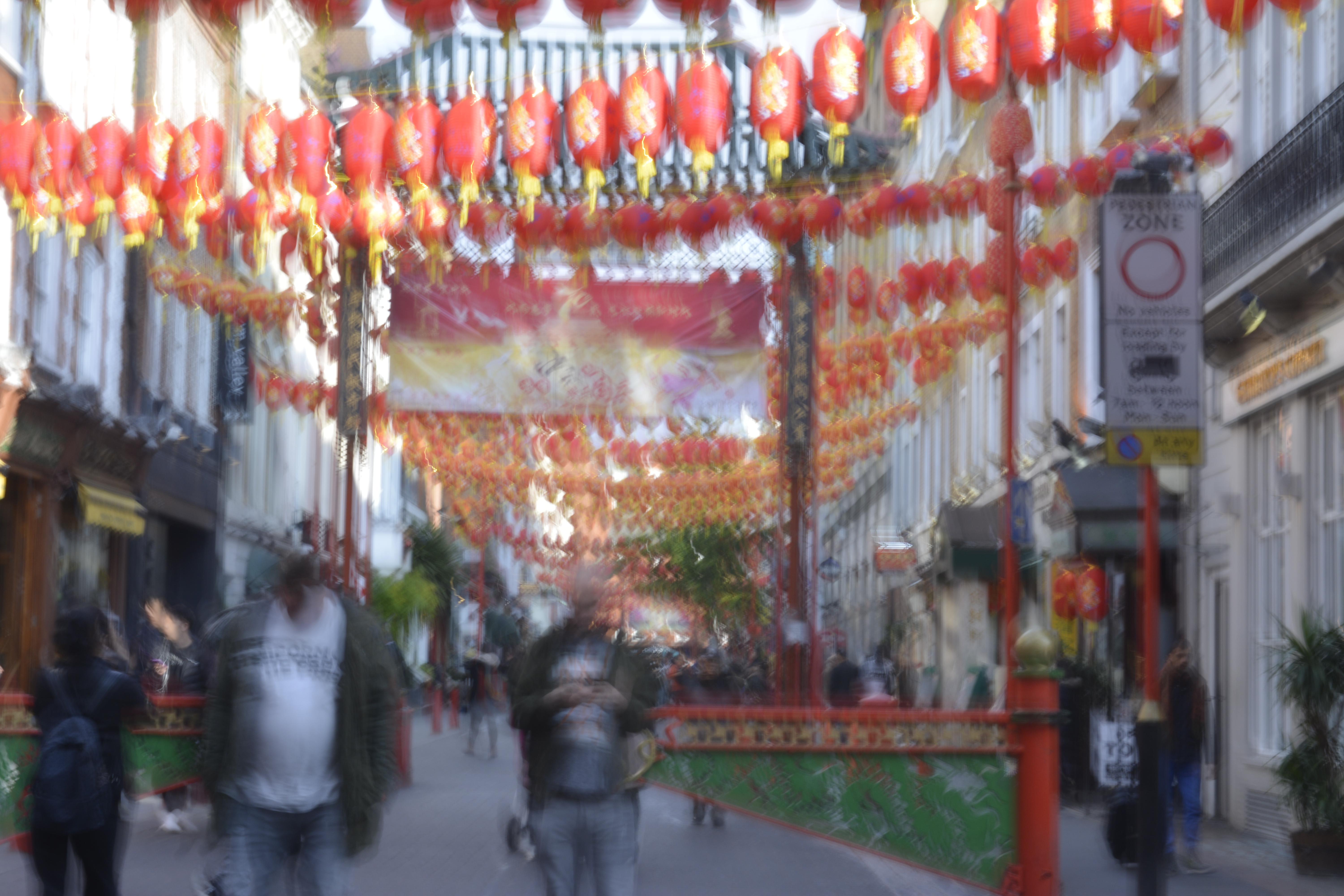
China Town
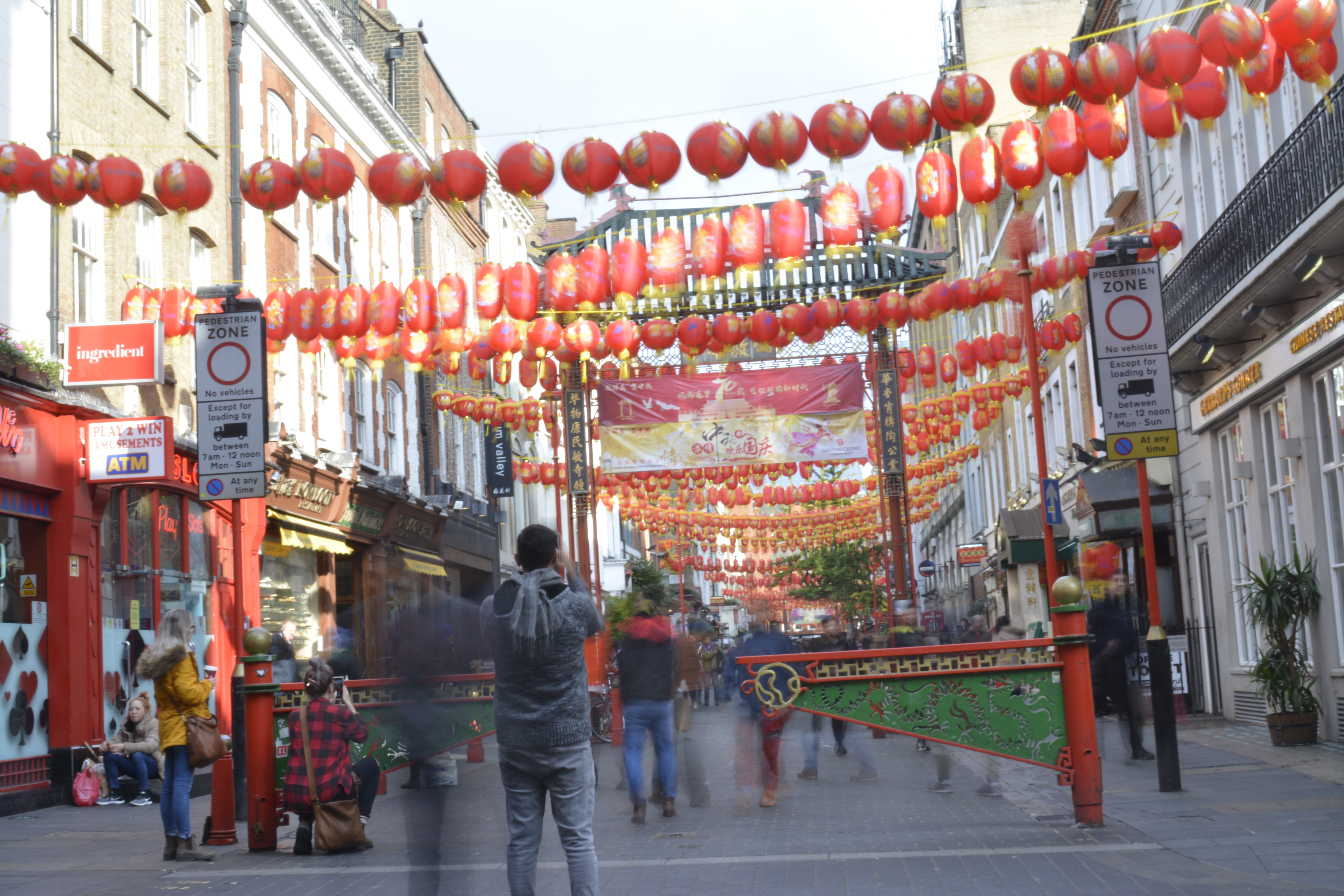
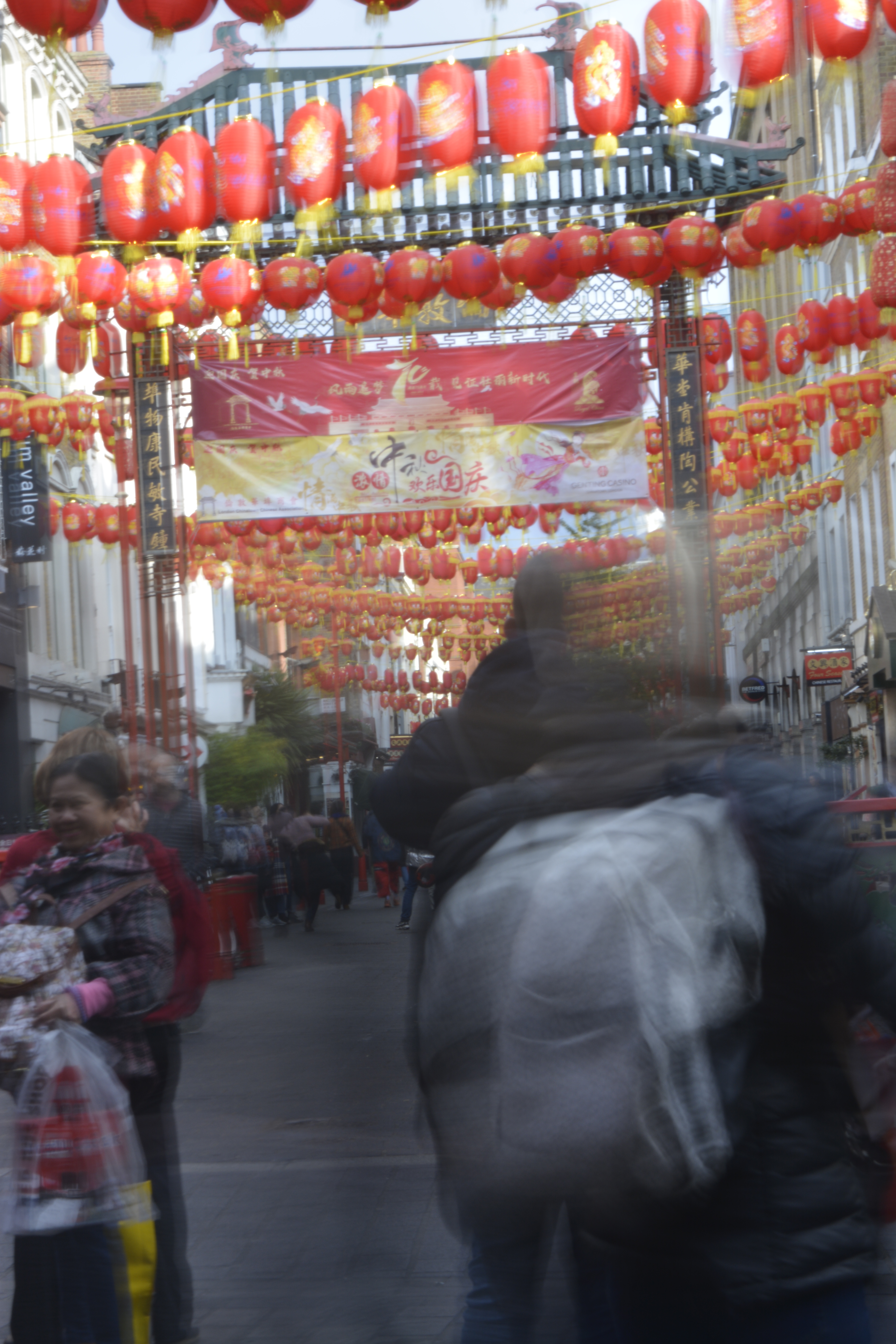
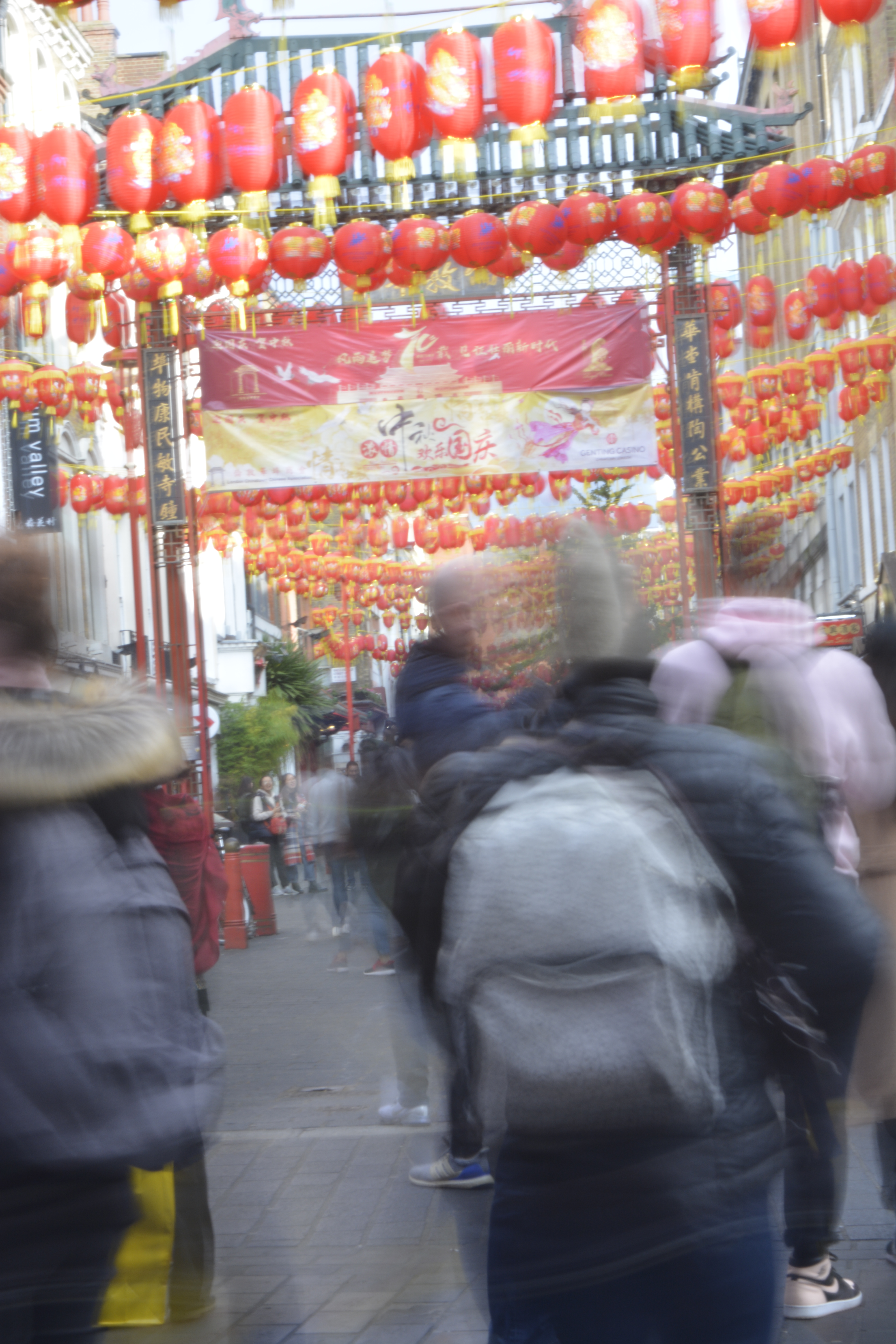
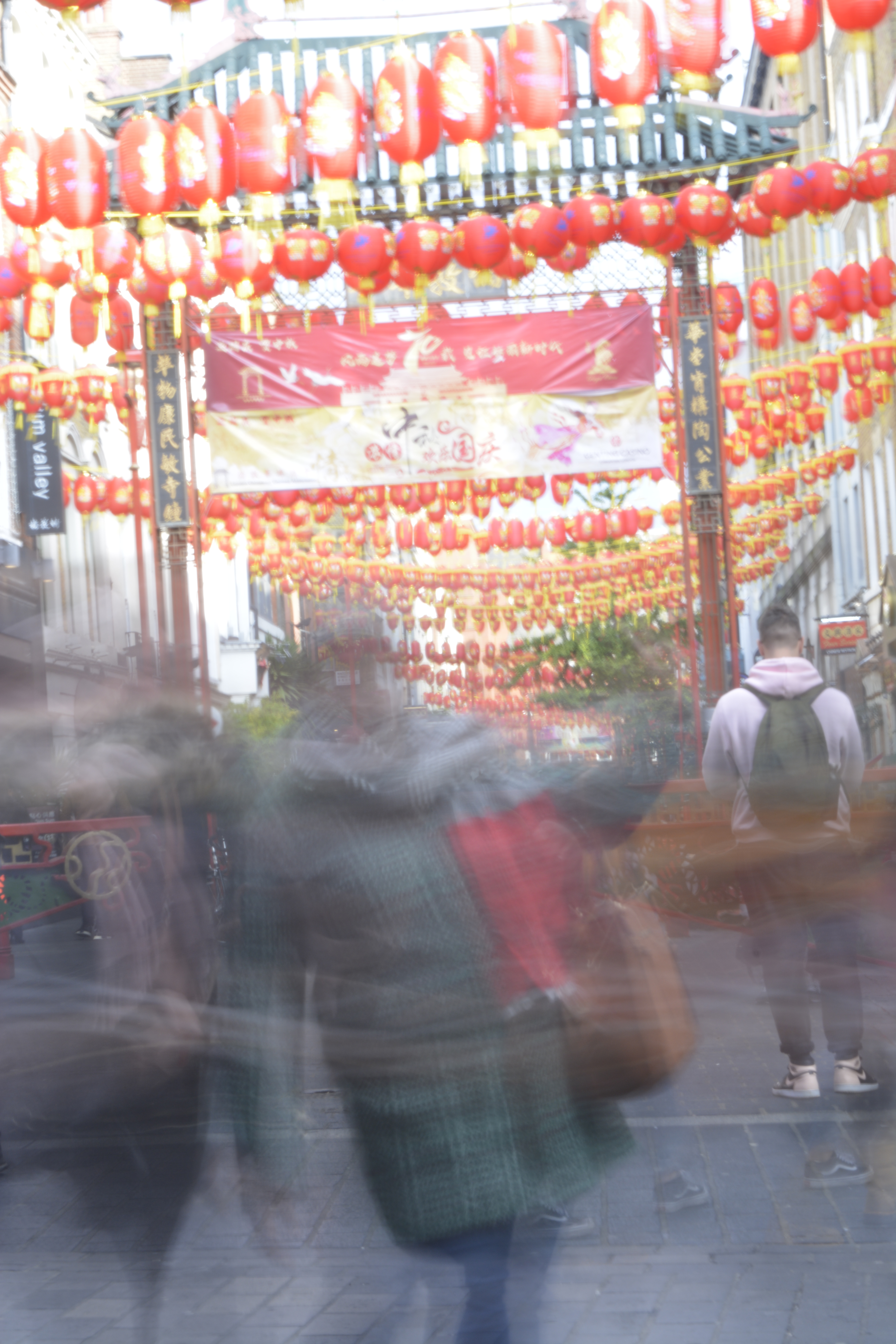
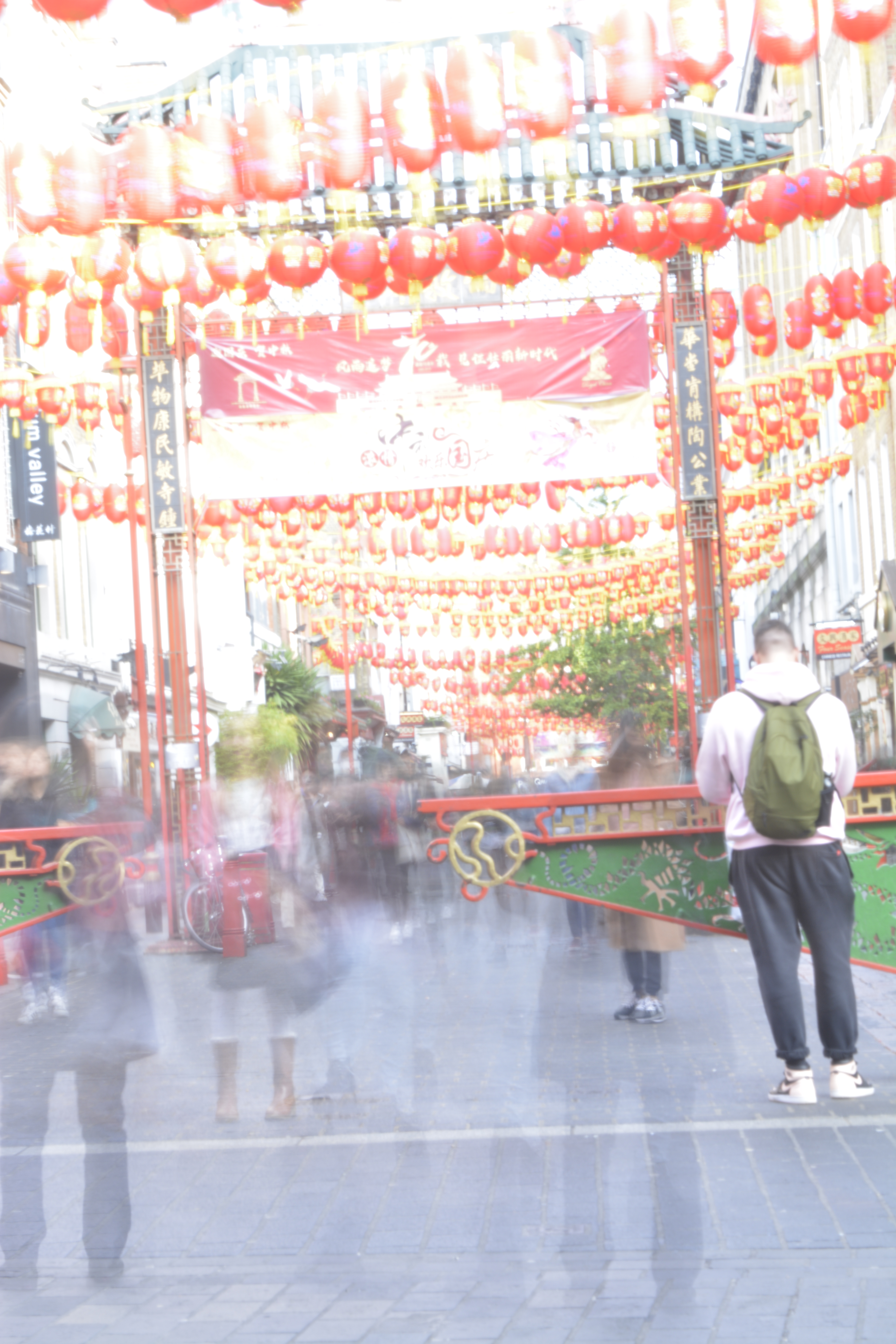
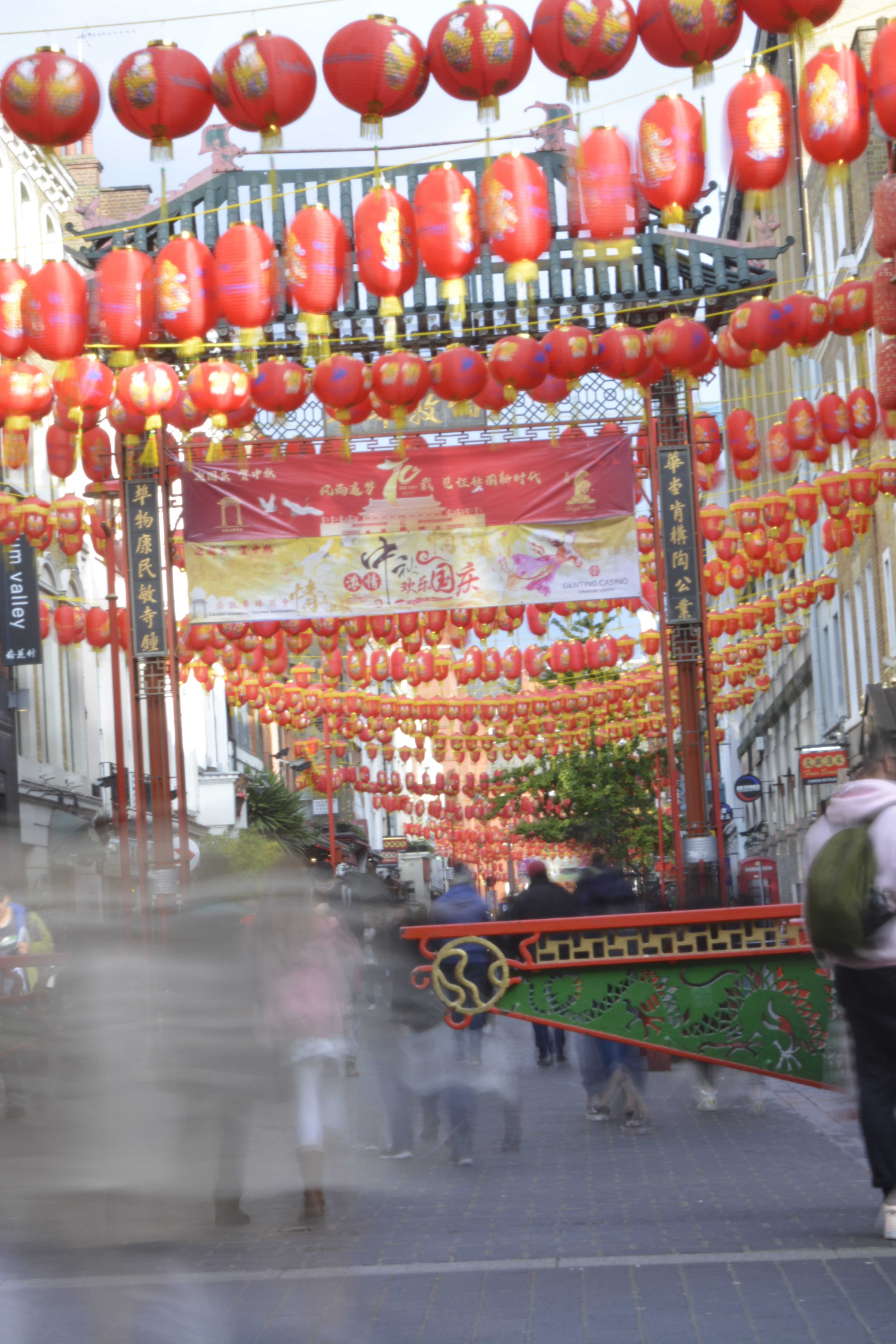
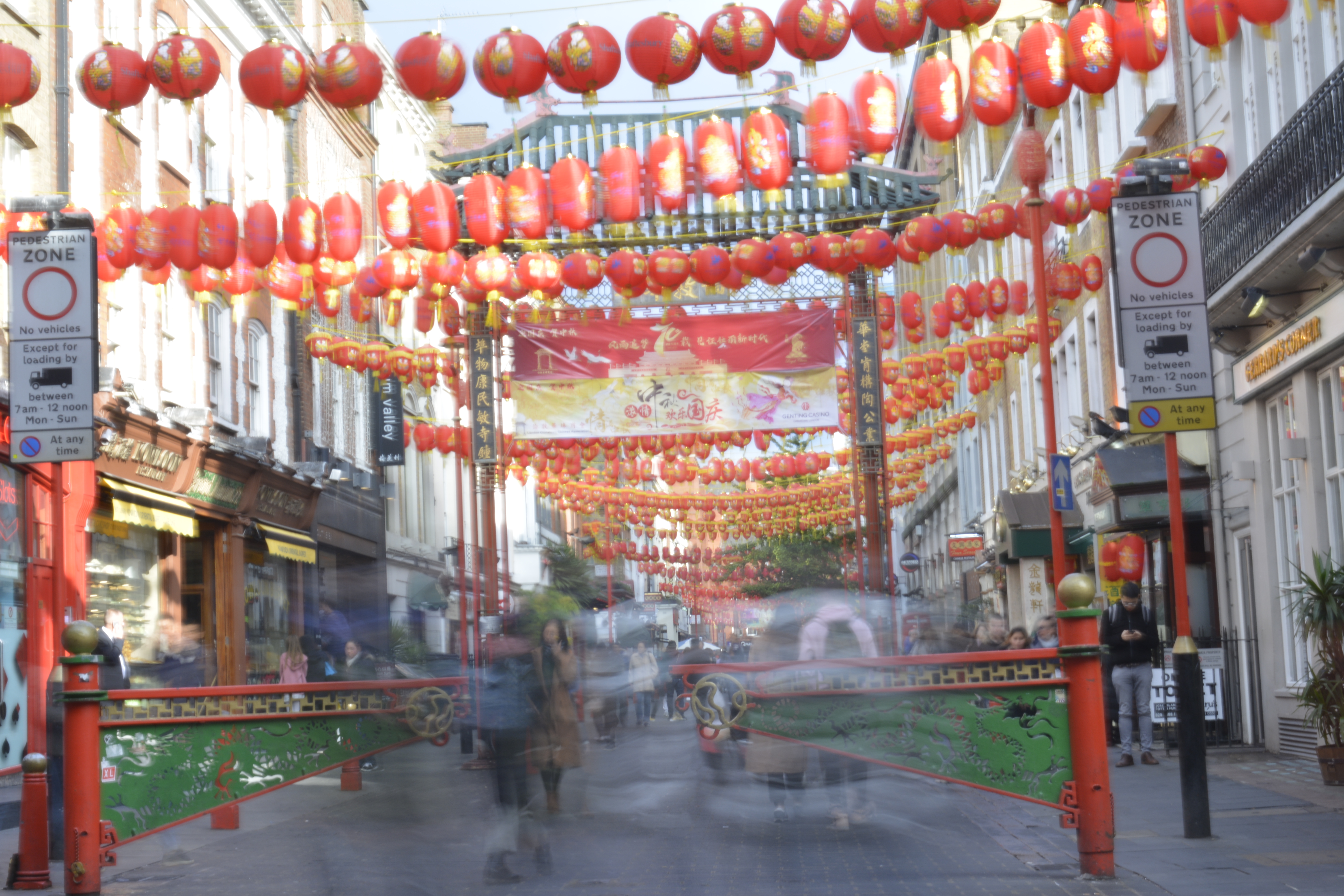
Walking through Chinatown I thought that the lanterns would make for a great picture. However as they all independently move I was unable to get a crisp background shot with moving people. It all looks slightly out of focus.
Liberty’s
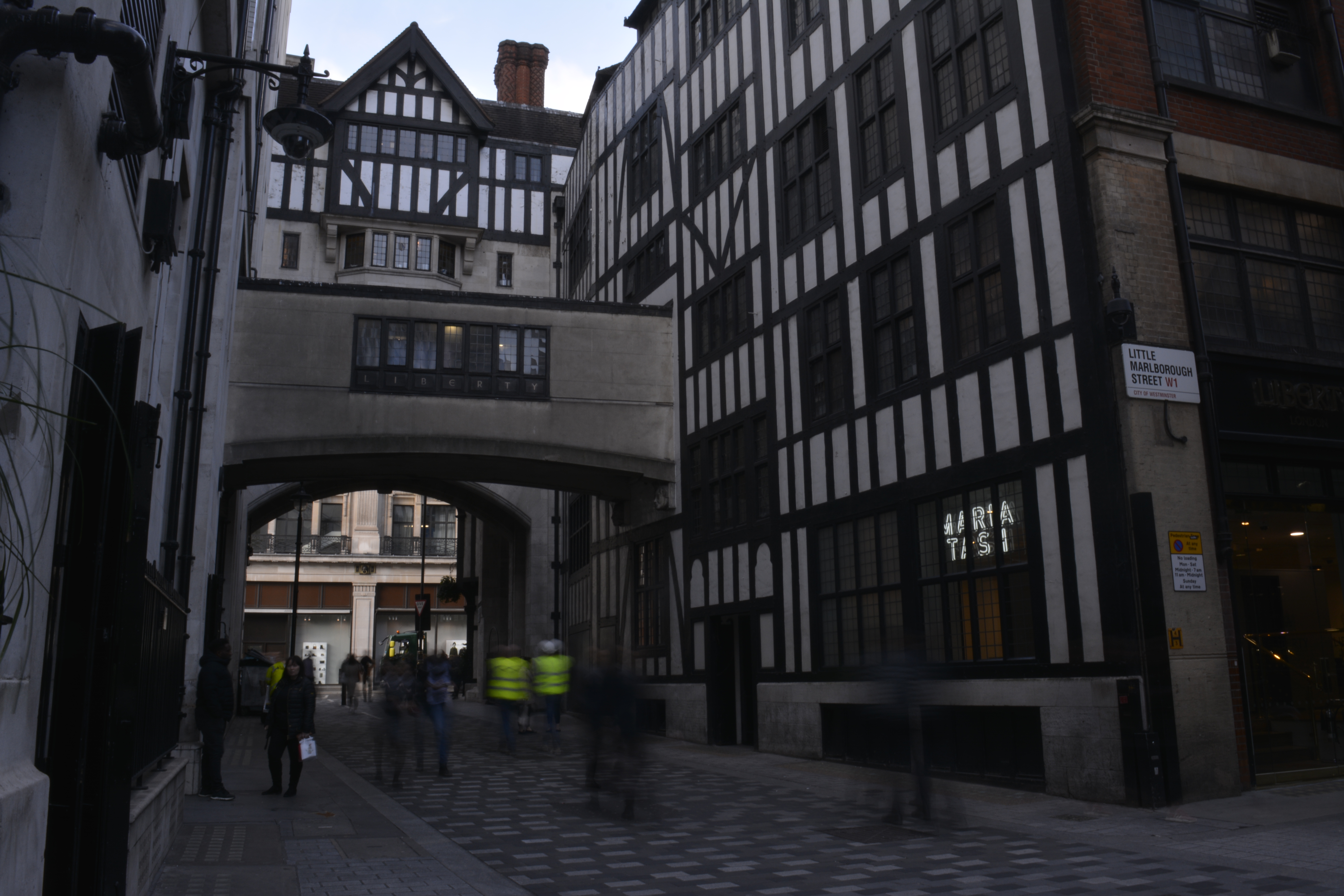
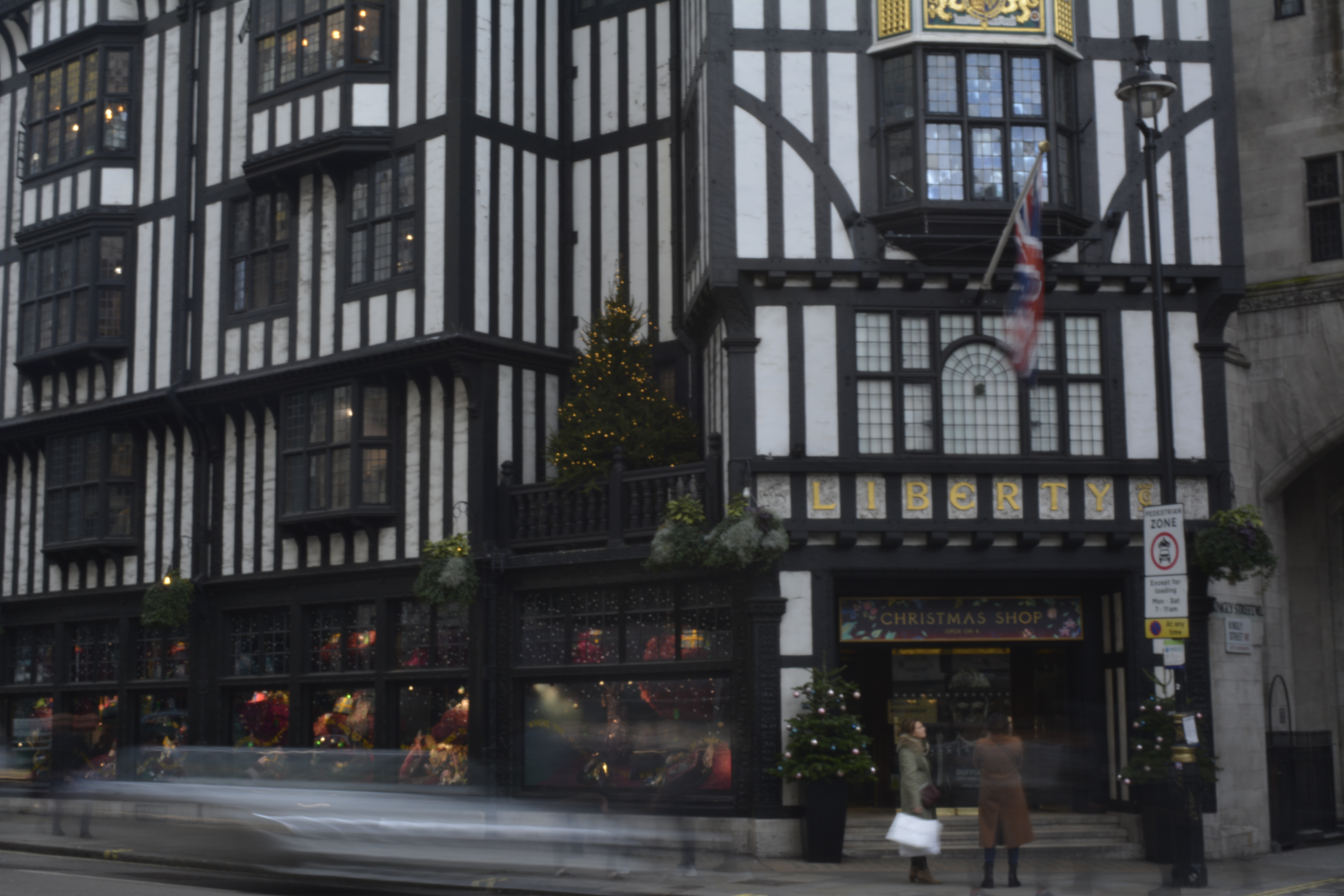
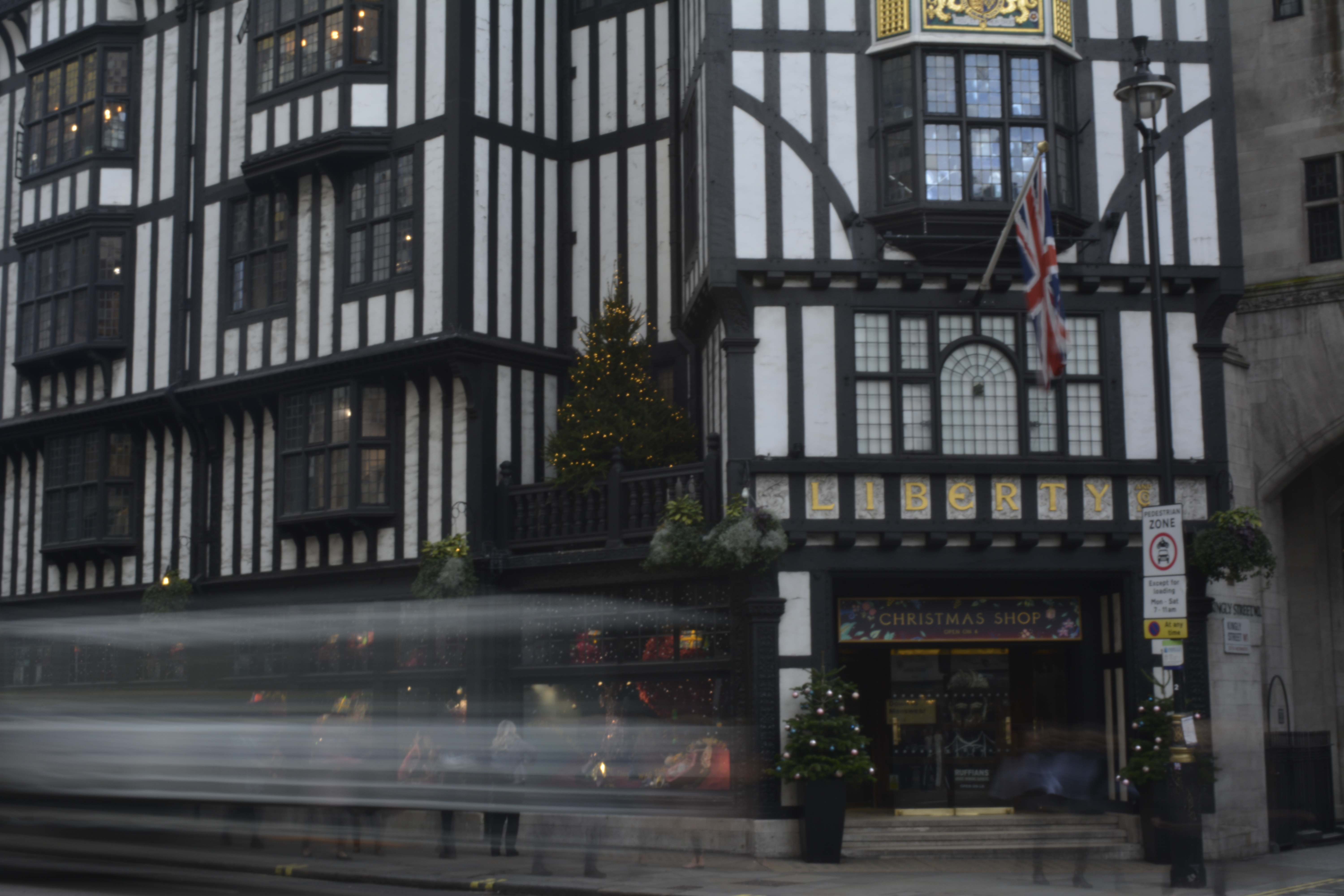
The Liberty store building has a lot of history and is very different from its surroundings. I wanted to photograph this lovely central London building with traffic and/or people passing not stopping to take in its beauty.
I found a ledge on the opposite side of the road past the pavement to position myself on. This was close to some traffic lights where the traffic often stopped so I decided to find another angle.
I positioned myself in the middle of a side road. The road wasn’t busy and I was extremely careful and considerate of the traffic.




 My Photography Journey